惯性聚合 高效追踪和阅读你感兴趣的博客、新闻、科技资讯
阅读原文 在惯性聚合中打开

推荐订阅源

C
Cisco Blogs
The Cloudflare Blog
云风的 BLOG
云风的 BLOG
Recorded Future
Recorded Future
F
Fortinet All Blogs
Microsoft Azure Blog
U
Unit 42
博客园 - 三生石上(FineUI控件)
Threat Intelligence Blog | Flashpoint
N
Netflix TechBlog - Medium
C
Check Point Blog
Security Latest
Security Latest
MongoDB | Blog
MongoDB | Blog
P
Proofpoint News Feed
J
Java Code Geeks
The GitHub Blog
The GitHub Blog
V
Vulnerabilities – Threatpost
阮一峰的网络日志
阮一峰的网络日志
P
Palo Alto Networks Blog
C
CERT Recently Published Vulnerability Notes
F
Full Disclosure
C
Cyber Attacks, Cyber Crime and Cyber Security
雷峰网
雷峰网
T
The Blog of Author Tim Ferriss
T
Threat Research - Cisco Blogs
Cisco Talos Blog
Cisco Talos Blog
V
V2EX
Latest news
Latest news
Engineering at Meta
Engineering at Meta
A
About on SuperTechFans
Cyberwarzone
Cyberwarzone
The Hacker News
The Hacker News
A
Arctic Wolf
CTFtime.org: upcoming CTF events
NISL@THU
NISL@THU
腾讯CDC
P
Privacy & Cybersecurity Law Blog
G
GRAHAM CLULEY
罗磊的独立博客
S
Schneier on Security
C
Cybersecurity and Infrastructure Security Agency CISA
博客园 - 司徒正美
K
Kaspersky official blog
L
Lohrmann on Cybersecurity
C
CXSECURITY Database RSS Feed - CXSecurity.com
月光博客
月光博客
cs.CL updates on arXiv.org
Project Zero
Project Zero
奇客Solidot–传递最新科技情报
奇客Solidot–传递最新科技情报
I
InfoQ

6Jyc5p+a

【笔记】Codex学习笔记 【笔记】MicrosoftStore微软商店学习笔记 【笔记】通过NapCat和AstrBot实现QQ机器人 【笔记】部署NapCat 【笔记】部署AstrBot 【笔记】Poetry学习笔记 【笔记】uv学习笔记 【笔记】Nodejs通过mysql2操作MySQL数据库 【笔记】CodeBuddy学习笔记 【笔记】MiMoCode学习笔记 【笔记】OpenCode使用XiaomMiMo作为供应商 【笔记】OpenCode学习笔记 【笔记】IDEA的AiAssistant配置任意Agent 【笔记】IDEA的AiAssistant配置任意Agent 【笔记】MacOS上删除TimeMachine时间机器备份 【笔记】MacOS上部署XiaomiMiloco 【笔记】Docker的上下文 【源码】Python3创建1x1像素的图片 【靶场】xss-labs通关攻略 【靶场】upload-labs通关攻略 【笔记】Brave迁移ProxySwitchyOmega数据到ZeroOmega 【笔记】通过Docker部署DVWA 【笔记】通过Docker部署xss-labs 【笔记】通过Docker部署upload-labs 【笔记】通过Docker部署Vulhub 【笔记】宝塔通过Docker部署SQLI-LABS 【笔记】宝塔部署Docker 【笔记】通过Docker部署SQLI-LABS 【靶场】SQLI-LABS通关攻略 【笔记】MSYS2学习笔记 【笔记】Cygwin学习笔记 【笔记】Windows添加自定义右键菜单项 【笔记】Linux上和MacOS上配置环境变量 【笔记】命令行配置HTTP代理 【笔记】Windows上配置环境变量 【踩坑】Windows上在IDEA中配置Codex报错 【笔记】start学习笔记 【笔记】Windows的CMD命令学习笔记 【笔记】Java的PriorityQueue和PriorityBlockingQueue 【笔记】IDEA通过AIAssistant安装Codex 【笔记】bcrypt学习笔记 【速查表】浏览器默认禁用的不安全端口 【笔记】Astro学习笔记 【代码】Python3实现从NTP服务器同步时间 【笔记】Koa学习笔记 【笔记】Solidity计算字符串的MD5值 【笔记】Hardhat学习笔记 【笔记】Go安装笔记 【笔记】CVE-2024-3094漏洞利用 【笔记】CVE-2026-43284和CVE-2026-43500漏洞利用 【笔记】CVE-2023-3567漏洞利用 【代码】Python3读写M1卡 【笔记】M1卡学习笔记 【笔记】Python3中文转拼音 【代码】Python3生成中国大陆姓名拼音 【代码】Python3爬取中国大陆手机号段 【笔记】Nodejs发送请求 【笔记】Trello通过API添加待办事项 【笔记】Nodejs的流和缓冲区 【笔记】Nodejs的事件 【笔记】Nodejs的文件和目录操作 【笔记】CNVD-2020-10487漏洞利用 【笔记】CVE-2017-12617漏洞利用 【笔记】PHP输出源码 【笔记】PHP的Phar 【笔记】通过Docker部署OnlineTools 【笔记】XML学习笔记 【笔记】Windows的用户和组 【笔记】CVE-2006-7243漏洞利用 【代码】JS将目录编号转换为十六进制 【笔记】PHP抑制所有报错 【笔记】HFish学习笔记 【笔记】Conpot学习笔记 【笔记】南墙WAF学习笔记 【笔记】堡塔云WAF学习笔记 【笔记】Windows的远程桌面服务 【笔记】Windows的防火墙
【笔记】JumpServer学习笔记
6Jyc5p+a · 2026-05-13 · via 6Jyc5p+a

前言

JumpServer 是一个开源的特权访问管理 (PAM) 平台,提供 DevOps 和 IT 团队按需安全访问 SSH、RDP、Kubernetes、数据库和 RemoteApp 端点的功能,均可通过网页浏览器进行访问。(Github

安装

1
2
3
tar -zxvf jumpserver-ce-v4.10.16-x86_64.tar.gz
cd jumpserver-ce-v4.10.16-x86_64
./jmsctl.sh install
1
2
3
4
5
6
7
8
9
10
11
12
13
14
15
16
17
18
19
20
21
22
23
24
25
26
27
28
29
30
31
32
33
34
35
36
37
38
39
40
41
42
43
44
45
46
47
48
49
50
51
52
53
54
55
56
57
58
59
60
61
62
63
64
65
66
67
68
69
70
71
72
73
74
75
76
77
78
79
80
81
82
83
84
85
86
87
88
89
90
91
92
93
94
95
96
97
98
99
100


██╗██╗ ██╗███╗ ███╗██████╗ ███████╗███████╗██████╗ ██╗ ██╗███████╗██████╗
██║██║ ██║████╗ ████║██╔══██╗██╔════╝██╔════╝██╔══██╗██║ ██║██╔════╝██╔══██╗
██║██║ ██║██╔████╔██║██████╔╝███████╗█████╗ ██████╔╝██║ ██║█████╗ ██████╔╝
██ ██║██║ ██║██║╚██╔╝██║██╔═══╝ ╚════██║██╔══╝ ██╔══██╗╚██╗ ██╔╝██╔══╝ ██╔══██╗
╚█████╔╝╚██████╔╝██║ ╚═╝ ██║██║ ███████║███████╗██║ ██║ ╚████╔╝ ███████╗██║ ██║
╚════╝ ╚═════╝ ╚═╝ ╚═╝╚═╝ ╚══════╝╚══════╝╚═╝ ╚═╝ ╚═══╝ ╚══════╝╚═╝ ╚═╝

Version: v4.10.16-ce

1. Check Configuration File
Path to Configuration file: /opt/jumpserver/config
/opt/jumpserver/config/config.txt [ √ ]
/opt/jumpserver/config/loki/loki.yaml [ √ ]
/opt/jumpserver/config/loki/promtail.yml [ √ ]
/opt/jumpserver/config/mariadb/mariadb.cnf [ √ ]
/opt/jumpserver/config/mysql/my.cnf [ √ ]
/opt/jumpserver/config/nginx/lb_http_server.conf [ √ ]
/opt/jumpserver/config/redis/redis.conf [ √ ]
/opt/jumpserver/config/nginx/cert/server.crt [ √ ]
/opt/jumpserver/config/nginx/cert/server.key [ √ ]

>>> Install and Configure Docker
1. Install Docker
complete

2. Configure Docker
complete

3. Start Docker
complete

>>> Loading Docker Image
redis:7.4.6-bookworm <= images/redis:7.4.6-bookworm.zst
Loaded image: redis:7.4.6-bookworm
postgres:16.10-bookworm <= images/postgres:16.10-bookworm.zst
Loaded image: postgres:16.10-bookworm
jumpserver/core:v4.10.16-ce <= images/core:v4.10.16-ce.zst
Loaded image: jumpserver/core:v4.10.16-ce
jumpserver/koko:v4.10.16-ce <= images/koko:v4.10.16-ce.zst
Loaded image: jumpserver/koko:v4.10.16-ce
jumpserver/lion:v4.10.16-ce <= images/lion:v4.10.16-ce.zst
Loaded image: jumpserver/lion:v4.10.16-ce
jumpserver/chen:v4.10.16-ce <= images/chen:v4.10.16-ce.zst
Loaded image: jumpserver/chen:v4.10.16-ce
jumpserver/web:v4.10.16-ce <= images/web:v4.10.16-ce.zst
Loaded image: jumpserver/web:v4.10.16-ce
complete

>>> Install and Configure JumpServer
1. Configure Private Key
SECRETE_KEY: xxxxxxxxxxxxxxxxxxxxxxxxxxxxxxxxxxxxxxxxxxxxxxxx
BOOTSTRAP_TOKEN: xxxxxxxxxxxxxxxxxxxxxxxx
complete

2. Configure Persistent Directory
Do you need custom persistent store, will use the default directory /data/jumpserver? [y/N]:
complete

3. Configure DB
Do you want to use external PostgreSQL (version ≥ 16 required)? [y/N]:
complete

4. Configure Redis
Please enter Redis Engine [redis/sentinel] (default: redis):
Do you want to use external Redis? [y/N]:
complete

5. Configure External Access
Do you need to customize the JumpServer external port? [y/N]:
complete

7. Configure Others
Please enter language [zh/en/ja/es/ko/ru/vi] (default: zh):
Please enter timezone [default: Asia/Shanghai] :
complete

6. Init JumpServer Database
complete

>>> The Installation is Complete
1. You can use the following command to start, and then visit
cd /root/jumpserver-ce-v4.10.16-x86_64
./jmsctl.sh start

2. Other management commands
./jmsctl.sh stop
./jmsctl.sh restart
./jmsctl.sh backup
./jmsctl.sh upgrade
For more commands, you can enter ./jmsctl.sh --help to understand

3. Web access
http://127.0.0.1:80
Default username: admin Default password: ChangeMe

More information
Official Website: https://www.jumpserver.com/
Documentation: https://www.jumpserver.com/docs

启动

1
./jmsctl.sh start

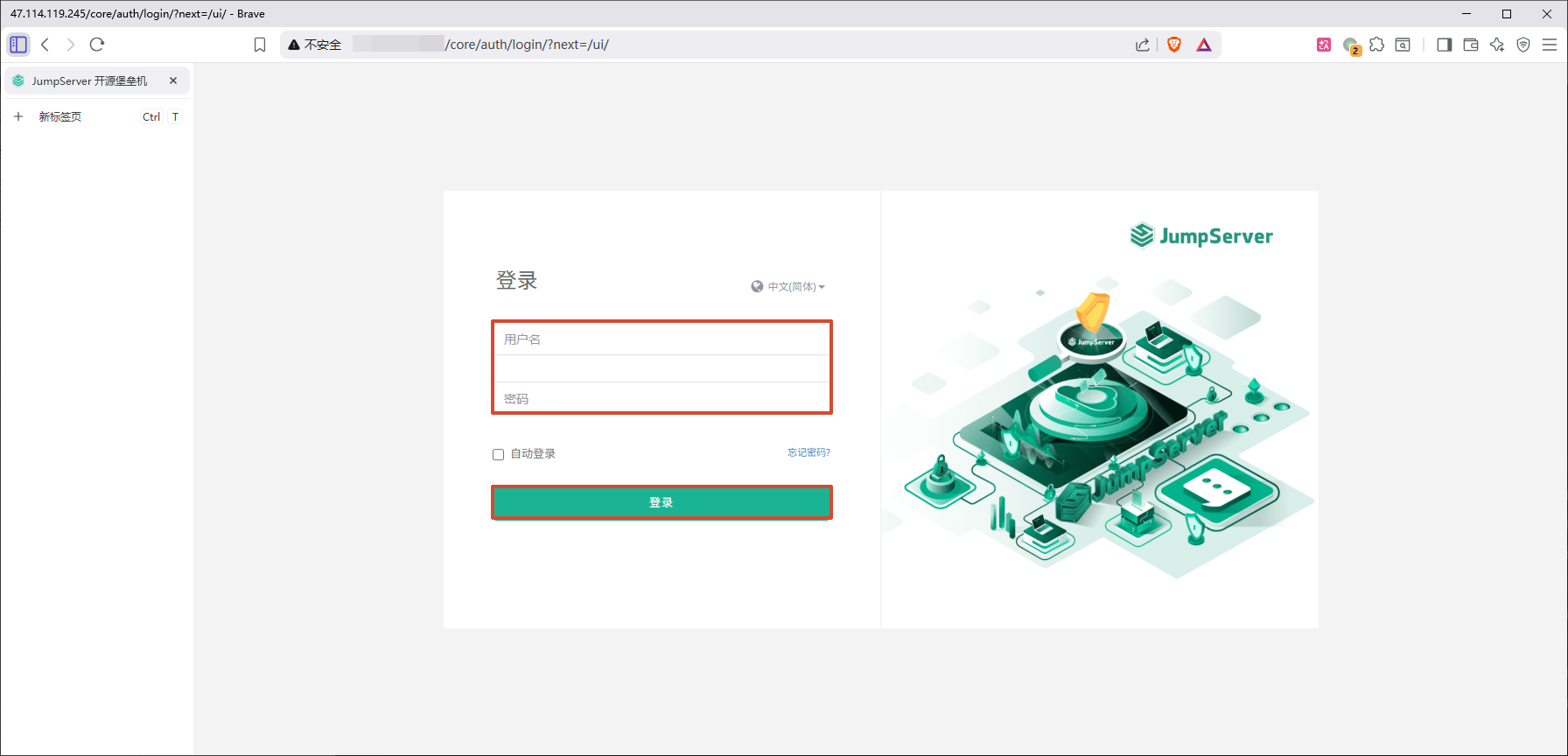
首次登录

用户名:admin
密码:ChangeMe

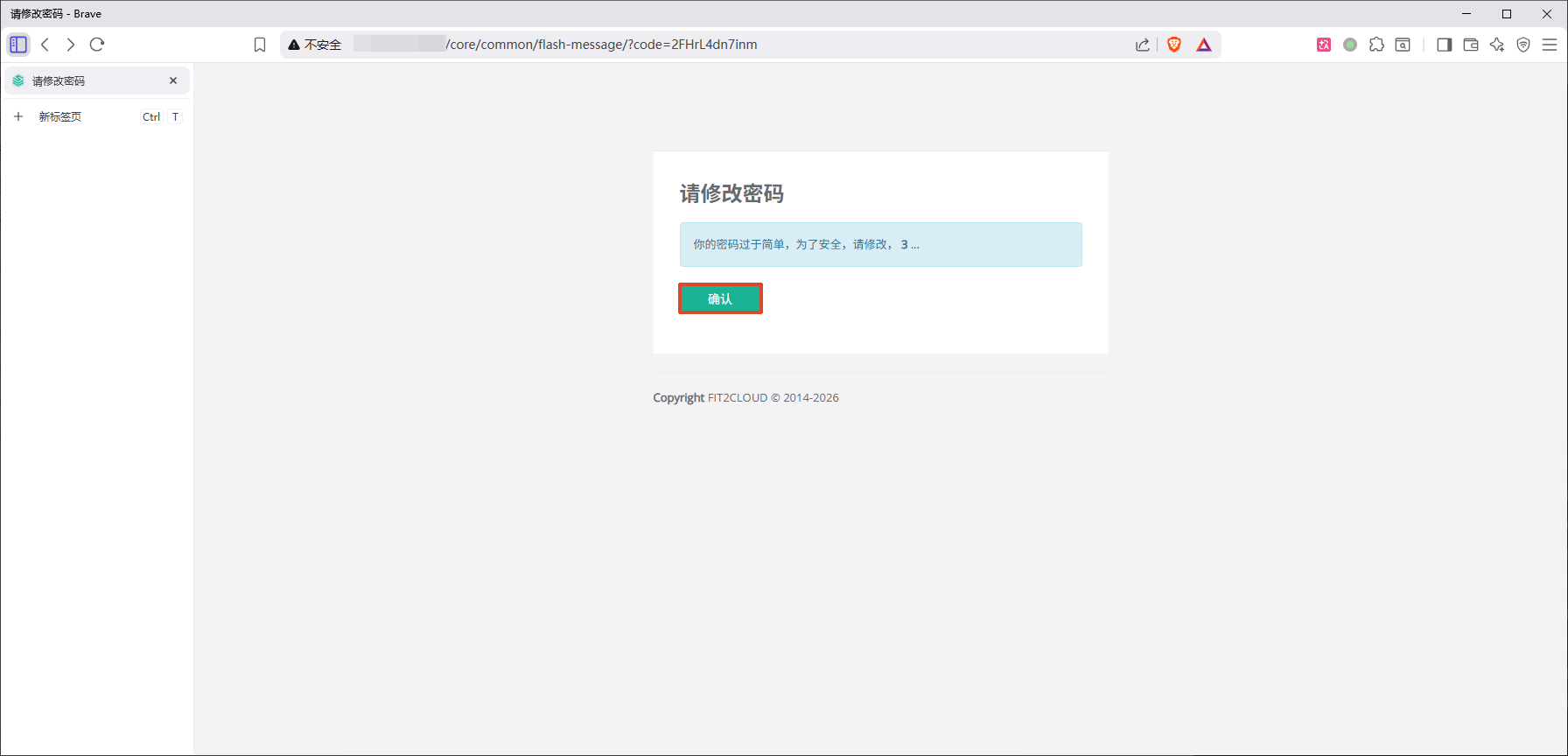
  • 确认

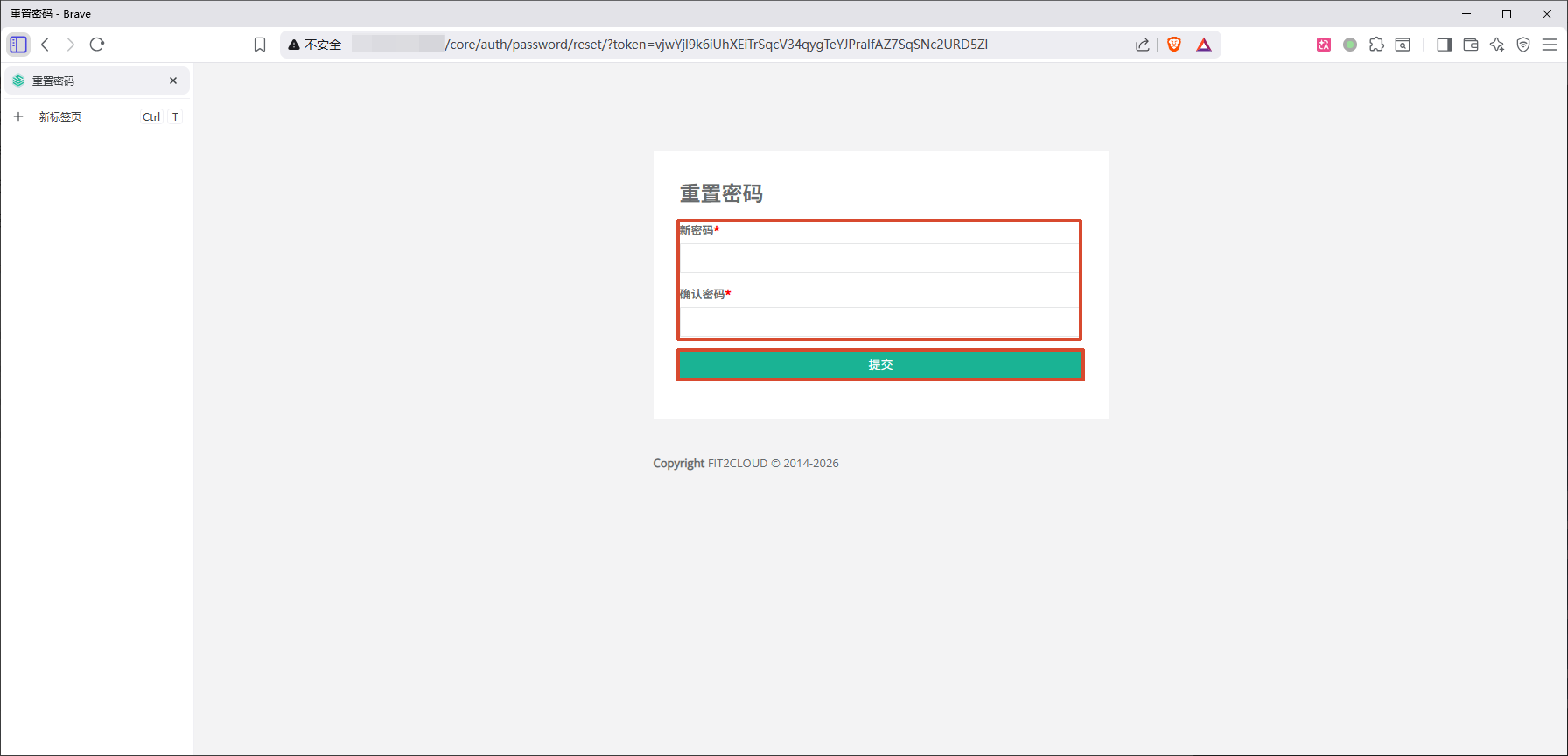
  • 输入新密码确认密码->提交

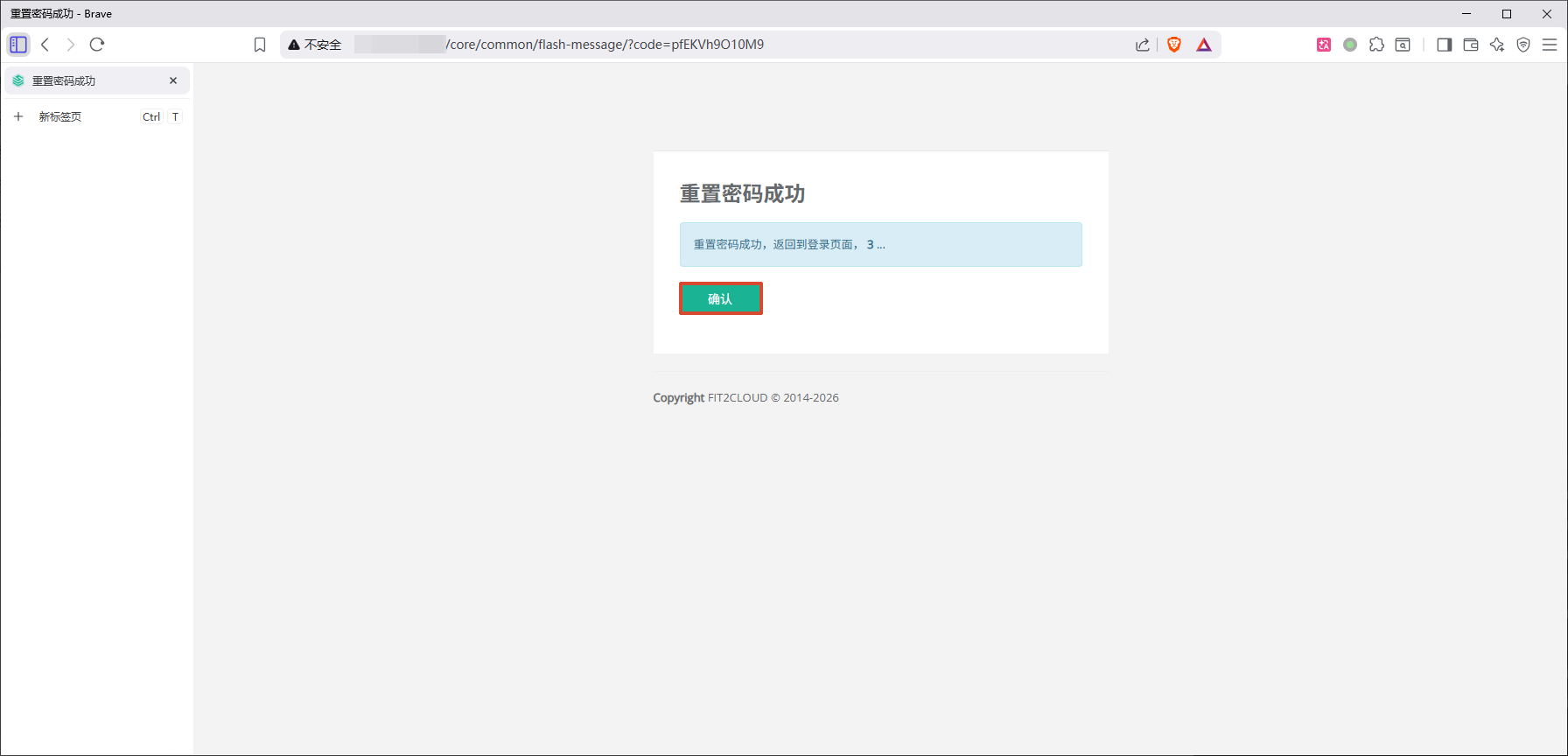
  • 确认

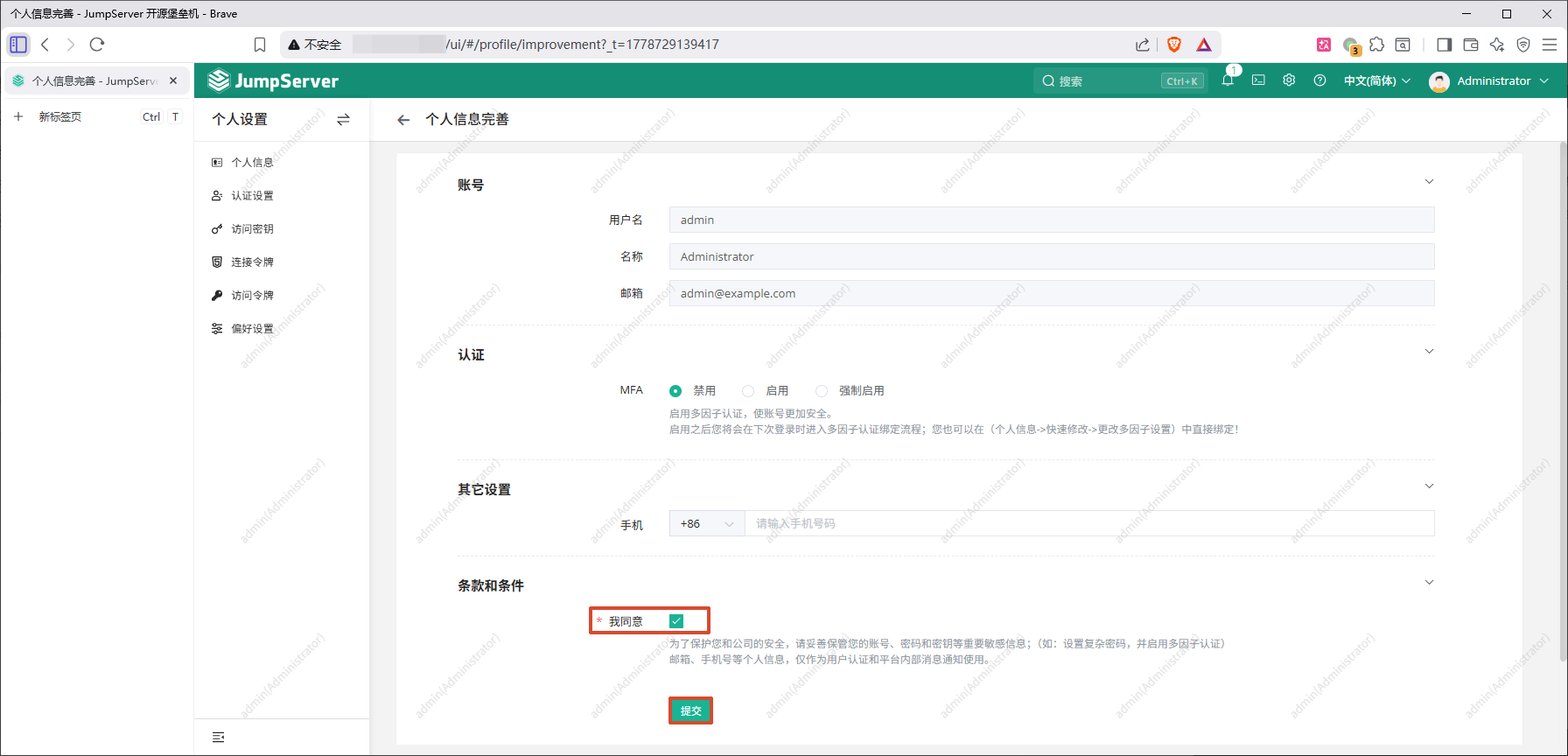
再次登陆

  • 勾选我同意->提交

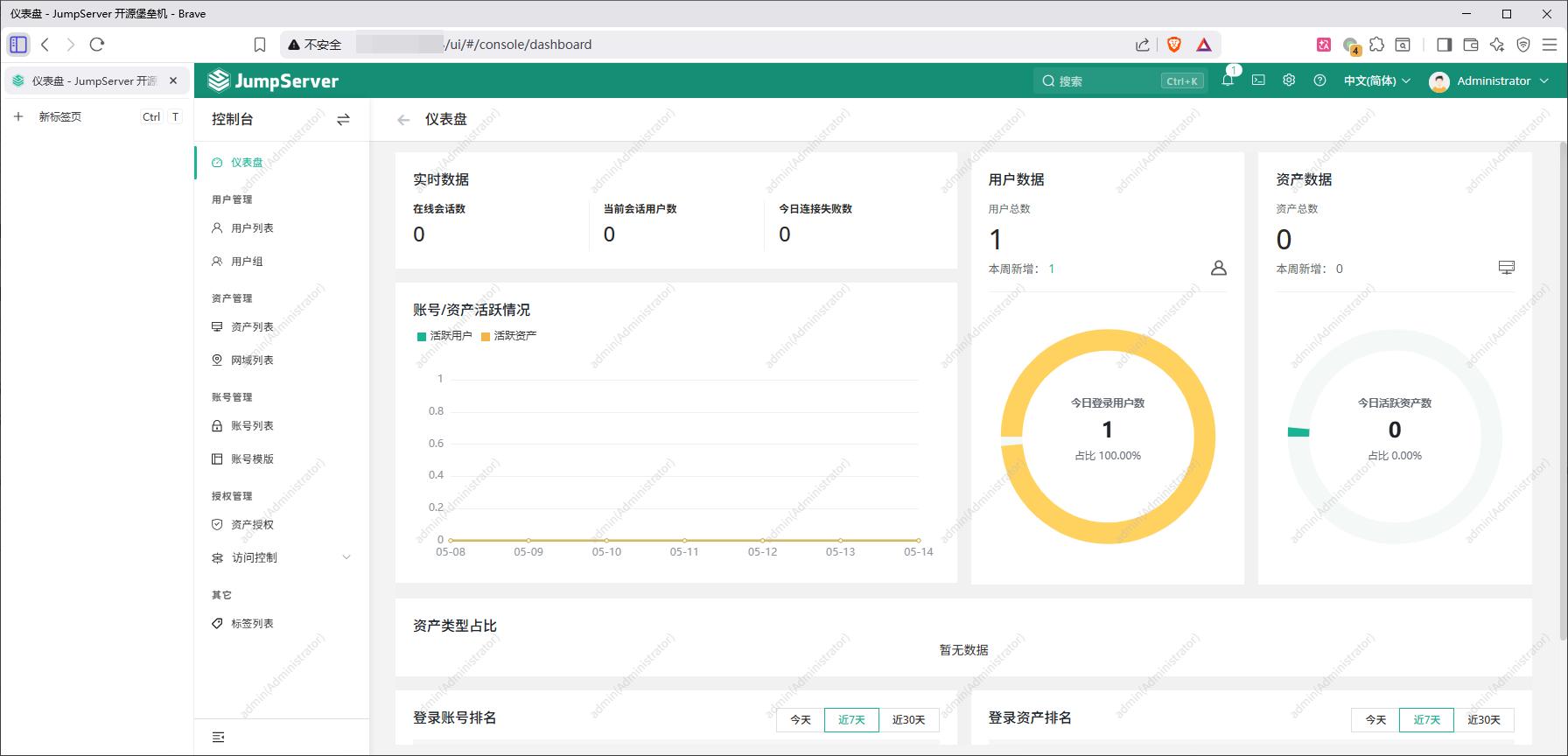
完成

  • 截图纪念