https://www.keycloak.org/getting-started/getting-started-docker
本地快速练习
bash
docker run -p 8080:8080 -e KC_BOOTSTRAP_ADMIN_USERNAME=admin -e KC_BOOTSTRAP_ADMIN_PASSWORD=admin quay.io/keycloak/keycloak:26.0.7 start-dev适用于测试环境
yaml
services:
  keycloak:
    image: quay.io/keycloak/keycloak:26.0.7
    container_name: keycloak
    environment:
      KC_BOOTSTRAP_ADMIN_USERNAME: ${KC_BOOTSTRAP_ADMIN_USERNAME:-admin}
      KC_BOOTSTRAP_ADMIN_PASSWORD: ${KC_BOOTSTRAP_ADMIN_PASSWORD:-password}
      KC_HOSTNAME: https://keycloak.mafeifan.com
      KC_PROXY: edge
      KC_PROXY_ADDRESS_FORWARDING: true # Crucial for correct protocol
      KC_HTTP_ENABLED: "true"
      KC_HOSTNAME_STRICT: "false"
      KC_HOSTNAME_STRICT_HTTPS: "false"
      KC_HTTP_HEADER_CONTENT_SECURITY_POLICY: "frame-src 'self' http://*.mafeifan.com https://*.mafeifan.com; object-src 'none';"
    command:
      - start-dev
    ports:
      - "8080:8080"
    healthcheck:
      test: ["CMD", "curl", "-f", "http://localhost:8080/health/ready"]
      interval: 30s
      timeout: 10s
      retries: 3
nginx 配置
server {
    listen 80;
    server_name keycloak.mafeifan.com;
    return 301 https://$host$request_uri; # Redirect to HTTPS
}

server {
  listen 443 ssl http2;
  server_name keycloak.mafeifan.com;
  ssl_certificate /etc/nginx/my_certs/keycloak.mafeifan.com_bundle.crt;
  ssl_certificate_key /etc/nginx/my_certs/keycloak.mafeifan.com.key;
  ssl_session_timeout 5m;
  ssl_protocols TLSv1.2 TLSv1.3; # Modernize protocols
  ssl_ciphers TLS13-AES-256-GCM-SHA384:TLS13-CHACHA20-POLY1305-SHA256:TLS13-AES-128-GCM-SHA256:TLS13-AES-128-CCM-8-SHA256:TLS13-AES-128-CCM-SHA256; # Modernize ciphers
  ssl_prefer_server_ciphers on;

  location / {
    proxy_set_header X-Real-IP $remote_addr;
    proxy_set_header Host $http_host;
    proxy_set_header X-Forwarded-For $proxy_add_x_forwarded_for;
    proxy_set_header X-Forwarded-Proto $scheme;
    proxy_pass http://127.0.0.1:8080;
  }
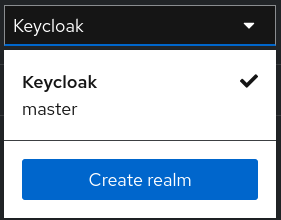
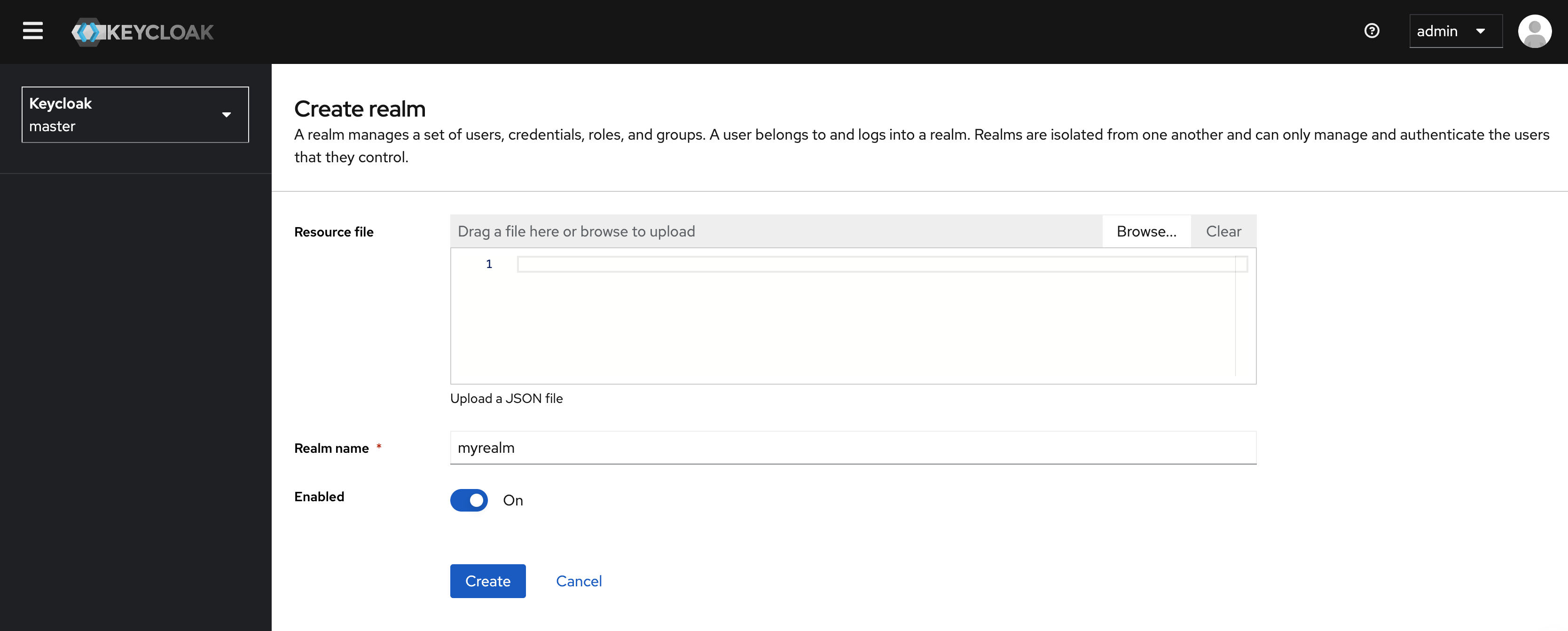
}Keycloak中的一个 realm 领域相当于一个租户。每个 realm 允许管理员创建隔离的应用程序和用户组。 最初,Keycloak包含一个名为 master 的单个 realm。仅使用此 realm 来管理Keycloak,不要用于管理任何应用程序。
此内容由惯性聚合(RSS阅读器)自动聚合整理,仅供阅读参考。 原文来自 — 版权归原作者所有。