惯性聚合 高效追踪和阅读你感兴趣的博客、新闻、科技资讯
阅读原文 在惯性聚合中打开

推荐订阅源

Project Zero
Project Zero
F
Fortinet All Blogs
博客园 - 叶小钗
阮一峰的网络日志
阮一峰的网络日志
月光博客
月光博客
爱范儿
爱范儿
博客园_首页
S
Security @ Cisco Blogs
H
Heimdal Security Blog
Cyberwarzone
Cyberwarzone
cs.AI updates on arXiv.org
让小产品的独立变现更简单 - ezindie.com
T
Tailwind CSS Blog
T
Threatpost
博客园 - 司徒正美
The GitHub Blog
The GitHub Blog
WordPress大学
WordPress大学
S
Security Affairs
AWS News Blog
AWS News Blog
Threat Intelligence Blog | Flashpoint
Cisco Talos Blog
Cisco Talos Blog
博客园 - 聂微东
P
Privacy & Cybersecurity Law Blog
cs.CV updates on arXiv.org
NISL@THU
NISL@THU
G
GRAHAM CLULEY
人人都是产品经理
人人都是产品经理
L
LangChain Blog
The Register - Security
L
LINUX DO - 最新话题
博客园 - 【当耐特】
P
Proofpoint News Feed
Schneier on Security
Application and Cybersecurity Blog
K
KPMG report finds enterprise disconnect between AI and its ROI | CIO
P
Proofpoint News Feed
IT之家
IT之家
云风的 BLOG
云风的 BLOG
量子位
D
Darknet – Hacking Tools, Hacker News & Cyber Security
PCI Perspectives
PCI Perspectives
腾讯CDC
大猫的无限游戏
大猫的无限游戏
美团技术团队
N
News | PayPal Newsroom
Recent Commits to openclaw:main
D
Docker
A
Arctic Wolf
CTFtime.org: upcoming CTF events
Cloudbric
Cloudbric

Eson Wong's Blog

我为什么开发 AI 英语听力生成器:Im-Listening Playwright E2E 测试框架入门教程 批评 Milvus 入门教程 怎么在网页中实现自动调整视频的清晰度 什么是检索增强生成(Retrieval-Augmented Generation)? Phonics 自然拼读常见规则 - 辅音字母的发音规律 ESP8266EX 自动下载电路 浅聊 esp8266 墨水屏 Todo List 制作教程 2023 年我买过的最好用的商品 转变自我的密码:《Atomic Habits》读后感 Phonics 自然拼读常见规则 - 音节和元音字母的发音规律 怎么用 Github Actions 部署 Next.js 项目到服务器 使用 v4l 采集摄像头 怎么解决 Prettier 和 ESLint 在 VSCode 里的冲突? 《微习惯》 - 读书笔记 在 iPad 使用 VS Code 写代码 在 Macbook 上运行 ChatGLM-6B
如何使用 LlamaIndex 构建一个 RAG 检索系统
本文作者: Eson Wong · 2025-10-12 · via Eson Wong's Blog
mindmap
  ((LLamaIndex))
    ((知识库))
    ((搜索引擎))
    ((Agent))
    ((Workflow))
    ((大语言模型))

LLamaIndex 是一个基于大语言模型的应用的开源框架,可以用于构建 RAG 检索系统和其他基于大语言模型的应用。

本文将从浅及深地介绍如何使用 LlamaIndex 实现一个简单的以向量检索和搜索引擎检索作为基础的 RAG 检索系统。

准备工作

安装 VSCode,准备 Python 环境

我们从 VSCode 官网下载并安装 VSCode。

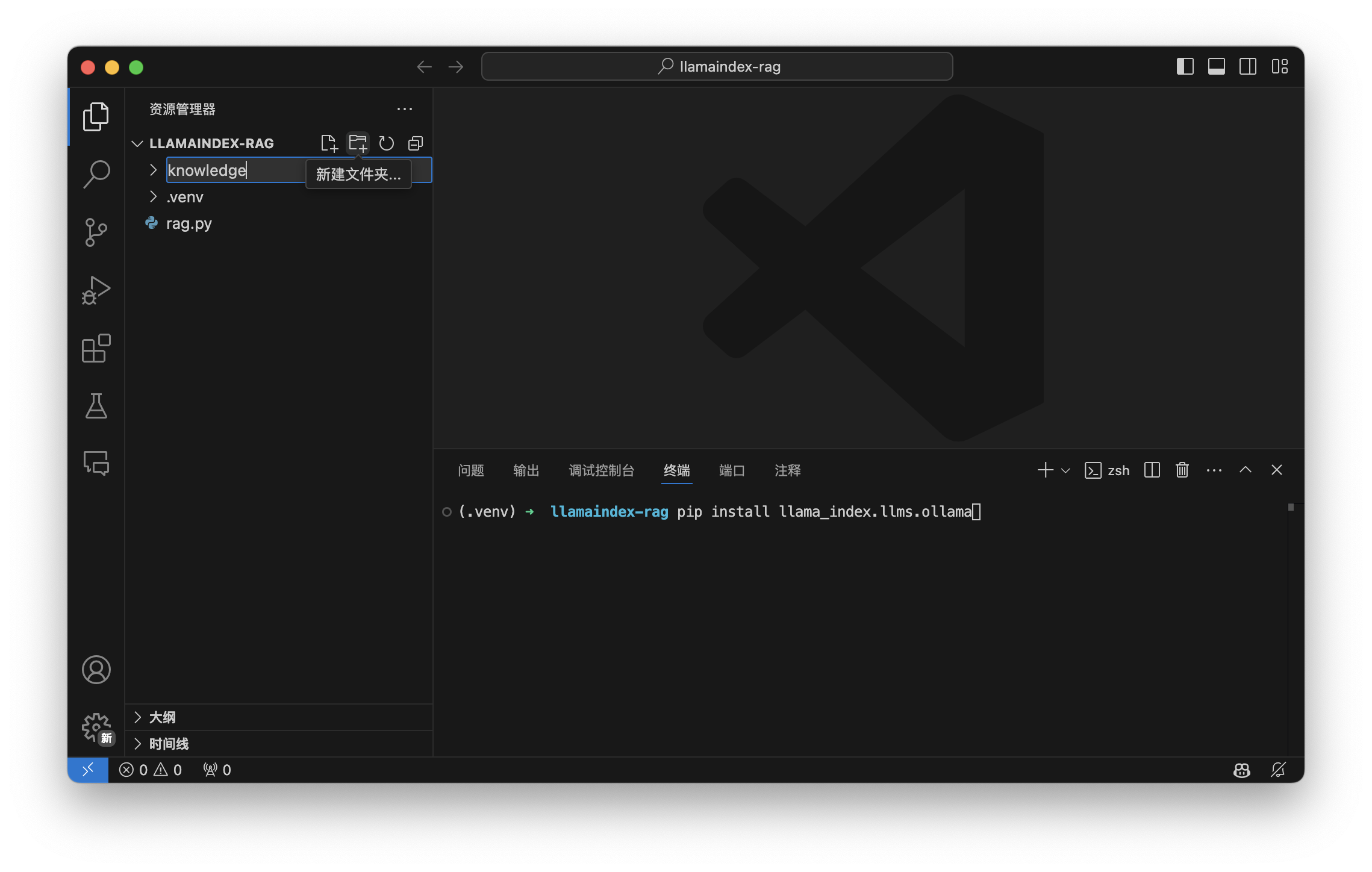
在电脑上新建一个 llamaindex-rag 的文件夹,然后在 VSCode 中打开这个文件夹。
打开目录

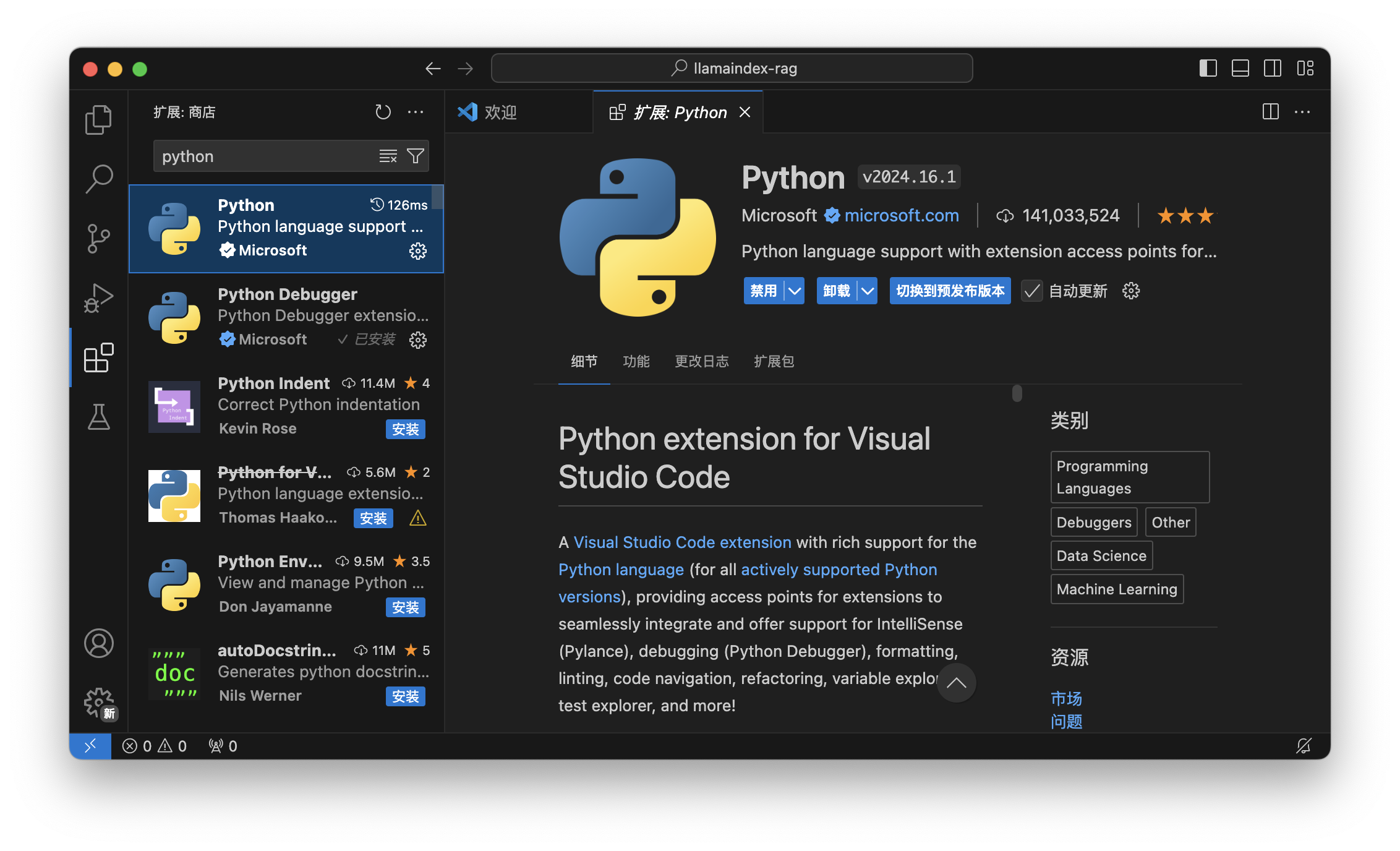
接下来我们安装 VSCode 的 Python 官方插件。

安装 VSCode 的 Python 官方插件

然后我们在 VSCode 使用下面的按键组合打开 VSCode 命令面板:

  • Windows/Linux: Ctrl + Shift + P
  • Mac: Cmd + Shift + P

打开命令面板

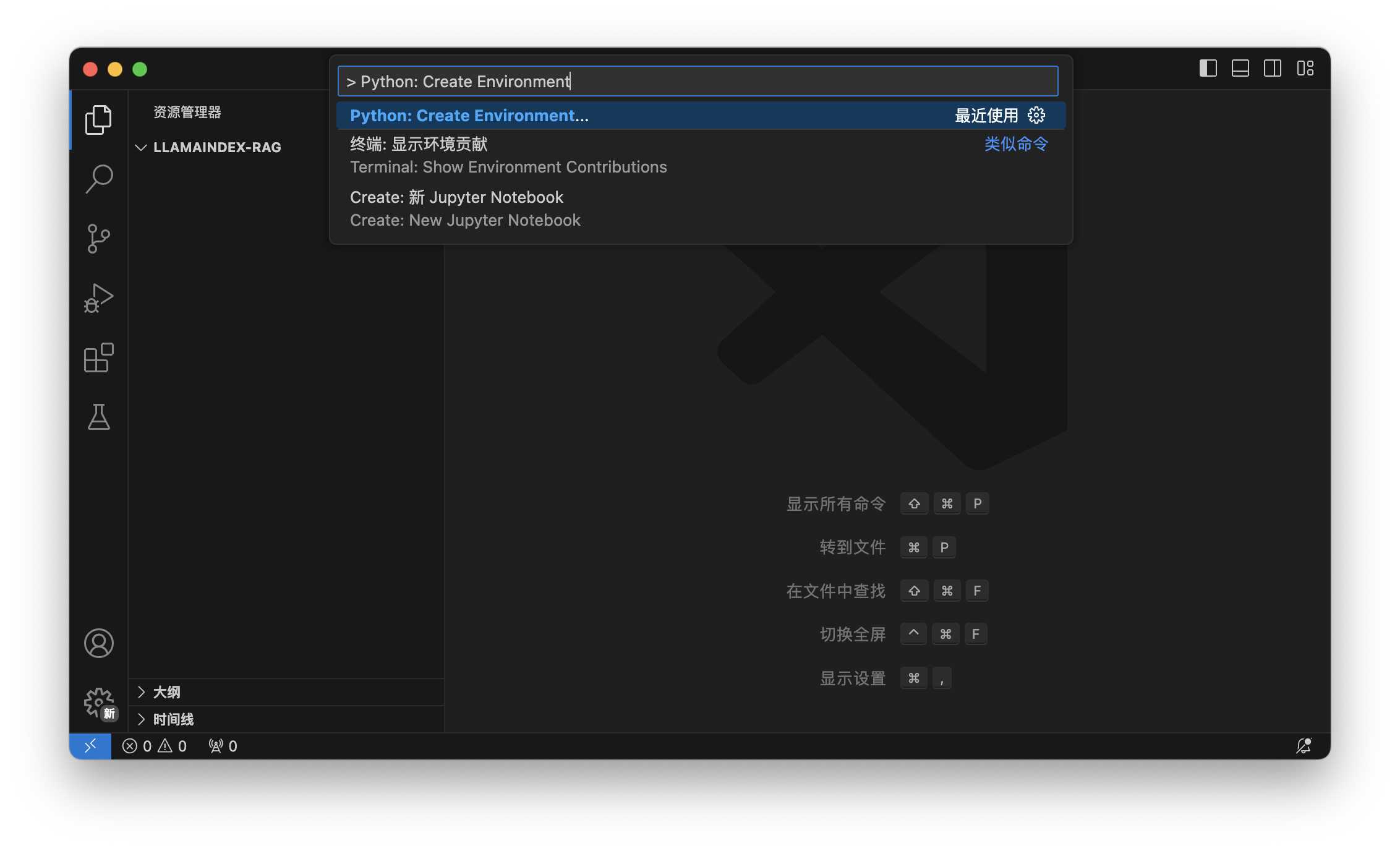
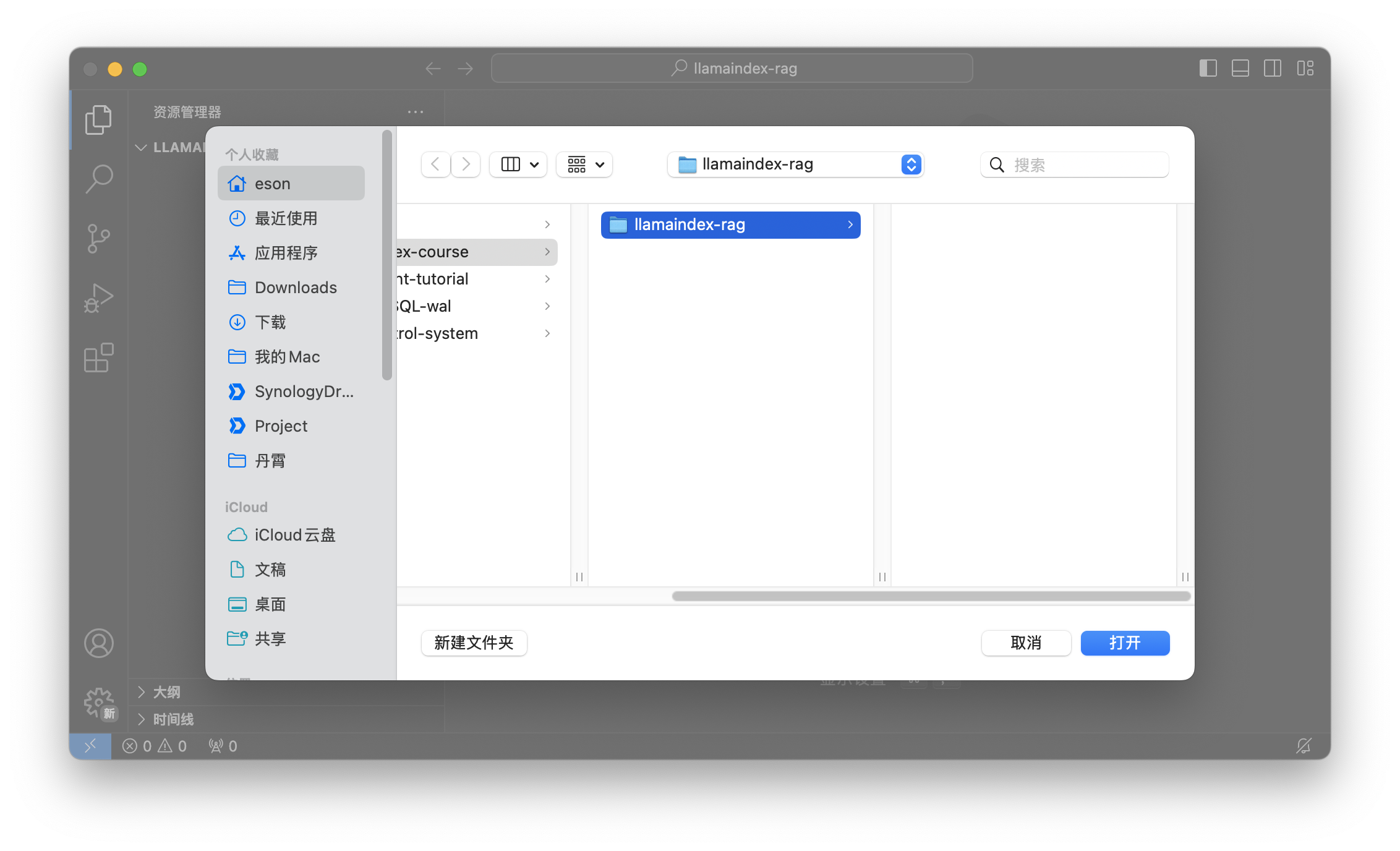
在命令面板中输入 > Python: Create Environment, 回车后选择 Venv 创建一个 Python 虚拟环境。
创建 Python 虚拟环境

创建虚拟环境之后,我们可以在打开的目录下看到一个 venv 的文件夹,这个文件夹内包含了 Python 的虚拟环境。同时 VSCode 也会自动激活这个虚拟环境。

接入大语言模型

Ollama 本地运行 llama 3.1 模型

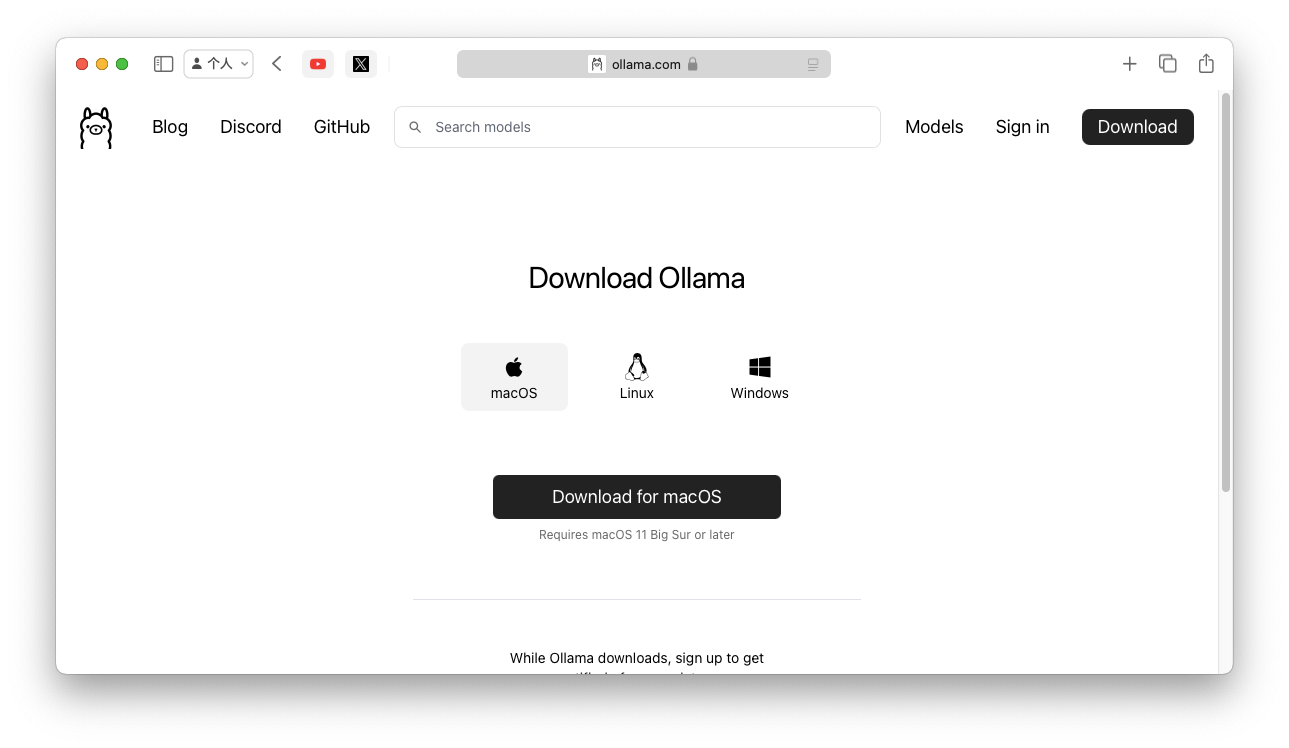
Ollama 下载并安装 Ollama。

下载 Ollama

用组合键:

  • Windows/Linux: Ctrl + `
  • Mac: Cmd + `

在 VSCode 中打开终端,输入下面的命令在 Ollama 中安装 llama 3.1 模型:

1
ollama run llama3.1

使用 LlamaIndex 接入 Ollama

安装 LlamaIndex

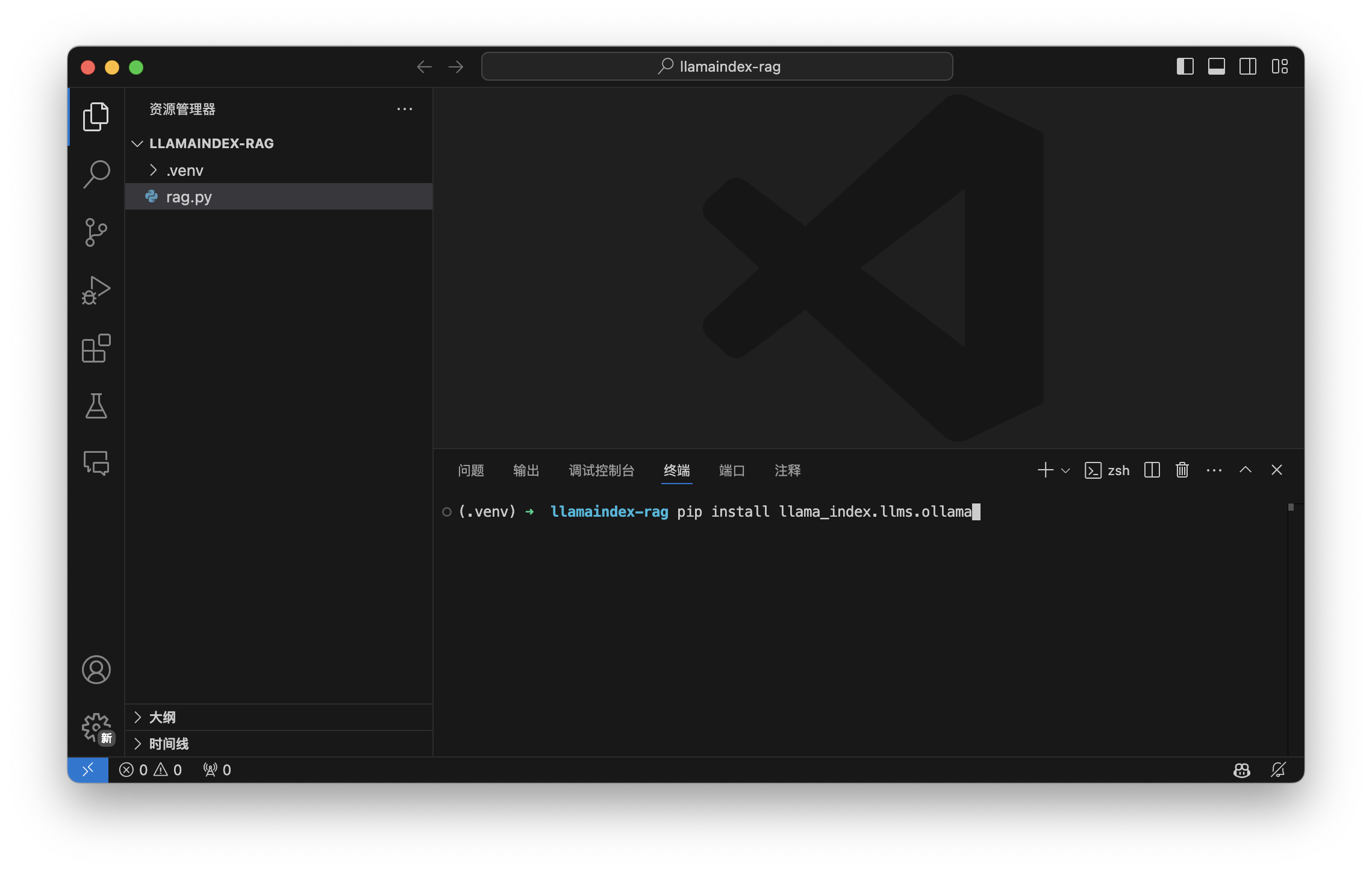
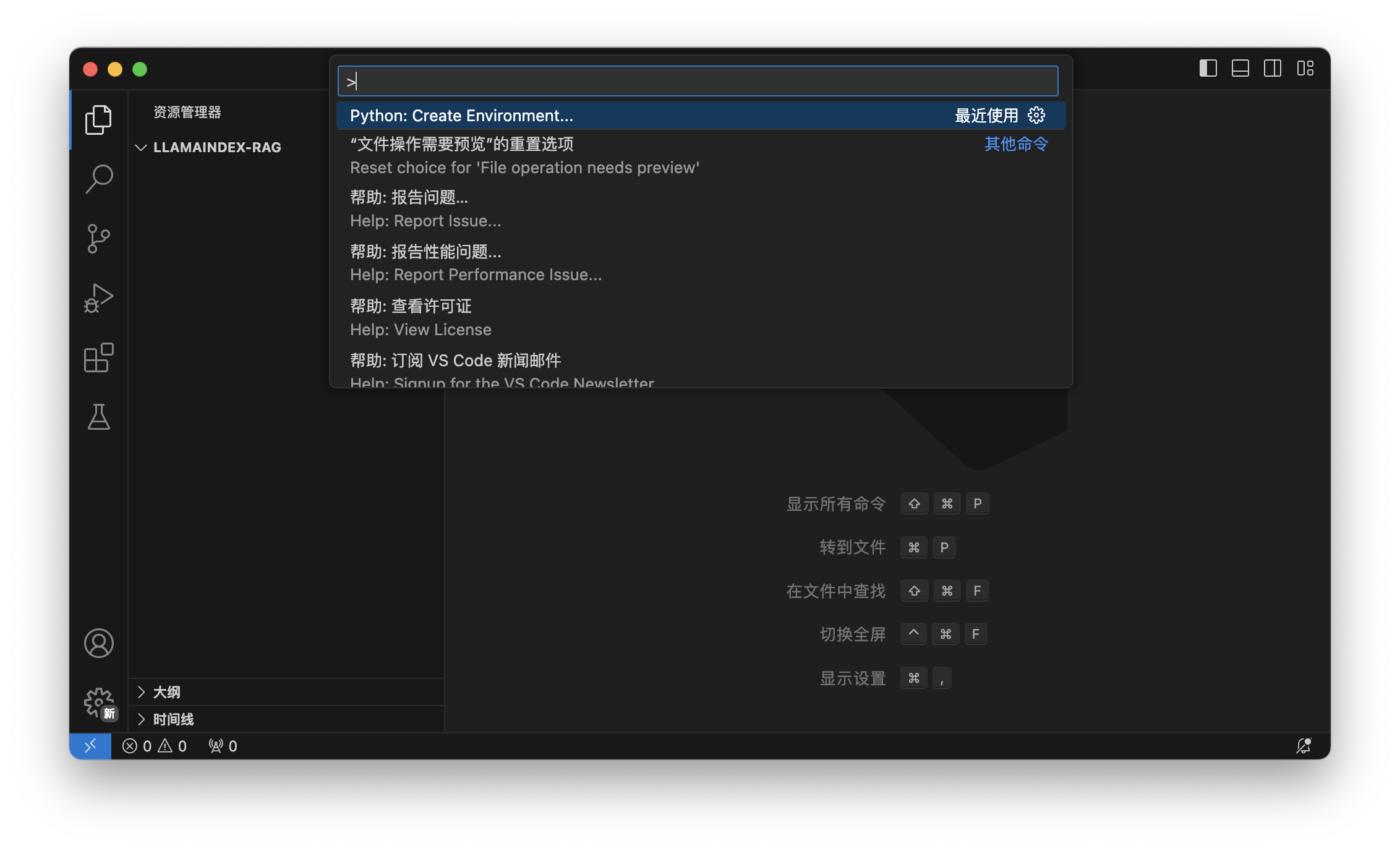
在 VSCode 中打开终端,输入下面的命令安装 llama_index.llms.ollama LLamaIndex 的 Ollama 模块:

1
pip install llama_index.llms.ollama

在 VSCode 中新建 rag.py 文件:

1
2
3
4
5
from llama_index.llms.ollama import Ollama

llm = Ollama(model="llama3.1:latest", request_timeout=120.0)
resp = llm.complete("Who are you?");
print(resp)

点击 VSCode 左上角的三角形的运行按钮,我们可以看到在终端中看到打印出来的模型的输出。
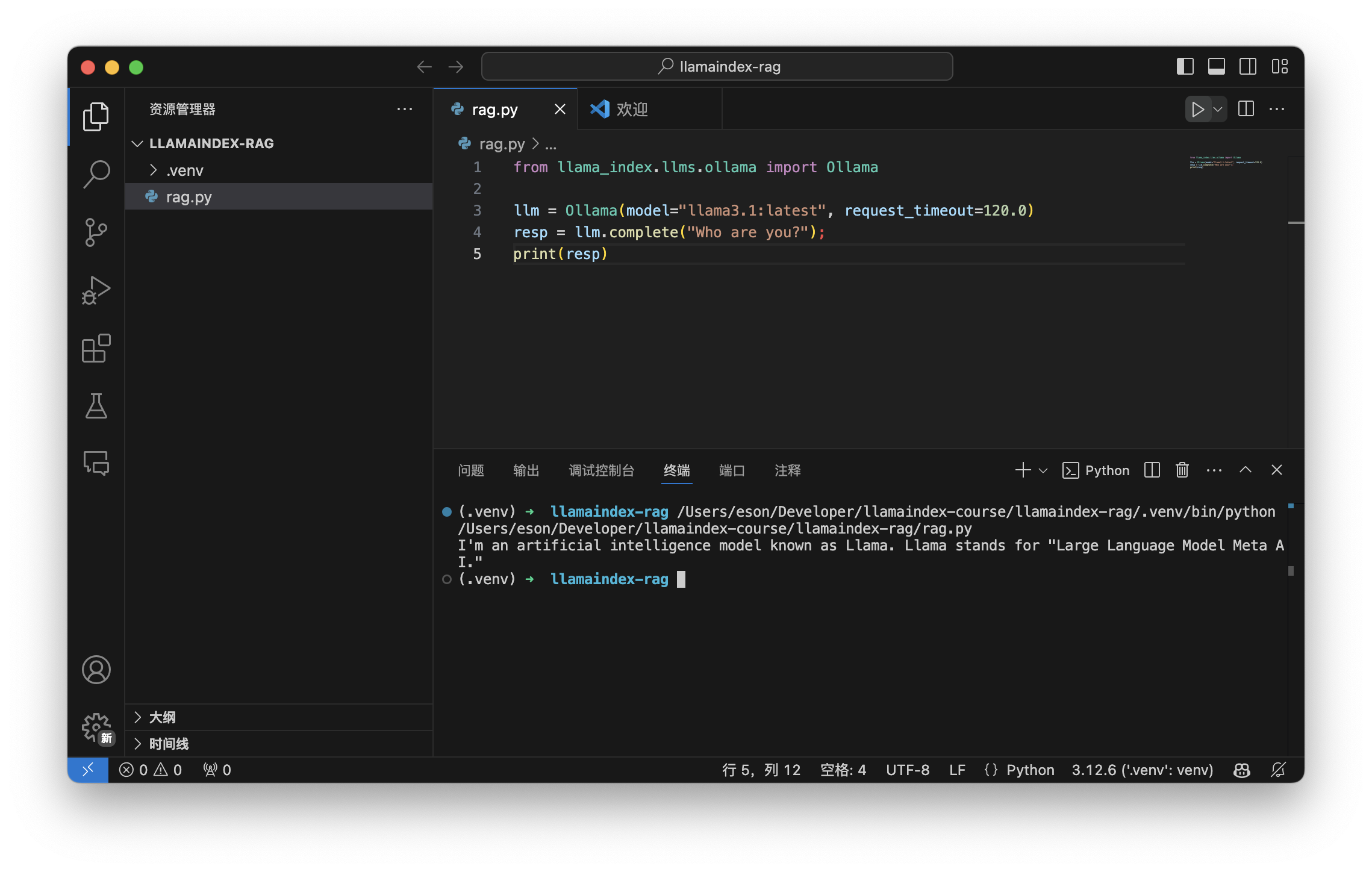
运行 rag.py

构建和接入知识库

准备知识库示例文件

创建知识库目录

llamaindex-rag目录下新建一个 knowledge 目录,然后在 knowledge 目录,用于存放我们要检索的原始知识库的文件。

然后在 knowledge 目录下新建一个 example.txt 文件,用于存放我们的知识库示例。

用下面的内容填充 example.txt 文件:

1
Eson 是一个博客作者. 他的博客链接是 https://blog.eonwong.com.

你也可以在 knowledge 目录下面放置其它.txt.docx.pdf等格式的文件。

使用 LlamaIndex 构建知识库

安装 llama_index.corellama_index.embeddings.huggingface 模块。

在命令面板中执行下面的命令:

1
pip install llama-index llama_index.core llama_index.embeddings.huggingface
  • llama_index.core 模块提供了 LLamaIndex 的核心功能
  • llama_index.embeddings.huggingface 模块提供了 HuggingFace 的 embeddings 模型的接入功能。

在 VSCode 中新建 knowledge.py 文件,首先导入 llama_index.corellama_index.embeddings.huggingface 模块:

1
2
from llama_index.core import ( SimpleDirectoryReader, Settings, VectorStoreIndex)
from llama_index.embeddings.huggingface import HuggingFaceEmbedding

设置 HuggingFace 的 embeddings 模型,我们选择在 HuggingFace 网站上热门的 baai/bge-m3 作为 LLamaIndex 向量化数据的 embedding 模型,在 knowledge.py 文件中添加下面的代码:

1
2

Settings.embed_model = HuggingFaceEmbedding(model_name="baai/bge-m3")

接下来我们使用 SimpleDirectoryReader 读取 knowledge 目录下的文件:

1
2
3

reader = SimpleDirectoryReader(input_dir="./knowledge")
documents = reader.load_data()

然后我们使用 VectorStoreIndex 向量化我们的知识库:

1
2

index = VectorStoreIndex.from_documents(documents)

向量化之后我们要把向量化的知识库保存到磁盘上,以便后续的检索:

1
2

index.storage_context.persist(persist_dir="./storage")

运行 knowledge.py 文件,我们可以看到在终端中看,该脚本会先下载 baai/bge-m3 模型。
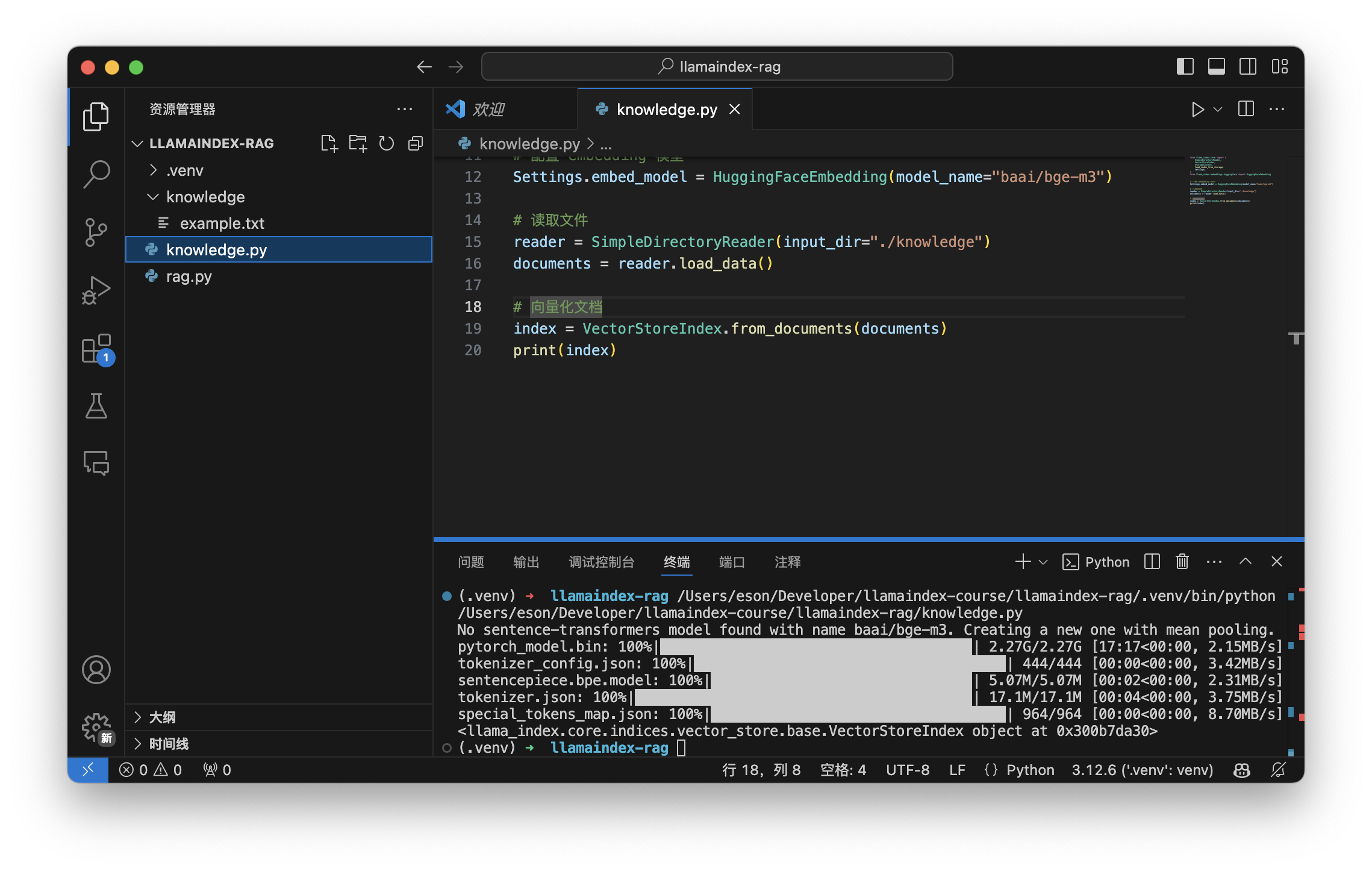
运行 knowledge.py

下载完成之后就会开始向量化知识库,然后保存向量化的数据保存到 storage 目录。
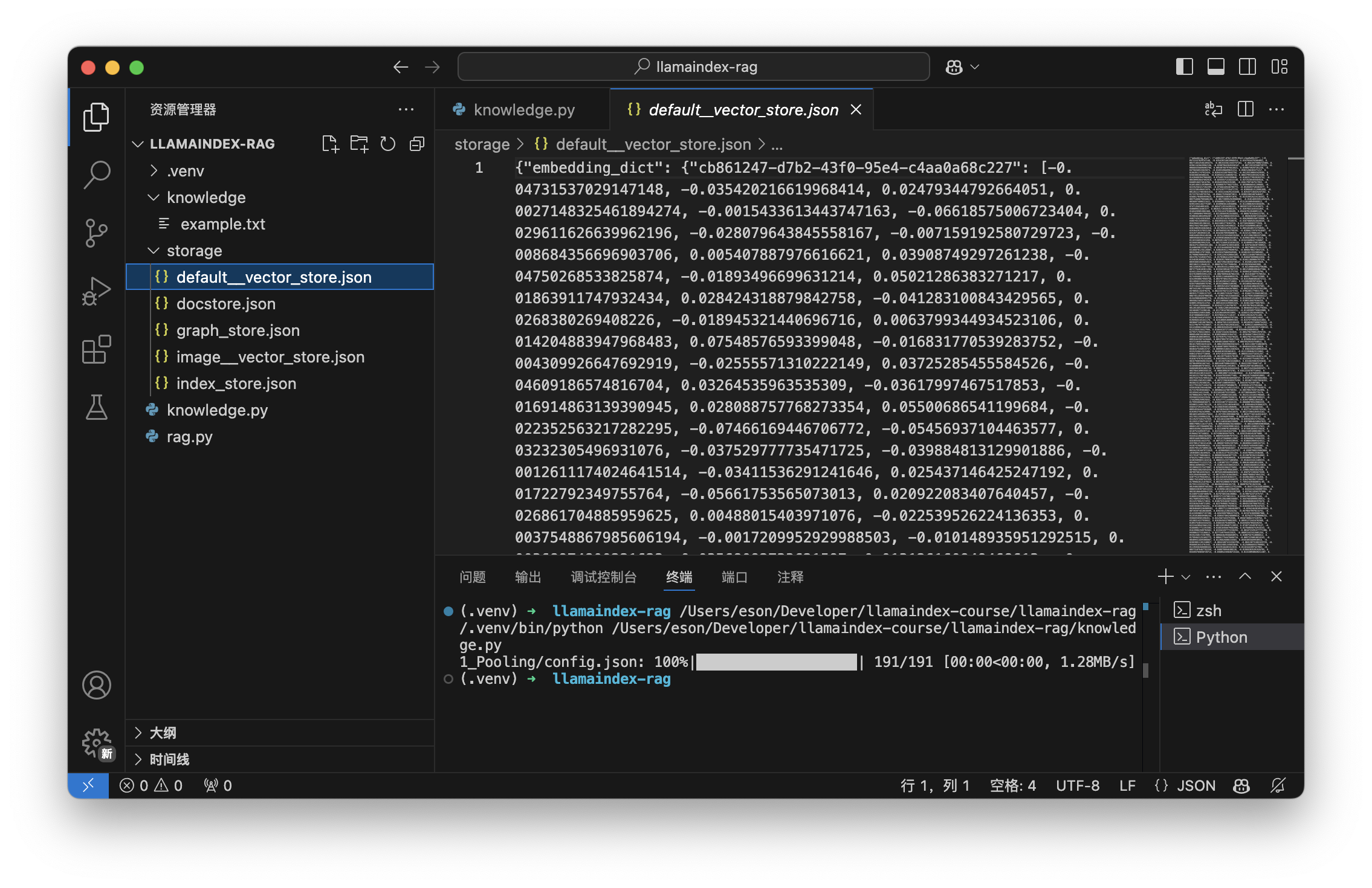
向量化知识库

检索知识库

rag.py 文件顶部导入 StorageContextload_index_from_storage 模块:

1
from llama_index.core import (StorageContext, load_index_from_storage)

rag.py 文件内容替换为下面的代码:

1
2
3
4
5
6
7
8
9
10
11
12
13
14
15
16
17
18
19
20
21

from llama_index.llms.ollama import Ollama
from llama_index.core import (StorageContext, load_index_from_storage, Settings)
from llama_index.embeddings.huggingface import HuggingFaceEmbedding


llm = Ollama(model="llama3.1:latest", request_timeout=120.0)
Settings.llm = Ollama(model="llama3.1", request_timeout=360.0)
Settings.embed_model = HuggingFaceEmbedding(model_name="baai/bge-m3")


storage_context = StorageContext.from_defaults(persist_dir="./storage")
index = load_index_from_storage(storage_context)


query_engine = index.as_query_engine(streaming=True)


response = query_engine.query("Eson 的博客地址是什么?")
print("输出结果:")
print(response)

接入搜索引擎

为大语言模型输入提供检索结果