


Over a decade ago, I did a little three-part video series on Designing for WordPress. Then I did other series with the same spirit, like videocasting the whole v10 redesign, a friend’s website, and even writing a book. Those are getting a little long in the tooth though. You might still learn from watching them if you’re getting into WordPress theme development, but there will be moments that feel very aged (old UI’s and old versions of software). All the code still works though, because WordPress is great at backward compatibility. I still hear from people who found those videos very helpful for them.
But since time has pressed on, and I was recently asked what resources I would suggest now, I figured I’d have a look around and see what looks good to me.

There’s a spectrum of WordPress developers, from people who don’t know any code at all or barely touch it, to hardcore programming nerds building custom everything.
I can’t speak to anybody on either edge of that spectrum. There is this whole world of people in the middle. They can code, but they aren’t computer science people. They are get the job done people. Maybe it’s something like this:
I’ve always been somewhere around #4, and I think that’s a nice sweet spot. I try to let off-the-shelf WordPress and big popular plugins do the heavy lifting, but I’ll bring-my-own front-end (HTML, CSS, and JavaScript) and customize what I have to. I’m making templates. I’m writing queries. I’m building blocks. I’m modularizing where I can.
I feel powerful in that zone. I can build a lot of sites that way, almost by myself. So where are the resources today that help you learn this kind of WordPress theme development? Lemme see what I can find.
There is something to be said for learning by doing. Trial by fire. I’ve learned a lot under these circumstances in my life.
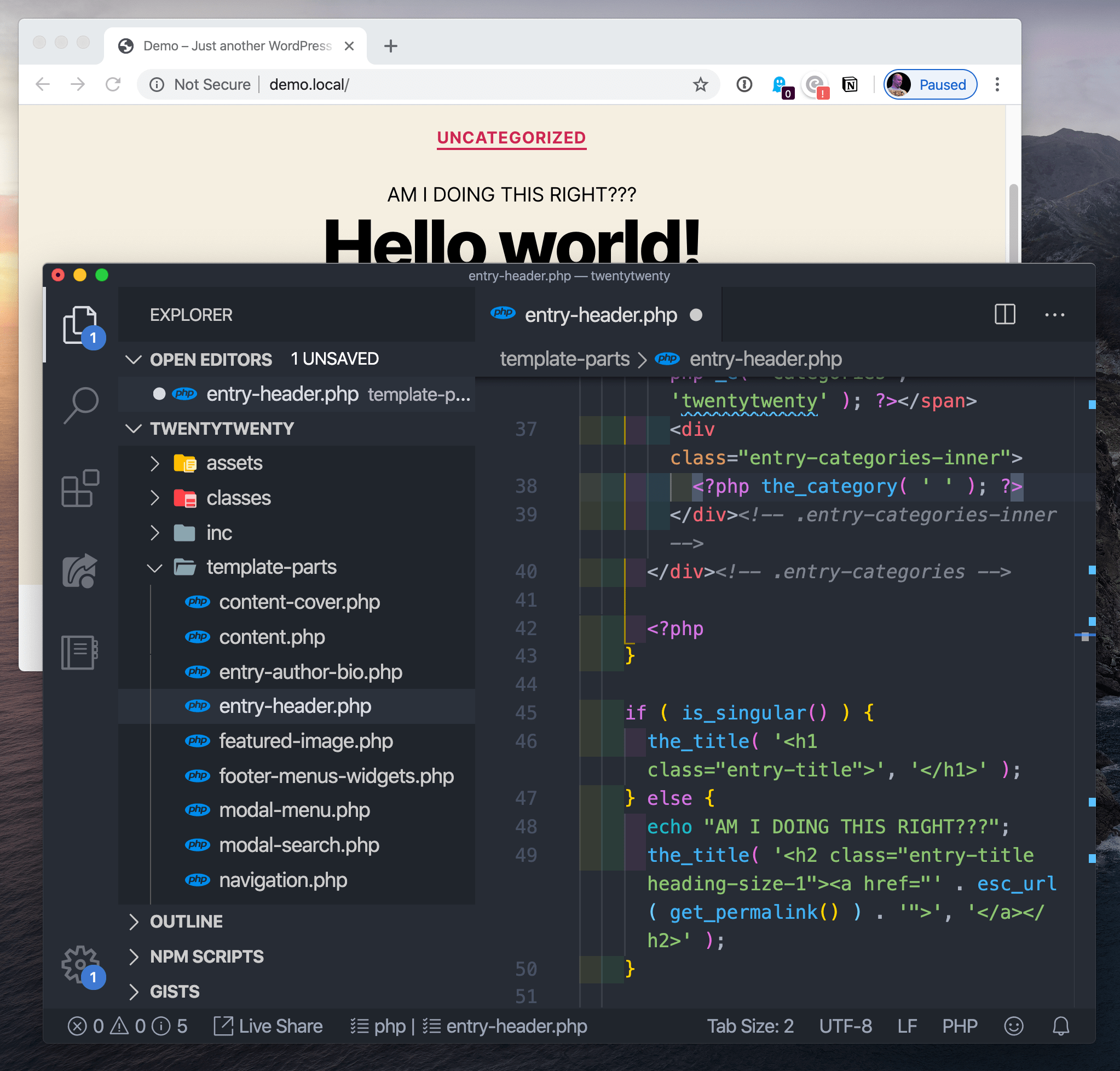
The trick here is to get WordPress installed on a live server and then play with the settings, plugins, customizer, and edit the theme files themselves to make the site do things. You’ll find HTML in those theme files — hack it up! You’ll see PHP code spitting out content. Can you tell what and how to manipulate it? You’ll find a CSS file in the theme — edit that sucker!
The official documentation can help you somewhat here:
To some degree, I’m a fan of doing it live (on a production website) because it lends a sense of realness to what you are doing when you are a beginner. The stakes are high there, giving you a sense of the power you have. When I make these changes, they are for anyone in the world with an internet connection to see.
I did this in my formative years by buying a domain name and hosting, installing WordPress on that hosting, logging into it with SFTP credentials, and literally working on the live files. I used Coda, which is still a popular app, and is being actively developed into a new version of itself as I write.

Hopefully, the stakes are real but low. Like you’re working on a pet project or your personal site. At some point, hacking on production sites becomes too dangerous of an idea. One line of misplaced PHP syntax can take down the entire site.
If you’re working on something like a client site, you’ll need to upgrade that workflow.
The modern, healthy, standard way for working on websites is:
master branch. master branch, like your development branch is merged in.I’ve done a recent video on this whole workflow as I do it today. My toolset is:
master branch and moves the files over SFTP to the production site.
Now that you have a local setup, you can go nuts. Do whatever you want. You can’t break anything on the live site, so you’re freer to make experimental changes and just see what happens.
When working locally, it’s likely you’ll be editing files with a code editor. I’d say the most popular choice these days is the free VS Code, but there is also Atom and Sublime, and fancier editors like PhpStorm.
The freedom of hacking on files is especially apparent once you’ve pushed your code up to a Git repo. Once you’ve done that, you have the freedom of reverting files back to the state of the last push.

I use the Git software Tower, and that lets me can see what files have changed since I last committed code. If I’ve made a mistake, caused a problem, or done something I don’t like — even if I don’t remember exactly what I changed — I can discard those changes back to their last state. That’s a nice level of freedom.
When I do commit code, to master or by merging a branch into master, that’s when Buddy kicks in and deploys the changes to the production site.

We’re talking about WordPress theme development here, so you start with a theme. Themes are literally folders of files in your WordPress installation.
root
  - /wp-content/
    - /themes/
       - /theme-name/
WordPress comes with some themes right out of the box. As I write, the Twenty Twenty theme ships with WordPress, and it’s a nice one! You could absolutely start your theme hackin’ on that.
Themes tend to have some opinions about how they organize themselves and do things, and Twenty Twenty is no different. I’d say, perhaps controversially, that there is no one true way to organize your theme, so long as it’s valid code and does things the “WordPress” way. This is just something you’ll have to get a feel for as you make themes.
Starter themes were a very popular way to start building a theme from scratch in my day. I don’t have a good sense if that’s still true, but the big idea was a theme with all the basic theme templates you’ll need (single blog post pages, a homepage, a 404 page, search results page, etc.) with very little markup and no styling at all. That way you have an empty canvas from which to build out all your HTML, CSS, and JavaScript yourself to your liking. Sorta like you’re building any other site from scratch with these core technologies, only with some PHP in there spitting out content.
There was a theme called Starkers that was popular, but it’s dead now. I made one called BLANK myself but haven’t touched that in a long time. In looking around a bit, I found some newer themes with this same spirit. Here’s the best three I found:
I can’t personally vouch for them, but they’ve all been updated somewhat recently and look like pretty good starting points to me. I’d give them a shot in the case that I was starting from absolute scratch on a project. I’d be tempted to download one and then spruce it up exactly how I like it and save that as my own starter in case I needed to do it again.
It feels worth mentioning that a lot of web development isn’t starting from scratch, but rather working on existing projects. In that case, the process is still getting a local environment set up; you just aren’t starting from scratch, but with the existing theme. I’d suggest duplicating the theme and changing the name while you hack on it, so even if you deploy it, it doesn’t affect the live theme. Others might suggest using the starter as a “parent” theme, then branching off into a “child” theme.
To get your local development environment all synced up with exactly what the production website is like, I think the best tool is WP DB Migrate Pro, which can yank down the production database to your local site and all the media files (paid product and a paid add-on, worth every penny).
Rather than starting from absolute scratch, there are themes that come with sensible defaults and even modern build processes for you start with. The idea is that building a site with essentially raw HTML, CSS, and JavaScript, while entirely doable, just doesn’t have enough modern conveniences to be comfortable.
Here are some.
I think all these are pretty cool, but are also probably not for just-starting-out beginner developers.
This is tough because of how many there are. In a quick Google search, I found one site selling fifteen WordPress books as a bundle for $9.99. How would you even know where to start? How good can they be for that rock bottom price? I dunno.
I wrote a book with Jeff Starr ages ago called Digging Into WordPress. After all these years, Jeff still keeps the book up to date, so I’d say that’s a decent choice! Jeff has other books like The Tao of WordPress and WordPress Themes In Depth.
A lot of other books specifically about WordPress theme development are just fairly old. 2008-2015 stuff. Again, not that there isn’t anything to be learned there, especially as WordPress doesn’t change that rapidly, but still, I’d want to read a book more recent that half a decade old. Seems like a big opportunity for a target audience as large as WordPress users and developers. Or if there is already stuff that I’m just not finding, lemme know in the comments.
Perhaps learning is shifting so much toward online that people don’t write books as much…
Our official learning partner Frontend Masters has one course on WordPress focused on JavaScript and WordPress, so that might not be quite perfect for learning the basics of theme development. Still, fascinating stuff.
Here’s some others that looked good to me while looking around:
Zac’s course looks like the most updated and perhaps the best option there.
One way to build a site with WordPress is not to use WordPress themes at all! Instead, you can use the WordPress API to suck data out of WordPress and build a site however the heck you please.
This idea of decoupling the CMS and the front end you build is pretty neat. It’s often referred to as using a “headless” CMS. It’s not for everyone. (One big reason is that, in a way, it doubles your technical debt.). But it can bring a freedom to both the CMS and the front end to evolve independently.
此内容由惯性聚合(RSS阅读器)自动聚合整理,仅供阅读参考。 原文来自 — 版权归原作者所有。