



v1.0.22 on the App Store
You open it. You write. That’s the whole thing. $14.99, once.
7-day free trial. No payment until you decide.
macOS 14+. $14.99 one-time purchase after trial. No subscription.
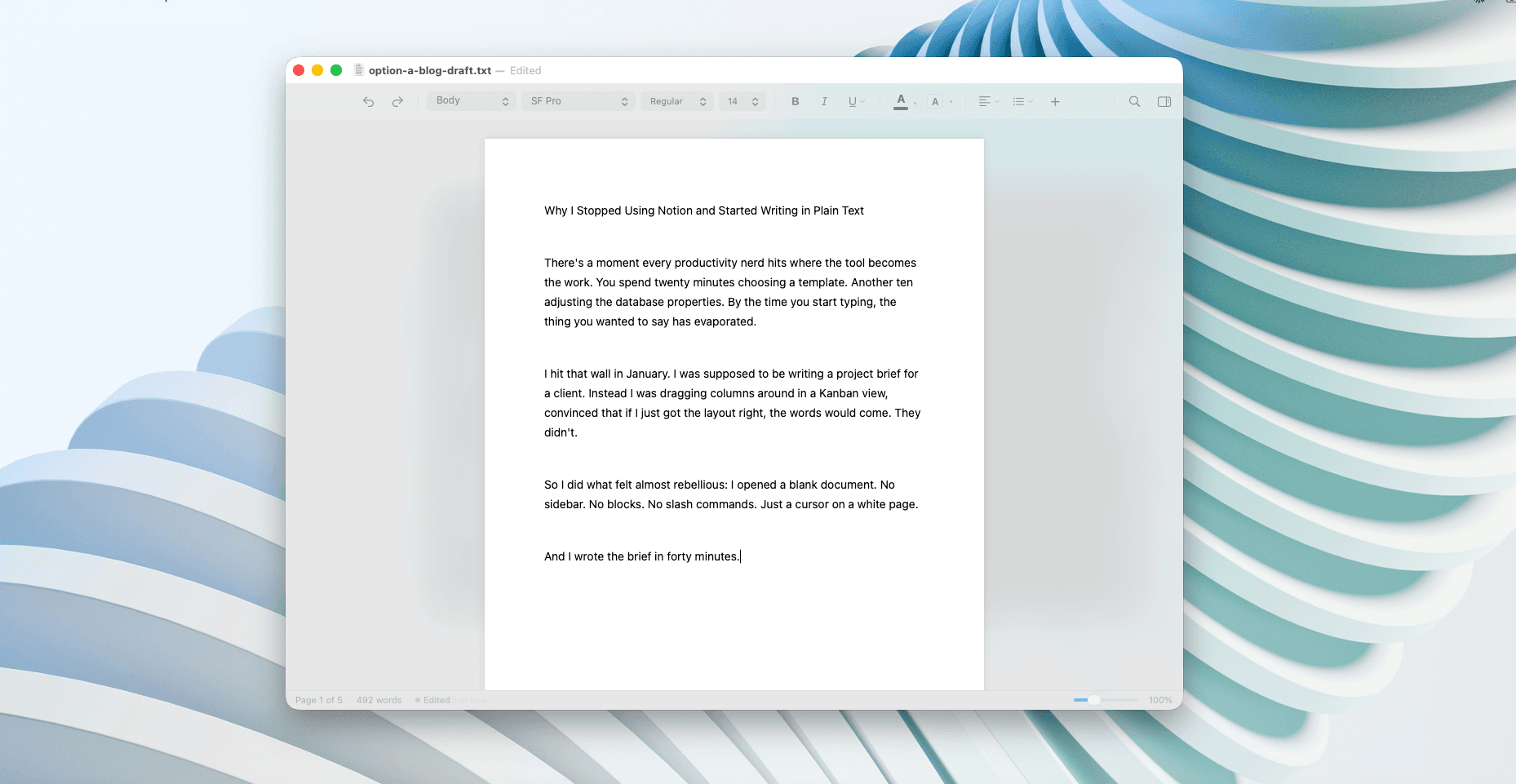
I switched to Mac and discovered that writing on it is... complicated. Maybe complicated is the wrong word. There is choice, a fair amount of it. But nothing that was working for me.
Word wants a subscription. Pages is a lot of app. TextEdit tops out at bold and italic. Others are too single-minded.
So I built my own. It does what I need, nothing I don’t, and it never asks me to log in.
Tomasz
Brighton, 2026
Built for Mac
Instant launch
Runs offline
Zero tracking
One click. The toolbar goes. The sidebar goes. The paragraph you’re writing stays lit. Everything else gets out of the way.
It turns out that’s all you needed. ⌘ShiftF
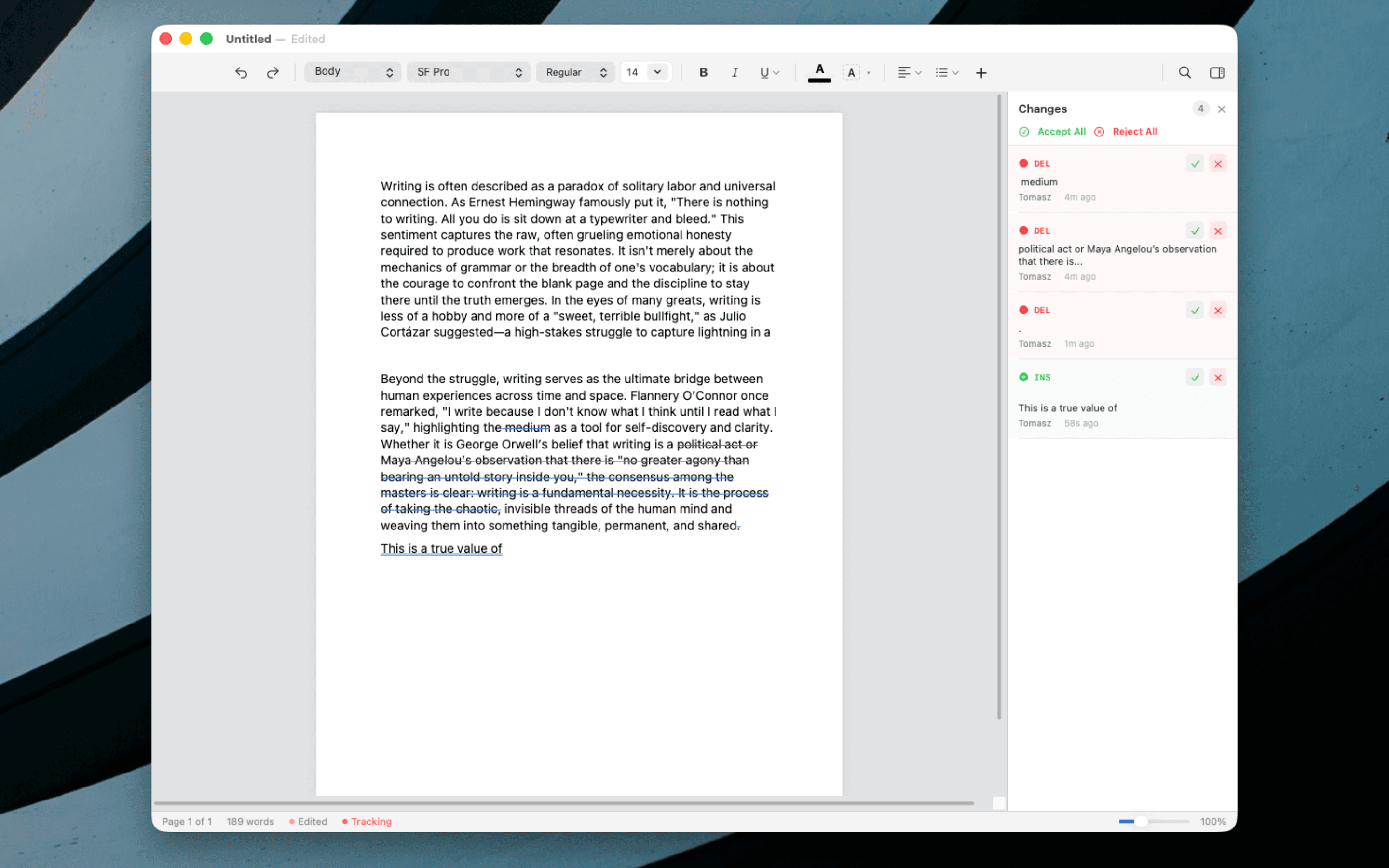
You turn it on. Every insertion gets underlined, every deletion shows through. Accept or reject one at a time, or clear the lot. The sidebar keeps a running list so nothing slips past you.
Five backgrounds. One for the essay you’re finishing at midnight. One for the notes you’re taking in bright sun. One for when you just want it to feel like paper.
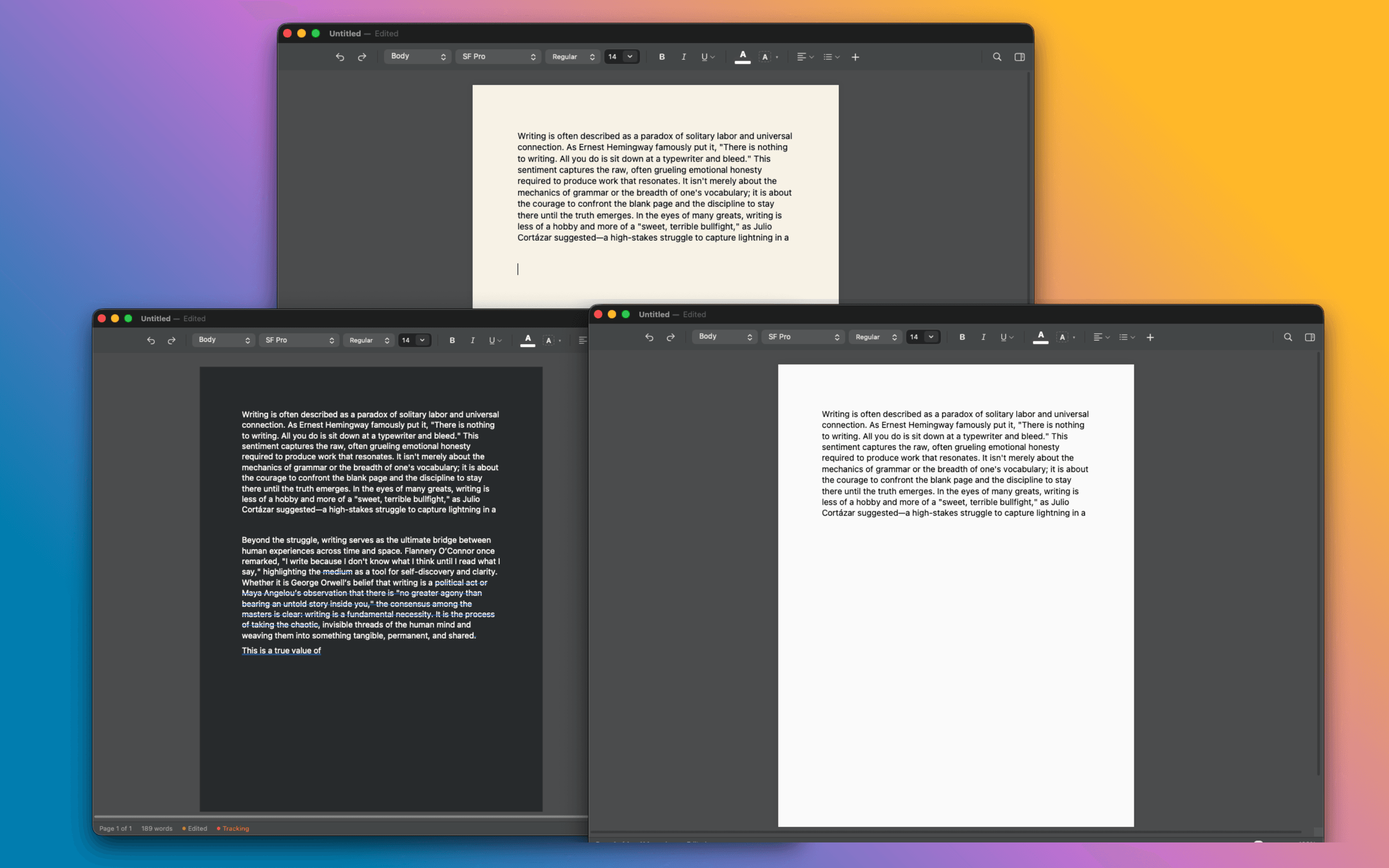
Verso follows your system appearance, or you can pick one and stick with it. Either way, it looks right.
Someone sends you a Word file. You open it. Nothing breaks. You send it back. Still nothing breaks.
Nobody needs to know you didn’t use Word.
VersoWord
No ribbon. No clutter.
Your file
Same document. Drag to compare.
Verso speaks 16 languages. Every menu, label, and tooltip is translated natively, not machine-translated after the fact.
Follows your macOS language setting. No configuration needed.
Select text and add a comment. Resolve when done. The sidebar lists every comment with its resolved state. Round-trips through .docx.
Open .md files, edit as rich text with syntax-highlighted code blocks, save back as Markdown. Headings, lists, tables, and formatting all preserved.
22 languages including Swift, Python, TypeScript, Rust, and Go. Paste code into your document and it highlights automatically. Works in both light and dark mode.
Full formattingBold, italic, underline, strikethrough, superscript, subscript, text colour, highlighting
TablesInsert, resize, cell backgrounds, borders, row and column management
Page layoutA4, Letter, Legal. Portrait or landscape. Custom margins. Multi-column
Footnotes & TOCPopover editing, auto-generated Table of Contents with page numbers
Headers & footersPage numbers, custom text, and layout guides
ListsBullets, numbers, letters, Roman numerals. Five bullet styles
Find & ReplaceCase-sensitive, whole-word, regex. Match counter
LaTeX mathPaste equations from ChatGPT or Gemini. Inline and display math
Customizable toolbarDrag to reorder, toggle groups on or off. Your layout persists across sessions
Pinch-to-zoomTrackpad pinch gesture to zoom in and out of your document
Document outlineSidebar showing all headings for quick navigation through long documents
Mermaid diagramsFlowcharts, sequence diagrams, and more render live in Markdown documents
Style redefinitionRight-click any style to update it to match the current selection
Export to PDFPrint-ready PDF export from any document
WatermarksText watermarks for drafts and confidential documents
16 languagesFull UI localization: English, Japanese, Spanish, Arabic, Polish, Chinese, French, Korean, and more
“If you have bugs, questions, hopes, or dreams, feel even more free to get in touch.”
Tomasz
Most writing apps are either too much app or too much cost. Verso is neither.
No subscriptions. No recurring charges. Verso is yours for life.
Office 365
$99.99
per year
But you can’t just buy Word.
Ulysses
$49.99
per year, forever
iA Writer
$49.99
one-time (Mac only)
Best value
Verso
$14.99
one-time, yours forever
$14.99 one-time. No subscription, ever. All updates included.
Real reviews from people who switched from Word, Pages, and other writing apps.
"A great lightweight writing app. It's fast, simple, and does exactly what I need without getting in the way."
Dr-Greg
Excellent MS Word Replacement
"Didn't expect much, but this is solid! Opens .docx files perfectly and launches instantly. No bloat, no subscription."
MacUser_2026
Simple and effective
"Finally, a Mac word processor that feels like it was built for Mac. Clean, fast, and the focus mode is a game-changer."
Sarah_Writes
Best Mac-native option
此内容由惯性聚合(RSS阅读器)自动聚合整理,仅供阅读参考。 原文来自 — 版权归原作者所有。