







Works with  Codex
Codex Claude Code
 Termius
 CursorCodex
$brew install milq-ai/tap/sqim
real iOS app on your iphone
no vpn or tailscale needed
share ios builds on high-fidelity cloud simulators
install homebrew on your Mac if you don't already have it

paste this in your terminal to install homebrew first
/bin/bash -c "$(curl -fsSL
https://raw.githubusercontent.com/Homebrew
/install/HEAD/install.sh)"
install the sqim cli tool on your Mac.


paste this prompt into your coding agent (codex, claude code, etc.)
install the sqim cli tool using "brew install milq-ai/tap/sqim". once installed, run "sqim setup all", which installs SKILL.md files for codex and claude code. then authenticate using "sqim login".

ask your agent to use sqim to push apps to your phone. install the build directly from a hosted webpage.
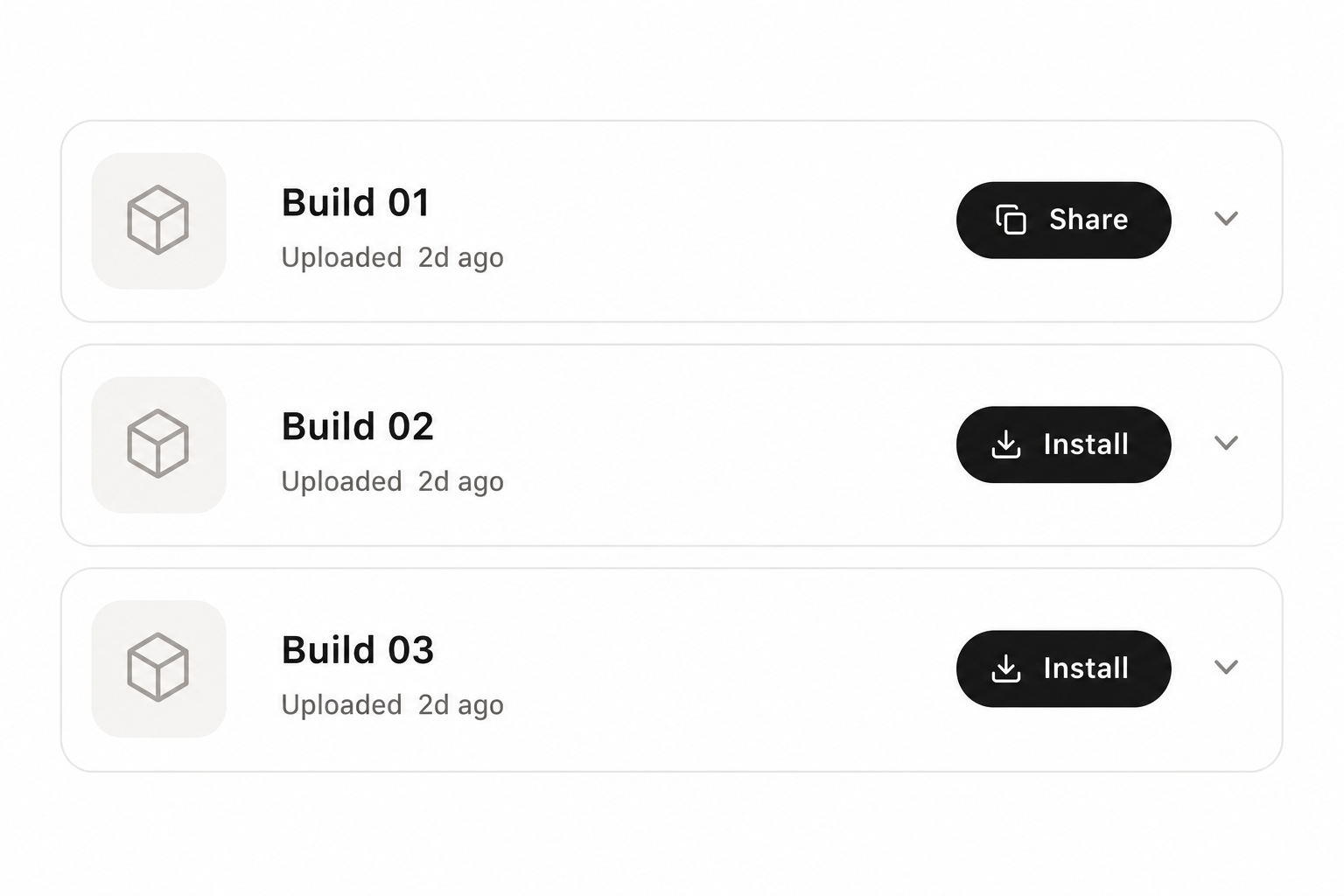
for every project you ask Sqim to build, you'll be able to re-access them easily via the builds dashboard
paste this in your terminal to install homebrew first
/bin/bash -c "$(curl -fsSL
https://raw.githubusercontent.com/Homebrew
/install/HEAD/install.sh)"
此内容由惯性聚合(RSS阅读器)自动聚合整理,仅供阅读参考。 原文来自 — 版权归原作者所有。