
Free
Full-page, visible-area, and region captures. No login.
- PNG, JPG, PDF
- Local capture history
- No watermark
- Configurable shortcuts


Capture full pages, visible areas, or selected regions. Add annotations, redact details, extract text, and export or share screenshots from one browser workflow.
Pro & Team
Four upgrades that turn a screenshot into something you can send to a customer, a lawyer, or your team. Plus everything you need when the team grows.
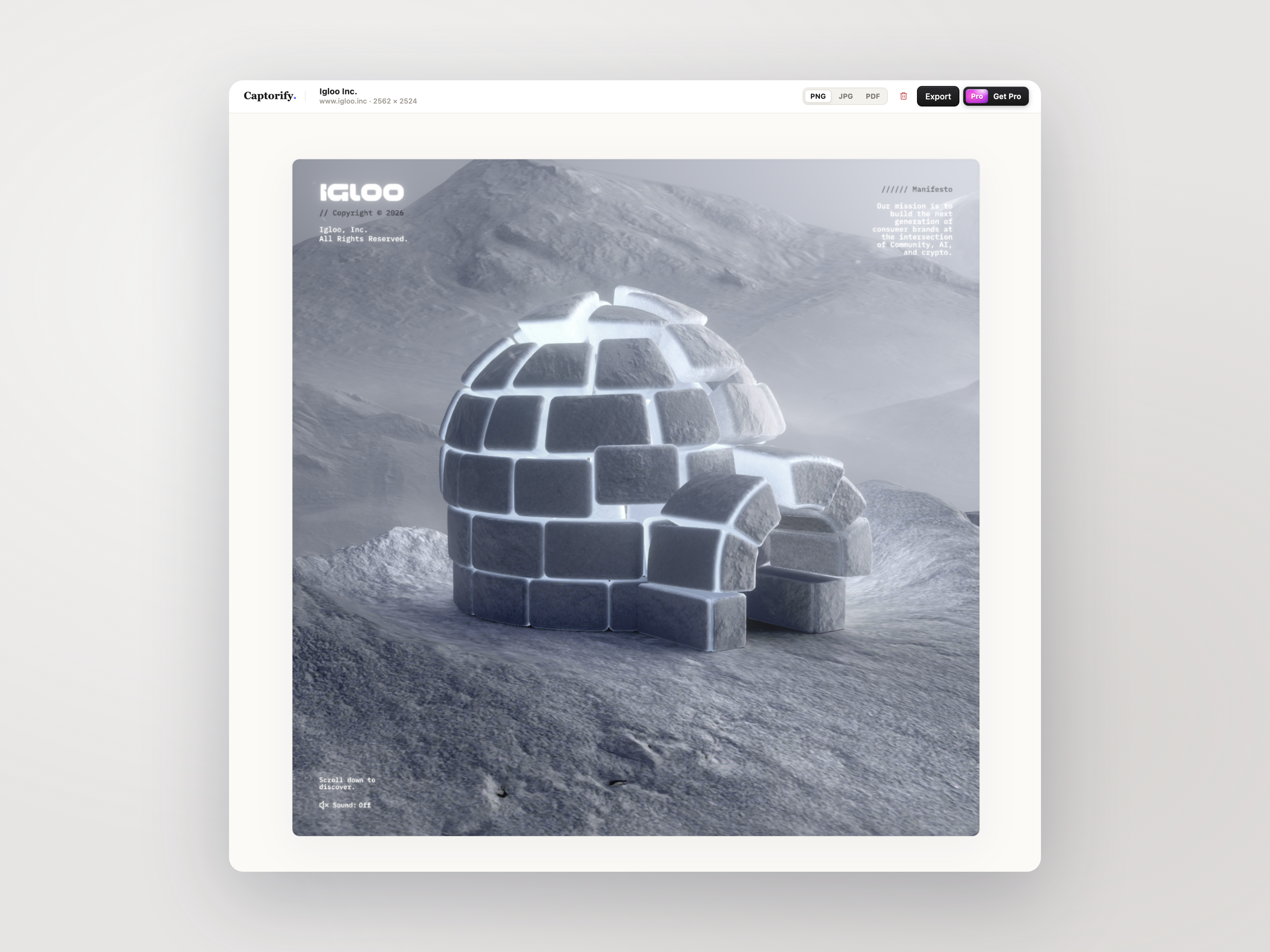
BEAUTIFY
Drop any capture into a device frame, pick a gradient, and the padding, radius, and shadow are already right.
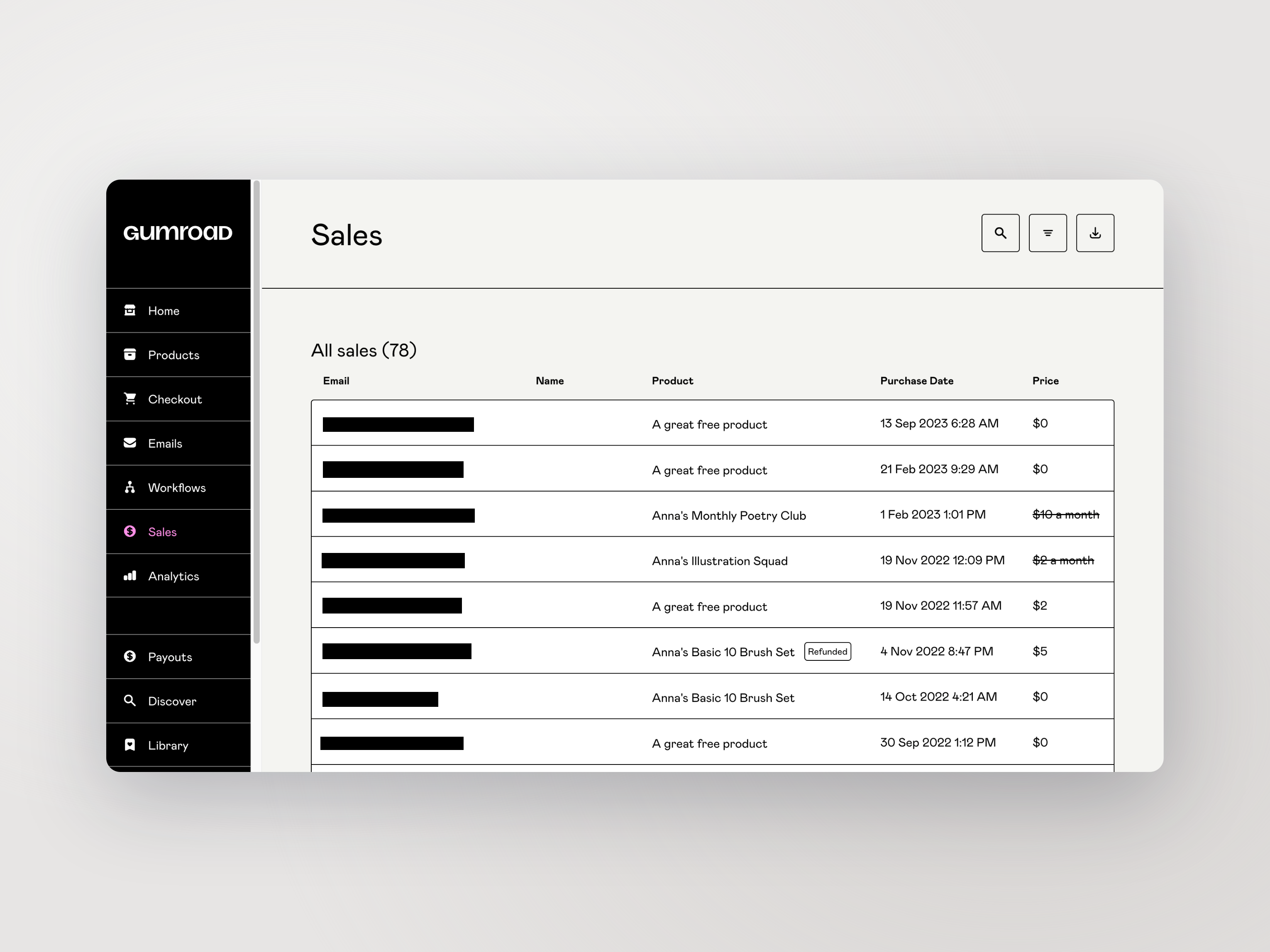
REDACTION
Captorify finds emails, IPs, API keys, phone numbers, and credit-card numbers on-device and burns the redaction into the pixels.
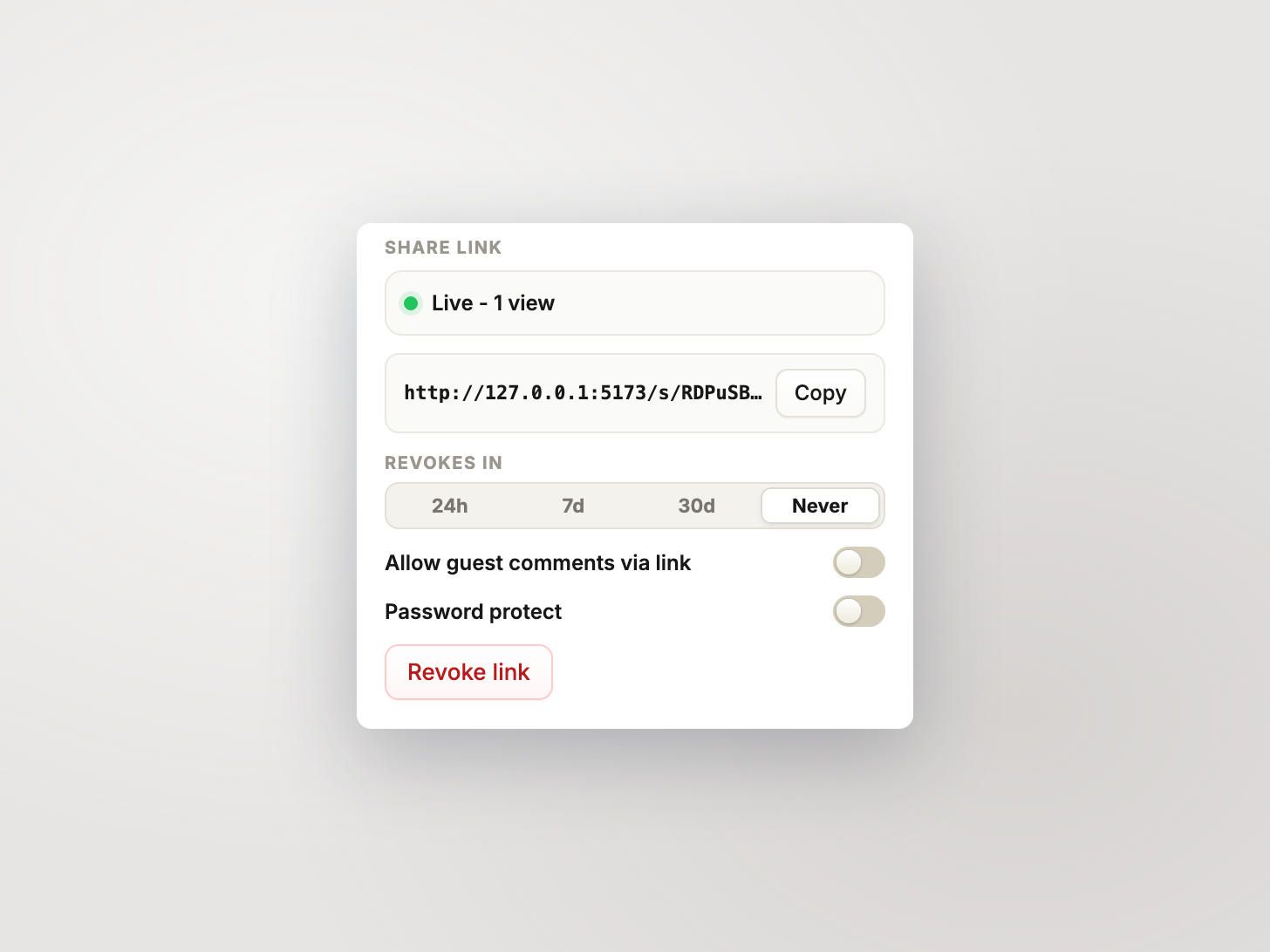
SHARE LINKS
Sync a screenshot to the cloud and share it with a password and an expiry date. Servers are in the EU.
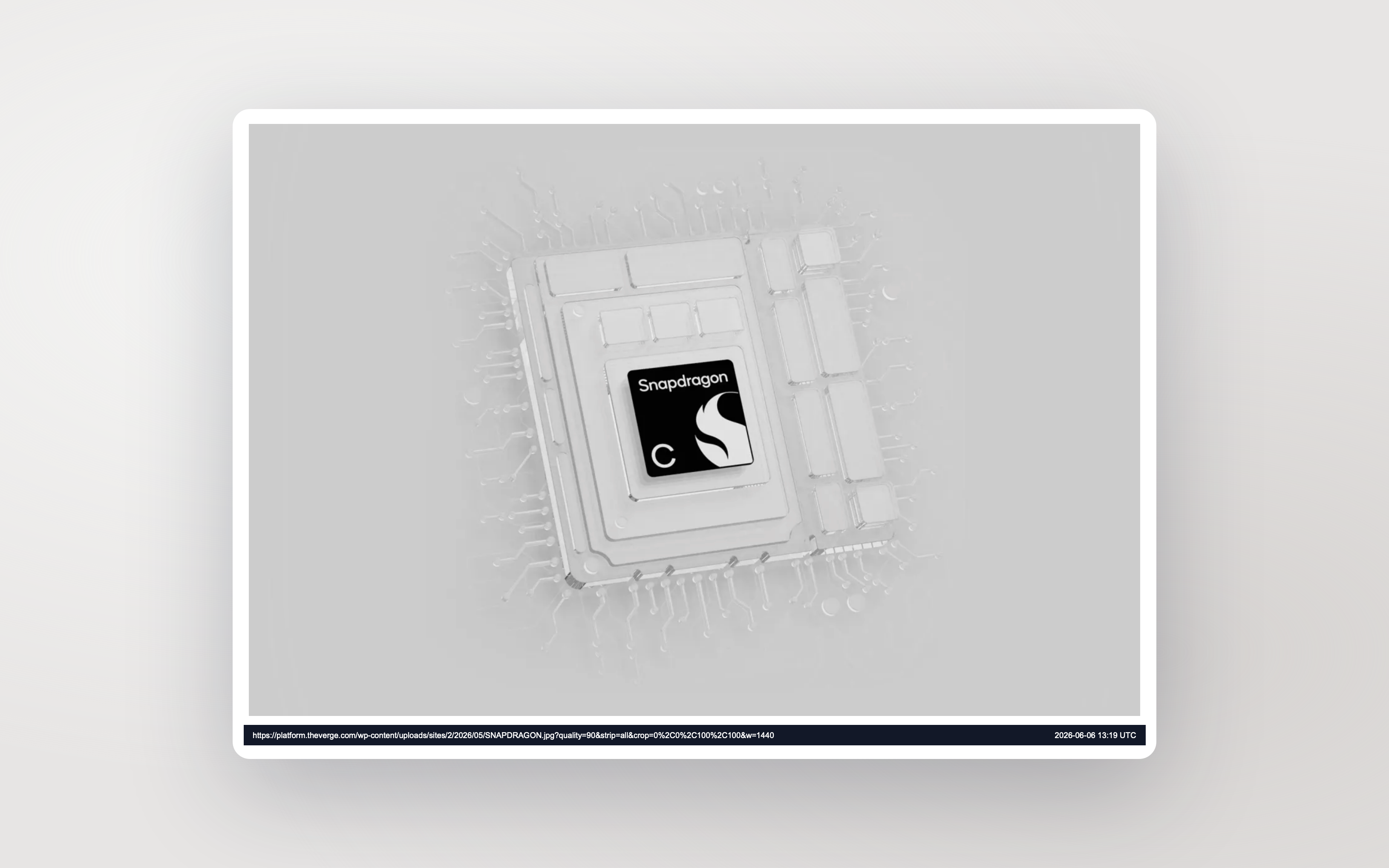
EVIDENCE
The source URL and a UTC timestamp can be added to PDF exports, so that a screenshot stays defensible months after you took it.
TEAM
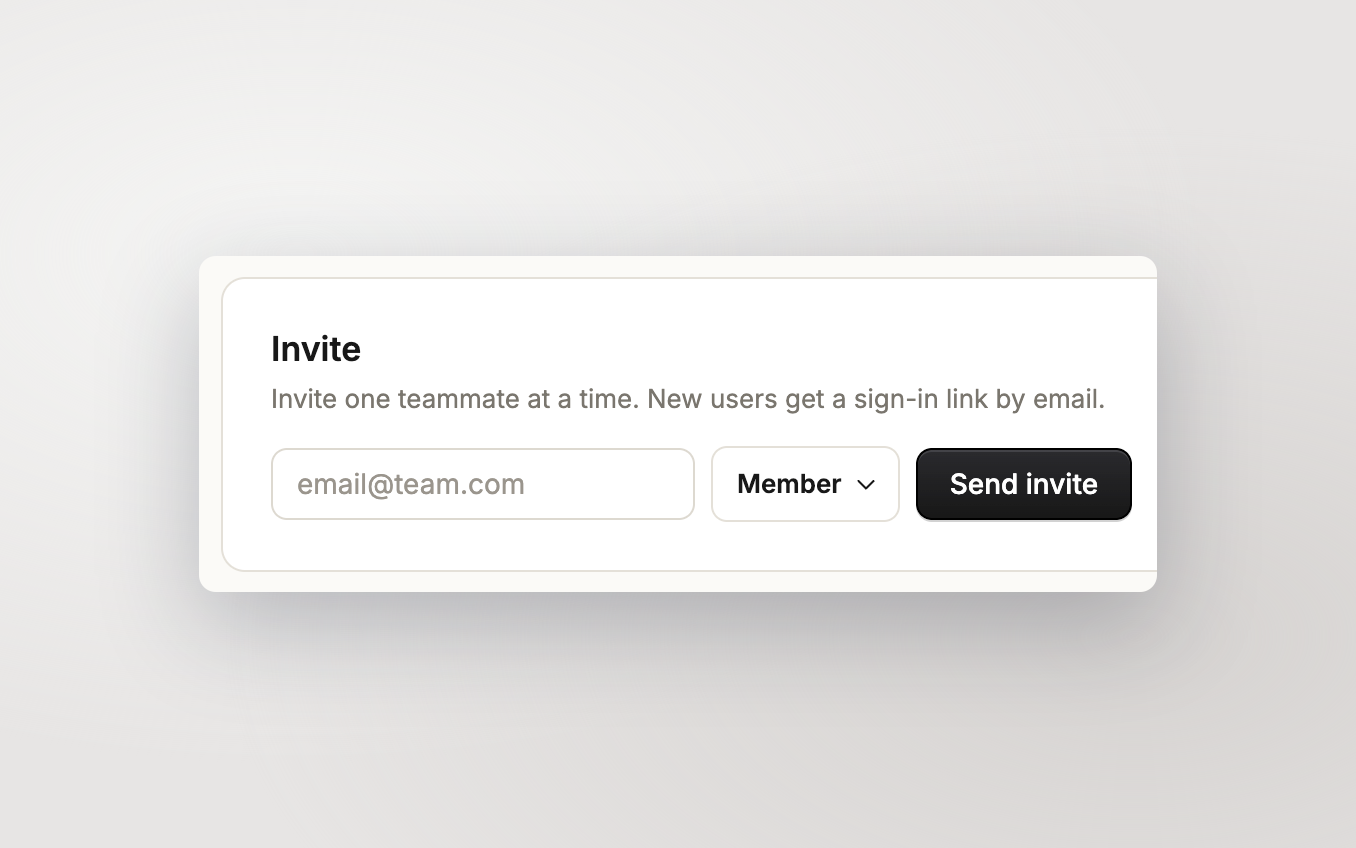
The Team plan replaces personal storage with a pooled allowance, gives every member a role, and keeps everyone on the same screenshot library.
How privacy works
Your captures are yours. Here's how we keep it that way.
The extension never phones home in the background. It only talks to our servers when you sign in or sync.
Share links can be password-protected, expire on a date you set, or be revoked instantly. Anyone you don't send the link to can't reach the capture.
When you cover something, those pixels are overwritten before the file is saved. Nothing underneath to peel back.
Synced captures live in EU storage, encrypted at rest. Not end-to-end, and we say so on the privacy page.
How it compares
Captorify is built around cross-platform support, browser-based text extraction, and a free tier without watermarks.
Feature Captorify ProCleanShot XLoomGoFullPageAwesome Screenshot
Reach
Works on Windows/Mac/Linux Mac only
Free tier without watermark Paid onlyLimited
Polish
Beautify, frames, gradients NoFrames onlyNo
Privacy
Suggested redactions (review before applying) NoNoNoNo
Browser-based text extraction NoNoNoNo
Free tier never calls servers N/ANoNo
Price
Price $4/mo annual$29 once$18/user/mo$1/mo annual$2/user/mo
Pricing
Upgrade when you need beautified exports, suggested redactions, or a shared library for your team.
Full-page, visible-area, and region captures. No login.
$4
per month, billed annually ($48/yr)
Beautified exports, permanent redaction, browser-based text extraction, and reliable share links.
$8
per user / month, billed annually ($96/user/yr)
Shared library, admin tools, central billing.
FAQ
Short answers about capture, privacy, sharing, and billing.
Cloud captures are stored on Cloudflare R2 in the EU, encrypted at rest. Free captures stay on your device and never reach our servers.
No. Free-tier paths do not call Captorify cloud APIs.
Yes. Each share link can have a password and an expiry date, and you can revoke it at any time.
On Pro and Team, a single capture can be up to 100 MB across at most 10 parts, with each part up to 25 MB. The free extension saves locally and is not subject to this limit.
Suggested redactions run entirely in your browser. They detect emails, URLs, IP addresses, API keys, phone numbers, and (optionally) credit-card numbers, then highlight candidates for you to accept or reject. Manual redaction is also available.
New uploads are blocked until you delete enough captures or add a storage pack. Existing captures stay accessible. Each pack adds 25 GB for $5 a month, billed annually on the same subscription.
Local captures stay on your machine. Cloud captures stay viewable to you for a 30-day grace window, then are queued for deletion. You can export at any time during the grace.
Magic links expire 15 minutes after they are sent. If a link is expired, used, or invalid, the verify page tells you which one and lets you request a fresh link.
Yes. Chrome owns shortcut rebinding at chrome://extensions/shortcuts. Captorify shows the current defaults and links you there.
Both are self-serve in your account settings at /app/account. Export downloads a JSON file with your captures and account data. Deletion requires typing your email to confirm and is irreversible.
Pro adds beautified exports, permanent redaction, browser-based text extraction, suggested redactions, 10 GB cloud storage, and secure share links. It is $4 a month, billed annually at $48.
Team adds 20 GB of shared workspace storage per paid user, a shared library, member roles, and centralized billing.
Paid plans are billed annually. The monthly equivalent is shown so it is easy to compare with monthly tools.
此内容由惯性聚合(RSS阅读器)自动聚合整理,仅供阅读参考。 原文来自 — 版权归原作者所有。