





Since the Homebrew 2.5.2 release, you can upload bottles (binary packages) to GitHub Releases, in addition to the previous standard - Bintray. Support was added to Homebrew/brew in this PR on 2020-09-15, and a companion PR to Homebrew/homebrew-test-bot added support for setting the base download URL of bottles to point to a specific release on GitHub.
First, go to GitHub and create an empty repository named with the homebrew- prefix, for example: USER/homebrew-tap.
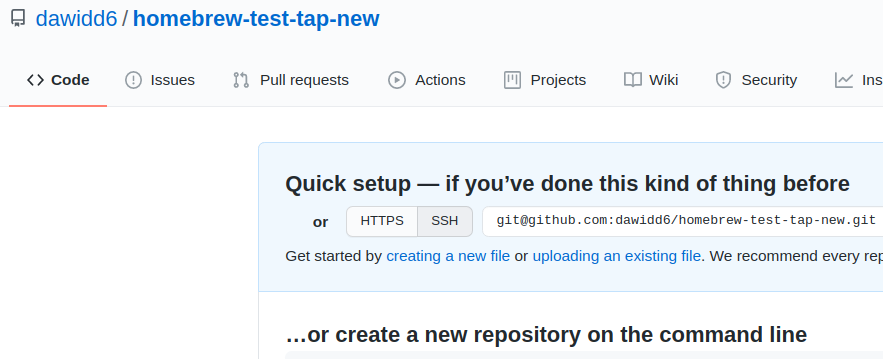
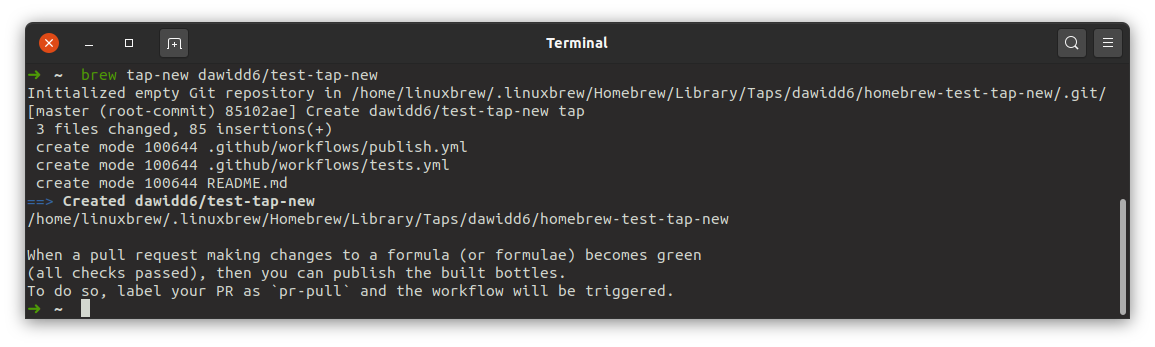
Then locally run:
brew tap-new USER/REPOSITORY
changing USER/REPOSITORY to the full name of the repository that you just created on GitHub. You can omit the homebrew- prefix and specify the --branch flag if your default branch should be named differently than main.
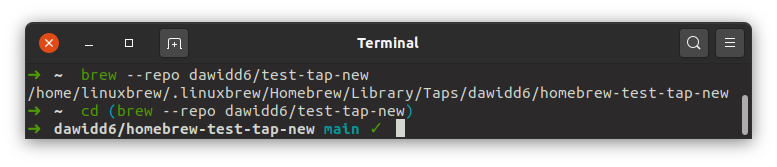
Navigate to the newly created tap on disk by executing:
cd $(brew --repository USER/REPOSITORY)
Now you can list all files in this tap to see what is created by default.
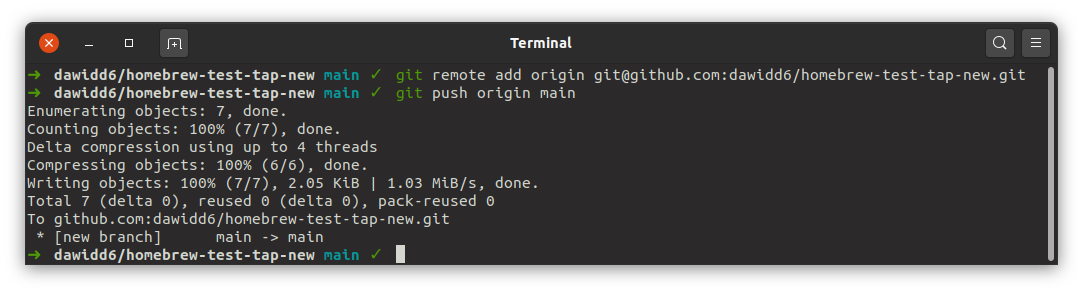
Add the repository that you created on GitHub as the origin remote and push newly created files:
git remote add origin https://github.com/USER/REPOSITORY
git push --set-upstream origin main
I won’t go into too many details on how the workflows look, as they are subject to change at any time. For now, there are 2 workflow files created by default.
pull_request event, so every push to a PR’s branch triggers the workflow, which tests changes made to formulae, builds bottles for those formulae and uploads them to GitHub Actions as artifacts.It’s time we add a new formula to our tap; shall we?
All formulae should go in the Formula directory. Let’s suppose we want to create a formula for this little Go program named gothanks. Run locally:
brew create --tap=USER/REPOSITORY --go https://github.com/psampaz/gothanks/archive/v0.3.0.tar.gz
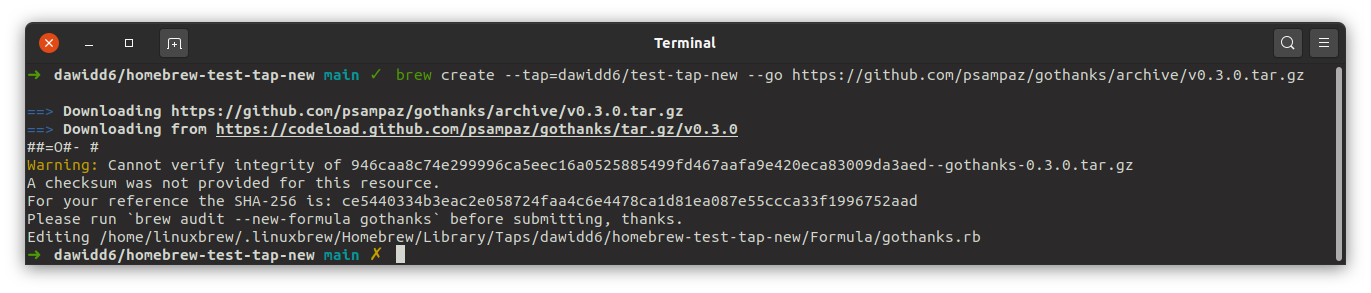
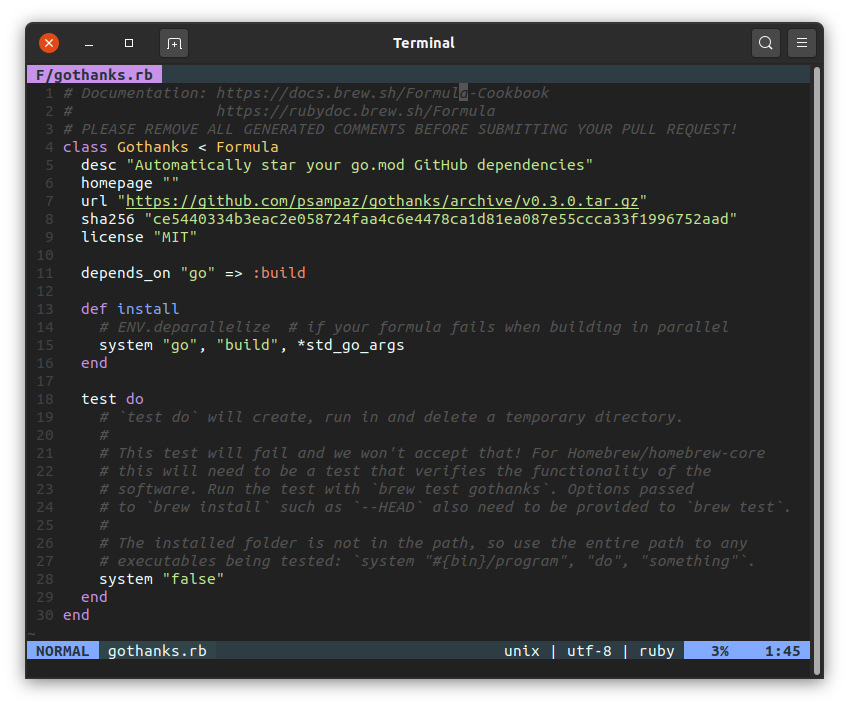
This command will create a new standard formula for Go projects in your tap and open the file in your editor of choice. After you close the editor, you can still edit the formula with:
brew edit USER/REPOSITORY/FORMULA
Our gothanks formula, after some editing could look like this:
class Gothanks < Formula
  desc "Automatically star your go.mod Github dependencies"
  homepage "https://github.com/psampaz/gothanks"
  url "https://github.com/psampaz/gothanks/archive/v0.3.0.tar.gz"
  sha256 "ce5440334b3eac2e058724faa4c6e4478ca1d81ea087e55ccca33f1996752aad"
  license "MIT"

  depends_on "go" => :build

  def install
    system "go", "build", *std_go_args
  end

  test do
    ENV.delete "GITHUB_TOKEN"
    assert_match "no Github token found", shell_output(bin/"gothanks", 255)
  end
end
Now we can create a new branch, add the formula, commit it and push:
git checkout -b gothanks
git add Formula/gothanks.rb
git commit --message "gothanks 0.3.0 (new formula)"
git push --set-upstream origin gothanks
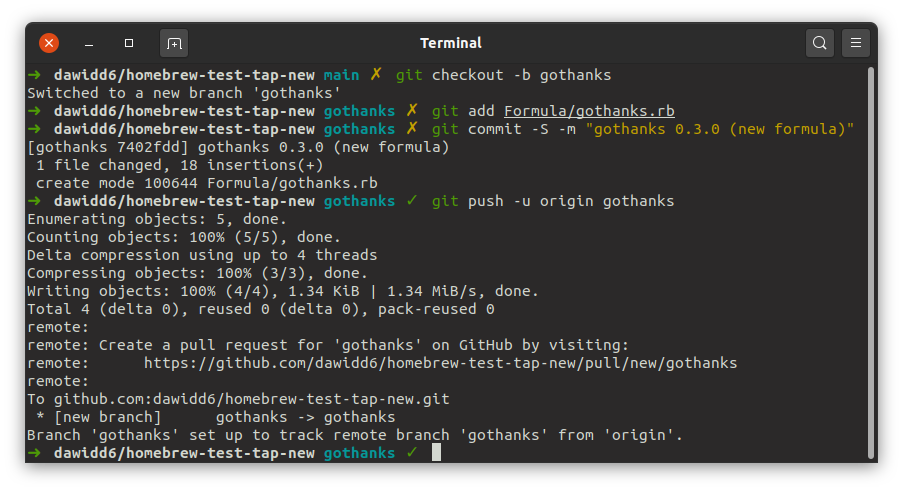
But to trigger the workflows, we need to create a pull request from our recently-pushed branch. I’m using the hub utility for this operation, but you can use the newer GitHub CLI tool gh or just click your way through in GitHub’s UI.
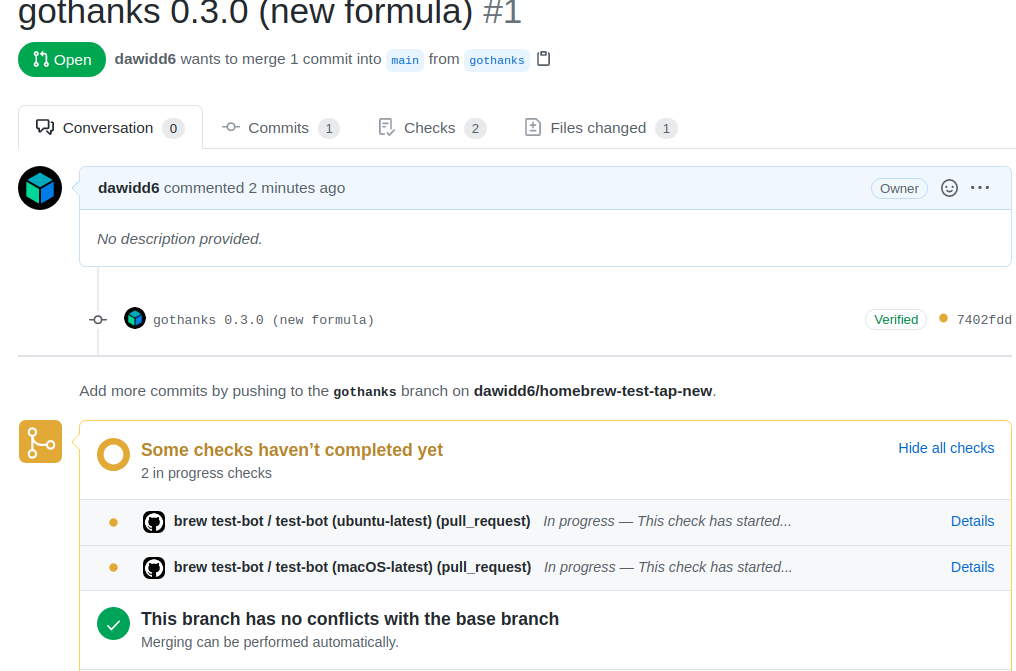
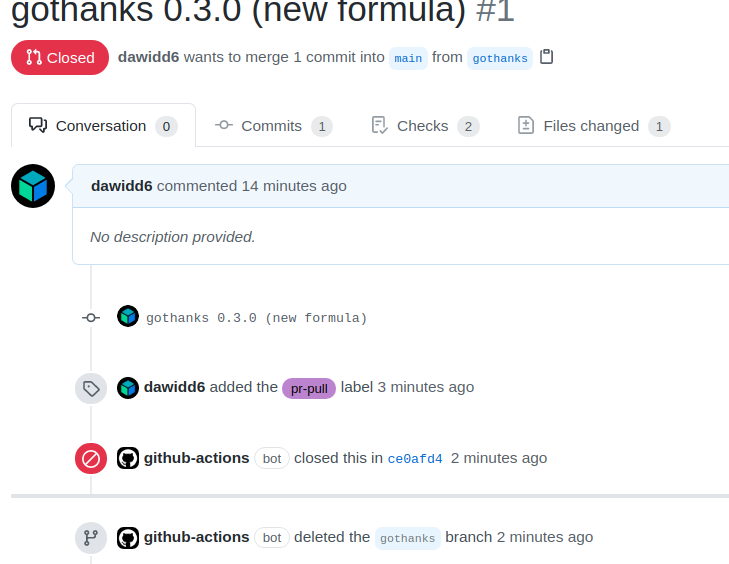
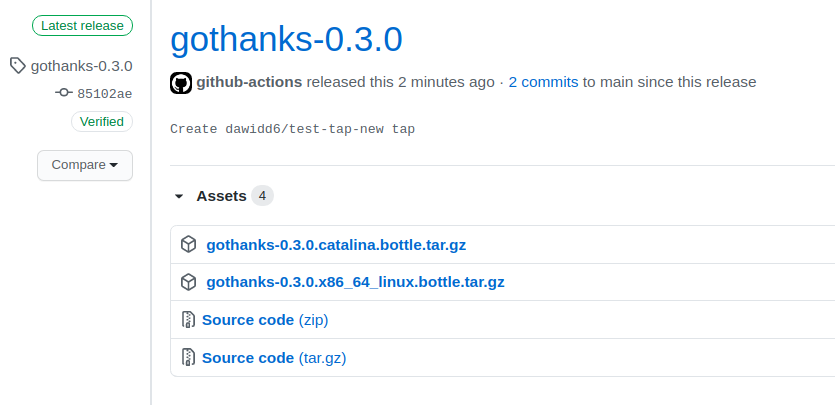
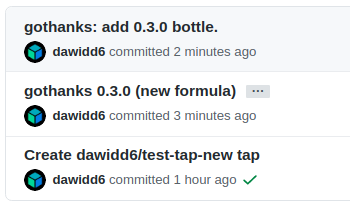
Wait until the pull request’s checks become green. Then label your pull request with the pr-pull label (this is the default label that will trigger the uploading workflow; you can easily change this in workflow file). A new brew pr-pull workflow will be fired up and after a couple of minutes you should observe the PR closed, bottles uploaded and commits pushed to the main branch of your repository.
With current tooling it’s now easier than ever to create your own Homebrew tap with bottles. Gone are the days when you had to create a Bintray account and fiddle around with custom CI configs. Now you can run a bunch of commands and get a tap up and running in minutes, with only a GitHub account!
Today, I’m proud to announce Homebrew 6.0.0. The most significant changes since 5.1.0 are a new tap trust security mechanism, the new faster, smaller, default internal...
Homebrew 5.1.0 has been released. Homebrew’s most significant changes since 5.0.0 are expanded brew bundle support, brew version-install, new -full formula handling an...
Today, I’d like to announce Homebrew 5.0.0. The most significant changes since 4.6.0 are download concurrency by default, official support for Linux ARM64/AArch64, tim...
Today, I’d like to announce Homebrew 4.6.0. The most significant changes since 4.5.0 are opt-in concurrent downloads with HOMEBREW_DOWNLOAD_CONCURRENCY, preliminary ma...
Today, I’d like to announce Homebrew 4.5.0. The most significant changes since 4.4.0 are major improvements to brew bundle/services, preliminary Linux support for cask...
此内容由惯性聚合(RSS阅读器)自动聚合整理,仅供阅读参考。 原文来自 — 版权归原作者所有。