








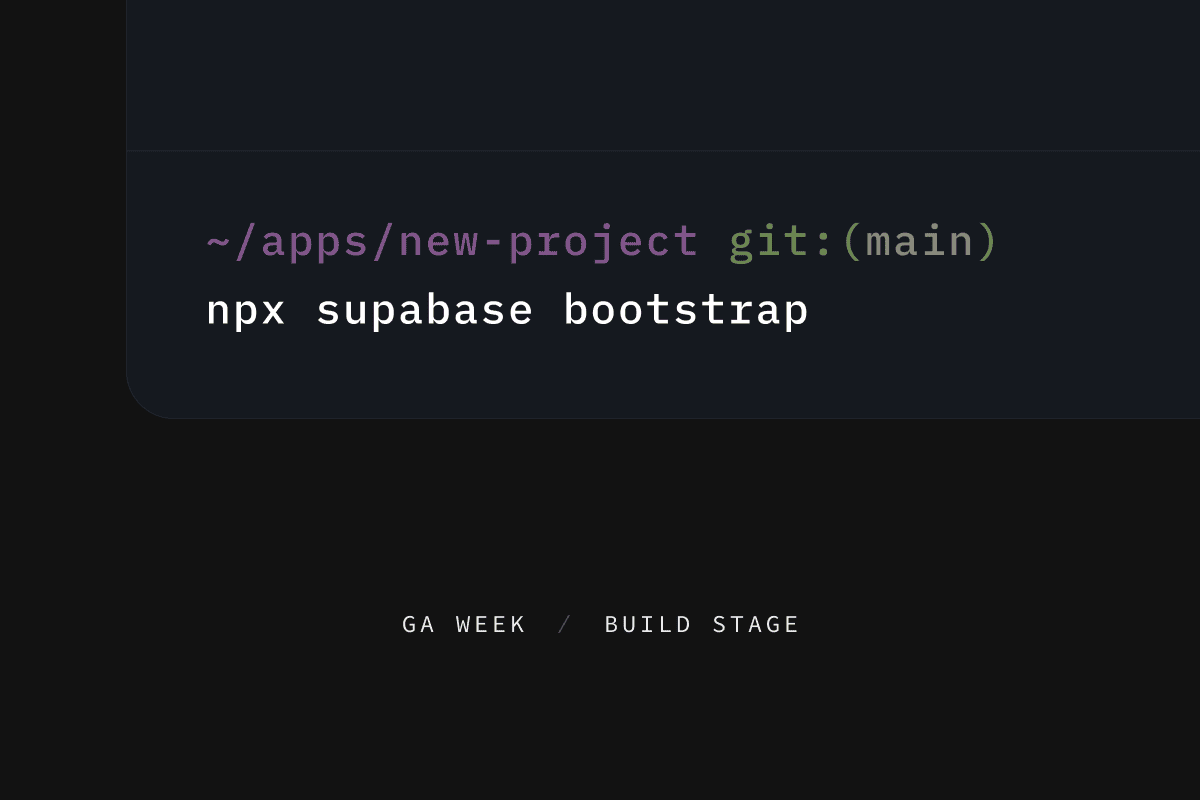
Supabase bootstrap is the fastest to spin up a new hosted Supabase project from existing starter templates:
_10
npx supabase bootstrap
This brings a “shadcn”-like experience to Supabase, creating a project locally and launching a remote database ready for deployment.
From any local directory, run supabase bootstrap and you will be prompted to choose a starter template. And the best thing is, you don't even need to install the CLI to get started! As long as you have npm or bun installed, you're ready to go!
- CLI:
supabase bootstrap - NPM:
npx supabase@latest bootstrap - Bun:
bunxsupabase@latest bootstrap
The list of starter templates is published on GitHub as samples.json. Whenever we (and in the future the community) add a new starter, it will automatically become available to all Supabase users.
The template repository typically includes the full frontend code, following the file structure below:
- A
supabasedirectory withconfig.tomlandmigrationsfiles (if any). - A
.env.examplefile that defines a list of environment variables for CLI to populate project credentials. We currently support the same list of credentials as our Vercel integration. If a.envfile doesn't exist, the CLI will create it for you.
Local development#
After selecting a starter, the Supabase CLI downloads all files from the template repository to your chosen local directory.
This model is very similar to the popular shadcn workflow. After files are creating in your local repo, you can modify them and check them into source control.
Deploying to production#
During the supabase bootstrap process, a new project will be created on the Supabase platform and linked to your local environment. This command will run you through the account creation flow if you don't already have one.
Once the linking is completed, you will be prompted to push any template migration files to your new hosted project. These migration files will setup your remote database with the necessary schemas to support the starter application.
After pushing the migrations, your project credentials will be exported to a .env file for you to connect from any frontend or backend code. The default environment variables include:
POSTGRES_URLSUPABASE_URLSUPABASE_ANON_KEYSUPABASE_SERVICE_ROLE_KEY
Other custom variables from .env.example file defined by your chosen template will also be merged to your local .env file.
Finally, the CLI will suggest a start command to launch your application locally. Starting the local app will use credentials defined in .env file to connect to your new hosted project.
And that's it, with a single command, you can get a new project up and running end to end.
Supabase Bootstrap makes it even easier to get started with Supabase, mobile app tools, and web development frameworks like Next.js, Expo React Native, Flutter, Swift iOS.
We have many many more templates coming soon, and we'll be opening it up to community contributions. Stay tuned!
Visit the Supabase CLI docs to get started with supabase bootstrap.