

惯性聚合 高效追踪和阅读你感兴趣的博客、新闻、科技资讯
阅读原文 在惯性聚合中打开

推荐订阅源

S
Schneier on Security
The Register - Security
月光博客
月光博客
freeCodeCamp Programming Tutorials: Python, JavaScript, Git & More
OSCHINA 社区最新新闻
OSCHINA 社区最新新闻
The GitHub Blog
The GitHub Blog
博客园 - 司徒正美
罗磊的独立博客
U
Unit 42
S
SegmentFault 最新的问题
Y
Y Combinator Blog
博客园_首页
Hugging Face - Blog
Hugging Face - Blog
J
Java Code Geeks
Schneier on Security
Know Your Adversary
Know Your Adversary
C
Check Point Blog
Cyber Security Advisories - MS-ISAC
Simon Willison's Weblog
V
Vulnerabilities – Threatpost
让小产品的独立变现更简单 - ezindie.com
阮一峰的网络日志
阮一峰的网络日志
The Hacker News
The Hacker News
博客园 - 叶小钗
C
Cybersecurity and Infrastructure Security Agency CISA
Spread Privacy
Spread Privacy
L
LINUX DO - 热门话题
T
The Exploit Database - CXSecurity.com
P
Palo Alto Networks Blog
cs.CL updates on arXiv.org
Latest news
Latest news
L
Lohrmann on Cybersecurity
A
About on SuperTechFans
L
LangChain Blog
Stack Overflow Blog
Stack Overflow Blog
S
Securelist
A
Arctic Wolf
D
Darknet – Hacking Tools, Hacker News & Cyber Security
T
Threatpost
Scott Helme
Scott Helme
博客园 - 聂微东
博客园 - 【当耐特】
T
Tenable Blog
I
Intezer
D
DataBreaches.Net
B
Blog RSS Feed
Security Latest
Security Latest
C
Cisco Blogs
T
Tor Project blog
N
Netflix TechBlog - Medium

Supabase Blog

AI Agents Know About Supabase. They Don't Always Use It Right. Custom OIDC Providers for Supabase Auth 100,000 GitHub stars Supabase docs over SSH Navigating Regional Network Blocks Supabase Joins the Stripe Projects Developer Preview Log Drains: Now available on Pro Supabase Storage: major performance, security, and reliability updates Supabase incident on February 12, 2026 Hydra joins Supabase X / Twitter OAuth 2.0 is now available for Supabase Auth BKND joins Supabase Supabase is now an official Claude connector Supabase PrivateLink is now available Introducing: Postgres Best Practices When to use Read Replicas vs. bigger compute Introducing TRAE SOLO integration with Supabase Supabase Security Retro: 2025 Sync Stripe Data to Your Supabase Database in One Click Building ChatGPT Apps with Supabase Edge Functions and mcp-use Own Your Observability: Supabase Metrics API Introducing iceberg-js: A JavaScript Client for Apache Iceberg Introducing Supabase for Platforms Adding Async Streaming to Postgres Foreign Data Wrappers Build "Sign in with Your App" using Supabase Auth Introducing Seven New Email Templates for Supabase Auth The new Supabase power for Kiro Introducing Supabase ETL Introducing Analytics Buckets Introducing Vector Buckets Snap, Inc. Launches Snap Cloud, Powered by Supabase Triplit joins Supabase Supabase Series E 1000 Y Combinator Founders Choose Supabase gm 👋 web3, welcome aboard to Sign in with Web3 (Solana, Ethereum) Announcing the Supabase Remote MCP Server Enterprise speed, enterprise standards with Bolt Cloud + Supabase PostgREST 13 Lovable Cloud + Supabase: The Default Platform for AI Builders Processing large jobs with Edge Functions, Cron, and Queues Defense in Depth for MCP Servers OrioleDB Patent: now freely available to the Postgres community Supabase Launch Week 15 Hackathon Winner Announcement The Vibe Coder's Guide to Supabase Environments Testing for Vibe Coders: From Zero to Production Confidence The Vibe Coding Master Checklist Vibe Coding: Best Practices for Prompting Supabase Auth: Build vs. Buy Top 10 Launches of Launch Week 15 Supabase Launch Week 15 Hackathon Storage: 10x Larger Uploads, 3x Cheaper Cached Egress, and 2x Egress Quota Persistent Storage and 97% Faster Cold Starts for Edge Functions Algolia Connector for Supabase New Observability Features in Supabase Improved Security Controls and A New Home for Security Introducing Branching 2.0 Stripe-To-Postgres Sync Engine as standalone Library Supabase Analytics Buckets with Iceberg Support Create a Supabase backend using Figma Make Introducing JWT Signing Keys Supabase UI: Platform Kit Build a Personalized AI Assistant with Postgres Announcing Multigres: Vitess for Postgres Building on open table formats Open Data Standards: Postgres, OTel, and Iceberg Simplifying back-end complexity with Supabase Data APIs PostgreSQL Event Triggers without superuser access Top 10 Launches of Launch Week 14 Supabase MCP Server Data API Routes to Nearest Read Replica Declarative Schemas for Simpler Database Management Realtime: Broadcast from Database Keeping Tabs on What's New in Supabase Studio Edge Functions: Deploy from the Dashboard + Deno 2.1 Automatic Embeddings in Postgres Introducing the Supabase UI Library Supabase Auth: Bring Your Own Clerk Postgres Language Server: Initial Release Migrating from Fauna to Supabase Migrating from the MongoDB Data API to Supabase Dedicated Poolers Postgres as a Graph Database: (Ab)using pgRouting AI Hackathon at Y Combinator Calendars in Postgres using Foreign Data Wrappers Supabase Launch Week 13 Hackathon Winners How to Hack the Base! Running Durable Workflows in Postgres using DBOS database.build v2: Bring-your-own-LLM Restore to a New Project Hack the Base! with Supabase Top 10 Launches of Launch Week 13 Supabase Queues High Performance Disk Supabase Cron Supabase CLI v2: Config as Code Supabase Edge Functions: Introducing Background Tasks, Ephemeral Storage, and WebSockets Supabase AI Assistant v2 OrioleDB Public Alpha Executing Dynamic JavaScript Code on Supabase with Edge Functions ClickHouse Partnership, improved Postgres Replication, and Disk Management
Automatic CLI login
Kamil Ogórek · 2023-12-01 · via Supabase Blog

Automatic CLI login

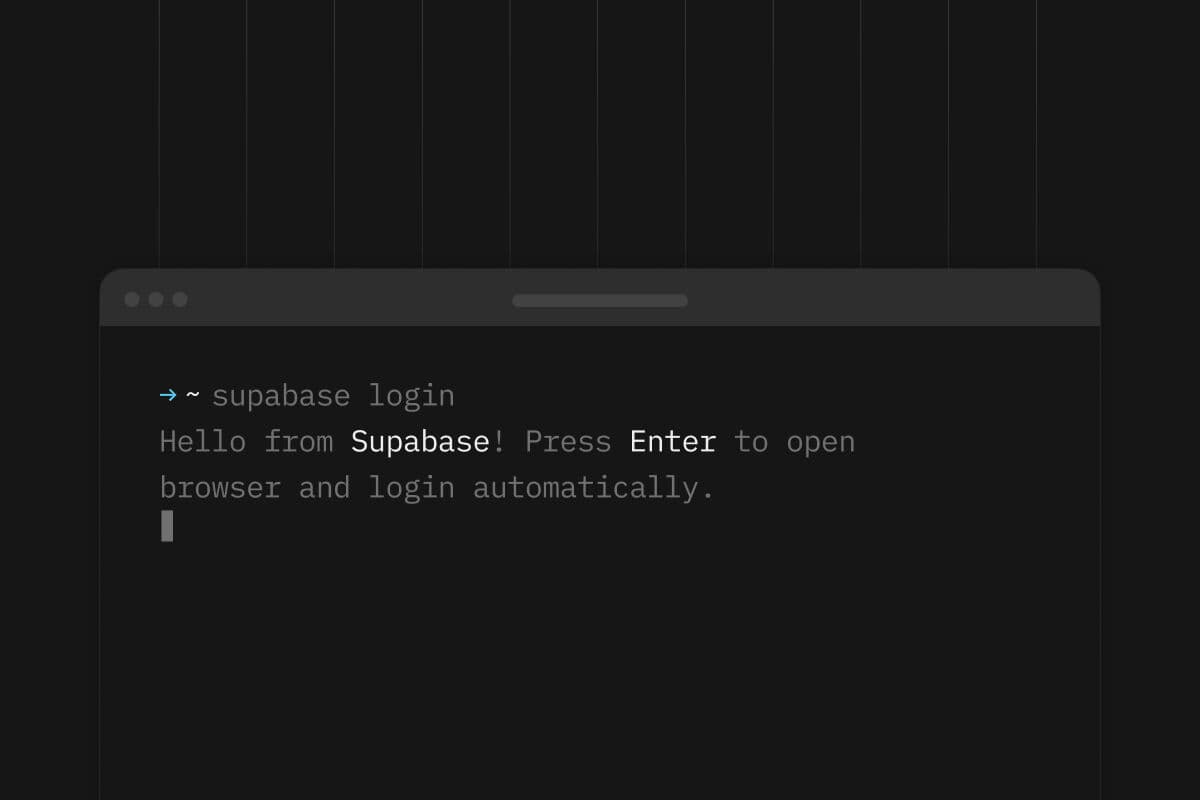
Using the Supabase CLI is the go-to method for many to interact with their Supabase projects. It enables easy local project development, working with the local database, managing migrations, and generating types, among other functionalities. However, some scenarios demand connecting to the real Supabase project, requiring a login. Until now, the login process involved typing supabase login, which prompted users to manually generate a token from supabase.com/dashboard/account/tokens and paste it back into the terminal.

This method proved inconvenient and suboptimal for our users, especially for those recording courses or tutorial videos, as they repeatedly had to go through the whole process manually. We are committed to prioritizing Developer Experience (DX), so we decided to improve this.

But what if logging in were as simple as typing supabase login and, if you were already logged into your dashboard, everything happened automatically? This streamlined approach began with 1.114.0.

When you type supabase login, several things occur. First, a random UUID is generated to represent your unique login attempt. Next, a token name is created using your username, machine name, and the current timestamp. Most importantly, a pair of private/public P-256 elliptic curve Diffie-Hellman (ECDH) keys is generated. These keys remain valid only for the duration of the process; once you log in or cancel the CLI process, they become unusable.

After gathering all this data, a unique URL is generated containing the session ID, token name, and your public key. The CLI then attempts to open this URL in your current environment's default browser. Once it opens, it verifies your authentication. If you're not authenticated, you're redirected to the login page, prompted to log into the dashboard, and upon successful authentication, redirected back to the originally requested page.

With your identity confirmed, the CLI sends the provided session data to our management API, requesting its magic.

The Management API generates a new access token for your account, creates its pair of ECDH keys, and encrypts the token using your public key and the server's private key. This encrypted token, alongside the server's public key, your session ID, and expiration date, is then stored in our database.

To send it back to your CLI it needs to be stored in a database.

At Supabase, we make every effort to avoid storing credentials such as access tokens in our database. However, this presents a challenge. To address it, we encrypt the generated token using an encryption key shared between your CLI and the management API. This is done using Elliptic-Curve Diffie-Hellman — a method of getting two parties to agree on a shared secret but only using public keys. To do this, a one-time P-256 public key is generated on each login and sent to the API, and likewise the API generates its own one-time public key. It then uses ECDH to compute a shared secret which is used to encrypt the generated access token and stored in the database. Since the private keys are not stored anywhere and are immediately thrown out, the CLI is the only one that will be able to decrypt the access token.

Meanwhile, the CLI continues its role in the process. It periodically polls our public API for the specific session ID it generated. Upon a successful poll, it extracts the encrypted token from the response, uses the server's public key, and this time, employing its private key (stored in RAM), decrypts the previously encrypted token, securely storing it in your operating system's vault.

Upon completion of this process, you're done! If you're already logged into the dashboard, it's as simple as a single command and hitting Enter to complete the entire login process.

In this post, we dive into the new CLI automatic login, exploring its technical setup and security measures, including encryption. Of course, if you prefer not to automatically open the browser, provide a token manually, pass it from the environment, or change the default token name, you can achieve all of these using the provided flags. For details on what's possible, use supabase login --help.