




huggingface 和相关库
huggingface
Hugging Face是一个专注于自然语言处理(NLP)的开源平台,它旨在让NLP变得更加易用和普及。Hugging Face推出了多个库,例如Transformers,Datasets,Tokenizers和Accelerate,它们分别提供了预训练的模型,大规模的数据集,高效的分词器和分布式训练的工具。Hugging Face还拥有一个活跃的社区,其中有数千名研究人员,开发者和爱好者共同交流和贡献NLP的最新进展。
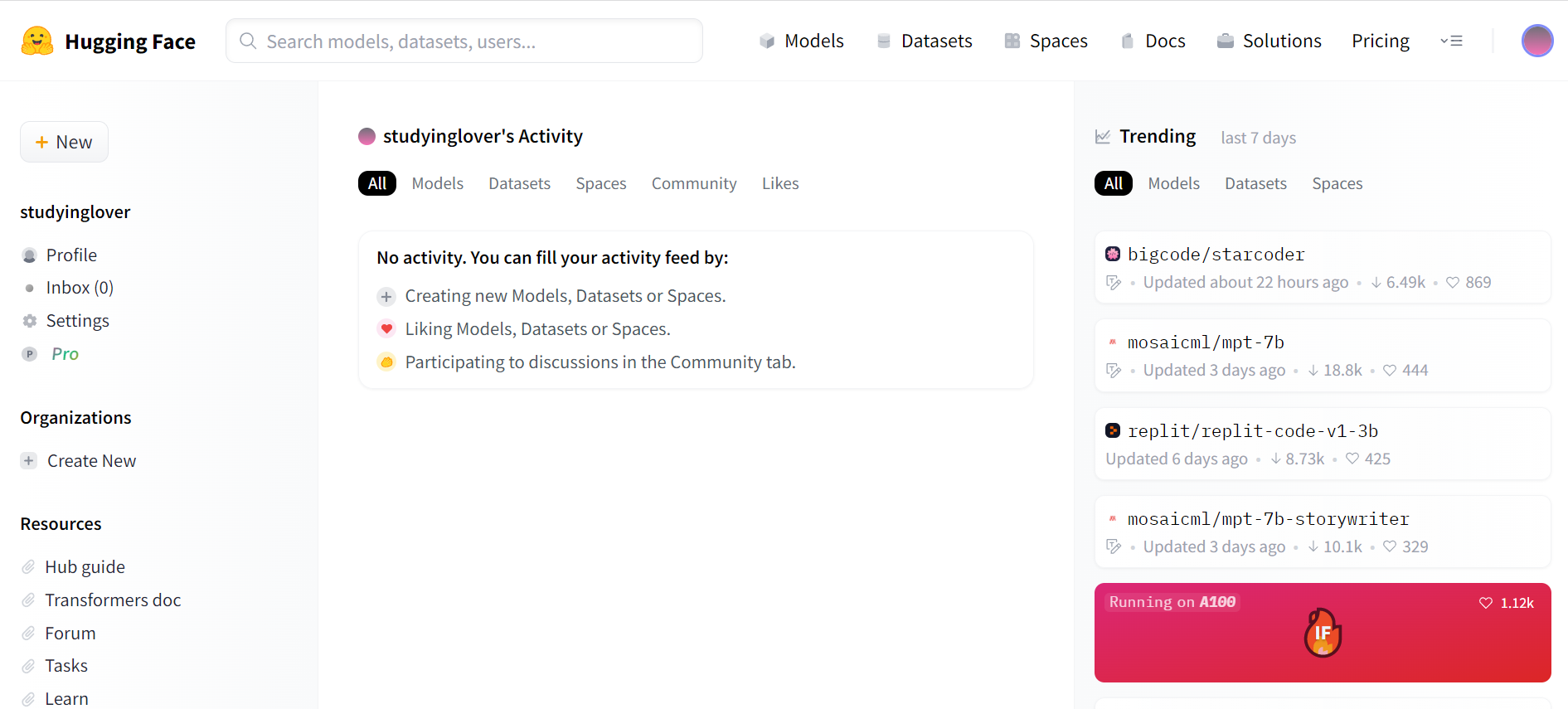
Hugging Face的名字来源于一个可爱的表情符号,它代表了平台的愿景:让人类和机器之间的交流更加自然和亲密。Hugging Face的核心产品是Transformers库,它包含了超过10000个预训练的模型,涵盖了各种NLP任务,如文本分类,问答,文本生成,情感分析等。Transformers库支持多种深度学习框架,如PyTorch,TensorFlow,JAX和Flax,并且可以轻松地在不同的设备上运行,如CPU,GPU和TPU。Hugging Face还提供了一个在线平台,Spaces,它可以让用户快速地部署和分享他们的模型和应用。
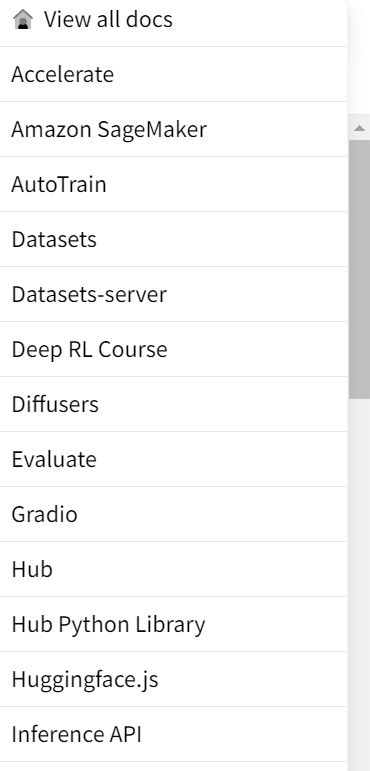
近年来,Hugging Face托管的模型已经不局限于NLP领域,而是涉及到了更多的领域,如计算机视觉(CV),语音识别(ASR),音乐生成(MG)等。这些模型都可以在Hugging Face的网站上找到,并且可以通过Transformers库或者其他的库来使用。Hugging Face还提供了一个数据集库,叫做Datasets,它包含了超过1000个数据集,覆盖了各种领域和语言。Datasets库可以帮助用户快速地加载,处理和缓存数据,以及进行数据分析和可视化。
Accelerate
Accelerate 是一个可以让训练变得更加简单的库,它可以通过几行代码来在分布式设备上运行相同的pytorch代码
可以通过pypi 和 conda安装
pip install accelerate
conda install -c conda-forge accelerate
你可能会遇到这种报错
WARNING: The scripts accelerate, accelerate-config and accelerate-launch are installed in '/home/ubuntu/.local/bin' which is not on PATH.
Consider adding this directory to PATH or, if you prefer to suppress this warning, use --no-warn-script-location.
WARNING: The script transformers-cli is installed in '/home/ubuntu/.local/bin' which is not on PATH.
Consider adding this directory to PATH or, if you prefer to suppress this warning, use --no-warn-script-location.
WARNING: The script ftfy is installed in '/home/ubuntu/.local/bin' which is not on PATH.
Consider adding this directory to PATH or, if you prefer to suppress this warning, use --no-warn-script-location.
WARNING: The script tensorboard is installed in '/home/ubuntu/.local/bin' which is not on PATH.
Consider adding this directory to PATH or, if you prefer to suppress this warning, use --no-warn-script-location.
WARNING: The script datasets-cli is installed in '/home/ubuntu/.local/bin' which is not on PATH.
Consider adding this directory to PATH or, if you prefer to suppress this warning, use --no-warn-script-location.
这里的依赖已经安装成功了,只是被安装到了未被添加到PATH的目录,接下来运行的时候只需要指明目录即可。例如下面我们要使用accelerate,正常的用法是
accelerate 你要执行的东西我们只需要改成
/home/ubuntu/.local/bin/accelerate 你要执行的东西通过accelerate config 命令可以配置当前文件夹启用。(如果啥都不知道就全部选No)
Transformers
Transformers 收集了所有的SOTA的NLP研究方法,并提供了对应的预训练模型和接口。Transformers 支持 PyTorch、TensorFlow 和 JAX 之间的框架互操作性。这提供了在模型生命周期的每个阶段使用不同框架的灵活性;在一个框架中用三行代码训练一个模型,然后将其加载到另一个框架中进行推理。模型还可以导出为 ONNX 和 TorchScript 等格式,以便在生产环境中部署。
安装非常简单
pip install 'transformers[torch]'这回安装torch对应的api,当然也可以安装完整版
pip install 'transformers' 21年冬天在家上网课的时候,我看到了这样的一个教程这篇文章是我用AI生成出来的 ,他就是使用了transformers 库构建了一个生成式语言模型。
Diffusers
Diffusers 收集了所有SOTA的扩散模型,用于生成图像、音频,甚至分子的 3D 结构。diffusers提供了扩散模型的完整pipeline ,包括DDPM,DDIM,stable_diffusion_2,VAE,controlnet等等,可以使用简单的几行代码完成推理。
安装和上面一样
pip install diffusers["torch"]或者
pip install diffusers pipeline
pipeline 是diffusers 甚至huggingface各个库的一个重要概念,他封装了各个模型加载权重,构建网络结构,推理和训练的全部过程。
这里以stable diffusion 1.5为例,首先创建pipeline,并指明stable diffusion 的版本
from diffusers import DiffusionPipeline

model_id = "runwayml/stable-diffusion-v1-5"
pipeline = DiffusionPipeline.from_pretrained(model_id)
接下来给出提示(prompt)
prompt = "portrait photo of a old warrior chief"为了加速推理,我们可以把数据放到gpu上
pipeline = pipeline.to("cuda")设置生成器,并生成图像
generator = torch.Generator("cuda").manual_seed(0)
image = pipeline(prompt, generator=generator).images[0]
image
当然,huggingface推荐我们在float16上做推理
import torch

pipeline = DiffusionPipeline.from_pretrained(model_id, torch_dtype=torch.float16)
pipeline = pipeline.to("cuda")
generator = torch.Generator("cuda").manual_seed(0)
image = pipeline(prompt, generator=generator).images[0]
image
LoRA
Low-Rank Adaptation of Large Language Models (LoRA)是一种训练方法,可以加速大型模型的训练,同时消耗更少的内存,最有用的例子莫过于生成人脸了。Diffusers 现在支持使用 LoRA 进行文本到图像生成和DreamBooth微调。
DreamBooth是Google提出的微调技术,用于个性化文本到图像模型(如 Stable Diffusion),可以以在给定几张主题图像的情况下生成不同背景下主题的逼真图像。
在这里 你可以找到完整的代码,在Google Drive 下载完整的图像用于训练
先设置基本信息,分别是模型名,示例图片和模型输出文件夹
export MODEL_NAME="runwayml/stable-diffusion-v1-5"
export INSTANCE_DIR="path-to-instance-images"
export OUTPUT_DIR="path-to-save-model"
接下来运行代码
accelerate launch train_dreambooth_lora.py \
  --pretrained_model_name_or_path=$MODEL_NAME  \
  --instance_data_dir=$INSTANCE_DIR \
  --output_dir=$OUTPUT_DIR \
  --instance_prompt="a photo of sks dog" \
  --resolution=512 \
  --train_batch_size=1 \
  --gradient_accumulation_steps=1 \
  --checkpointing_steps=100 \
  --learning_rate=1e-4 \
  --report_to="wandb" \
  --lr_scheduler="constant" \
  --lr_warmup_steps=0 \
  --max_train_steps=500 \
  --validation_prompt="A photo of sks dog in a bucket" \
  --validation_epochs=50 \
  --seed="0" \
  --push_to_hub
推理也是使用起来很简单的
import torch
from diffusers import StableDiffusionPipeline

pipe.unet.load_attn_procs(lora_model_path)
pipe.to("cuda")

image = pipe("A picture of a sks dog in a bucket.", num_inference_steps=25, guidance_scale=7.5).images[0]
image.save("bucket-dog.png")
[[ControlNet]]
可以看之前的文章ControlNet训练自己数据集
Gradio
gradio 是一个可以快速构建交互式网页的工具,Webui就是用它做出来的,使用他的核心代码就是
demo = gradio.Interface(fn, inputs, outputs, ···)
demo.launch()
传入一个函数和参数,获取返回值
剩下的就是你写好fn,设计一个好看的界面,然后launch就可以了。