


We now make it possible to export the Remotion Studio as a static website and deploy it to any hosting provider.
You can share the resulting URLs with your team, clients or friends. They can preview the video, and change the parameters to customize the video.
You can also pass the URL to any Remotion rendering API, such as npx remotion render and renderMedia(), without having to clone the code.
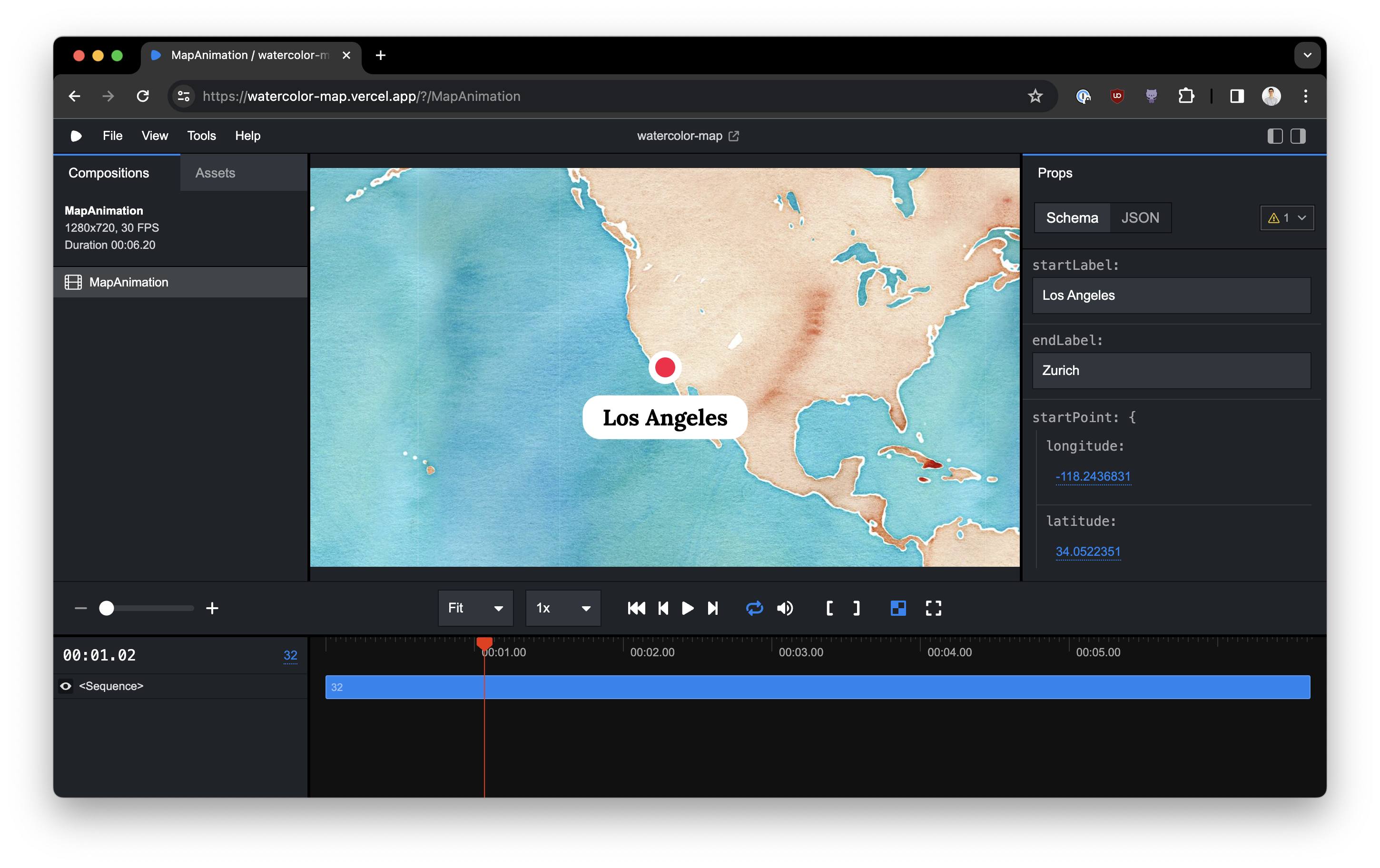
watercolor-map.vercel.app (Template)
Use npx remotion bundle to export the Remotion Studio as a static website. Enter this build command on Vercel, Netlify or another provider to continuously deploy the Studio.
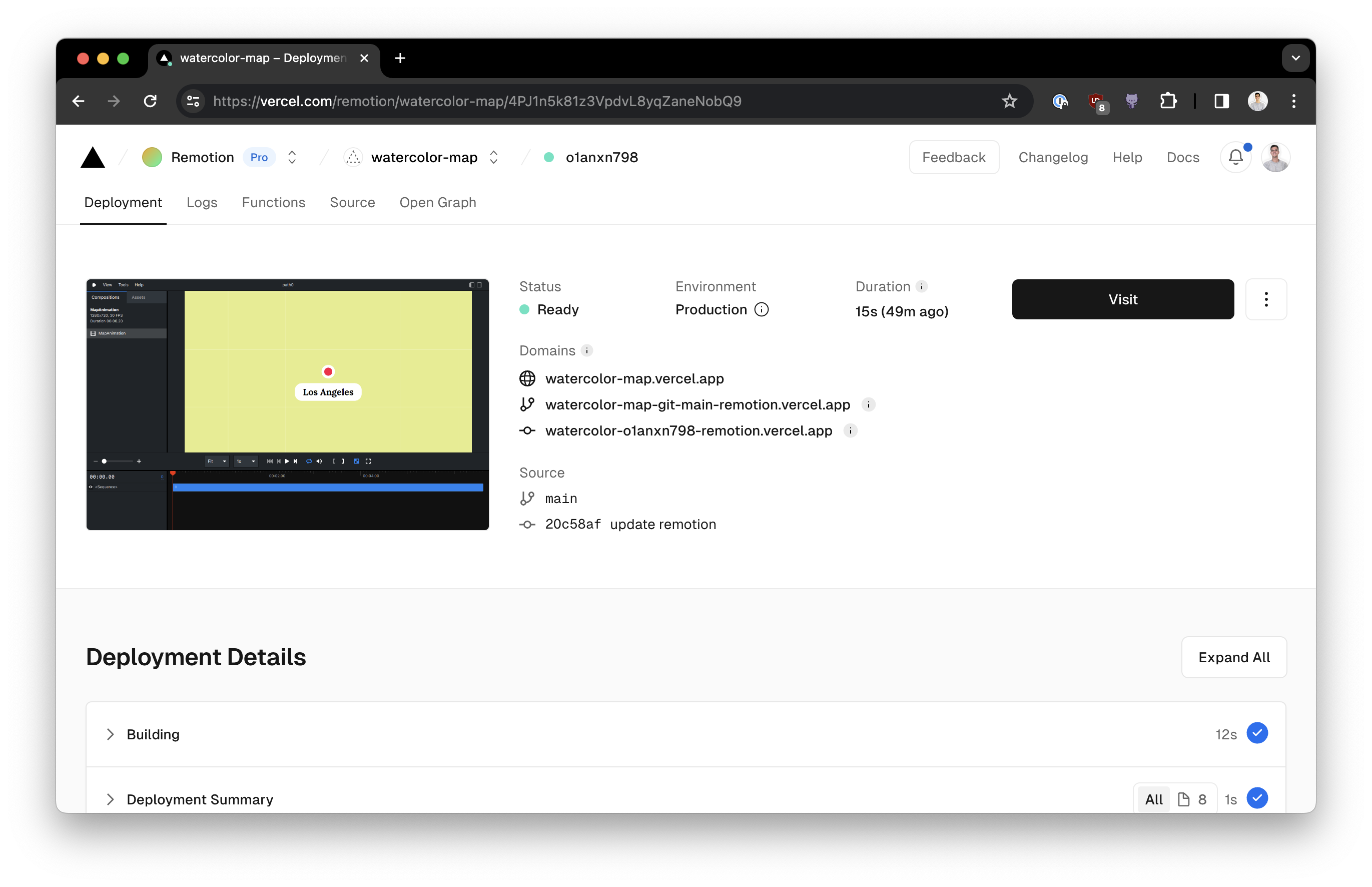
Deploy a template to Vercel in 15 seconds
You may use the URL to render:
npx remotion render https://watercolor-map.vercel.appYou can use --props to parameterize the video.
All render APIs support this: renderMedia(), renderStill(), getCompositions(), renderMediaOnLambda(), renderFrames(), renderStillOnLambda(), getCompositionsOnLambda(), renderMediaOnCloudRun(), renderStillOnCloudRun(), npx remotion render, npx remotion still, npx remotion compositions, npx remotion lambda render, npx remotion lambda still, npx remotion lambda compositions, npx remotion cloudrun render and npx remotion cloudrun still.
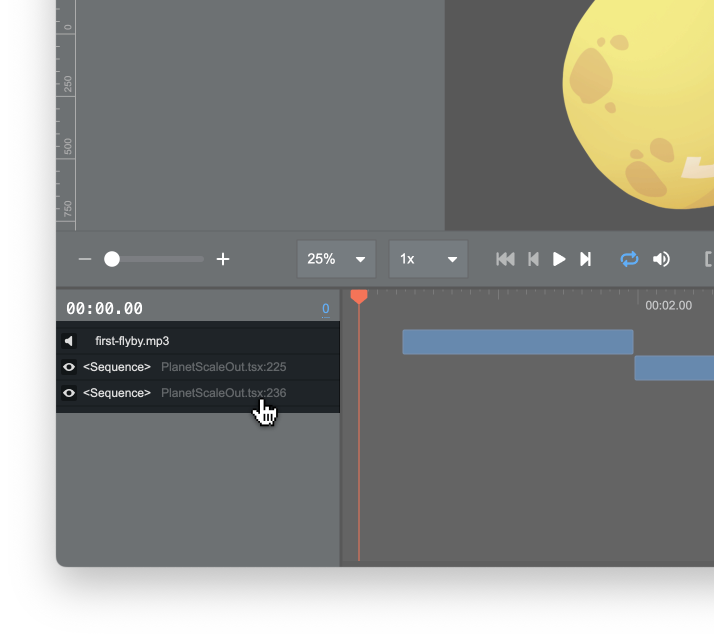
Sequences are mapped back to the original source code. Click on them in the deployed Studio to jump to the source code on GitHub.com!
watercolor-map.vercel.app (Template)
Our templates and examples are deployed as a Studio:
You may also deploy the Remotion Studio as a long-running server, for example on Fly.io or Render.com.
The advantage is that the Render Button stays active, meaning you can render and download videos!
此内容由惯性聚合(RSS阅读器)自动聚合整理,仅供阅读参考。 原文来自 — 版权归原作者所有。