


In this release, we are revamping the Remotion Preview interface to make it easier on the eyes and add new features. While Remotion will always be about leveraging code instead of clicking buttons, we want to add complementary helpers to help you get your videos done faster!
All the actions that can be performed in the editor are now organized in a toolbar at the top, plus we added quick links to resources such as Documentation, Changelog, GitHub, Support options and our social media accounts (follow us over there!).
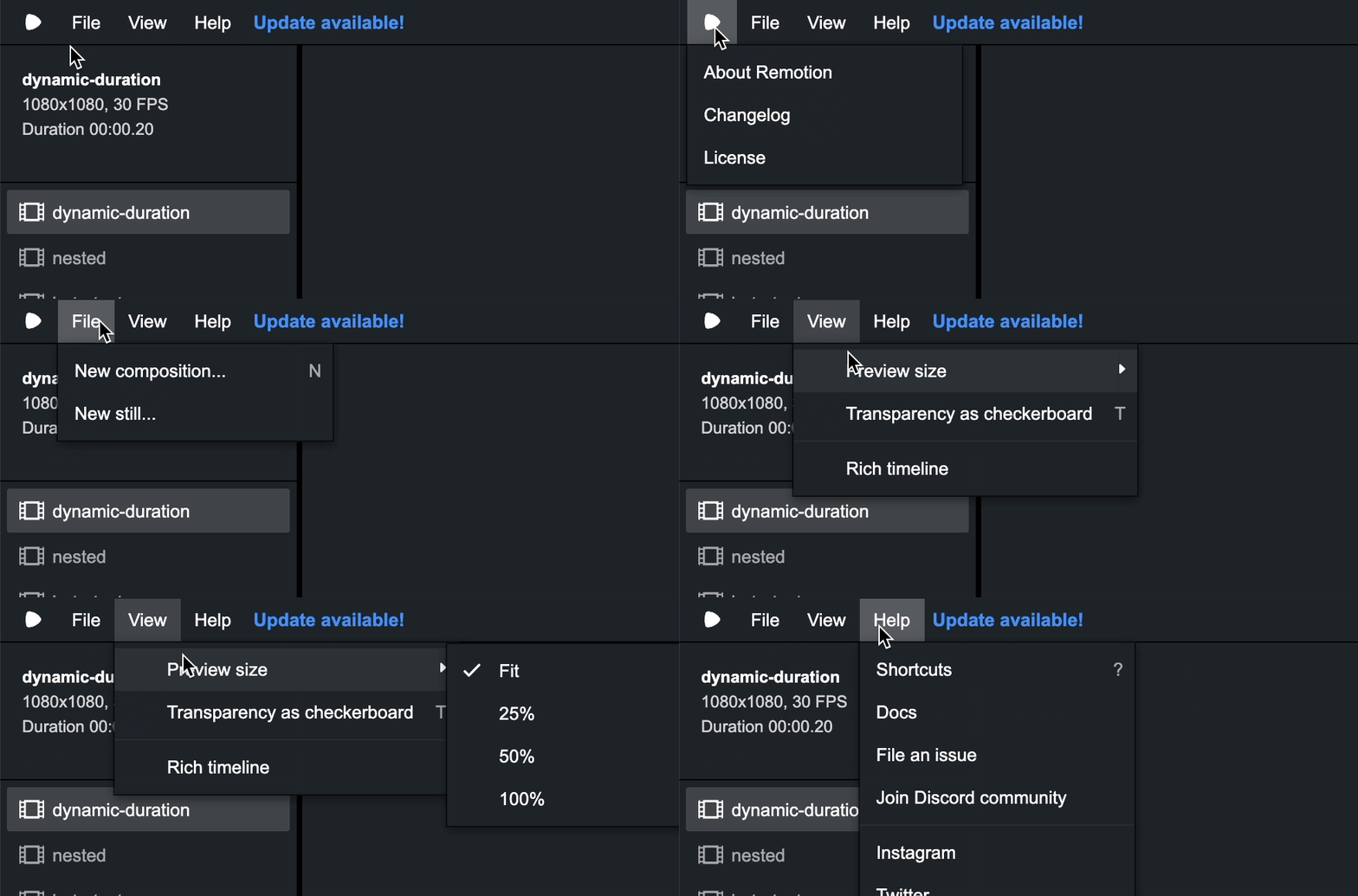
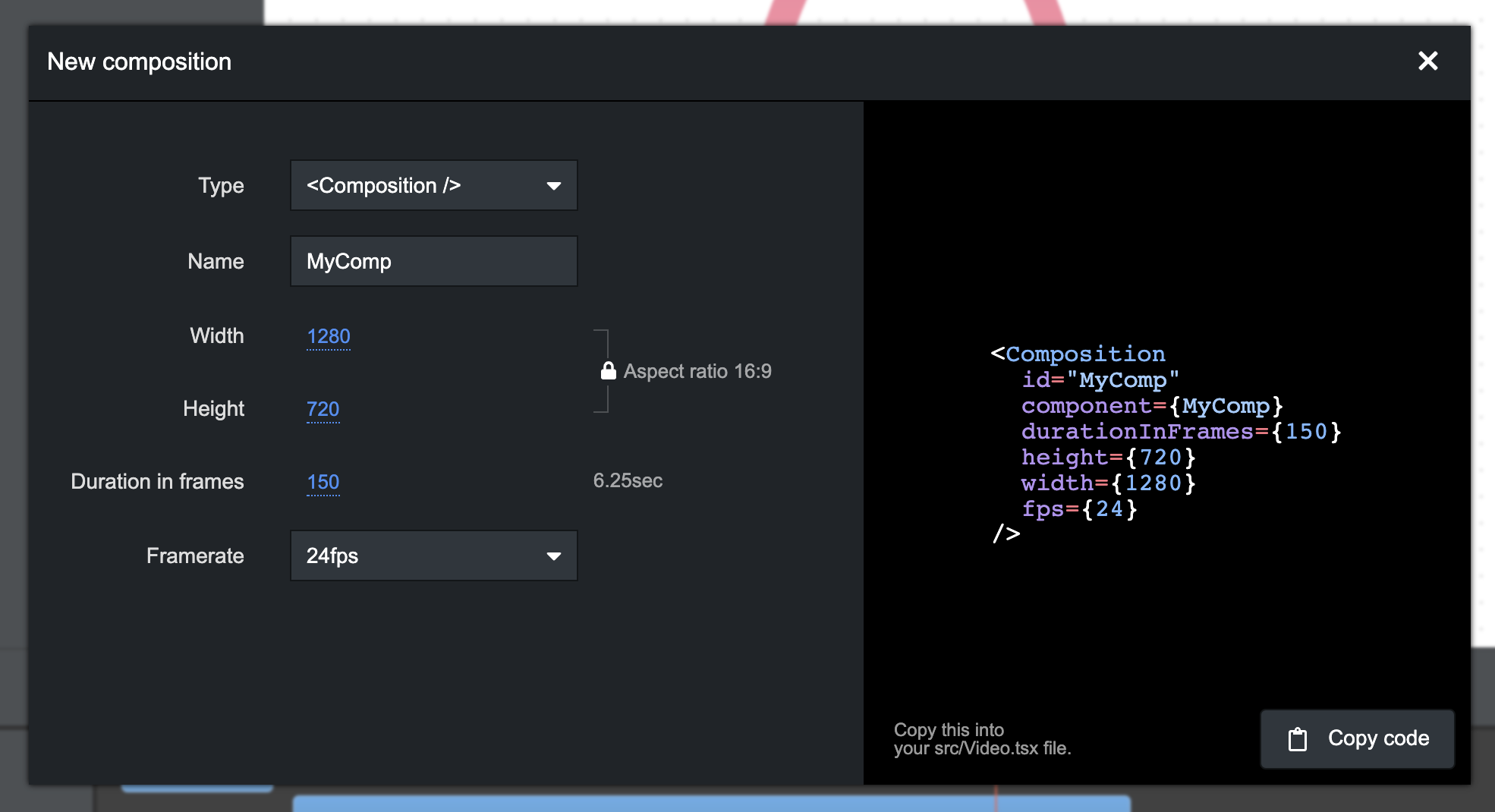
You can press N to bring up a modal that helps you generate code for creating a new <Composition /> or <Still />. Drag the sliders to quickly adjust the dimensions and duration of the video. Lock or unlock the aspect ratio. Click the numbers to enter an exact value. Receive warnings on invalid configuration. Once you are happy with the code, you can click the copy button and paste it in your src/Root.tsx file.
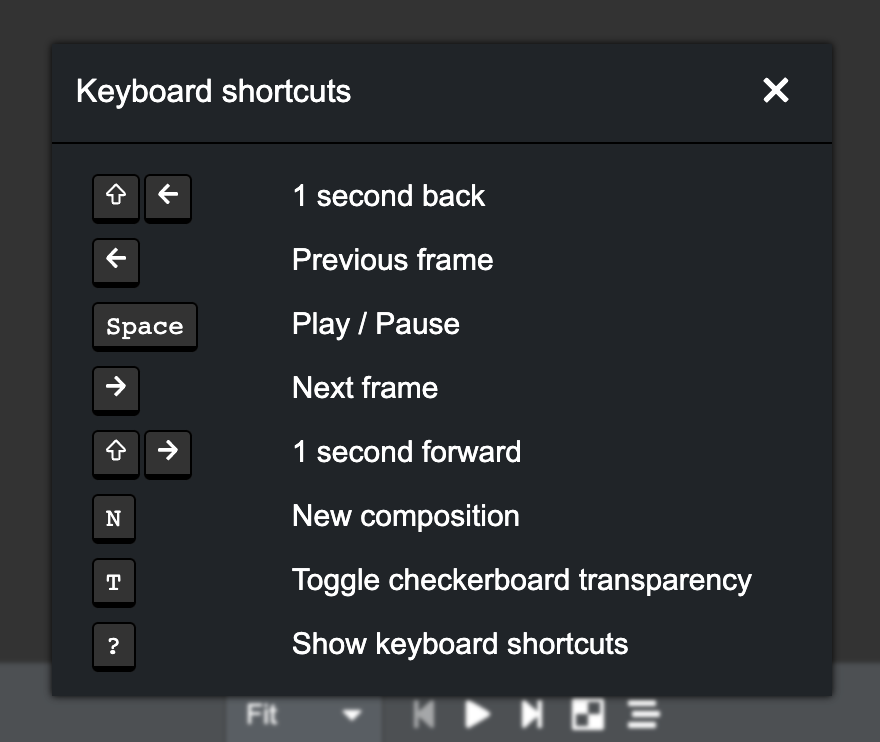
To get an overview of all keyboard shortcuts, you can now press ? to bring up a list of all shortcuts.
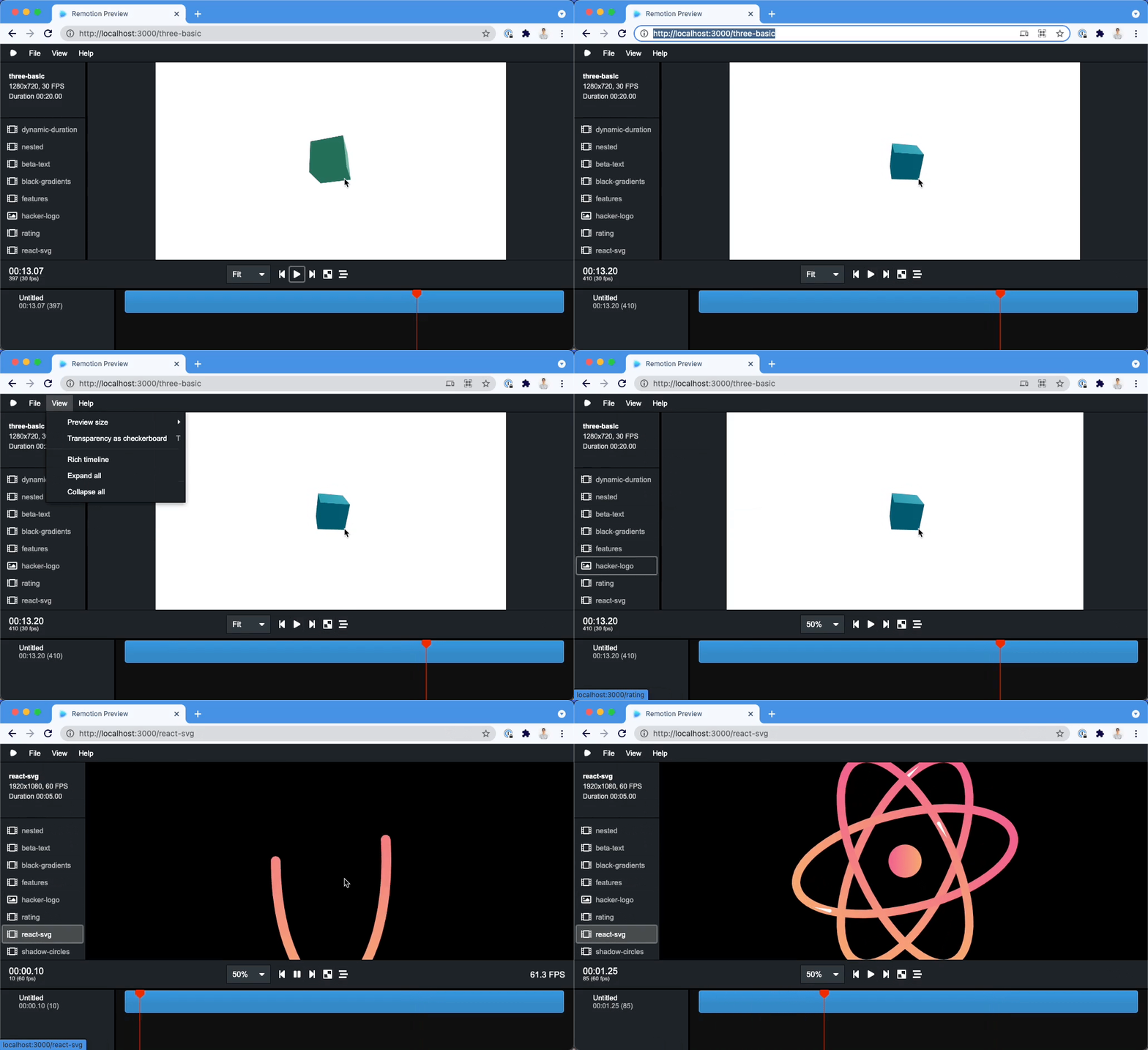
For those true hackers that don't use mouses, we optimized the whole new UI to be usable with just the keyboard. Use the Tab key to focus items, the arrow keys to navigate through menus. Press Enter or Space to click on items. Use Escape to quit modals and menus.
We want to add new features to the Preview, but not bloat Remotion by adding tons of third-party packages that increase startup time and at some point will cause you to fight with your package manager. So we carefully crafted the editor with no dependencies except React and Remotion (which also only has react and react-dom as it's only dependencies).
New <Series /> component: Introduced in 2.3.2, we added a new <Series /> component that helps you layout many sequences in a row. See this post (Instagram | Twitter) for additional infographic explanation!
Better handling for browser autoplay policies: If you use the <Player /> and include audio in it, you might hit a browser limitation where audio cannot be played because of a browsers autoplay policy. Remotion can now avoid some of those scenarios by playing some silent audio when the user actively triggers a play on the Remotion Player. If you then later in the video want to play some audio, Remotion will route that audio to an <audio /> tag that was already playing silent audio and was already freed from the playback restrictions of the browser. You can control the amount of silent audio tags that Remotion should place using the numberOfSharedAudioTags prop.
Better handling of invalid dimensions: It turns out that MP4s can only have even dimensions. So while a 1000x1000px MP4 is completely fine, a 999x999px MP4 is not possible according to the spec. Instead of erroring out when rendering, we now warn you early using a new ESLint rule, and also when you use the "New composition" dialog.
Bug fixed when using frameRange: A one-off error would cause the wrong frames being rendered when using the frameRange option. If you specified a frame range of 0-20, the frames -1 until 19 would be rendered. This is now rectified, if you were reliant on this option, please make sure your video renders as intended after the update!
Component mounts directly at desired frame:
During rendering, previously the browser would always mount the React component at frame 0, and then update the component with the initial frame that should be rendered. This is now changed, so if you are e.g. using the frameRange option to render frames 20-39, your component will now never mount at frame 0 after this update.
We are working on revamping the rendering pipeline and adding more ways to render a Remotion video and plan to release this as a major version bump (v3.0) with some breaking changes. Stay tuned for announcements on how we make Remotion much easier to scale.
此内容由惯性聚合(RSS阅读器)自动聚合整理,仅供阅读参考。 原文来自 — 版权归原作者所有。