







In a prior edition of the Node.js Security newsletter from February I’ve dropped the story on npm binary planting and how this can be abused to trigger a sort of dependency confusion type of attack for executable package, such as those that are running via npx which JavaScript developers are so commonly.
A normal workflow usage of npx is like this:
$ npx nodemon
Need to install the following packages:
nodemon@2.0.22
Ok to proceed? (y)
By doing so, npx expects to either find the one executable pointed to by nodemon and access it by that index, or, and this is where things get weird, it may allow said package to expose several executables that are not necessarily the same as the package name. This is where the binary planting comes into play.
Let’s take a realistic example from the Vue.js ecosystem, per Alex Birsan’s experiment:
bin script named vue-cli-service that is part of the @vue/cli-service package.@vue/cli-service is around 600,000.But now, you can register the package name vue-cli-service if it is freely available on the npm registry for the taking, and by doing so, if you run npx vue-cli-service, it will run your code instead of the one from the @vue/cli-service package, which so many developers would expect to be the one that is actually running.
This is a form of dependency confusion, and it can be exploited to run arbitrary code on the developer’s machine.
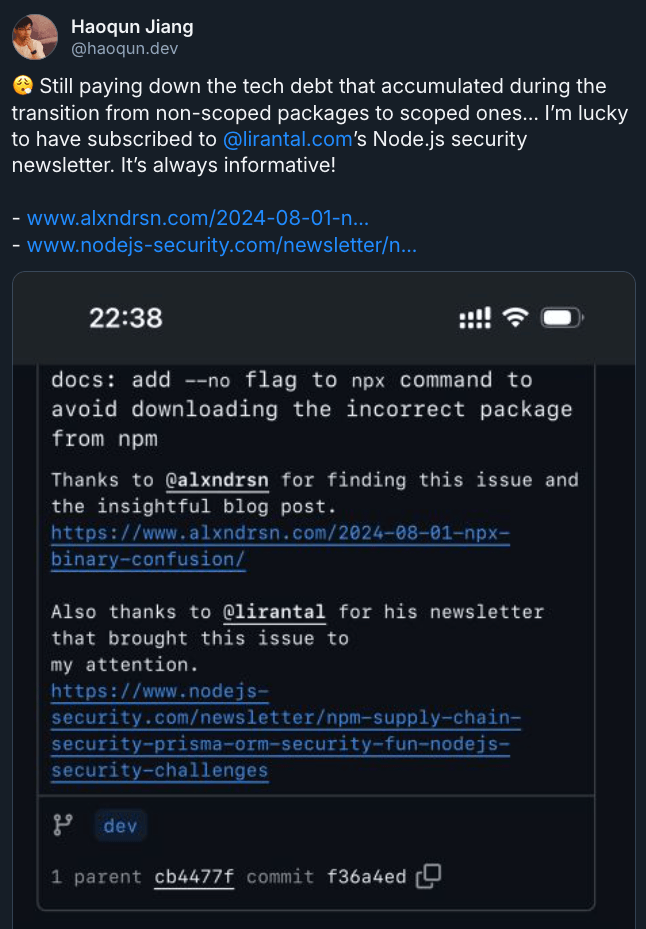
Haoqun Jiang, the core team member of the Vue.js and Vite core teams, has updated the documentation for how to use the Vue CLI to mitigate this security risk.
The fix is to use the --no flag when running npx commands. This flag prevents npx from installing any missing packages, which means that it won’t be able to run any potentially malicious code from a package that has been registered with the same name as an existing package.
Here’s an example:
$ npx --no vue-cli-service
此内容由惯性聚合(RSS阅读器)自动聚合整理,仅供阅读参考。 原文来自 — 版权归原作者所有。