









Building a battery-powered IoT device? Then you'll want to monitor the battery's percentage. Here's how to do it properly.
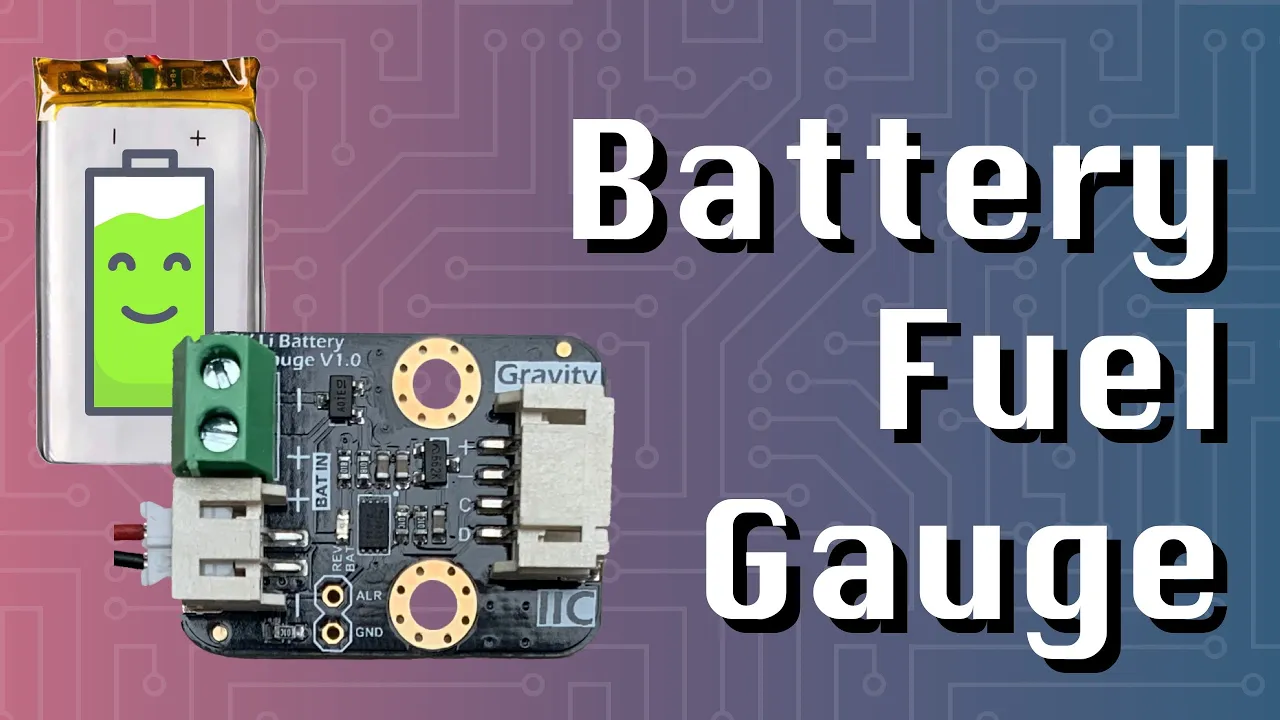
The problem
Many websites tell you to measure the battery level by measuring its voltage. Usually with a voltage divider to bring down the voltage so that an ADC can read it.
But this method is not ideal. First up: it continuously drains the battery (depending on the resistors you use). And secondly, the voltage of Li-ion or LiPo batteries doesn't drop linearly. The voltage drops off quickly in the beginning, stays very stable for a long time, and then suddenly drops low at the end of its life:

It's challenging to convert a measured voltage into a battery percentage.
Fuel Gauge: MAX17043
A better solution is to use a "battery fuel gauge," such as the Maxim Integrated MAX17043 (datasheet).
This tiny chip uses the ModelGauge algorithm to measure a battery's capacity. It doesn't require resistors or calibration.
It works through an i2c interface, and it can report the battery's percentage and voltage. It also has an interrupt pin, so you can have it wake your microcontroller when the battery dips below a certain level.
And even more good news: it's available as a breakout board for DIY projects, such as this one from DFRobot:

Other brands have similar boards: SparkFun / AliExpress.
Wiring it up
Connecting this breakout board to your microcontroller is easy: connect the power output to the VIN of your board and connect the SDA and SCL pins for i2c connectivity.
In real life, that looks like this:

This might look a bit complicated. Here's a simplified schematic that should work regardless of the breakout board you have:
 How to connect a MAX17043 fuel gauge
I'm using a 2000mAh LiPo battery and a LOLIN32 board (ESP32 based), but you can use any microcontroller you'd like, including an Arduino.
Note: Normally, you only have to connect the battery to the fuel gauge, and the fuel gauge to your microcontroller. The fuel gauge will pass along power to the microcontroller. However, in this case, my ESP32 board can't be powered through its pins. It only accepts power over USB or the battery connector. That's why there are 2 additional wires in my setup.
Arduino code
Now that everything is wired up, we can start writing some code. There are several Arduino libraries for the MAX17042:
Both of these will work fine, even with breakout boards from different brands. I'll use the second library.
I'll start by adding it as a dependency to my platformio.ini file:
lib_deps =
    https://github.com/porrey/max1704x
Then, in the Arduino sketch, I'll start by including the library and initializing the sensor:
#include "MAX17043.h"

void setup(){
    Serial.begin(115200);
    FuelGauge.begin();
}
Finally, we can use the loop function to regularly check the battery's percentage and voltage:
void loop() {
    float percentage = FuelGauge.percent();
    float voltage = FuelGauge.voltage();

    Serial.print("Battery percentage: ");
    Serial.print(percentage);
    Serial.println("%");

    Serial.print("Battery voltage: ");
    Serial.print(voltage);
    Serial.println("V");

    delay(1000);
}
That's it! Flash this to your board, and you should see the battery percentage and voltage in the console.
Result
I also did some longer testing with ESPHome. I made a custom component to support the MAX17043 and configured the ESP32 to sleep for 1 hour, measure the battery capacity, send it to Home Assistant, and then sleep again.
So far, it has been running for about 2 weeks, and the battery is still at 66%.


Battery life is highly dependent on the microcontroller you use, how long you let it sleep and how much it consumes during sleep. My particular one (LOLIN32) isn't optimized for low-current during deep sleep, so I have to swap that out for better battery life.
Conclusion
The MAX17043 fuel gauge is fantastic. It's super easy to use and very accurate. I don't understand why so many battery-powered dev boards ship without it.
Can a manufacturer please integrate this chip onto an ESP32 dev board please? Thanks!