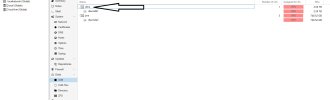
Hello Everyone i have had to reinstall my proxmox host after an accident but all my vms where created on a seperate disk from the disk i had to reinstall proxmox . I am now trying to add my old existing LVM to the new installation. It shows up in the node LVM but not sure how to reattach it and have access to the content. Do i just go to the datacenter and click storage then add it there?
If I remember correctly:
Go to Datacenter > Storage
Click add LVM.
Then you just need to give it the right name, correct node name and the LVM location.
After that it should be accessible again.
EDIT:
Since you reinstalled Proxmox VE and did not have more then one node, all the datacenter configuration will also be wiped/lost.
So you need to add the LVM back to the datacenter so that the datacenter knows about the storage and the assigned node can use it.
when i LVS from the root i get LV as data1 and VGS as alice , so when you say correct name do i have to put the name as data1? And for the node do i have to use the old node name(change the node now olulab to what it was before or can i just leave node name as it is now?)
The name is used as the storage name for Proxmox VE so I would advice to keep the same name as before if possible since the VM config file expect that name. (But changing the name in the VMs config file is also possible, but more of a pain to do.)
The node name should be the (new) node name so that the datacenter knows that that storage is only for that node. (This make sure that if you add a node later that that newer node will not also get that storage since that storage will not exist locally for that later node.)
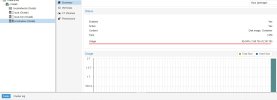
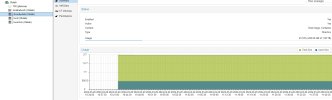
Was your storage usage also 99,04% before reinstalling?
Since a LVM-Thin is created on a LVM volume, and causes the LVM to think it is almost full even though it is not.
Or better say/ask are the VM disk stored as big as they are created or do the VM disk only use the space they need?
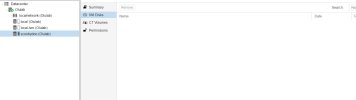
If you go to the VM disk section on the storage, it should list your VM disk files.
But Proxmox VE will not read the VMs itself since it has no config files to do so.
So if you want to read the VMs you need to create new VMs and add the existing VM disks instead of adding a new VM disk.
Could you remove the storage from the datacenter and add it again as LVM-Thin?
Since as far as I know, it should list the VM disks straight away.
So I can only think it should be a LVM-Thin storage since it knows there is data on the disk.
Finally got it to work, i needed to create a mount point and mount it on the host then go to the datacenter then create a directory with it pointing to my mount folder. NOw i can see some data and it is not full.Thanks again for pointing me in the right direction.