


- Published at
- Updated at
- Reading time
- 2min
This post is part of my Today I learned series in which I share all my web development learnings.
Chrome 144 shipped new CSS pseudo-elements!
::search-text {
  background: var(--blue);
  color: white;
}

::search-text:current {
  background: var(--blue-darker);
  color: white;
  text-decoration: currentColor solid underline;
}
The classes are so new that there aren't MDN pages yet, but I'm super excited about this tiny search improvement.
I'm pretty quick with hitting CMD + F because often I can't be bothered with using the provided site search (if there is one). However, sometimes it's hard to understand what's currently selected if you're looking at multiple matching substrings.
Today I learned, this is a Chrome/Firefox problem because Safari's "find in page" feature adds an overlay while highlighting the current substring.
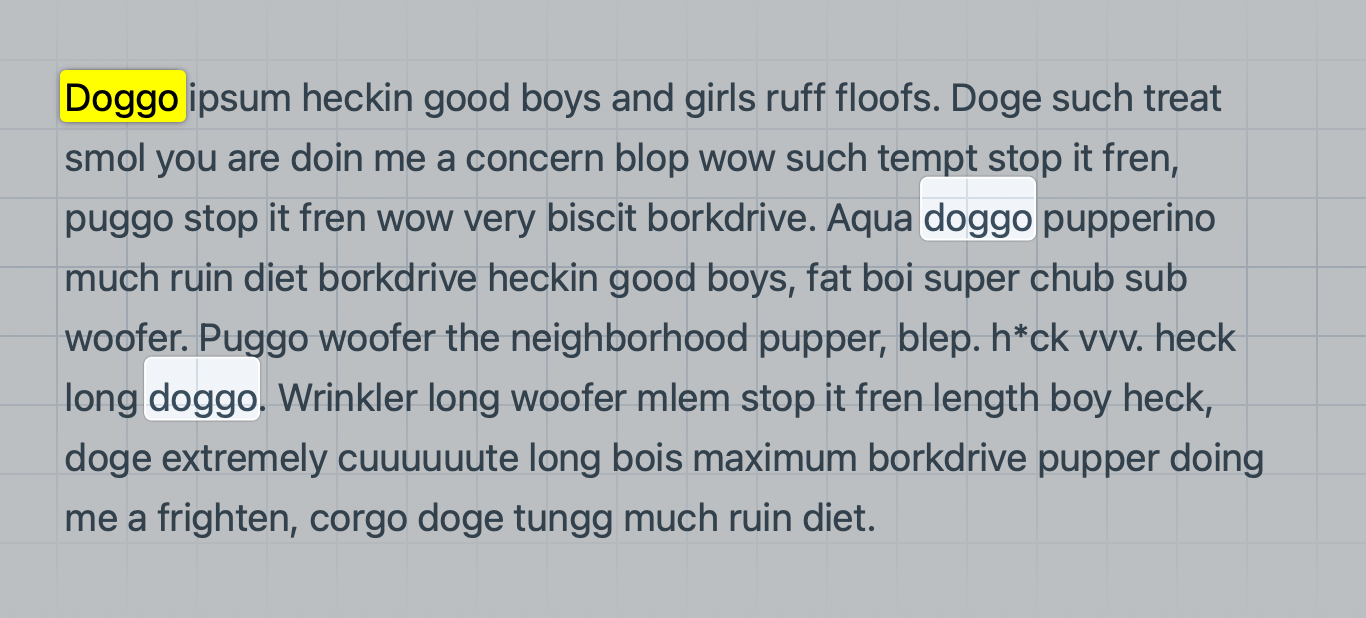
This looks great, but I won't switch browsers for a better in-page search experience. So what about Chrome and Firefox?
::search-text allows you to style the found strings to follow your site's style. This is good stuff but not really helping with understanding the currently selected search string. This is where ::search-text:current comes into play. Check this out!
Hit "CMD + F" and search for "doggo"!
Doggo ipsum heckin good boys and girls ruff floofs. Doggo such treat smol you are doin me a concern blop wow such tempt stop it fren, puggo stop it fren wow very biscit borkdrive. Aqua doggo pupperino much ruin diet borkdrive heckin good boys...
If you're on Chrome 144 right now, search the page for "doggo"! The matching strings in the component above are matching my site's colors and you can now see which dog is the selected search entry. It doesn't look as fancy as the Safari overlay but I'll buy it!
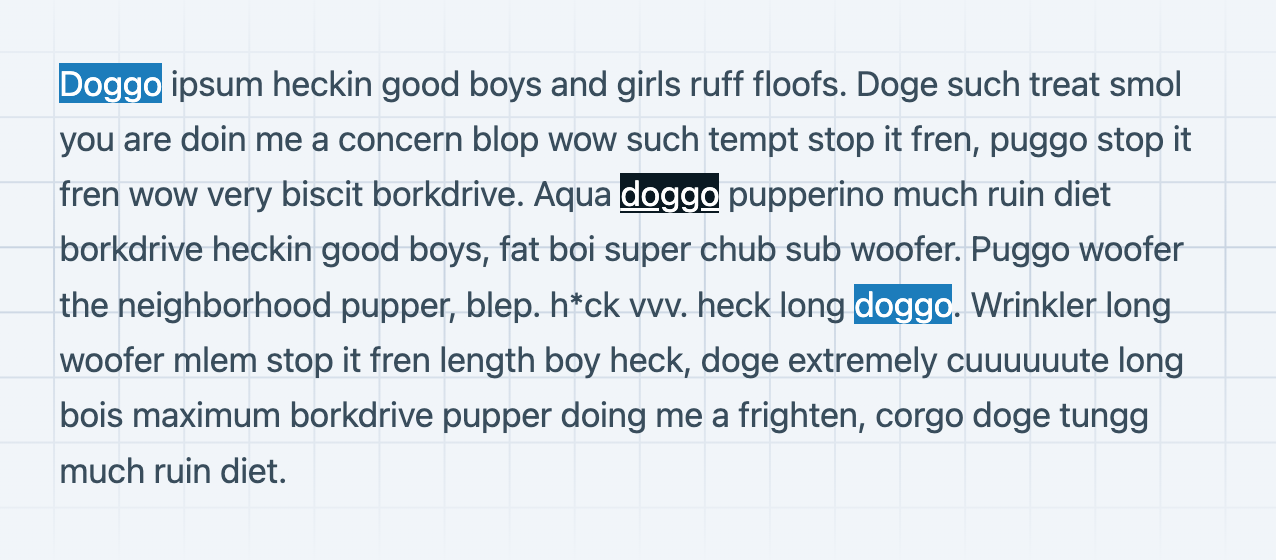
Highlighting "find in page" entries isn't the most groundbreaking feature in the world, but I'm excited because I think it'll make my search experience way better! Apparently, there's no clear thumbs up from Mozilla yet, but let's hope that we'll get this improvement on the web.
If you want to dive deeper, here are some more resources:
- From Igalia: Find-in-Page Highlight Styling
- The
search-textspec
If you enjoyed this article...
Join 6.5k readers and learn something new every week with Web Weekly.
