






For OpenFreeMap, I'm using servers behind Round Robin DNS. In this article, I'm trying to understand how browsers and CDNs select which one to use.
Normally, when you are serving a website from a VPS like Digital Ocean or Hetzner, you add a single A record in your DNS provider's control panel.

This means that rr-direct.hyperknot.com will serve data from 5.223.46.55.
In Round Robin DNS, you specify multiple servers for the same subdomain, like this.

This allows you to share the load between multiple servers, as well as to automatically detect which servers are offline and choose the online ones.
It's an amazingly simple and elegant solution that avoids using Load Balancers. It's also free, and you can do it on any DNS provider, whereas Load Balancing solutions can get really expensive (even on Cloudflare, which is otherwise very reasonably priced).
I became obsessed with how it works. I mean, on the surface, everything is elegant, but how does a browser decide which server to connect to?
In theory, there is an RFC 8305 called Happy Eyeballs (also linking to RFC 6724) about how the client should sort addresses before connecting.
Now, this is definitely above my experience level, but this section seems like the closest to answering my question:
If the client is stateful and has a history of expected round-trip times (RTTs) for the routes to access each address, it SHOULD add a Destination Address Selection rule between rules 8 and 9 that prefers addresses with lower RTTs.
So in my understanding, it's basically:
Checking if servers are online/offline
Sort the online ones according to ping times
Let's see how it works in practice.
I created 3 VPSs around the world: one in the US, one in the EU, and one in Singapore. I made 3 proxied and 3 non-proxied A records in Cloudflare.
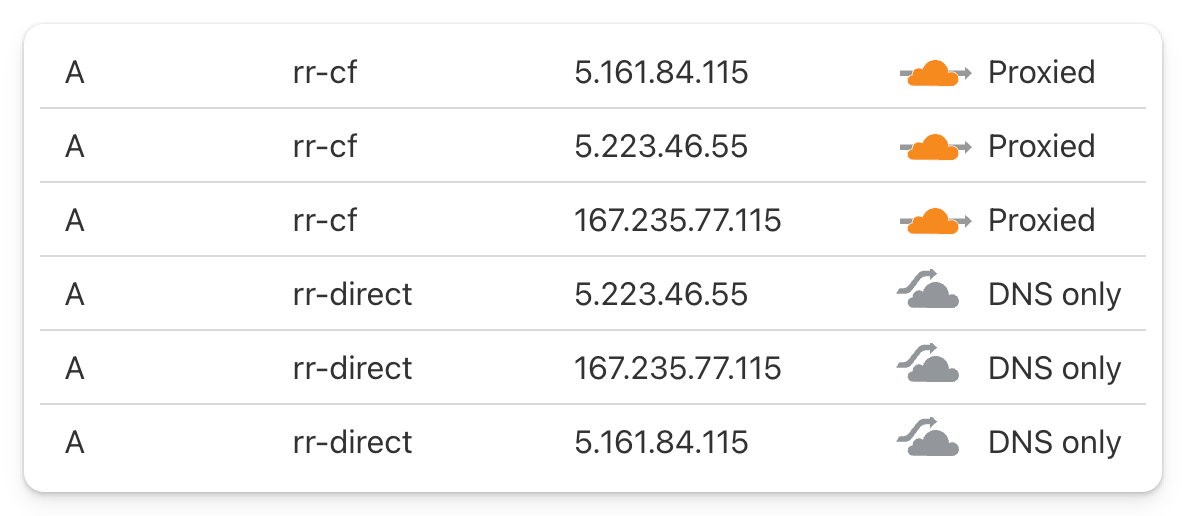
They run nginx with a config like this:
server {
    server_name rr-direct.hyperknot.com rr-cf.hyperknot.com;

    # this is basically a wildcard block
    # so /a/b/c will return the same color.png file
    location / {
        root /data;
        rewrite ^ /color.png break;
    }

    location /server {
        alias /etc/hostname;
        default_type text/plain;
    }
}
So they serve a color.png, which is a 1px red/green/blue PNG file, as well as their hostname, which is test-eu/us/sg.
I made a HTML test page, which fills a 10x10 grid with random images.
The server colors are the following:
US - green
EU - blue
SG - red
Important: I'm testing from Europe; the EU server is much closer to me than US or especially the SG one. I should be seeing blue boxes!
Chrome selects somewhat randomly between all locations, but once selected, it sticks with it. It re-evaluates the selection after a few hours. In this case, it was stuck with SG for hours, even though it is by far the slowest server for me.
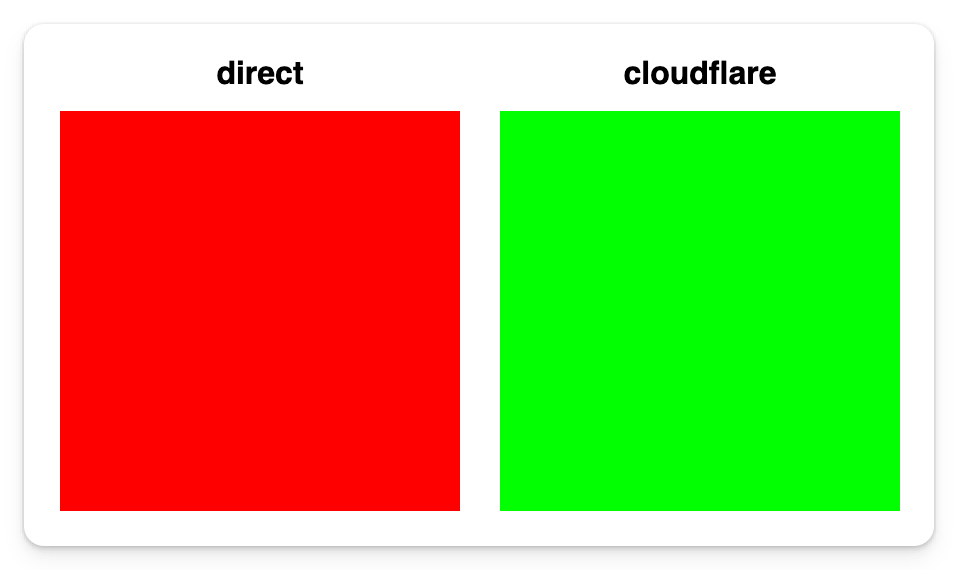
Also, an interesting behavior on Chrome was when not using HTTP/2: it can sometimes choose randomly between two servers, creating a pattern like this. Here it's choosing between EU and US randomly.

Behaves similarly to Chrome, selects a location randomly on startup and then sticks with it. If I restart the browser, it picks a different random location.
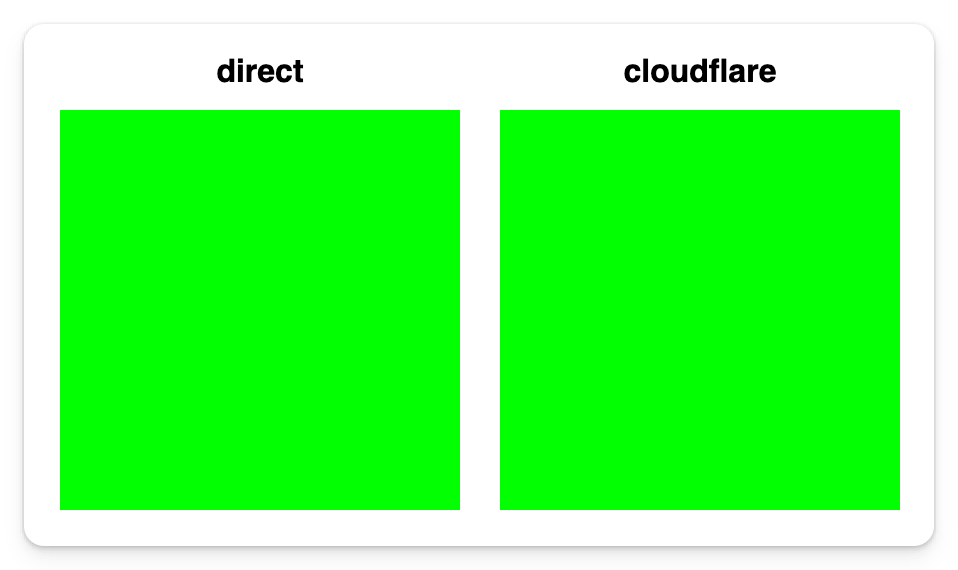
To my biggest surprise, Safari always selects the closest server correctly. Even if it goes offline for a while, after a few refreshes, it always finds the EU server again!
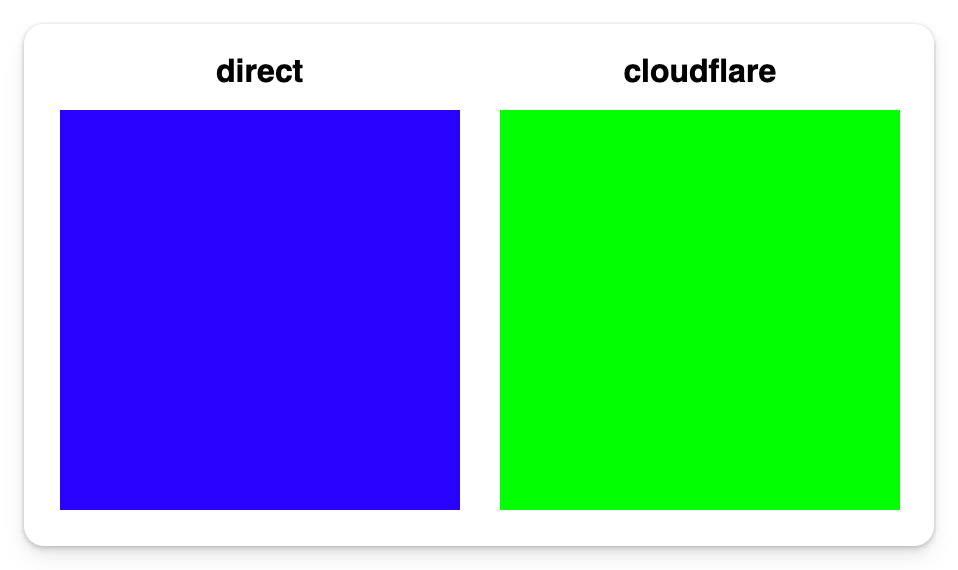
Curl also works correctly. First time it might not, but if you run the command twice, it always corrects to the nearest server.
If you have multiple VPSs around the world, try this command via ssh and see which one gets selected:
curl https://rr-direct.hyperknot.com/server
test-us

curl https://rr-direct.hyperknot.com/server
test-eu
Cloudflare picks a random location based on your client IP and then sticks with it. (It behaves like client_ip_hash modulo server_num or similar.)
As you have seen in the images, the right-side rectangle is always green. On my home IP, no matter what I do, Cloudflare goes to the US server. Curl shows the same.
curl https://rr-cf.hyperknot.com/server
test-us
Now, if I go to my mobile hotspot, it always connects to the EU server.
If I log into some VPSes and run the same curl command, I can see this behavior across the world. Every VPS gets connected to a totally random location around the world, but always the same.
curl https://rr-cf.hyperknot.com/server
test-sg
So what happens when one of the servers is offline? Say I stop the US server:
service nginx stop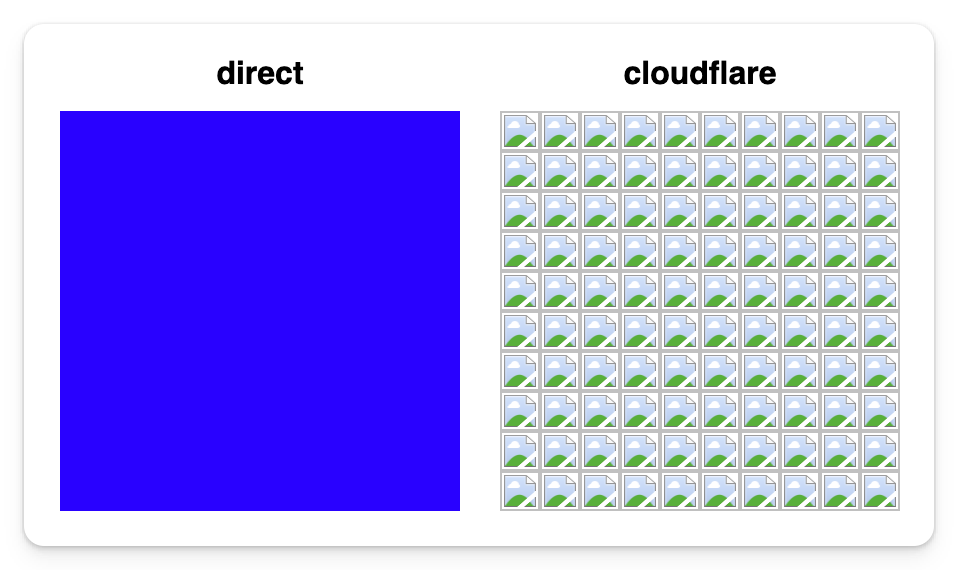


curl https://rr-direct.hyperknot.com/server
test-eu
As you can see, all clients correctly detect it and choose an alternative server.
Actually, they do this fallback so well that if I turn off the server while they are loading, they correct within < 1 sec! Here is an animation of the 50x50 version of the same grid, on Safari:
And what about Cloudflare? As you can see in the screenshots above, Cloudflare does not detect an offline server. It keeps accessing the server it decided for your IP, regardless of whether it's online or offline.
If the server is offline, you are served offline. In curl, it returns:
curl https://rr-cf.hyperknot.com/server
error code: 521
I've been trying to understand what this behavior is, and I highly suspect it's a bug in their network. One reference I found in their documentation is this part:

Based on this documentation - and by common sense as well - I believe Cloudflare should also behave like browsers and curl do.
At the very least, offline servers should be detected.
Moreover, it would also be really nice if the server with the lowest latency were selected, like in Safari!
I mean, currently, if you have one server in the US and one in New Zealand, exactly 50% of your US users will be served from New Zealand, which makes no sense. Also, for Safari users, it's actually slower compared to not using Cloudflare!
There is a HN discussion now, where both the CEO and the CTO of Cloudflare replied!
Note 1: I've tried my best to understand articles 1, 2, 3 which Matthew Prince pointed out to me on X. As I understand, they are referring to Cloudflare servers as "servers", not users' servers behind A records. Also, I couldn't find anything related to Round Robin DNS.
Note 2: If you have any idea how I can keep running this experiment without paying for 3 VPS-es around the world, please comment below. I'd love to keep it running. Is there a serverless platform that supports HTTPS and Round Robin DNS?