









It turns out that Cluely doesn't really work. Or at least doesn't really work all of the time. It advertises that it hides itself from all meeting software, so I built a proof-of-concept in Swift that mirrors this behavior so we can dive a bit deeper into its failure modes.
The core takeaway: macOS only gives us the power to hide windows for legacy window-capture APIs like CGWindowListCreateImage(). Modern screen recorders including QuickTime, Zoom, OBS, and apps using ScreenCaptureKit capture the final composited display output and are unaffected by these techniques. As an Apple Engineer clarified:
Virtually all screen recording/remote control apps operate below the window level, which means kCGWindowSharingState has no effect.
Damn hardware accelerated compositor. In other words - here be dragons.
macOS organizes windows in a strict hierarchy of levels. These are basically the z-index layers for the entire operating system. Every window belongs to a specific level that determines its stacking order relative to other windows.1
Here are the enums that define the common levels of windows:
NSWindow.Level.normal (level 0)NSWindow.Level.floating (level 3)NSWindow.Level.modalPanel (level 8)NSWindow.Level.mainMenu (level 24)These are in the ascending order of the disruptiveness that we expect: floating palettes above normal windows, but the main menu above all. But there are higher levels designed for system-critical functions.
The level we'll experiment with is .assistiveTechHighWindow with CGWindowLevelForKey. This returns a very high z-index level designed for assistive technology overlays.
My implementation in the video above really boils down to two functions: one to make the window visible to screen recording, and another to hide it.
func makeVisible() {
    guard let window = window else { return }
    isVisible = true

    // Reset to normal floating window behavior
    window.sharingType = .readOnly
    window.level = .floating
    window.collectionBehavior = [.canJoinAllSpaces, .stationary]

    window.makeKeyAndOrderFront(nil)
    window.orderFrontRegardless()
}

func makeInvisible() {
    guard let window = window else { return }
    isVisible = false

    // Use assistive technology window level - note: this has no documented
    // capture protection properties, just a very high z-index
    window.level = NSWindow.Level(rawValue: Int(CGWindowLevelForKey(.assistiveTechHighWindow)))
    window.collectionBehavior = [.canJoinAllSpaces, .stationary, .ignoresCycle]
    window.sharingType = .none

    window.makeKeyAndOrderFront(nil)
    window.orderFrontRegardless()
}
The window.sharingType = .none prevents legacy window-capture APIs from reading the window content. They'll see a black rectangle instead.
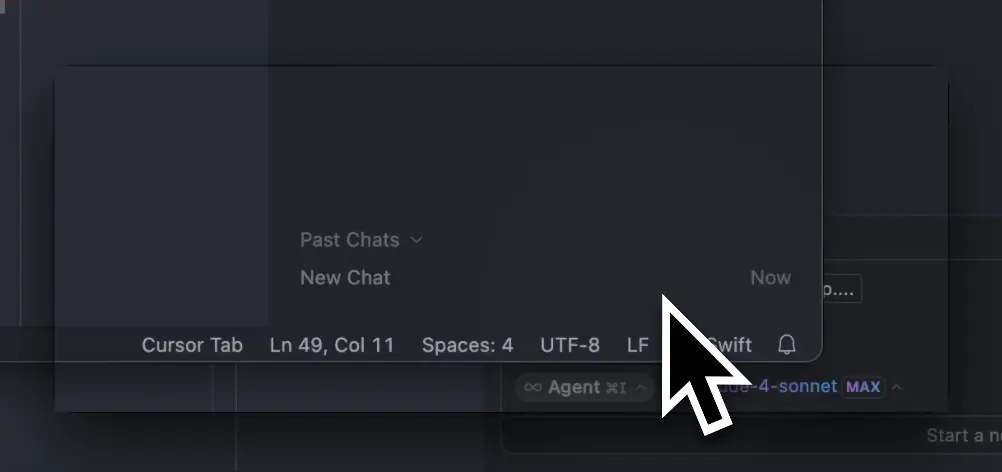
To fully hide this black rectangle, we need to set the window layer to the higher value. Once you do this, the full window disappears.
The UI itself is straightforward SwiftUI with a twist: we need to bridge between SwiftUI's declarative interface and AppKit's imperative window management.
@main
struct FloatingWindowApp: App {
    @StateObject private var windowController = FloatingWindowController()

    var body: some Scene {
        WindowGroup {
            ContentView()
                .environmentObject(windowController)
        }
        .windowStyle(.hiddenTitleBar)
        .windowResizability(.contentSize)
        .defaultPosition(.topLeading)
    }
}
The FloatingWindowController class manages the NSWindow reference and window state:
class FloatingWindowController: ObservableObject {
    @Published var isVisible = true
    private var window: NSWindow?

    func setWindow(_ window: NSWindow) {
        self.window = window
        configureWindow()
    }

    private func configureWindow() {
        guard let window = window else { return }

        // Configure for floating behavior
        window.level = .floating
        window.collectionBehavior = [.canJoinAllSpaces, .stationary]
        window.isMovableByWindowBackground = true
        window.backgroundColor = NSColor.clear
        window.isOpaque = false
        window.hasShadow = true

        window.orderFrontRegardless()
    }
}
The @Published property triggers SwiftUI updates when visibility changes, and orderFrontRegardless() ensures the window stays on top regardless of which application has focus. The bridge between SwiftUI and the underlying NSWindow happens in the view's onAppear:
struct ContentView: View {
    @EnvironmentObject var windowController: FloatingWindowController

    var body: some View {
        // ... UI implementation ...
        .onAppear {
            if let window = NSApplication.shared.windows.first {
                windowController.setWindow(window)
            }
        }
    }
}
This retrieves the first (and only) window from the application and hands it to our controller. From that point, we have full AppKit control over window behavior while maintaining SwiftUI's reactive UI updates.
The technique reveals how macOS separates different types of screen capture2:
When applications use legacy APIs like CGWindowListCreateImage(), the system:
CGWindowListCopyWindowInfo()kCGWindowSharingState flag (set via NSWindow.sharingType)sharingType = .none or renders them as black rectanglesMost modern screen recording operates differently:
Cluely pitches itself as being undetectable:
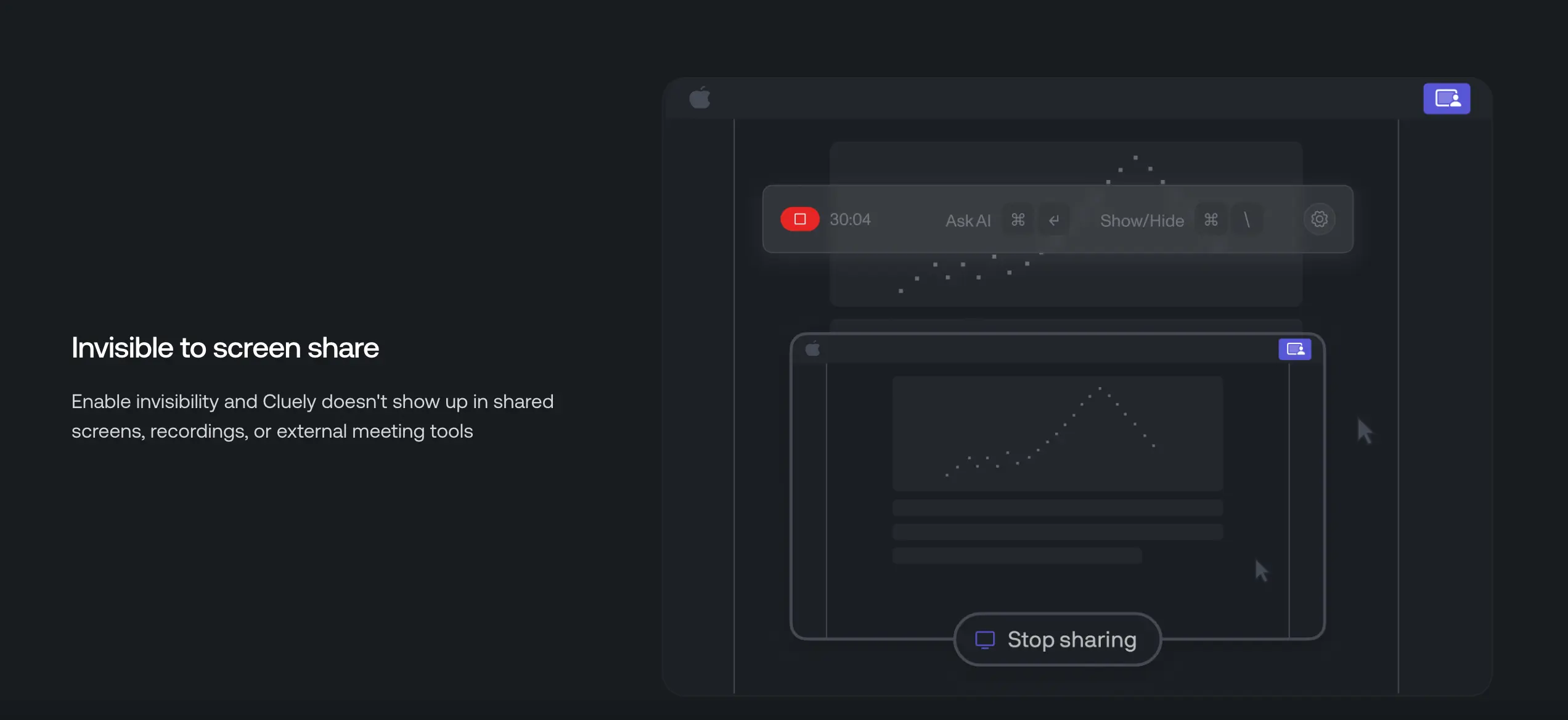
Reports came in after a recent Zoom update that you might be out of luck on that score. I suspect Zoom just upgraded to using CaptureKit - perhaps in part to thwart apps like Cluely?
Google Chrome however still uses the old APIs so any web sharing through the browser can still circumvent these protections. Chromium has a feature flag as part of ticket #40219528 that supports the new APIs. It just isn't the default behavior quite yet because of a few outstanding Sonoma bugs.
It gets to a deeper truth, though. If you don't fully control the system you can't really rely on these hacks to provide any kind of strong guarantees. Cheating is a dubious art for a reason. It might just get you rejected from a job application instead of put into detention.
There's some amazing (though unverified) story of one of the original Apple window engineers getting into a car accident right as they cracked the code for the windowing layer. When they came-to in the hospital they started talking about the algorithm. ↩
Tested on macOS Sequoia 15. NSWindowSharingNone is already marked as legacy by Apple, and I imagine future versions may further limit or remove this behavior. ↩
此内容由惯性聚合(RSS阅读器)自动聚合整理,仅供阅读参考。 原文来自 — 版权归原作者所有。