


Recently I came across Now, I’m in IndieWeb? ↗ and learned about webmentions. I found the concept very interesting and decided to join the webmentions community for my blog.
What Are Webmentions#
Webmentions are a way for websites to communicate with each other and notify each other when they link to each other’s content. This allows for a more interactive and connected online community, where websites can engage with each other and their users in real-time.
To join the webmentions community and start receiving notifications when other websites link to your content, you need to take the following steps:
-
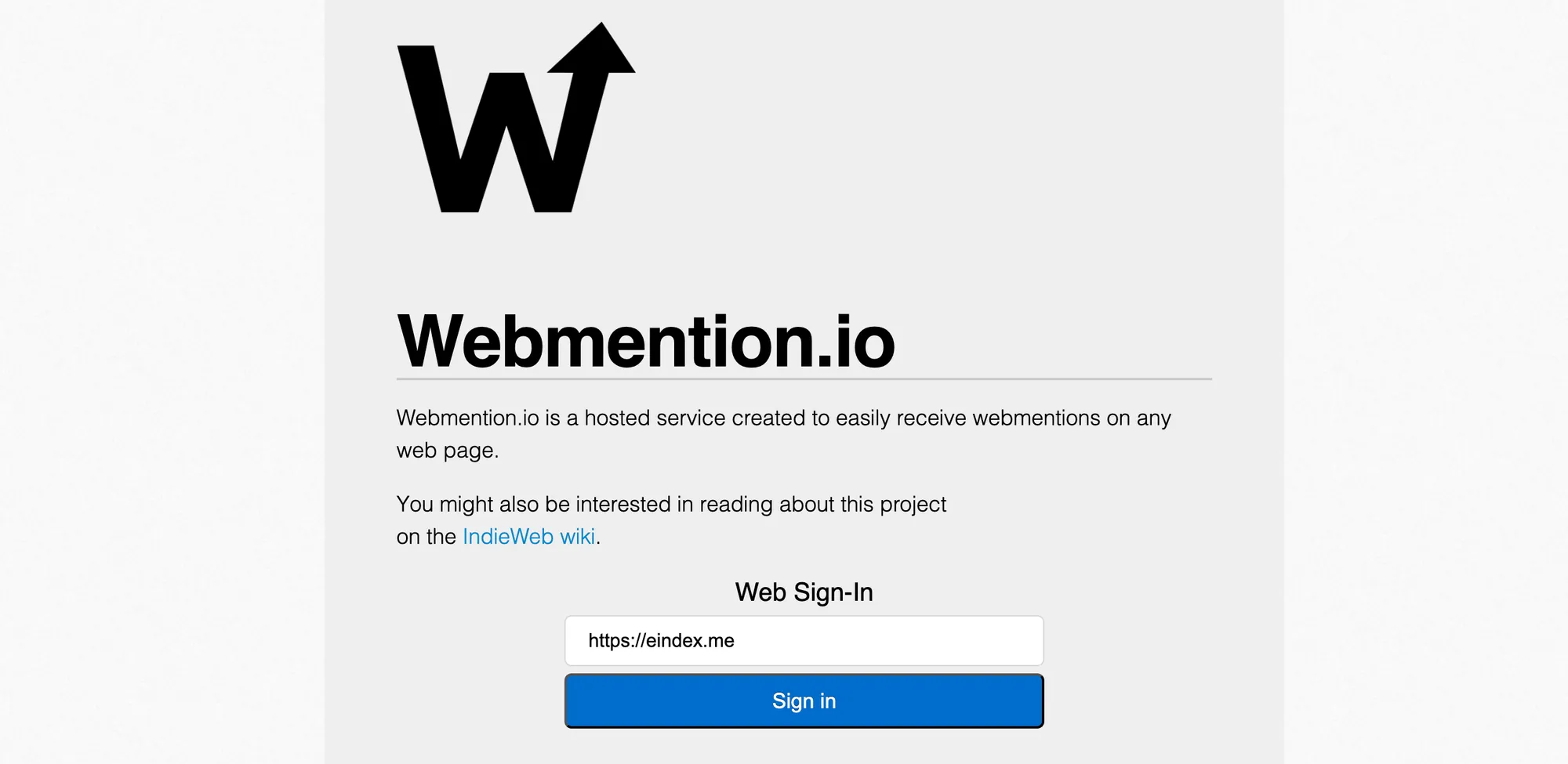
Register your website with a webmention service, such as webmention.io. This will allow your website to receive webmentions from other sites and also enable you to send webmentions to other sites when you link to them. To do this, you can add the following HTML code to your website:
<link rel="webmention" href="https://webmention.io/eindex.me/webmention" />
<link rel="pingback" href="https://webmention.io/eindex.me/xmlrpc" />
html
-
Make sure your website follows the microformats2 ↗ standard. This may require some effort, but it is important for ensuring that your website can properly send and receive webmentions. You can use a tool like IndieWebify.Me ↗ to check if your website is using microformats2 correctly. You may also want to use a tool like
ngrokorcloudflare tunnelto debug your website locally, which can save you time. -
Start sending and receiving webmentions on your website. Once your website is registered with a webmention service and you have tested your implementation, you can start using webmentions on your site. Whenever you link to another website, you can send a webmention to notify them of your link. And whenever someone else links to your website, you can receive a webmention notification and display that link on your site.
-
Consider using tools like Github actions and JavaScript scripts to automate the process of sending and receiving webmentions. This is particularly useful for static websites. For example, you can store your webmentions in a
webmentionsbranch on Github, and use a workflow file like this to fetch webmentions and send your webmentions, you also can check my implement ↗ for this blog:name: Fetch Webmentions on: schedule: - cron: "0 0 * * *" jobs: fetch_webmentions: runs-on: ubuntu-latest steps: - uses: actions/checkout@v2 with: ref: webmentions - name: Fetch Webmentions run: node pipeline/webmentions.js - name: Send Webmetnions run: node pipeline/send-webmentions.jsyaml
By following these steps, you can join the webmentions community and start enjoying the benefits of more interactive and engaging communication with other websites and their users.
e
There are many potential benefits to joining the webmentions community and implementing webmentions on your website. Some of the potential benefits include:
- Increased engagement and connectivity with other websites and theirusers. By receiving notifications when other websites link to your content and being able to notify other websites when you link to them, you can foster a more interactive and connected online community. This can lead to increased traffic and potentially even more opportunities for collaboration and engagement.
- Improved communication and collaboration with other websites. Webmentions allow for real-time communication between websites, which can be helpful for coordinating efforts and staying up-to-date with the latest developments in the webmentions community.
- The ability to participate in the evolving web ecosystem. Webmentions are a form of “web 3.0” where websites are more interconnected and interactive than in the past. By joining the webmention community, you can be part of this evolving web ecosystem and potentially benefit from new opportunities and connections that arise.
Of course, joining the webmention community does require some effort and resources, so it may not be the right decision for everyone. But for many website owners, the potential benefits of joining the webmention community may outweigh the challenges, making it a worthwhile investment.
Conclusion#
In this beginner’s guide, we’ve covered the steps involved in joining the webmentions community and implementing webmentions on your website. By following these steps, you can join the webmentions community and start enjoying the benefits of more interactive and engaging communication with other websites and their users. While there are some challenges and resources required to join the webmention community, the potential benefits may outweigh the challenges for many website owners.