








NOTE: This is historical content that may contain outdated information.
Why Should I Backup My Data Using Replication?
Organizations should always replicate their valuable data. Historically, many organizations have had to either pay for storage backup plugins or purchase third-party solutions to backup their data, which can be expensive and complex solutions. Thankfully, TrueNAS includes support for snapshots and data replication at no additional cost. These features allow administrators to restore data within a reasonable time frame, which is critical to business continuity.
In addition to snapshots and data replication, TrueNAS benefits from the many OpenZFS data integrity features. One of the major design goals of OpenZFS focuses on protecting user data against phantom writes, silent data corruption, firmware bugs, driver issues, accidental overwrites, and more. You can read more about how TrueNAS protects your data here.
1. Using TrueNAS Snapshots
TrueNAS uses the OpenZFS file system, which supports read-only file system snapshots. Snapshots create pointers to the blocks that existed when the snapshot was created and do not use additional physical blocks. Initially, snapshots consume no extra space in the storage pool and OpenZFS creates them instantaneously. OpenZFS uses snapshots to save the state of a file system at a particular point in time and allows the file system to roll back to exactly the same state. OpenZFS snapshots intelligently store only incremental block-level deltas. This means that when large files change slightly, such as virtual machine disks, only the changed blocks are saved and replicated. You can create multiple snapshot jobs for the same file system with different schedules and retention policies as well.Additionally, TrueNAS integrates with VMware VAAI to create consistent snapshots of virtual machines. Without this integration, you must manually quiesce each virtual machine to capture the memory state before taking a snapshot. Additionally, without quiescing, the snapshot captures inconsistent disk states. TrueNAS automatically quiesces VMware virtual machines right before taking a snapshot using VAAI to ensure consistent snapshot images.
Additionally, TrueNAS issues API calls to ESXi hosts to take consistent snapshots of virtual machines. Without this functionality, you must manually quiesce each virtual machine to capture the memory state before taking a snapshot. Additionally, without quiescing, the snapshot captures inconsistent disk states. TrueNAS automatically quiesces VMware virtual machines right before taking a snapshot to ensure consistent snapshot images.
2. Local Data Replication
Replication gives you a copy of the data on a different set of hard drives. Ideally, you want to replicate the source file system or block volume to a remote system, however, you can still reliably replicate to other disks or another pool on the same system. While local replication does not protect you from a local failure, such as fire or flood, it does provide another easily accessible copy of the data. This post discusses local replication. See my previous blog post “4 Things About TrueNAS Replication Your Boss Wants To Know” to learn more about remote replication. There are a few ways to locally replicate data with TrueNAS. You can configure the file system to automatically create additional copies of files by changing the copy (e.g. copies=2) parameter on a specific file system. Alternately, you can create multiple pools on the same system and replicate to a different storage pool. Since copies=2 is not in the GUI and is not typically used, it is recommended to replicate to a different storage pool. This method provides some added redundancy since it uses a completely different set of physical hard drives. Additionally, replicating to a different storage pool allows you to physically move its storage hard drives to another TrueNAS appliance in the future, and setup remote replication – continuing to replicate from the last snapshot delta.
There are a few ways to locally replicate data with TrueNAS. You can configure the file system to automatically create additional copies of files by changing the copy (e.g. copies=2) parameter on a specific file system. Alternately, you can create multiple pools on the same system and replicate to a different storage pool. Since copies=2 is not in the GUI and is not typically used, it is recommended to replicate to a different storage pool. This method provides some added redundancy since it uses a completely different set of physical hard drives. Additionally, replicating to a different storage pool allows you to physically move its storage hard drives to another TrueNAS appliance in the future, and setup remote replication – continuing to replicate from the last snapshot delta.
Conclusion
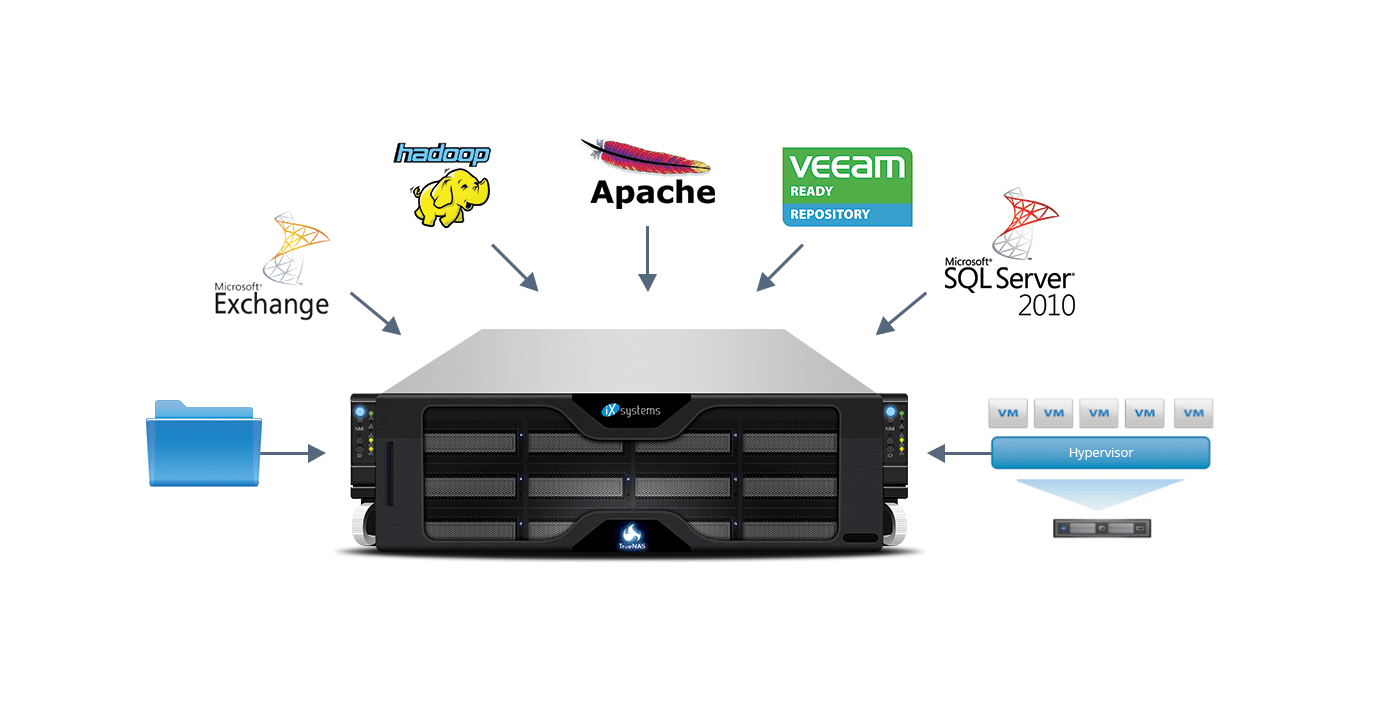
Organizations maintain different requirements for specific data sets. TrueNAS and OpenZFS provide a wide range of replication and snapshot options on a per file system basis, giving the administrator flexible solutions to protect valuable company data. Aside from the cost savings of a TrueNAS appliance when compared to legacy storage vendors, organizations can also save money using the built-in replication features of TrueNAS instead of paying for backup storage plugins or third-party solutions. If you’re happy with your current backup software (such as Acronis, Commvault, Bacula, Nakivo, NetBackup, Veeam, etc.), TrueNAS has you covered as it also works with their agents.
John Sanderson, Sales Engineer
此内容由惯性聚合(RSS阅读器)自动聚合整理,仅供阅读参考。 原文来自 — 版权归原作者所有。