


In vim, you can open the current file in a new tab by utilizing :tabnew %.
Ally Piechowski · · 1 min read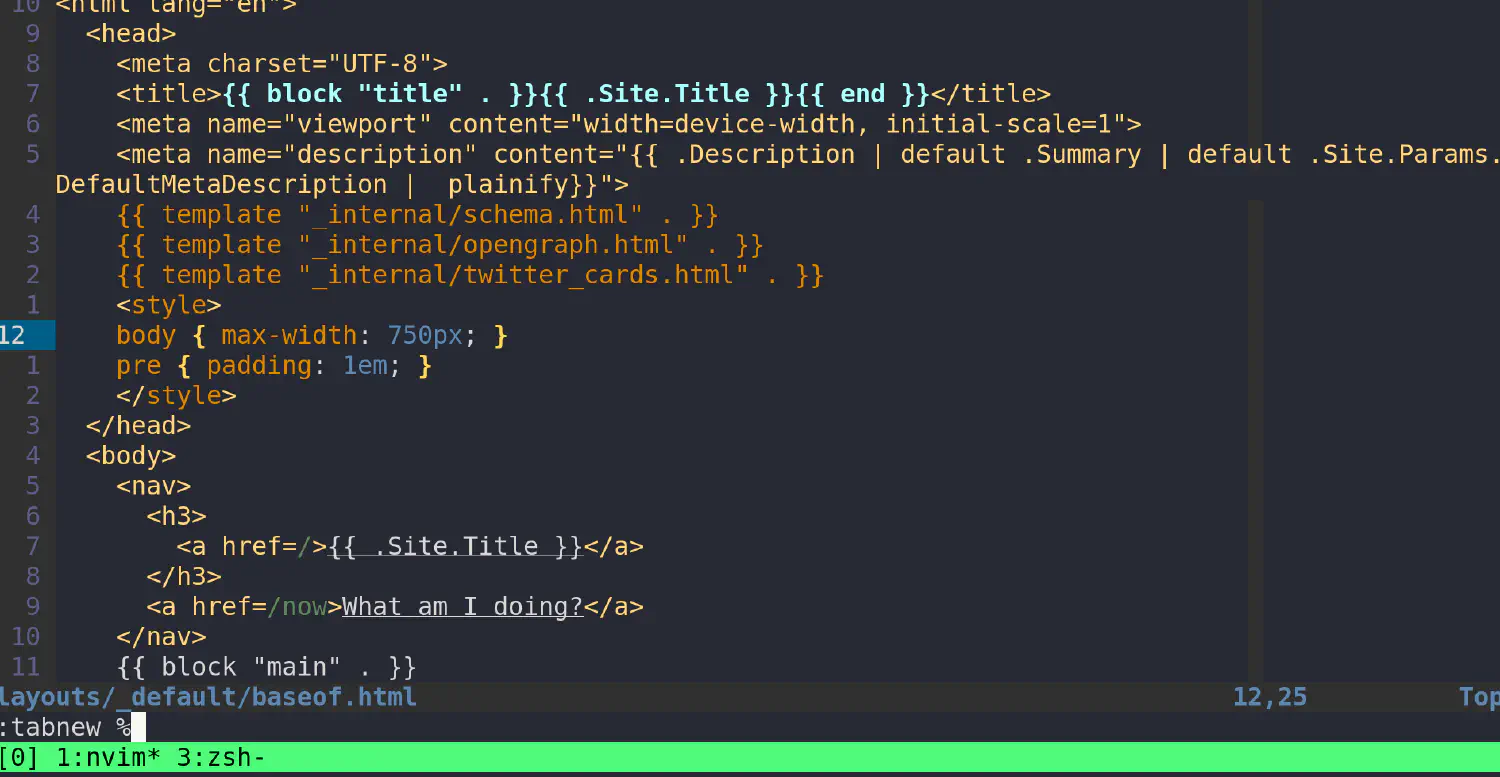
In vim, one of the largest challenges is learning how to create, open, and manage buffers.
In vim, how do you open the currently opened file in a new tab?
In order to open the current file in a new tab, utilize tabnew like so:
This utilizes the command :tabnew, in which opens a new tab with the argument
%, which expands to the currently selected buffer’s file.
You can move the window, rather than opening the file, with the following keybind:
It should be noted that rather than opening another pane of the file, it moves the open file to a new tab.
Enter the following commands in vim to read more:
:help tabnew
:help registers
此内容由惯性聚合(RSS阅读器)自动聚合整理,仅供阅读参考。 原文来自 — 版权归原作者所有。