



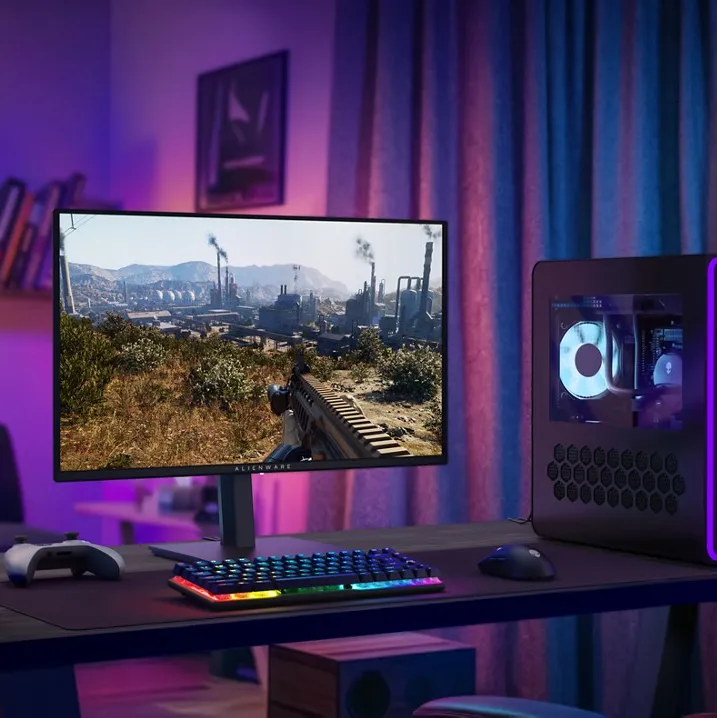
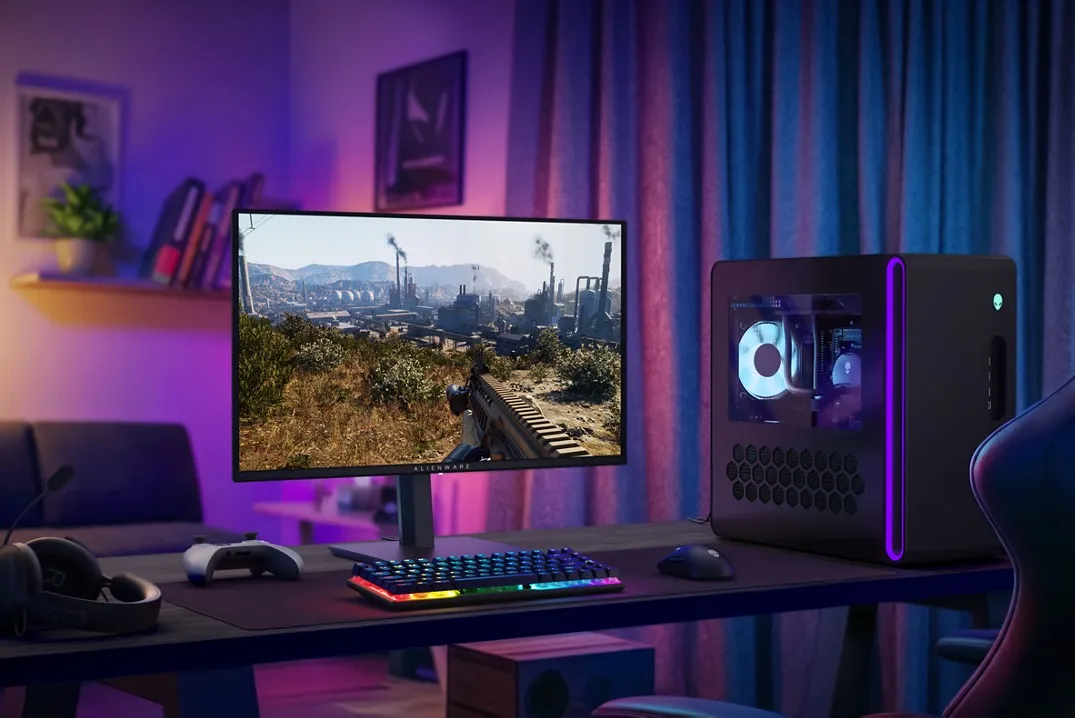
I’ve recommended several OLED gaming monitors to readers over the years, and I’ve finally taken my own advice to buy one. Alienware’s new 27-inch 1440p QD-OLED has all the features that I want and a low $350 price that was too tempting to ignore.
The AW2726DM model has five things that make it stand out for the price: a 1440p QD-OLED screen with lush contrast, a fast 240Hz refresh rate, a semi-glossy screen coating to enhance details, a low-profile design without flashy RGB LEDs, and a great warranty (three years with coverage for burn-in).
I’ve been using Alienware’s new monitor for a couple days, and I’ve already spent hours with it playing Marathon. It was my first opportunity to see Bungie’s new first-person extraction shooter in its full HDR glory, and I can never go back. Switching on HDR wasn’t automatic, though it already looked so much better than my IPS panel without being activated.


1/3
Enabling it transformed how Marathon looked for the better, but made everything else about the OS look pretty washed-out. It’s a Windows issue, not an Alienware issue. It’s easy to enable HDR every time I launch a game and disable it afterward with the Windows + Alt + B keyboard shortcut, but unfortunately triggers HDR for all connected displays. This includes my IPS monitor that imbues everything with a terrible gray hue when HDR is on. So, using the system settings is the best way to adjust HDR for just the QD-OLED.
I landed on this QD-OLED after having spent a ton of time researching pricier models. The unanimous takeaway from reviewers was that LG’s Tandem RGB WOLED panels are some of the brightest out there, but also tend to exhibit lousy gray uniformity in dark scenes. QD-OLED monitors, on the other hand, offer slightly better contrast than WOLED and don’t suffer from those same uniformity issues. However, blacks sometimes appear as dark purple in bright rooms on QD-OLED panels, meaning they’re ideal for rooms that don’t have a bunch of light bouncing around.
$350
There’s no perfect choice, and honestly I got tired of doing research, so I jumped in with the cheapest OLED. I’m glad that I did. Shopping for an OLED gaming monitor can be hard, but it can also be this easy. AOC makes a model that’s discounted to $339.99 at the time of publishing, and its specs are comparable.

As expected, the AW2726DM isn’t a cutting-edge monitor. Its QD-OLED panel isn’t as fast or as bright as some other pricier options, and it doesn’t have USB ports for connecting accessories. Considering its low price, it’s easy for me to overlook those omissions. I’d have a much harder time accepting them in a pricier display.
The fact that I mostly use my computer for text-based work at The Verge is what prevented me from upgrading to an OLED monitor. My 1440p IPS monitor is bright, it’s good at showing text clearly, and it has a fast refresh rate for gaming. Alienware’s QD-OLED is less bright, and some might be bothered by how text looks (I have to really squint to see the slight fringing from this QD-OLED’s subpixel layout). But I have a life outside of work, which includes playing a lot of PC games. That’s the slice of myself I bought this monitor for, and I’m so happy I did.
Photography by Cameron Faulkner / The Verge
Follow topics and authors from this story to see more like this in your personalized homepage feed and to receive email updates.
此内容由惯性聚合(RSS阅读器)自动聚合整理,仅供阅读参考。 原文来自 — 版权归原作者所有。