


Websites are becoming increasingly visual. We're adding more and more image content to our sites: HTTP Archive reports that in October 2023, the median desktop page weight contained 1016 KB of image content (868 KB on mobile). To save bandwidth costs for both visitors and the folks that pay the hosting bills — these images should be optimized!
Eleventy’s Image utility is one good way to optimize images efficiently. It's a low-level utility (it doesn’t require Eleventy) and can perform build time transformations of your vector and raster images and it will also generate the <picture> or <img> markup too — no one likes writing overly complex picture syntax.
Eleventy Image also generates an assortment of output images at differing sizes and formats to provide the best visual experience to accommodate a wide variety of devices and viewport sizes.
Similarly, in a CloudCannon project it's very easy to add an image upload component to your site to give technical and non-technical editors an easy way to add image content to your web site. You can see both of these pieces put together in this very quick and focused sample project.
When anyone on the team can add image content to the site, they also have the freedom to upload very large source images. Here's an example from the James Webb Space Telescope. This image of the Carina Nebula from NASA.gov weighs in at about 17 MB.
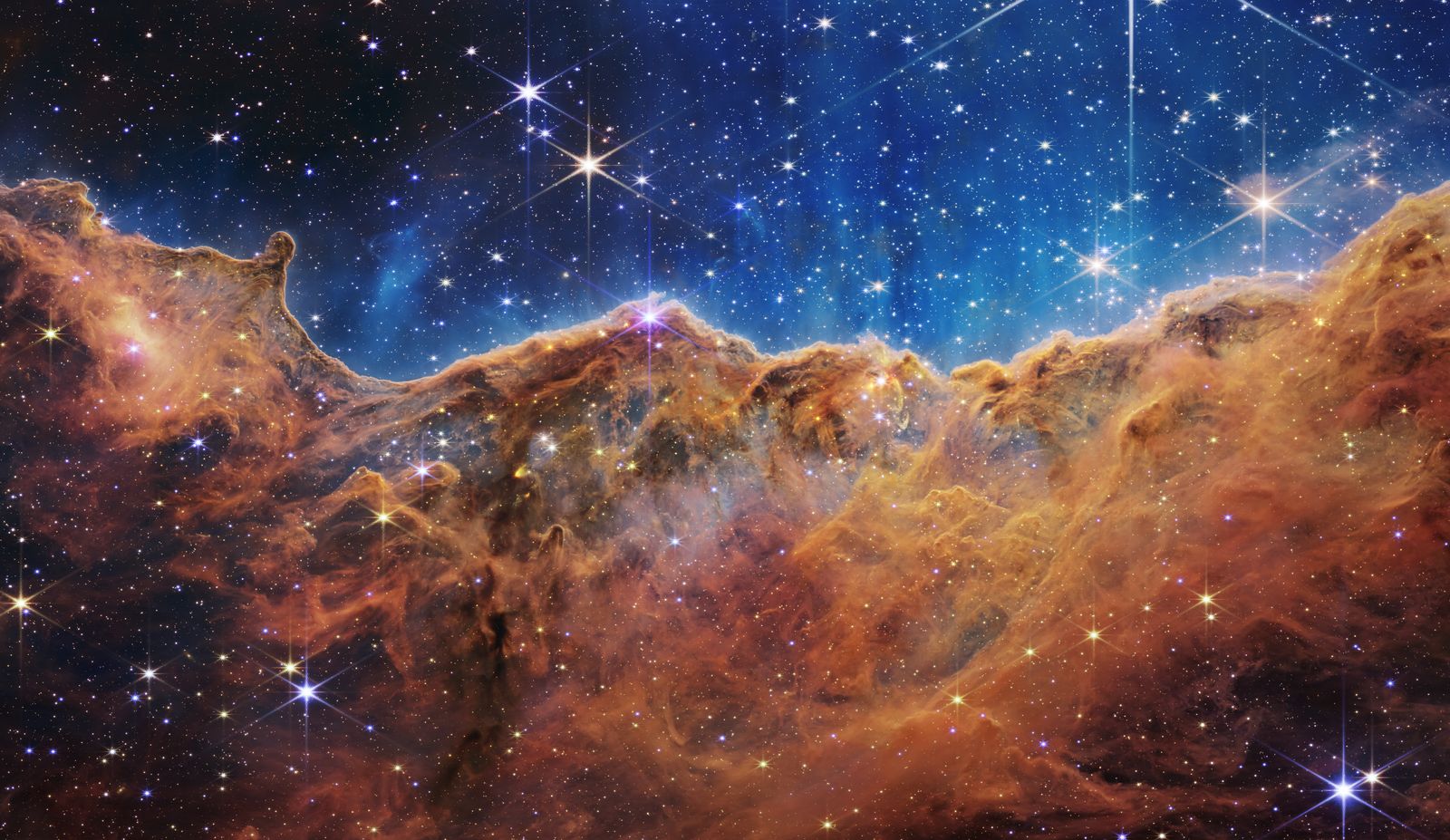
After we upload this to the project in CloudCannon and the image is committed to our GitHub repository, CloudCannon will run a build for us automatically. We can see the optimized output in our web browser after the build has finished.
The original source image was a 17 MB PNG with dimensions of 4256 × 2465. Eleventy Image created 9 different variations of this file, iterating across three file formats (AVIF, WebP, and JPEG) and three output widths (400, 800, and 1600). The largest of these images was a 295 kB JPEG (1.76% of the original) and the smallest was a 13.6 kB AVIF file (0.08% of the original).
The web browser then uses the <picture> element (through the provided markup) to decide which of these is best to load for a specific rendered size on a specific device (factoring in the device pixel ratio of the screen, too).
I’ve included a little utility with this demo that will output a table of generated image files and will also denote the table row for the image that was selected by the web browser with an outline.
You can resize your browser window (or change your mobile device’s orientation, or even dive into your browser’s devtools and change the emulated device pixel ratio) to see the currently loaded image change. It’s interesting to note that both Safari and Chrome won’t load a lower quality image when a higher resolution has already been loaded — Firefox will, however.
With larger raster images solved, we move forward to think about vector images. What happens when we upload a large SVG? One common example I like to use is the flag of Mexico — a very detailed and open source SVG image from Wikimedia. The original source image is about 140 kB.
In the rendered demo, we can see that Eleventy Image has resized the SVG and converted it into raster formats of much smaller file size (2.43%–40.33% of the original).
On a small viewport (depending on your device’s pixel ratio) the browser is likely to load either the 3.4 kB or the 8.2 kB AVIF instead of the original 140 kB SVG — a huge savings in user and site bandwidth.
Here we’ve shown that Eleventy Image can solved the problem of editors uploading very large raster images and very large vector images, but why not go a little bit further?
In our previous example, it was shown that large vector images might have better optimization outcomes if their raster counterparts are much smaller. But what happens when the vector SVG output is smaller than the raster images?
For this we can upload the classic SVG example of the Ghostscript Tiger, weighing in at about 68 kB. For this input image, Eleventy Image only generated four raster images instead of the nine you might expect for three formats and three sizes. Here we’ve made use of a brand new Eleventy Image feature SVG Short Circuiting (based on file size). This feature is available in Eleventy Image v3.1.8 and newer.
SVG Short Circuiting compares the file size of the SVG input to the output raster file sizes. If the vector is smaller than the raster, it discards the larger raster file and uses the vector instead. Further options exist to augment the expected SVG file size using Brotli compression before comparison (though that feature is not applied in this demo).
In this example you can see that we have the 400w JPEG, WebP, and AVIF sizes, but at 800w we only have the AVIF because the WebP and JPEG variants were larger than SVG. So Eleventy Image has discarded those and preferred the SVG when it makes sense.
The vector image is treated as a progressive enhancement that we've layered on top of the raster image baseline that we've set to improve our web performance. The larger our viewport gets, the bigger the rendered image, and so the more likely that the picture element will swap to the SVG.
For smaller SVG files where all of the raster images are larger than the SVG input — no raster images would be included in the output and only the SVG would be used.
In this way, we get the best of both worlds. Our editors can upload images of any size, vector or raster, and we'll optimize those in the output. Visitors get streamlined, optimized image loading with very little programmatic configuration.
And if we go back to the source code of the project, we can see it in action.
In eleventy.config.js we have our image shortcode here that calls Eleventy Image:
const path = require("node:path");
const Image = require("@11ty/eleventy-img");module.exports = function(eleventyConfig) {
  eleventyConfig.addShortcode("image", async (srcFilePath, alt, sizes) => {
    // Make the image relative to the input directory
    let inputFilePath = path.join(eleventyConfig.dir.input, srcFilePath);    let metadata = await Image(inputFilePath, {
      widths: [400, 800, 1600],
      formats: ["avif", "webp", "svg", "jpeg"],
      outputDir: "./_site/optimized/",
      urlPath: "/optimized/",
      svgShortCiruit: "size",
      // svgCompressionSize: "br",
    });    return Image.generateHTML(metadata, {
      alt,
      sizes,
      loading: "eager",
      decoding: "async",
    });
  });
};
Here we show four different output image formats formats: ["avif", "webp", "svg", "jpeg"] (noting that SVG will be ignored for raster image inputs), and three different image sizes widths: [400, 800, 1600].
You’ll also see svgShortCircuit feature, which will mix and match raster and vector depending on what the best performance experience is.
One more quick tip worth sharing here: you can add your image output folder — the one that we're using to write the built images to — and you can preserve that between builds.
If we save this folder in our Preserved Paths in our CloudCannon configuration, when CloudCannon runs the build it won't have to start over from scratch to generate those output images.
If you already know the aspect ratio of the desired images you can specify a width and height in the CloudCannon image upload component configuration. You can also specify a resize_style — if you’ve used CSS object-fit this will look very familiar to you.
This feature resizes the image on upload so that the image stored in your repository is smaller, which is very handy for improving build performance to
Eleventy Image will specify width and height attributes for you, but if you’re not using Eleventy — CloudCannon will add the width and height attributes to your images too. Using these attributes will reduce layout shift when the images are loading.
此内容由惯性聚合(RSS阅读器)自动聚合整理,仅供阅读参考。 原文来自 — 版权归原作者所有。