


之前使用 Ghostty 默认配置,在网上看到有人分享了一份开箱即用的配置,效果良好已经装配。
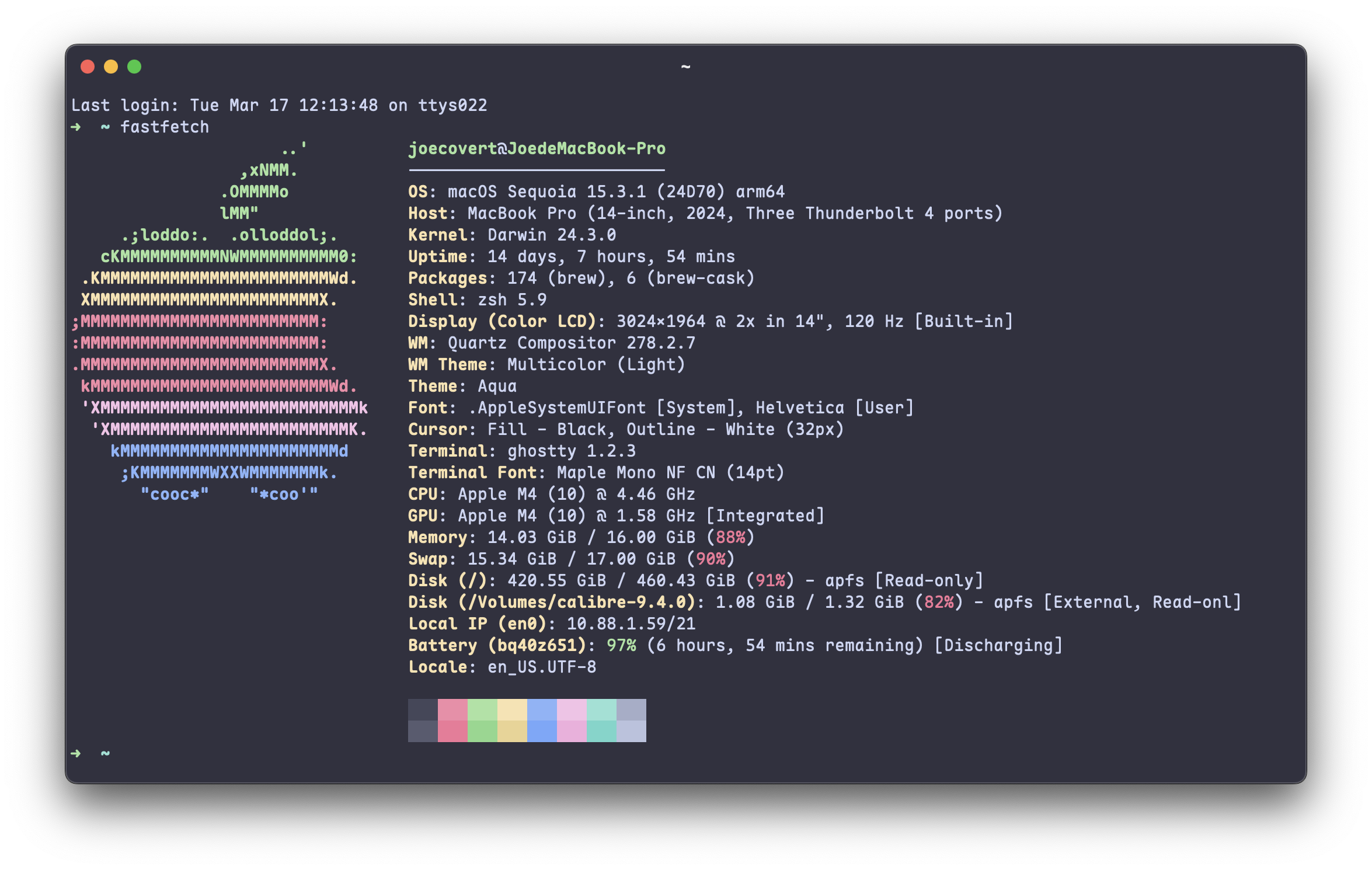
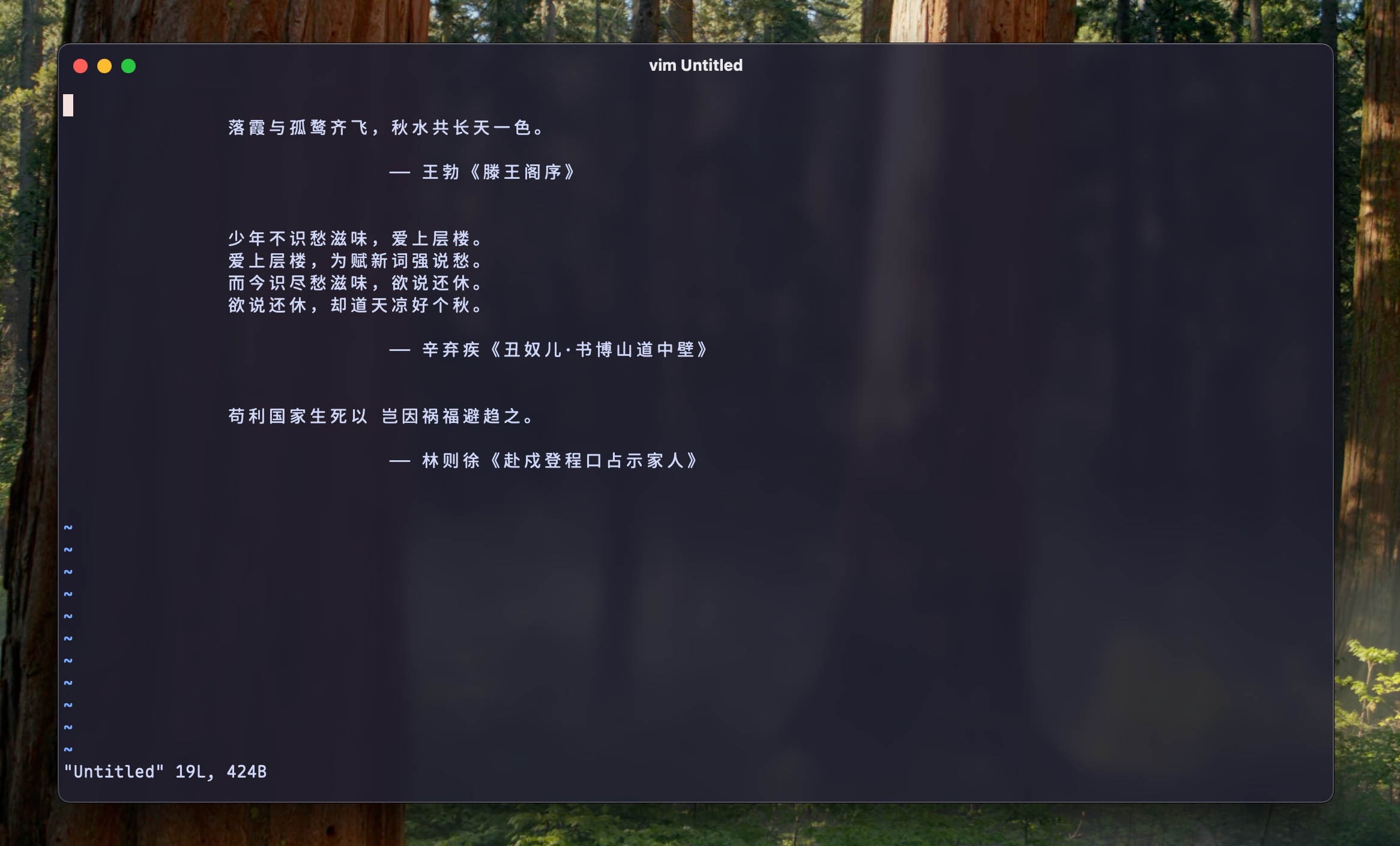
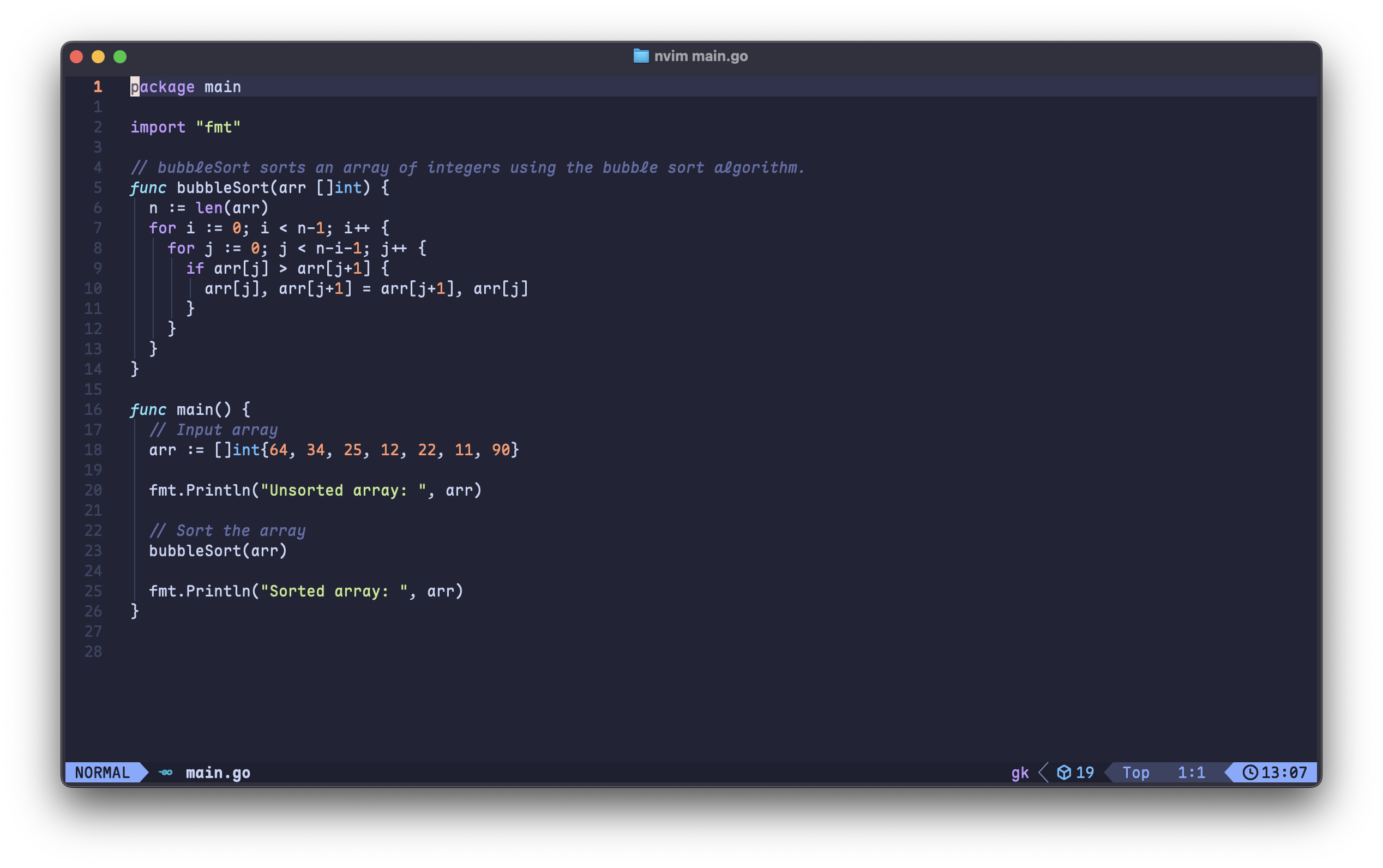
配置和安装说明
安装字体
$ brew install --cask font-maple-mono-nf-cn
将配置放置到 ~/.config/ghostty/config
# ===========================
# Ghostty 完整配置
# ===========================

# --- 外观 ---
# 主题跟随系统深色模式自动切换
# theme = light:Catppuccin Latte,dark:Catppuccin Mocha
theme = Catppuccin Mocha

# 背景透明度(0.0 ~ 1.0)
background-opacity = 0.88

# 背景模糊(配合透明度使用,毛玻璃效果)
background-blur = 20

# 背景图片(可选,放一张喜欢的图,终端瞬间好看)
# background-image = ~/Pictures/wallpaper.png
# background-image-opacity = 0.3
# background-image-fit = cover

# 标题栏集成 Tab 栏(比 hidden 多了 Tab 支持)
macos-titlebar-style = tabs

# 非活跃分屏的透明度(让你一眼看出焦点在哪)
unfocused-split-opacity = 0.9

# --- 字体 ---
# 推荐 Maple Mono NF CN(brew install --cask font-maple-mono-nf-cn)
font-family = "Maple Mono NF CN"
font-size = 14
font-thicken = true

# 连字支持
font-feature = calt
font-feature = liga

# --- 窗口行为 ---
# 永远记住窗口状态(分屏、Tab、目录)
window-save-state = always

# 新分屏继承当前目录
window-inherit-working-directory = true

# 新窗口继承字体大小
window-inherit-font-size = true

# 内边距
window-padding-x = 4
window-padding-y = 4
window-padding-balance = true

# --- Quick Terminal(下拉终端) ---
keybind = global:ctrl+grave_accent=toggle_quick_terminal
quick-terminal-screen = main
quick-terminal-position = top
quick-terminal-size = 50%
quick-terminal-autohide = true
quick-terminal-animation-duration = 0.15

# --- Shell 集成 ---
# 自动注入 shell 集成(光标样式、sudo、标题、SSH terminfo)
shell-integration-features = cursor,sudo,title,ssh-terminfo,ssh-env

# --- 滚动 ---
# 滚动缓冲区大小,单位是字节(默认 10MB,这里设为 50MB)
scrollback-limit = 50000000

# --- 光标 ---
cursor-style = block
cursor-style-blink = false

# 鼠标隐藏(打字时自动隐藏鼠标)
mouse-hide-while-typing = true

# --- 剪贴板 ---
# 选中即复制到系统剪贴板(和 iTerm2 一样)
copy-on-select = clipboard

# 复制时自动去除行尾空格
clipboard-trim-trailing-spaces = true

# --- macOS 专属 ---
# 退出时不弹确认框(如果你习惯了 Cmd+Q)
confirm-close-surface = false

# Option 键作为 Alt 使用(对 vim/emacs 用户很重要)
macos-option-as-alt = true