











Try to count how many subscriptions you have. Not just streaming services, but every little thing you pay for on a recurring basis. We're willing to bet you might miss one or two on the first try.
The sheer number of different directions our money goes in means it's easy to forget you signed up for a free trial until months after it's started billing you, for example.
That's where apps can help. The apps highlighted below can help you identify the recurring payments leaving your bank account, so you can make sure you actually want to keep all of those subscriptions and that they're still providing value.
There's more to these apps than canceling subscriptions, though. They can help to renegotiate better deals on your smartphone contract, set up savings accounts for you, manage a more effective way of paying off debt, reduce the amount you need to pay on a parking ticket, and lots more—usually with minimal effort from you.
In short, if you're interested in managing your money better, and you're willing to let a third party look at your finances to help, these apps can do some of the work for you.
Just bear in mind that by connecting these apps to your banking accounts you are trusting them to treat your data securely and respectfully. While we have no reason to suspect any of these apps are untrustworthy, you should definitely read through their privacy policies before allowing them to peek into your wallet.
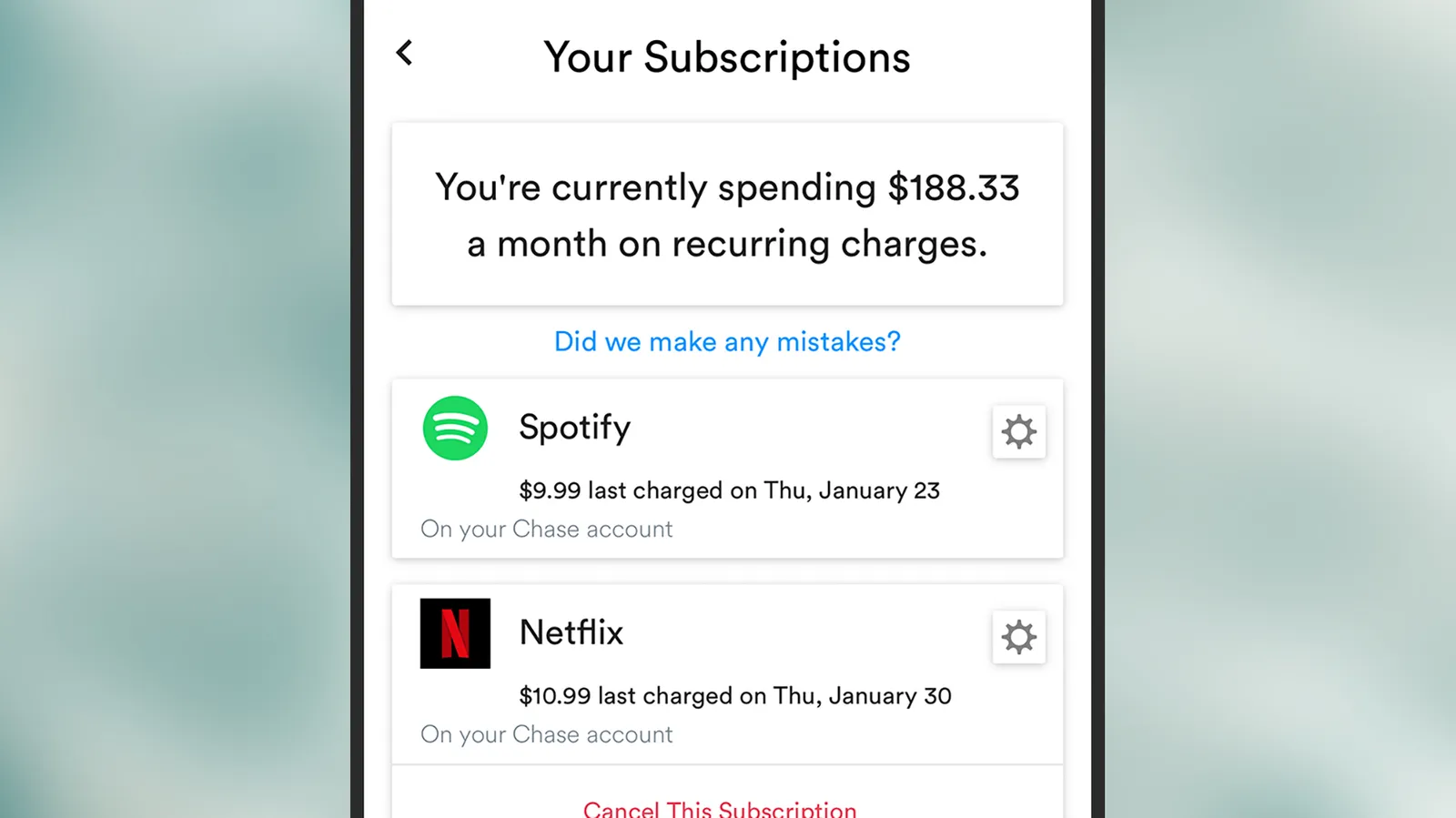
Trim tells you what's going out and when.
It's easy to see how Trim got its name: It "trims" down your regular expenditures by identifying areas where you're spending unnecessarily or spending more than you need to—from car insurance that's too high, to regular outgoing subscriptions that you might have forgotten about (and which it can cancel on your behalf).
The app works on the web (either on desktop or mobile), connecting to your bank account to give you simplified summaries of where all your money is and what you're spending it on. You get breakdowns of spending categories (travel, shopping, health), as well as lists of individual recurring payments (so you can see just how many video streaming services you're signed up for).
The idea is that the more aware you are of how your finances look, the better you'll be able to spot areas where you might be able to save cash, and Trim lends a hand all the way along when you want to cancel or renegotiate something—so it can negotiate better deals (for a commission fee) and cancel your gym membership for you, for example.
Trim for the web (Free, or $99 per year)
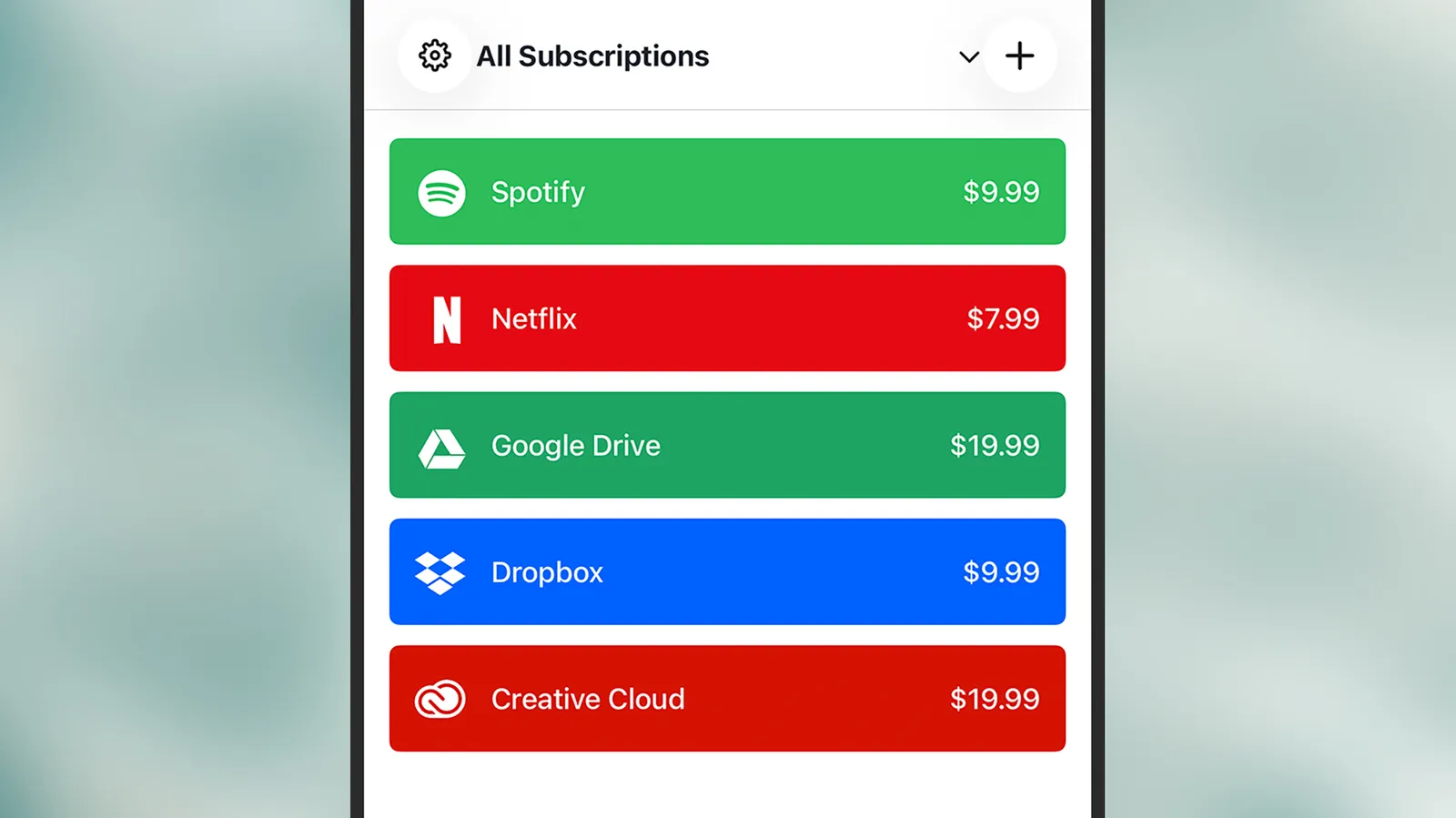
Bobby presents your subs in a simple, customizable list.
Bobby is a more straightforward way of keeping tabs on your subscriptions and outgoing expenditures. It doesn't offer all of the extra money management features some of the other apps on this list do. It also asks you to do more of the work manually, but you don't have to plug it straight into your bank account.
It's a useful and reliable tool if you're looking to get your finances in order. You can use it to set up individual billing dates and amounts, and then manage them better. You're able to add regular outgoing payments like your rent alongside your digital subscriptions (Spotify, Netflix, and so on). As well as giving you at-a-glance info about what is owed and when, you can also configure Bobby to send you regular reminders on your phone when a payment is going out, ensuring that you're never caught unawares by any nasty surprises.
The app interface is clean and clear throughout, though it’s only available for iOS.
Bobby for iOS (Free, or a $3 one-time payment)
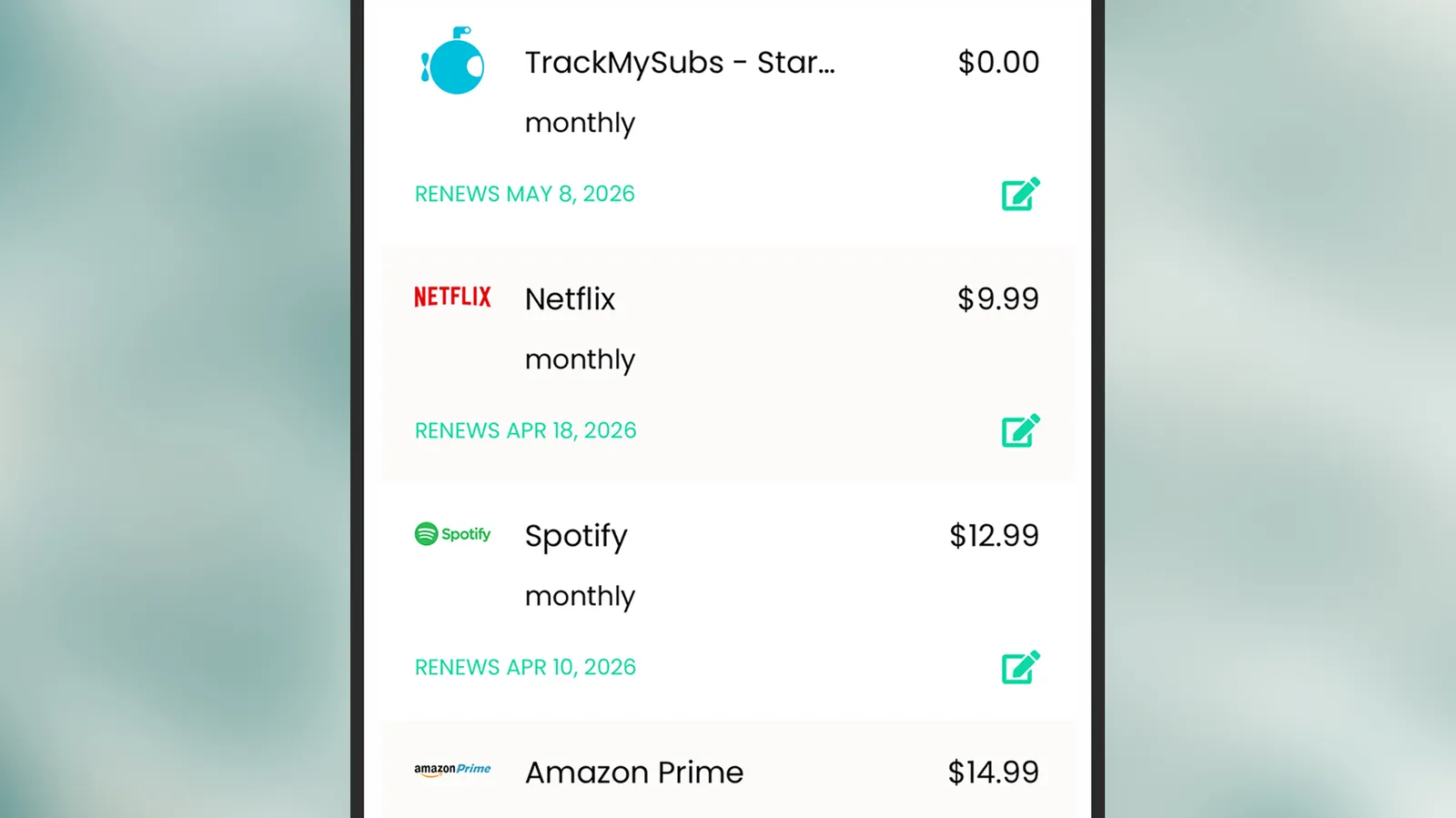
Never forget a subscription again with TrackMySubs.
Sign up for TrackMySubs, and you can dive right into adding subscriptions to your account for a clear view of where your money is going. All you need to supply is the billing date, how much you're paying each month, and the name of the subscription you've signed up for.
TrackMySubs gives you an overview of your outgoings and lets you organize your expenditure into categories too—entertainment, insurance, utilities, or whatever. It's easy to see what's going out and when, and if you want to you can have the app email you alerts whenever a payment is about to go out, which is handy.
We also like the feature for keeping track of free trials you've signed up for, so you don't suddenly get charged when you meant to cancel the service. It's not the most comprehensive tool for this job, but it is straightforward and easy to use—and free for tracking 10 subscriptions or less.
TrackMySubs for the web (Free, or $10 per month)
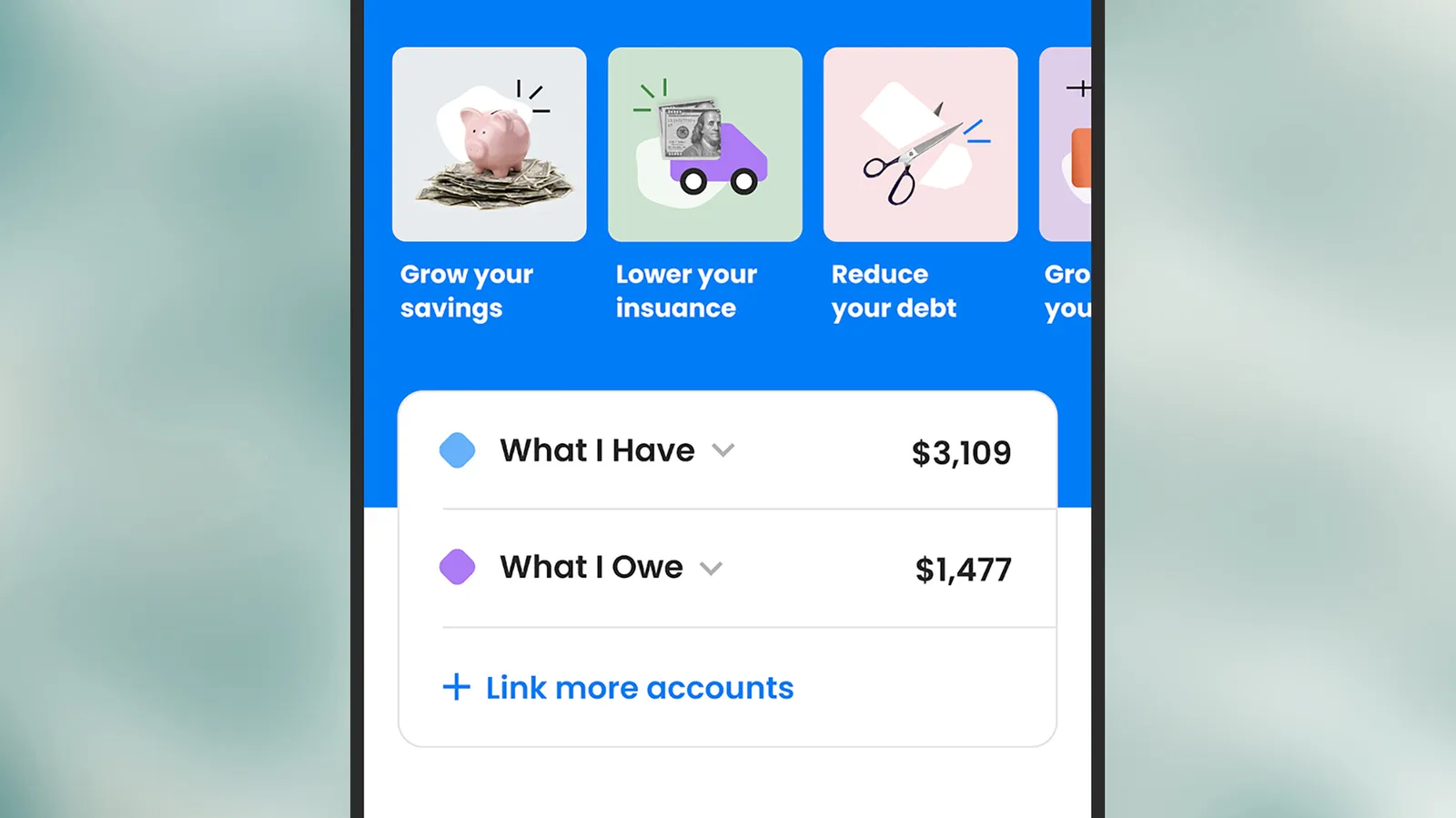
Hiatus covers every aspect of your incomings and outgoings.
Hiatus is one of the more comprehensive financial management tools out there, and once you plug it into one or more bank accounts, it'll help you work out where savings can be made—whether that's on getting a better insurance deal or restructuring the way you're paying off any debts.
Subscription monitoring is included too, so you can both see how much you're spending and make changes where necessary—and with some subscriptions, you can even have the Hiatus app request the cancellation on your behalf.
You can get alerts about when money is going out of your account, and about regular subscriptions that increase in price over time.You can also get a variety of useful, detailed reports about what you're spending money on. If you're wondering exactly where your paycheck goes each month, this will tell you.
Hiatus for the web, Android, and iOS (Free, or $10 per month)
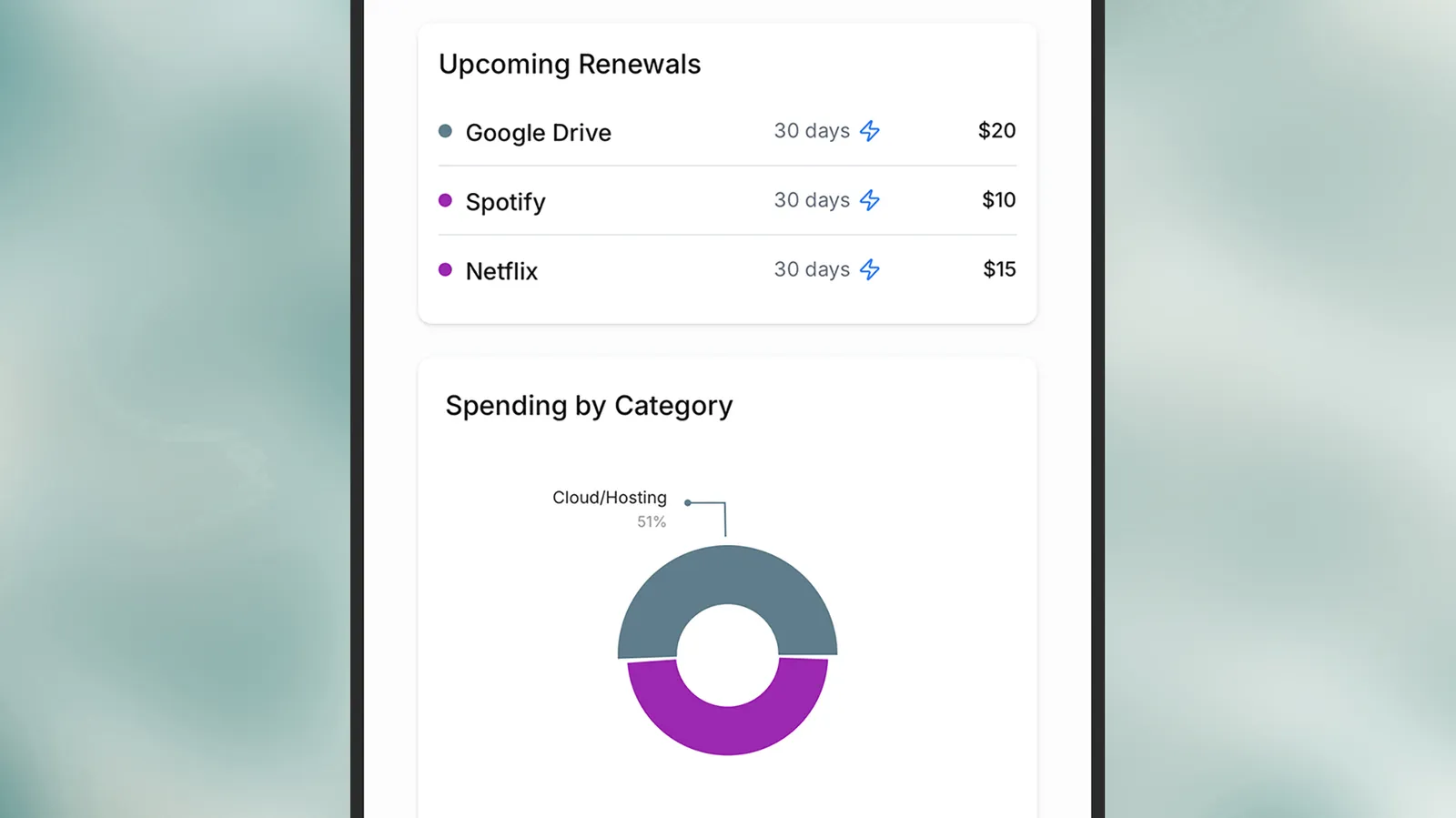
SubZen takes a chilled approach to subscription management.
As its name suggests, SubZen wants to take the stress out of subscription management. It gives you a clean, neat interface through which you can log your daily, weekly, monthly, and yearly expenditure—not just for digital services and streaming, but for utilities, loan repayments, pet costs, savings, and more.
With all of the data entered, you can then track how your spending is changing over time, where you're spending the most (and least) money, and the upcoming payments you've got going out of your bank account in the next few days.
Every part of the SubZen interface is really well done, from the graphs and charts of expenditure, to the lists of subscriptions that can be quickly filtered with a click. Note that there are mobile apps with the same SubZen name, but they don't match the SubZen web app—which you can sign into from desktop or mobile.
SubZen for the web (Free)
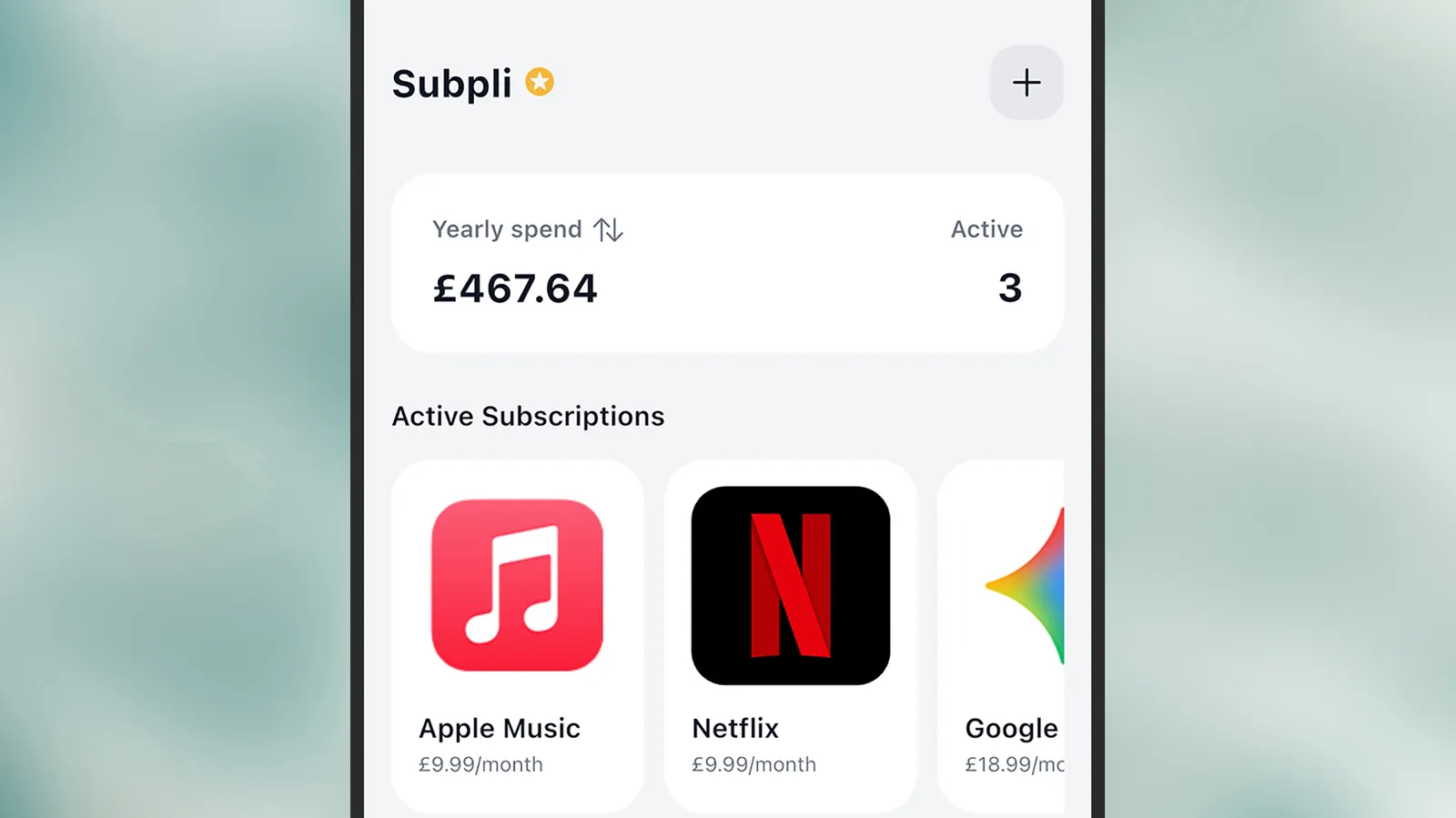
Use Subpli for quick and easy subscription tracking.
If it's simplicity and ease of use that you're after, then you can't really do much better than Subpli. You don't even need to register for an account, something that I always appreciate when testing a lot of apps in a row. You just dive in and start adding subscriptions.
Adding subscriptions is straightforward, thanks to the preset templates you can make use of, and you can even scan receipts or upload lists of your subscriptions to make the process faster. You then get some useful breakdowns of what types of subscription you're paying for, and when the money's due.
The overview screen is a neat way of assessing whether you're paying more than you thought you were, and while some features are paywalled—including currency options and billing alerts—it's a polished app that's well worth a look in this category.
Subpli for iOS (Free, or $2 a month)
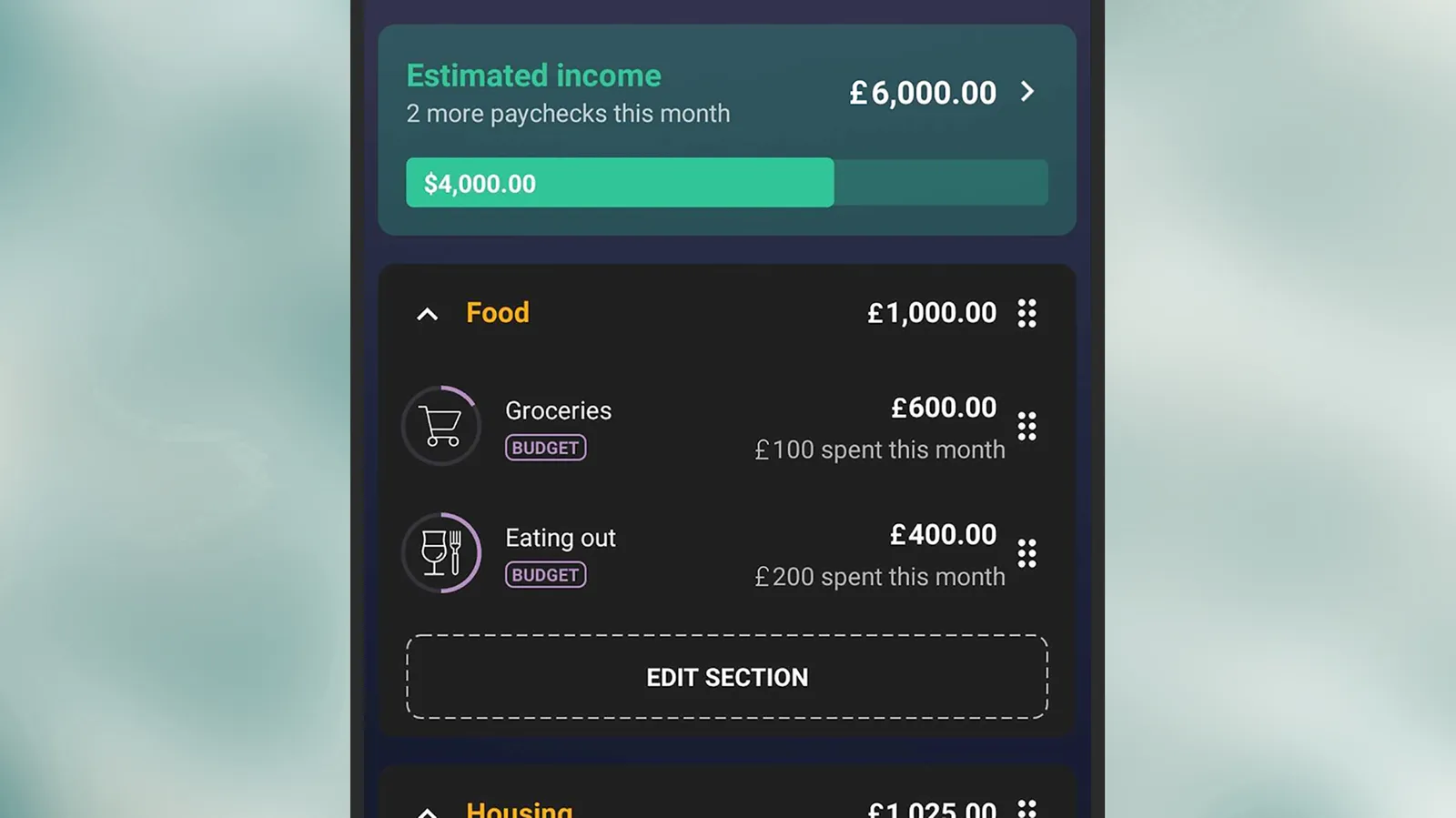
PocketGuard gives you a complete breakdown of your finances.
PocketGuard is very much one of the more comprehensive apps in this list, taking care of not just your regular monthly subscriptions, but also every aspect of your financial life—including utility bills, wages, savings accounts, and budget targets.
The first step is to connect the app to your bank accounts, and then a lot of the necessary sorting and sifting can be done automatically. You can still add details manually too, and categorize your incomings and outgoings, so that the app has a full picture of your finances. With that done, it can start on some analysis.
From working out the most efficient way to pay off debts, to identifying the streaming services you can do without, PocketGuard can help. It's not a free app, but you can take advantage of a seven-day free trial to see if it suits you.
PocketGuard for the web, Android, and iOS (Free trial, then $13 a month)
此内容由惯性聚合(RSS阅读器)自动聚合整理,仅供阅读参考。 原文来自 — 版权归原作者所有。