
惯性聚合 高效追踪和阅读你感兴趣的博客、新闻、科技资讯
阅读原文 在惯性聚合中打开

推荐订阅源

雷峰网
雷峰网
奇客Solidot–传递最新科技情报
奇客Solidot–传递最新科技情报
大猫的无限游戏
大猫的无限游戏
Google DeepMind News
V
V2EX
T
The Blog of Author Tim Ferriss
H
Hackread – Cybersecurity News, Data Breaches, AI and More
Hugging Face - Blog
Hugging Face - Blog
Stack Overflow Blog
Stack Overflow Blog
I
InfoQ
博客园_首页
钛媒体:引领未来商业与生活新知
钛媒体:引领未来商业与生活新知
Last Week in AI
Last Week in AI
Recent Announcements
Vercel News
Vercel News
freeCodeCamp Programming Tutorials: Python, JavaScript, Git & More
T
Tailwind CSS Blog
美团技术团队
Martin Fowler
Martin Fowler
宝玉的分享
宝玉的分享
Blog — PlanetScale
Blog — PlanetScale
GbyAI
GbyAI
OSCHINA 社区最新新闻
OSCHINA 社区最新新闻
J
Java Code Geeks

Hacker News: Show HN

PurrrrrFocus: Pomodoro Timer App - App Store Workflow Engine — Multi-Step Orchestration for Bun RapidPhoto: Pro Photo Editor App - App Store GitHub - DheerG/swarms: Achieve extraordinary results with claude code across a variety of tasks SPICE simulation → oscilloscope → verification with Claude Code — Lucas Gerads Show HN: VCoding – A 5 MB native Windows IDE with no dynamic dependencies Show HN: LLMs don't hallucinate because they're bad at math, it's the format GitHub - Agent-FM/agentfm-core: AgentFM is a peer-to-peer network that turns everyday computers into a decentralized AI supercomputer. AgentFM lets you run massive AI workloads directly across a global mesh of idle CPUs and GPUs. Show HN: Tracking Top US Science Olympiad Alumni over Last 25 Years GitHub - Potarix/agent-hub: One place to talk to all your agents Show HN: Runtime security for AI agents(injection,tool abuse, data exfiltration) GitHub - dubeyKartikay/lazyspotify: Terminal Spotify client for macOS and Linux GitHub - the-banana-tool/king-louie: Easy to use GUI Personal AI Assistant. Win/Linux/Mac. Show HN I made my vacation rental bookable by AI agents–no Airbnb, 0% commission GitHub - basteez/jsf-autoreload: maven plugin to enable hot reload on jsf projects uvm32/hosts/host-gdbstub at main · ringtailsoftware/uvm32 GitHub - labsai/EDDI: Config-driven engine that turns JSON into production-grade AI agents. Multi-agent orchestration, 12+ LLM providers, MCP/A2A protocols, RAG, persistent memory, and enterprise compliance (EU AI Act, GDPR, HIPAA). Built on Quarkus. GitHub - glitchnsec/fortyone-oss: AI Executive Assistant Platform Quickstart | Alien GitHub - muxshed/shed: One stream in, or many. Every destination, simultaneously. No cloud middleman, no per-channel fees, no limits. GitHub - ocrbase-hq/ocrbase: 📄 PDF/IMG ->.MD/JSON Document OCR API for PaddleOCR and GLMOCR. Self-hostable. GitHub - impactjo/home-memory: MCP server that lets your AI assistant remember everything about your home. GitHub - Sets88/dbcls: DbCls is a powerful terminal database client that supports various databases GitHub - neptun2000/heor-agent-mcp GitHub - SeanFDZ/macmind: Single-layer transformer in HyperTalk for the classic Macintosh RollQuation: Math Puzzles - Apps on Google Play GitHub - dropbox/witchcraft Show HN: Agent-cache – Multi-tier LLM/tool/session caching for Valkey and Redis GitHub - opentalon/opentalon: OpenTalon is an open-source platform built from the ground up in Go as a robust alternative to OpenClaw LinkedIn™ 职位抓取工具 - Chrome 应用商店
Captorify: Screenshot Tool and Editor for Chrome
fredrikaurda · 2026-06-19 · via Hacker News: Show HN

Screenshot tool and
editor for Chrome

Capture full pages, visible areas, or selected regions. Add annotations, redact details, extract text, and export or share screenshots from one browser workflow.

Add to Chrome

Pro & Team

What Pro adds

Four upgrades that turn a screenshot into something you can send to a customer, a lawyer, or your team. Plus everything you need when the team grows.

BEAUTIFY

Screenshots that look like
product shots

Drop any capture into a device frame, pick a gradient, and the padding, radius, and shadow are already right.
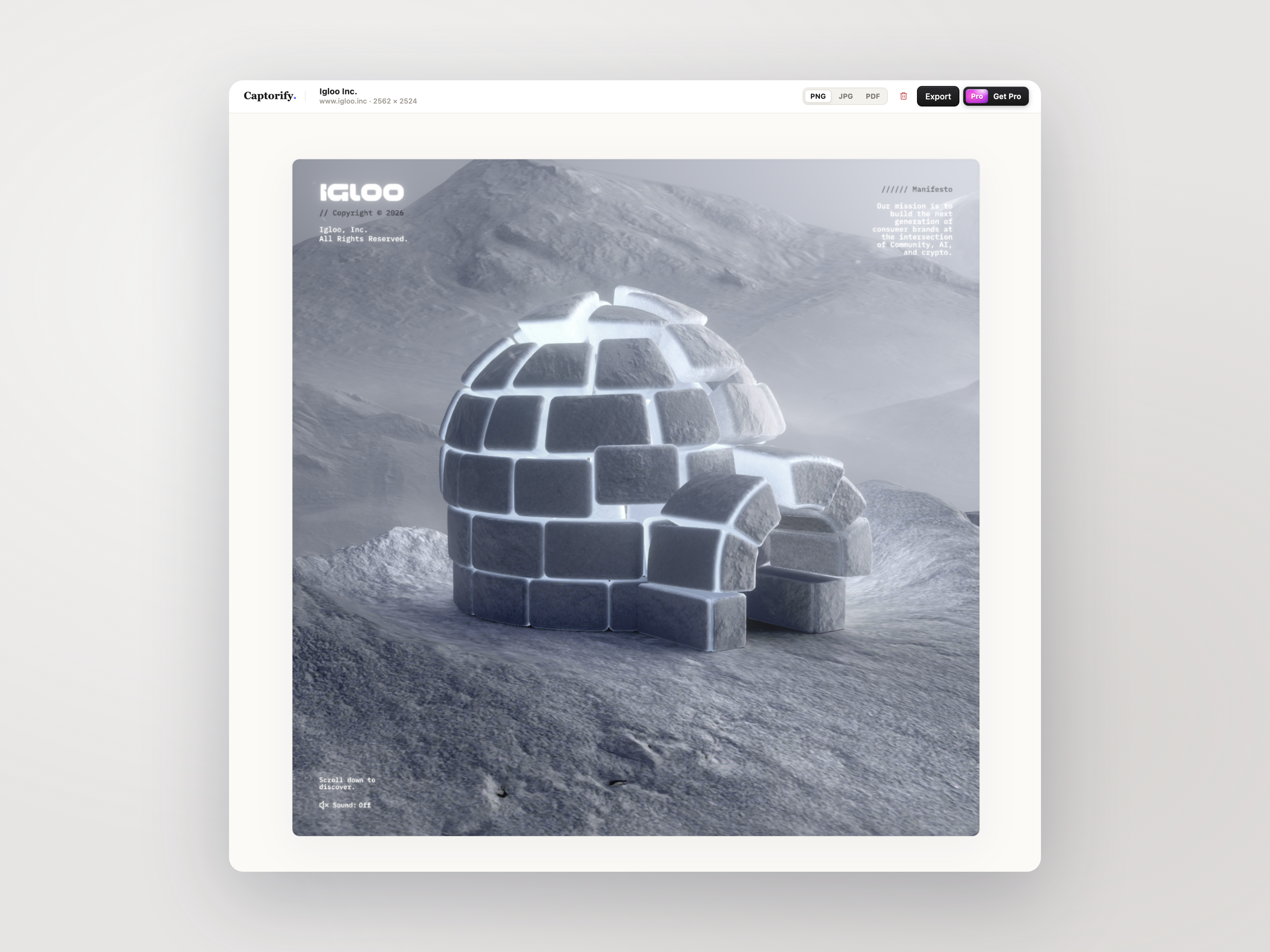
  • Browser and device frames
  • Gradient and solid backdrops
  • Soft shadow, padding, radius

Beautified export preview in Captorify

REDACTION

Hide sensitive data, permanently

Captorify finds emails, IPs, API keys, phone numbers, and credit-card numbers on-device and burns the redaction into the pixels.
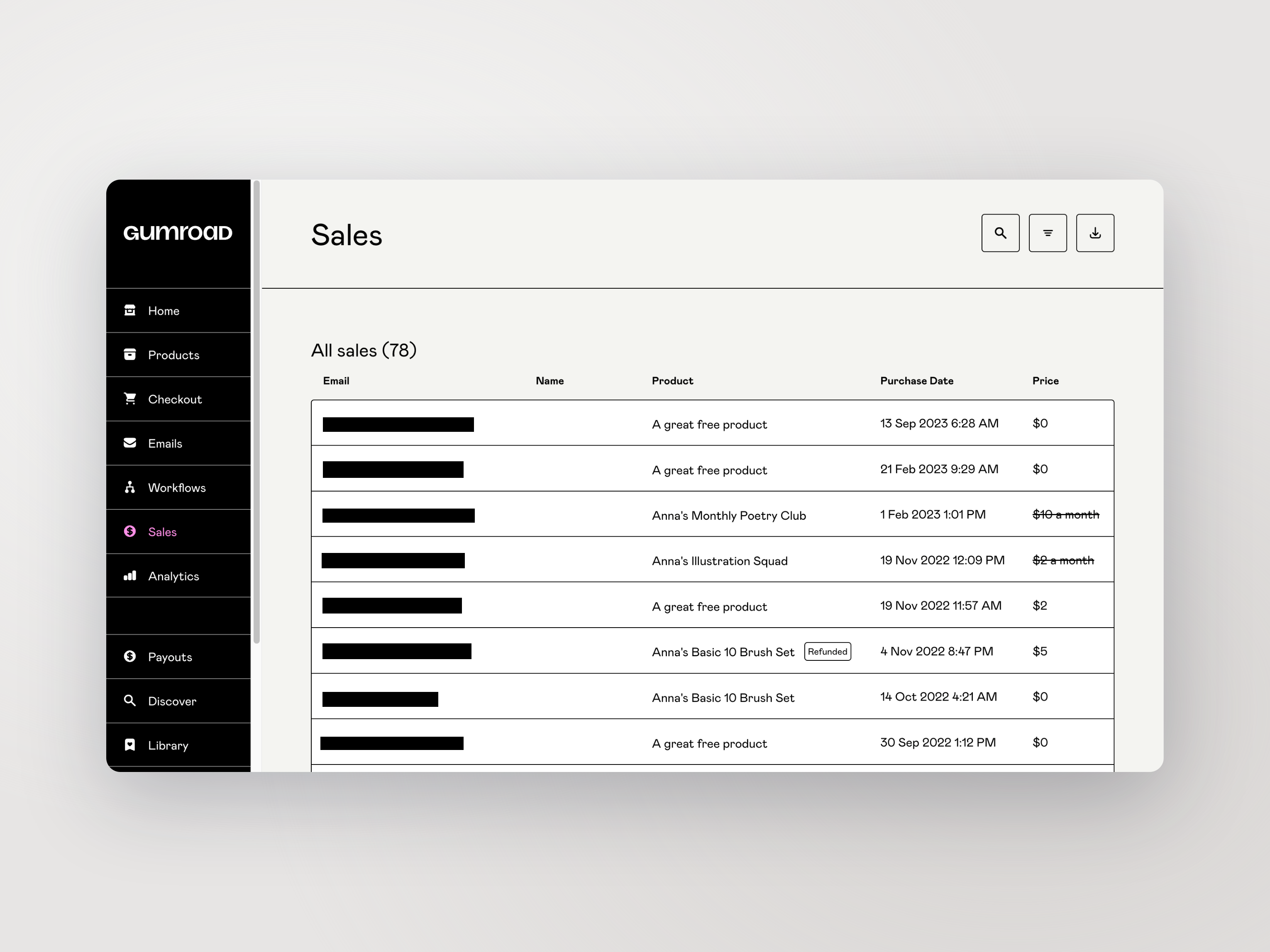
  • On-device suggestions
  • Pixel-level, not a layer
  • Nothing recoverable underneath

Permanent redaction preview in Captorify

SHARE LINKS

Send a link, keep the control

Sync a screenshot to the cloud and share it with a password and an expiry date. Servers are in the EU.
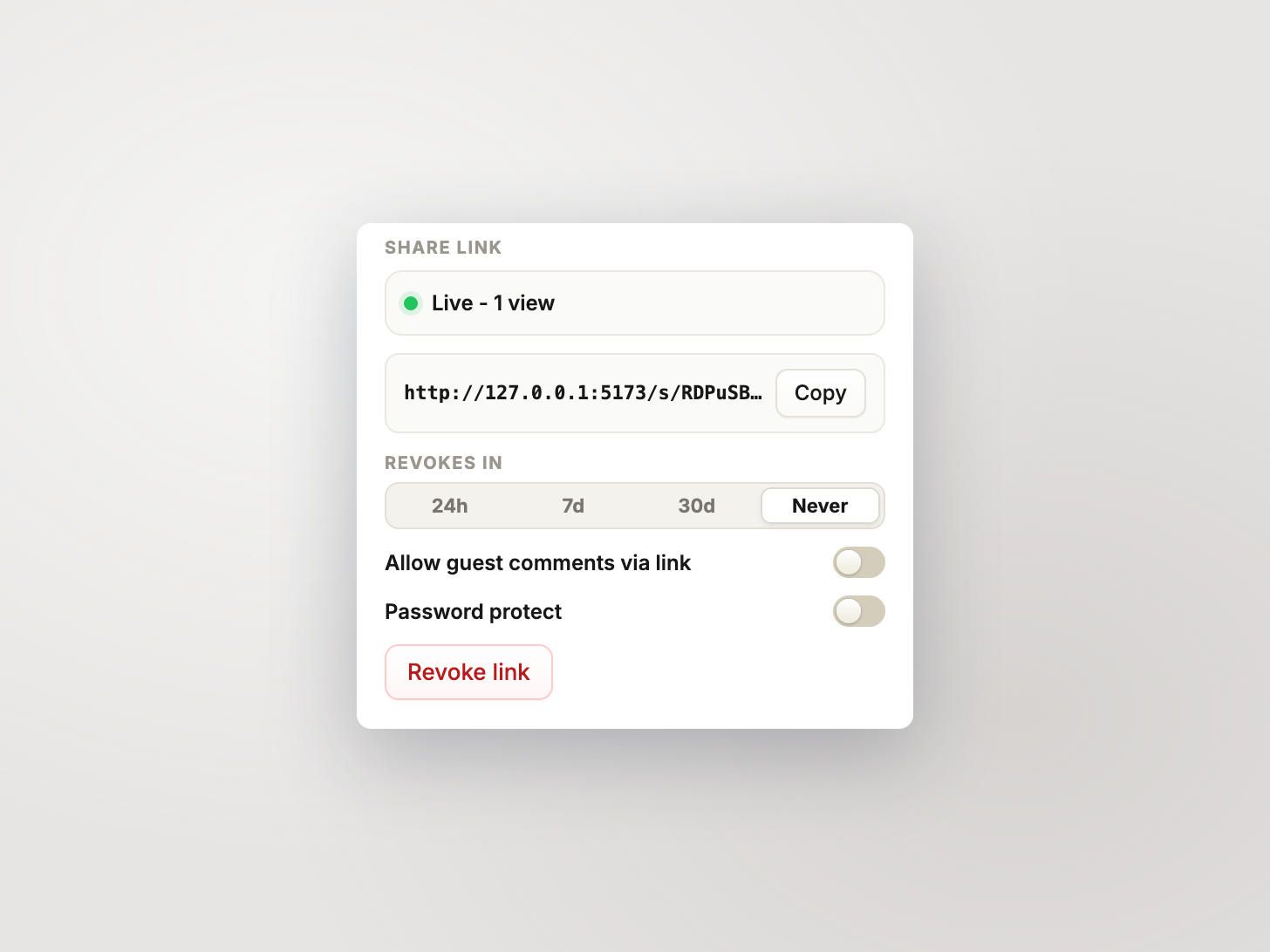
  • Password-protected links
  • Expiry on every share
  • EU-hosted storage

Share link settings preview in Captorify

EVIDENCE

PDFs that hold up later

The source URL and a UTC timestamp can be added to PDF exports, so that a screenshot stays defensible months after you took it.
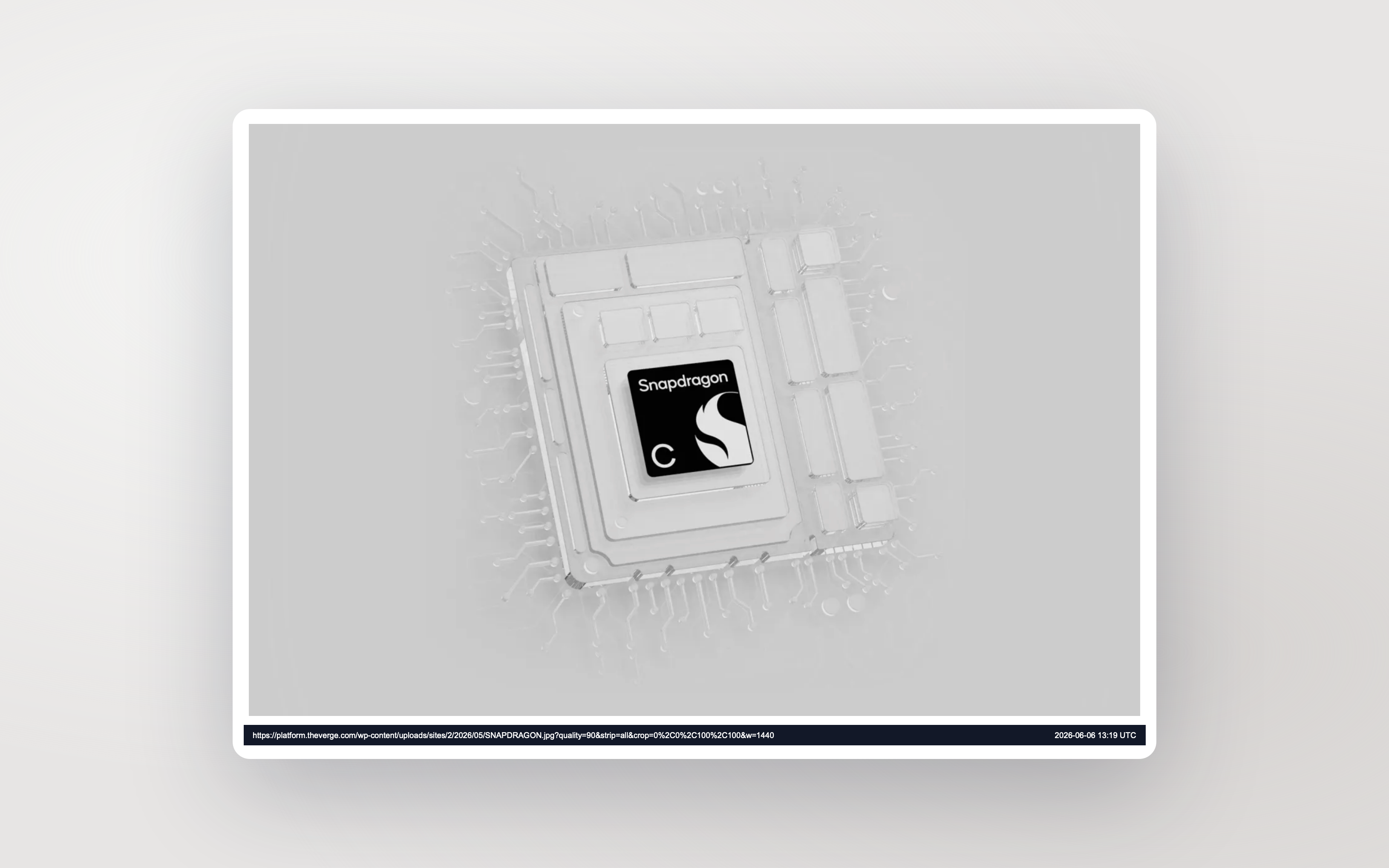
  • Source URL on every page
  • UTC timestamp footer
  • Audit and support friendly

PDF export with source URL and timestamp preview

TEAM

Built for growing teams

The Team plan replaces personal storage with a pooled allowance, gives every member a role, and keeps everyone on the same screenshot library.
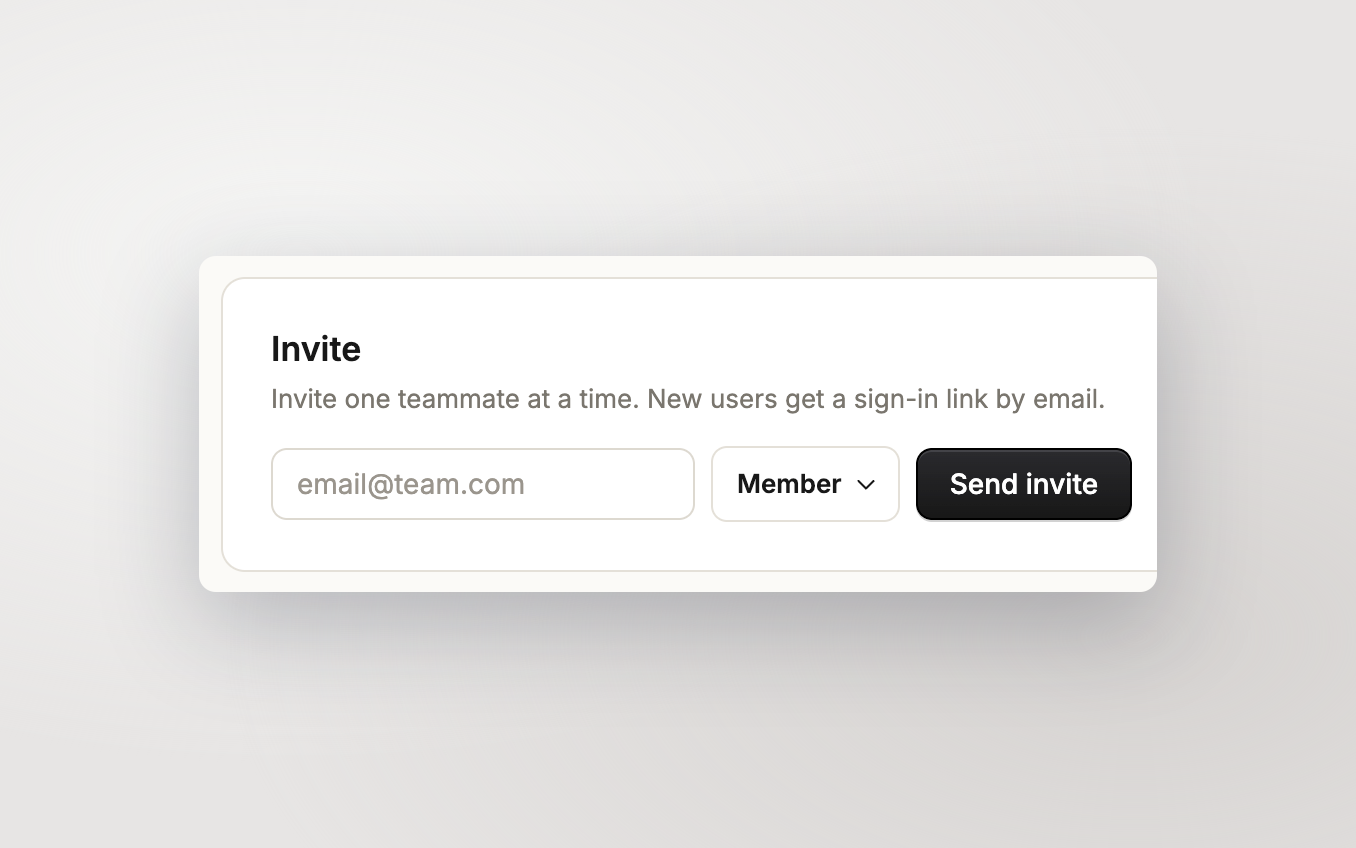
  • 20 GB per paid seat, pooled
  • Owner, admin, member roles
  • One invoice for the whole org
  • Downgrade requires removing extra members first

Team invite preview in Captorify

How privacy works

A privacy boundary that protects your data.

Your captures are yours. Here's how we keep it that way.

No telemetry, no analytics, no crash reports

The extension never phones home in the background. It only talks to our servers when you sign in or sync.

You control who sees a shared capture

Share links can be password-protected, expire on a date you set, or be revoked instantly. Anyone you don't send the link to can't reach the capture.

Redactions are pixel-level, not a layer

When you cover something, those pixels are overwritten before the file is saved. Nothing underneath to peel back.

We never train AI on your captures

Synced captures live in EU storage, encrypted at rest. Not end-to-end, and we say so on the privacy page.

How it compares

A simpler way to capture.

Captorify is built around cross-platform support, browser-based text extraction, and a free tier without watermarks.

Feature Captorify ProCleanShot XLoomGoFullPageAwesome Screenshot

Reach

Works on Windows/Mac/Linux Mac only

Free tier without watermark Paid onlyLimited

Polish

Beautify, frames, gradients NoFrames onlyNo

Privacy

Suggested redactions (review before applying) NoNoNoNo

Browser-based text extraction NoNoNoNo

Free tier never calls servers N/ANoNo

Price

Price $4/mo annual$29 once$18/user/mo$1/mo annual$2/user/mo

Pricing

Free captures. Pro polish. Team control.

Upgrade when you need beautified exports, suggested redactions, or a shared library for your team.

Free

Full-page, visible-area, and region captures. No login.

  • PNG, JPG, PDF
  • Local capture history
  • No watermark
  • Configurable shortcuts

Add to Chrome

Pro

$4

per month, billed annually ($48/yr)

Beautified exports, permanent redaction, browser-based text extraction, and reliable share links.

  • Everything in Free
  • Beautified exports
  • Permanent manual redaction
  • Suggested redactions (review before applying)
  • Browser-based text extraction
  • 10 GB cloud storage
  • Cloud sync & share links
  • Dedicated support

Team

$8

per user / month, billed annually ($96/user/yr)

Shared library, admin tools, central billing.

  • Everything in Pro
  • 20 GB per paid user, shared
  • Shared team library
  • Member roles & central billing

FAQ

Common questions.

Short answers about capture, privacy, sharing, and billing.

Where are my screenshots stored?

Cloud captures are stored on Cloudflare R2 in the EU, encrypted at rest. Free captures stay on your device and never reach our servers.

Does the free extension upload screenshots?

No. Free-tier paths do not call Captorify cloud APIs.

Can I password-protect a share link?

Yes. Each share link can have a password and an expiry date, and you can revoke it at any time.

What is the maximum capture size?

On Pro and Team, a single capture can be up to 100 MB across at most 10 parts, with each part up to 25 MB. The free extension saves locally and is not subject to this limit.

How are suggested redactions different from manual blurring?

Suggested redactions run entirely in your browser. They detect emails, URLs, IP addresses, API keys, phone numbers, and (optionally) credit-card numbers, then highlight candidates for you to accept or reject. Manual redaction is also available.

What happens if I run out of storage?

New uploads are blocked until you delete enough captures or add a storage pack. Existing captures stay accessible. Each pack adds 25 GB for $5 a month, billed annually on the same subscription.

What happens to my captures if I cancel Pro?

Local captures stay on your machine. Cloud captures stay viewable to you for a 30-day grace window, then are queued for deletion. You can export at any time during the grace.

What happens when a magic link expires?

Magic links expire 15 minutes after they are sent. If a link is expired, used, or invalid, the verify page tells you which one and lets you request a fresh link.

Can I rebind keyboard shortcuts?

Yes. Chrome owns shortcut rebinding at chrome://extensions/shortcuts. Captorify shows the current defaults and links you there.

How do I export or delete my account?

Both are self-serve in your account settings at /app/account. Export downloads a JSON file with your captures and account data. Deletion requires typing your email to confirm and is irreversible.

What does Captorify Pro add?

Pro adds beautified exports, permanent redaction, browser-based text extraction, suggested redactions, 10 GB cloud storage, and secure share links. It is $4 a month, billed annually at $48.

Can teams share captures?

Team adds 20 GB of shared workspace storage per paid user, a shared library, member roles, and centralized billing.

Can I pay monthly?

Paid plans are billed annually. The monthly equivalent is shown so it is easy to compare with monthly tools.