


Try FramePin no signup needed
Works in Chrome on Mac and Windows
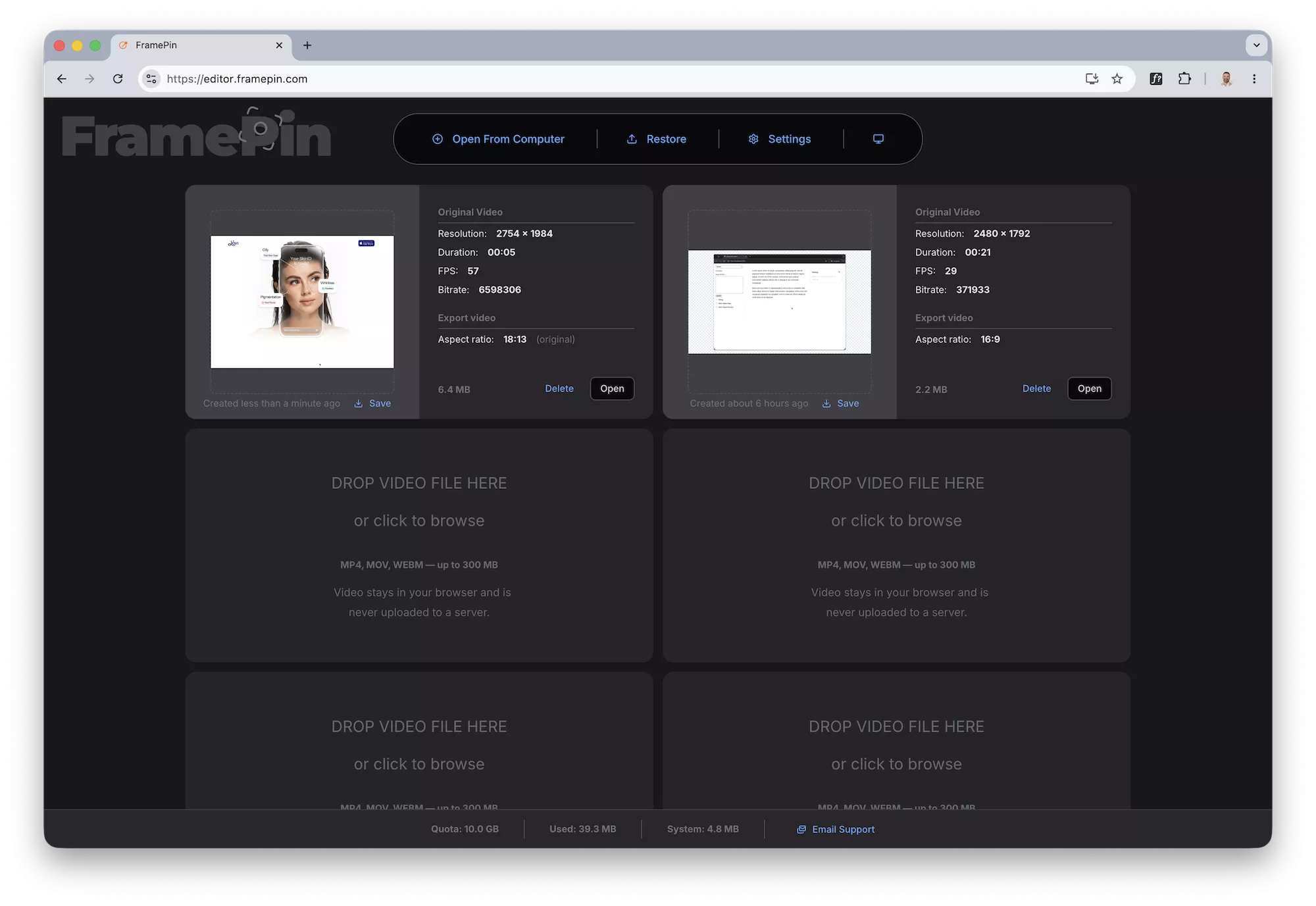
Open your recording in FramePin
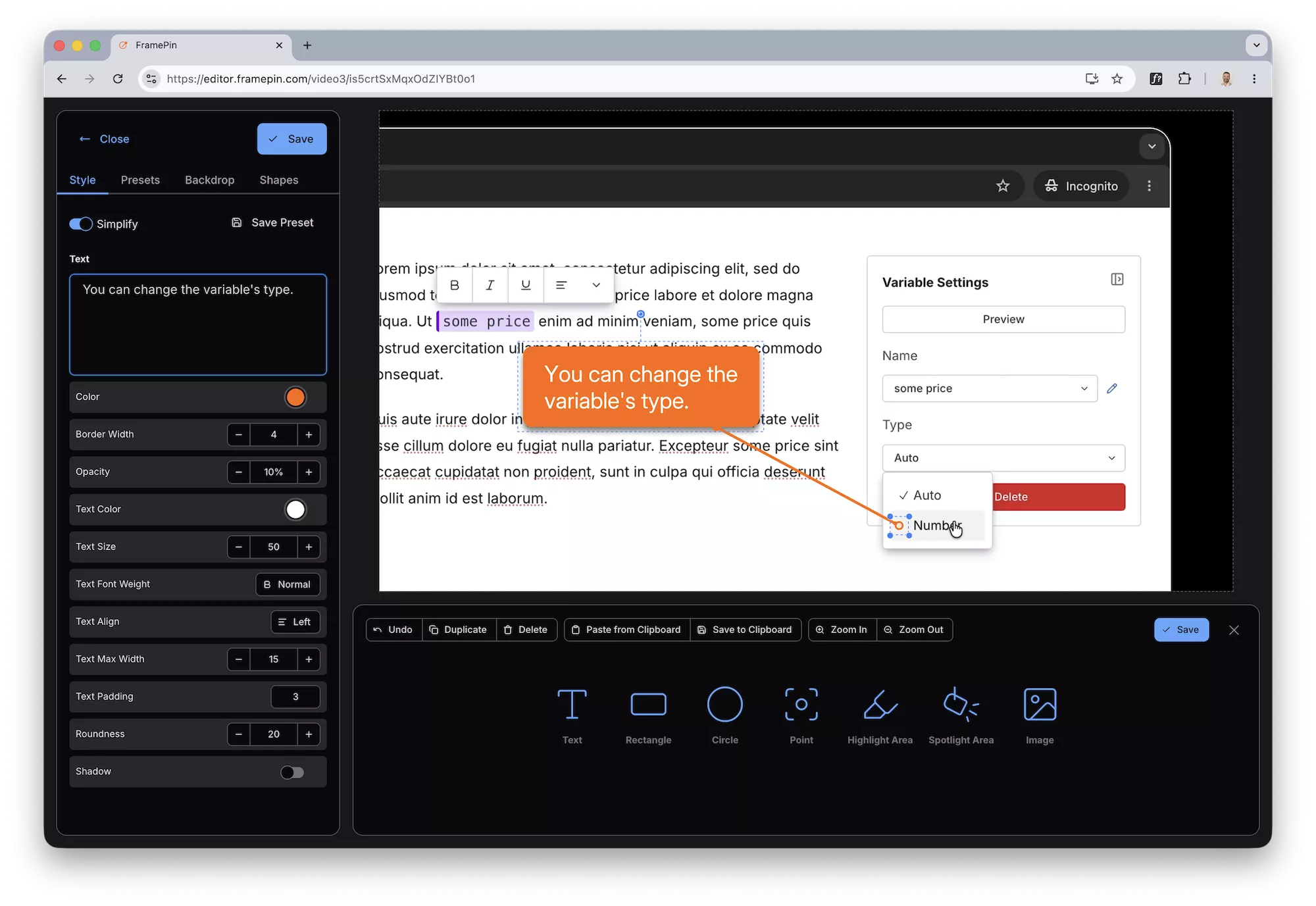
Drop a callout to explain what's happening
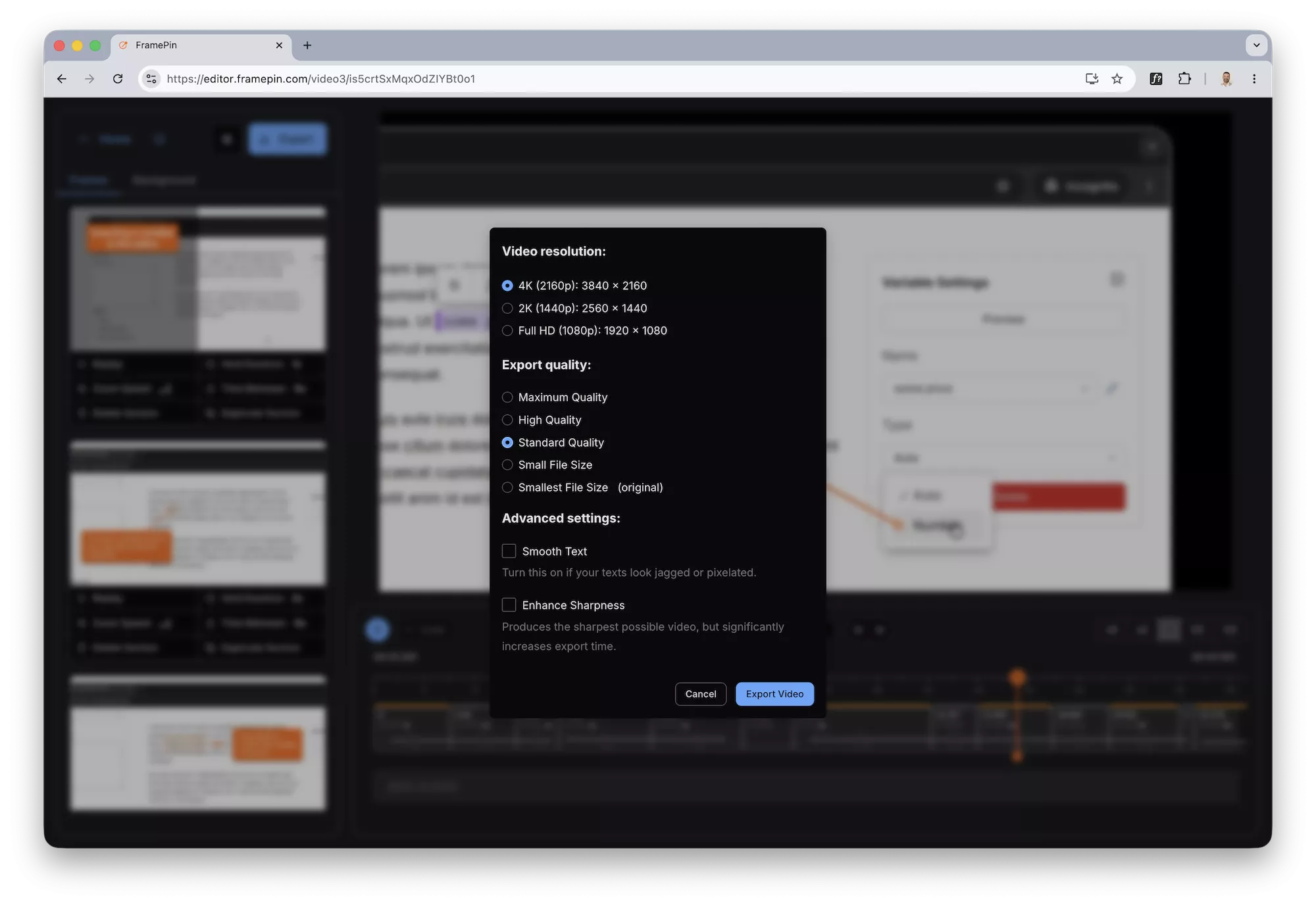
Export your recording as an MP4
1
You already have the recording
Loom, ScreenStudio, OBS, QuickTime, Zoom — it doesn't matter. If you recorded your screen, you're ready. No special format required.
2
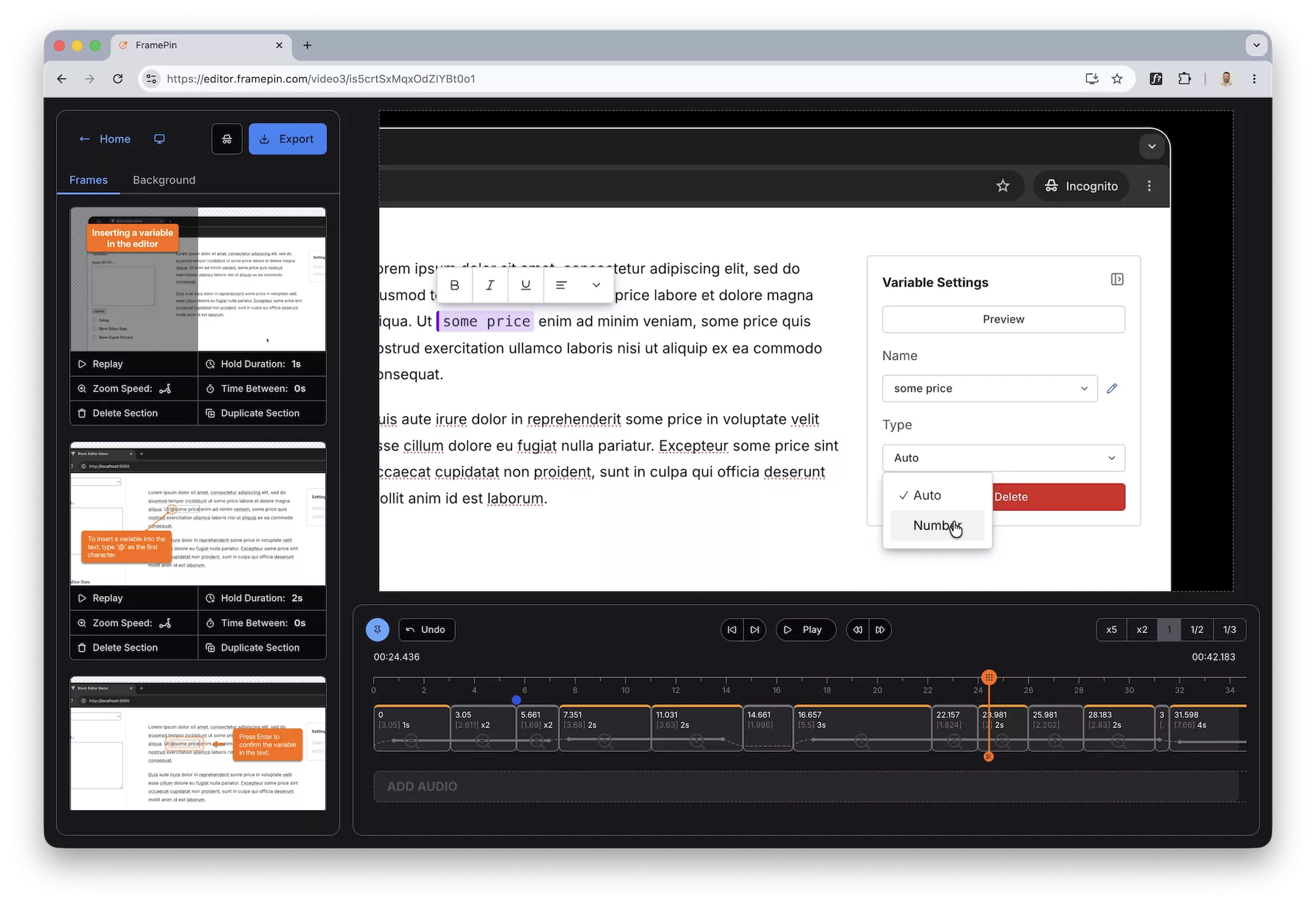
Freeze any moment and add context
Open your recording in FramePin. Pause on any frame, draw a rectangle to highlight an area, drop a callout to explain what's happening.
Move to the next moment and repeat. Takes seconds per frame.
3
Export as an annotated video
Export your recording as an MP4 with annotations burned in.
Download the file, attach it to a ticket, drop it in Slack. Done.
4
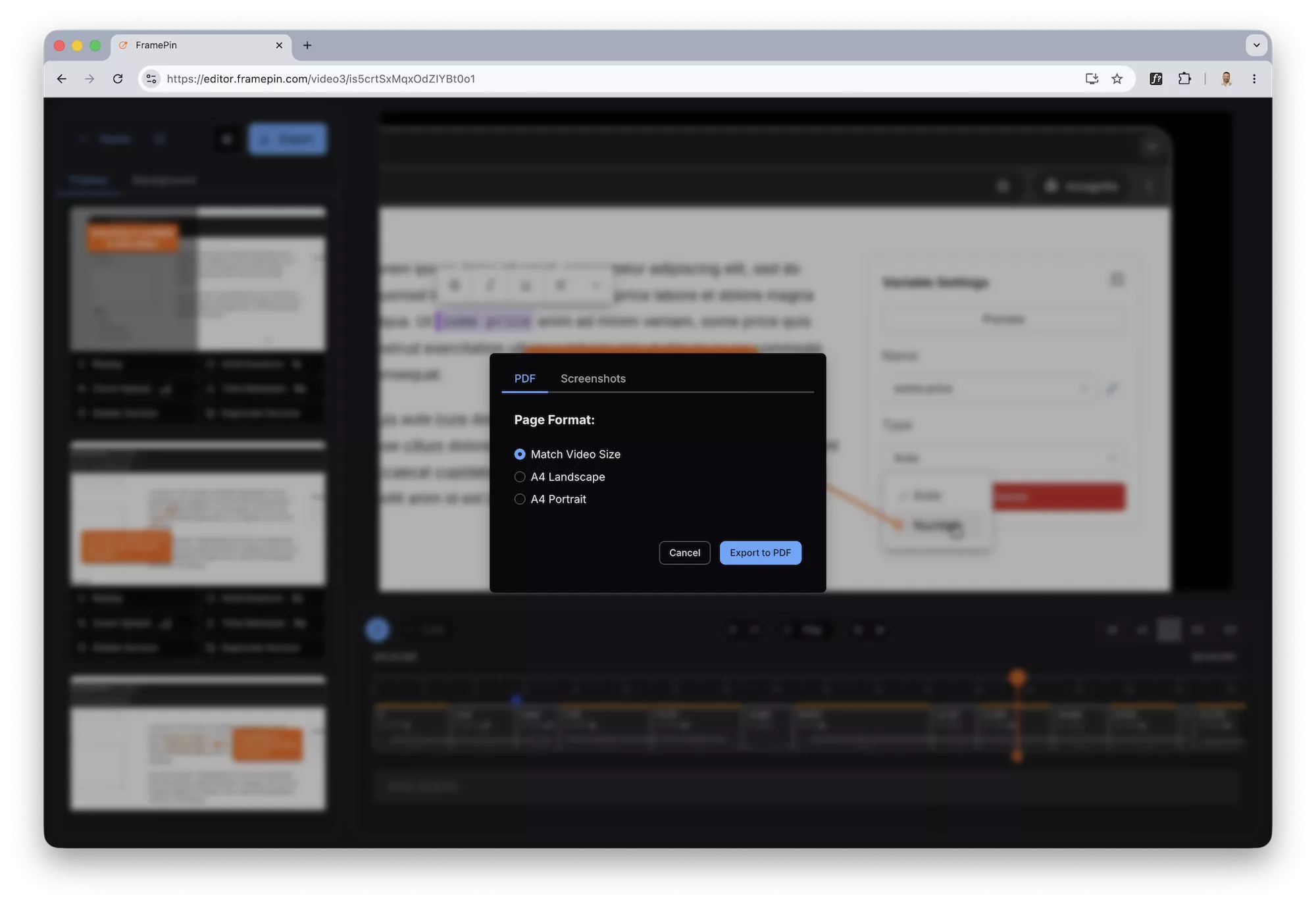
Or export as a PDF walkthrough
Export every annotated frame as a high-resolution PDF or image pack.
Perfect for documentation, support tickets, or onboarding guides that live in Notion or Confluence.
Try it free no signup needed
Works in Chrome on Mac and Windows
Your video never leaves your computer
Everything runs locally in Chrome. Nothing is uploaded anywhere.
Built for non-editors
If you can click pause and draw a box, you can use FramePin.
Annotations that look professional in one click
Arrows, labels, highlights — pre-styled and ready to drop.
Try it free no signup needed
Works in Chrome on Mac and Windows
此内容由惯性聚合(RSS阅读器)自动聚合整理,仅供阅读参考。 原文来自 — 版权归原作者所有。