


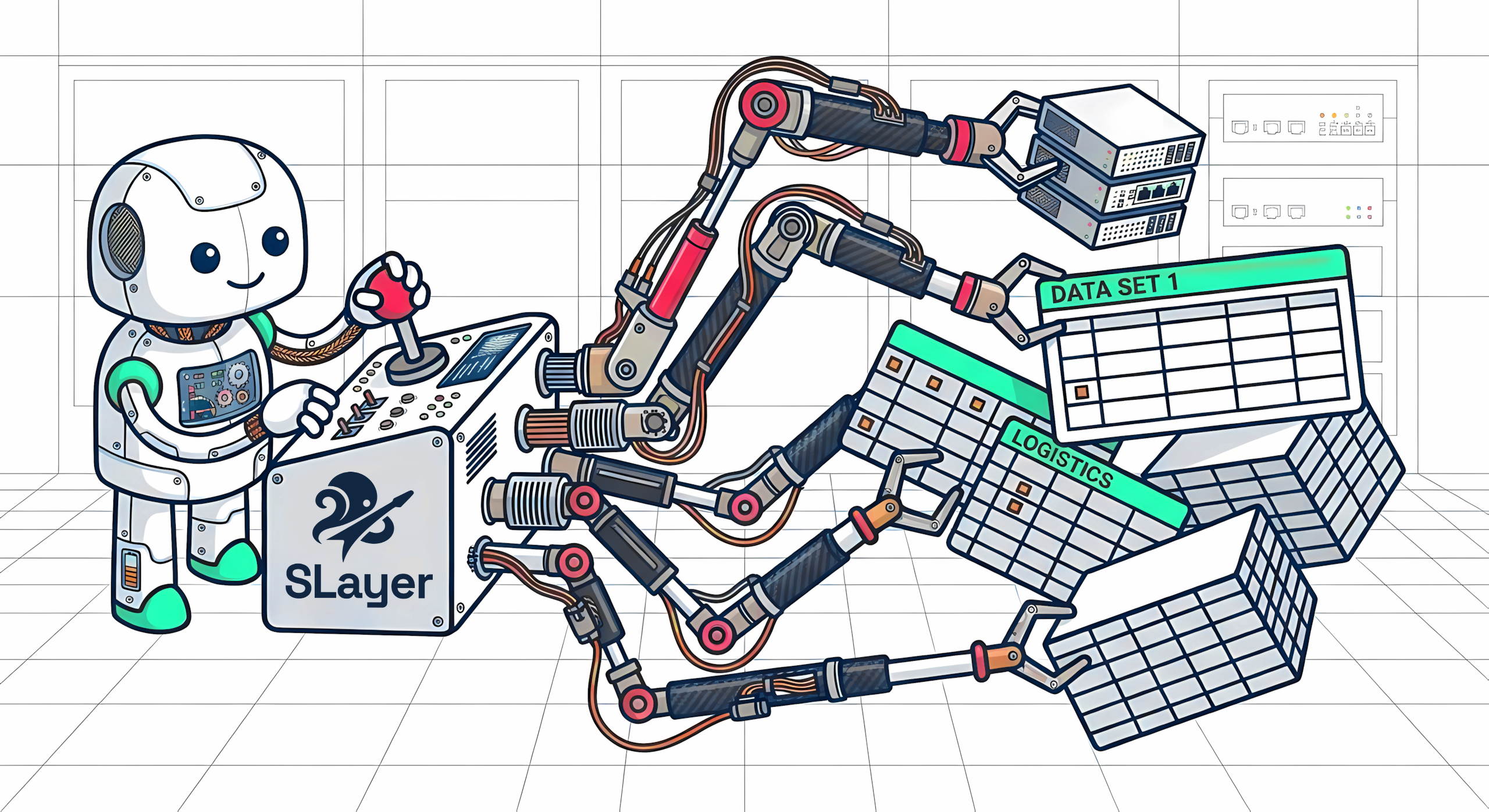
SLayer is a semantic layer that lets AI agents query your database, manage data models, and learn from the data.
If you find SLayer useful, a ⭐ helps others discover it! Questions, ideas, or feedback? Join our Discord.
How it works
SLayer sits between your database and AI agents (or internal tools, dashboards, scripts). It allows to:
- Auto-create data models from the database schema (warm start)
- Query using a structured API of measures, dimensions, and filters
- Edit models at runtime or create new ones and use them immediately
- Specify the desired aggregations at query time, not in the models
- Save and retrieve natural-language memories about the data and queries
- Run itself in-process, as a Python module or serverless via CLI
SLayer naturally evolves when the agent uses it. For example, if a query requires a new measure, the agent will update the models and will use it in other contexts.
SLayer compiles queries into the correct SQL for your database, handling joins, aggregations, time-based calculations, and dialect differences. Its DSL is very expressive, supporting queries like "month-on-month % increase in total revenue, compared to the previous year", queries-as-models and much more.
SLayer exposes MCP, REST API, CLI, Python, Flight SQL (JDBC, BI-tool compatible), and a Postgres facade (point any BI dashboard's Postgres connector at SLayer) interfaces and supports most popular databases.
Example
Question (run on the built-in demo Jaffle Shop database): "show monthly revenue by store, with month-over-month % change"
Side by side, here's LLM-generated SQL and the equivalent SLayer query.

Quickstart
We recommend using uv, especially if you don't work in a Python project.
uv tool install 'motley-slayer[all]'If slayer isn't found on PATH afterwards, run uv tool update-shell and reopen your terminal.
Using demo dataset
# With the Jaffle Shop demo preloaded (zero-config quickstart)
claude mcp add slayer_demo -- slayer mcp --demo
Using your own data
Set up your datasource, substituting the correct database, username, hostname, and db_name.
slayer datasources create 'postgresql://user:${DB_PASSWORD}@hostname/db_name'The password will be read by SLayer at init time, not saved to disk nor exposed to Claude.
Then add SLayer to Claude Code:
claude mcp add slayer -- slayer mcp --ingest-on-startup
Now SLayer MCP will be visible in Claude Code next time you start it. Make sure to launch Claude Code from a shell where DB_PASSWORD is exported — the MCP subprocess inherits its environment from the launching process.
Read more on how to get started with MCP, CLI, REST API, Python in the docs.
Known limitations
SLayer currently has no caching or pre-aggregation engine. This could affect performance for high-concurrency use cases or with large datasets. Adding a caching layer is on the roadmap.
Interfaces
MCP Server
SLayer supports two MCP transports, HTTP (served alongside the API) and stdio (serverless, spawned by the agent). Using Claude Code:
# 1. stdio-based, does not require a running server
claude mcp add slayer -- slayer mcp

# 1b. same, but preload the Jaffle Shop demo on startup
claude mcp add slayer -- slayer mcp --demo

# 1c. same, but run idempotent auto-ingestion across every configured datasource on startup
claude mcp add slayer -- slayer mcp --ingest-on-startup

# 2. HTTP-based (SSE), provided SLayer server is already running
claude mcp add slayer-remote --transport sse --url http://localhost:5143/mcp/sse
SLayer does not expose credentials to consumers once created.
Both transports expose the same tools, allowing to inspect, create and update datasources and models and run queries. More info in the docs.
CLI
Slayer exposes a rich CLI:
# Show help
slayer

# Run a query directly from the terminal
slayer query '{"source_model": "orders", "measures": ["*:count"], "dimensions": ["status"]}'

# Or from a file
slayer query @query.json --format json
These commands do not depend on a running server. See more in the docs.
Python Client
Useful for agents working in code execution environments, e.g. for AI data analytics, as well as any Python apps.
from slayer.client.slayer_client import SlayerClient
from slayer.core.query import SlayerQuery

# Remote mode (connects to running server)
client = SlayerClient(url="http://localhost:5143")

# Or local mode (no server needed)
from slayer.storage.yaml_storage import YAMLStorage
client = SlayerClient(storage=YAMLStorage(base_dir="./my_models"))

# Query data
query = SlayerQuery(
    source_model="orders",
    measures=["*:count", "revenue:sum"],
    dimensions=["status"],
    limit=10,
)
df = client.query_df(query)
print(df)
See more in the docs.
REST API
# Query
curl -X POST http://localhost:5143/query \
  -H "Content-Type: application/json" \
  -d '{"source_model": "orders", "measures": ["*:count"], "dimensions": ["status"]}'

# List models (returns name + description)
curl http://localhost:5143/models

# Get a single datasource (credentials masked)
curl http://localhost:5143/datasources/my_postgres
See more in the docs.
BI Dashboards
View your SLayer models from any BI tool — no Java or custom driver needed. Start the Postgres facade and point a dashboard's PostgreSQL connector at it:
# Start SLayer speaking the Postgres wire protocol (Jaffle Shop demo)
poetry run slayer pg-serve --demo            # listens on 127.0.0.1:5145

# e.g. Metabase: Add database -> PostgreSQL
#   host=host.docker.internal  port=5145  database=jaffle_shop  (user/password: anything)
The connection's database selects the SLayer datasource; its models appear as tables under schema public. There's also an Arrow Flight SQL facade for JDBC clients. See the Postgres facade docs for auth, TLS, and the supported SQL surface.
Models
By default, models are defined as YAML files. Add an optional description to help users and agents understand complex models:
name: orders
sql_table: public.orders
data_source: my_postgres
description: "Core orders table with revenue metrics"

# A single `columns` list — every column can be used as a group-by key
# OR as the input to a query-time aggregation, gated by type/PK rules.
columns:
  - name: id
    sql: id
    type: number
    primary_key: true
  - name: status
    sql: status
    type: string
  - name: created_at
    sql: created_at
    type: time
  - name: revenue
    sql: amount
    type: number
  - name: quantity
    sql: qty
    type: number

# Optional library of named formulas that queries can reference by bare name.
measures:
  - name: aov
    formula: "revenue:sum / *:count"
    label: "Average Order Value"
Measures
The measures parameter on a query specifies what data columns to return. Aggregations are picked at query time via colon syntax (revenue:sum, *:count); transforms wrap them (cumsum(revenue:sum)).
{
  "source_model": "orders",
  "dimensions": ["status"],
  "time_dimensions": [{"dimension": "created_at", "granularity": "month"}],
  "measures": [
    "*:count",
    "revenue:sum",
    {"formula": "revenue:sum / *:count", "name": "aov", "label": "Average Order Value"},
    "cumsum(revenue:sum)",
    "change_pct(revenue:sum)",
    {"formula": "last(revenue:sum)", "name": "latest_rev"},
    {"formula": "time_shift(revenue:sum, -1, 'year')", "name": "rev_last_year"},
    {"formula": "time_shift(revenue:sum, -2)", "name": "rev_2_periods_ago"},
    {"formula": "lag(revenue:sum, 1)", "name": "rev_prev_row"},
    "rank(revenue:sum)",
    {"formula": "change(cumsum(revenue:sum))", "name": "cumsum_delta"}
  ]
}
Available functions: cumsum, time_shift, change, lag, and more – see docs. Formulas support arbitrary nesting — e.g., change(cumsum(revenue:sum)) or cumsum(revenue:sum) / *:count.
Filters
Filters use simple formula strings — no verbose JSON objects:
{
  "source_model": "orders",
  "measures": ["*:count", "revenue:sum"],
  "filters": [
    "status == 'completed'",
    "amount > 100"
  ]
}
Filters support a variety of operators, composition, pattern matching. Transforms & computed columns can also be used for filtering. See docs for more.
Auto-Ingestion
Connect to a database and generate models automatically. SLayer introspects the schema, detects foreign key relationships, and creates models with explicit join metadata.
For example, given tables orders → customers → regions (via FKs), the orders model will automatically include:
- Joined dimensions:
customers.name,regions.name, etc. (dotted syntax) - Count-distinct measures:
customers.*:count_distinct,regions.*:count_distinct - Explicit joins — LEFT JOINs are constructed dynamically at query time
# Via CLI
slayer ingest --datasource my_postgres --schema public

# Via API
curl -X POST http://localhost:5143/ingest \
  -d '{"datasource": "my_postgres", "schema_name": "public"}'

# Or run the same idempotent ingest pass over every configured datasource at
# server boot — useful for YAML-drop workflows:
slayer serve --ingest-on-startup
slayer mcp --ingest-on-startup
Via MCP, agents can do this conversationally:
create_datasource(name="mydb", type="postgres", host="localhost", database="app", username="user", password="pass")ingest_datasource_models(datasource_name="mydb", schema_name="public")models_summary(datasource_name="mydb")→inspect_model(model_name="orders")→query(...)
Datasource Setup
The fastest way is from the CLI — pass a connection URL and optionally ingest models in one step:
slayer datasources create postgresql://user:${DB_PASSWORD}@localhost/analytics --ingestOr configure datasources as individual YAML files in the datasources/ directory:
# datasources/my_postgres.yaml
name: my_postgres
type: postgres
host: ${DB_HOST}
port: 5432
database: ${DB_NAME}
username: ${DB_USER}
password: ${DB_PASSWORD}
Environment variable references (${VAR}) are resolved at read time.
See more in the docs.
Storage Backends
SLayer ships with two storage backends:
- YAMLStorage (default) — models and datasources as YAML files on disk. Great for version control.
- SQLiteStorage — everything in a single SQLite file. Good for embedded use or when you don't want to manage files.
SLayer allows easily implementing your own storage backends, which is useful for features such as tenant isolation.
See the documentation page for storage backends for more.
Roadmap
| # | Step | Status |
|---|---|---|
| 1 | Dynamic joins | ✅ |
| 2 | Multi-stage queries | ✅ |
| 3 | Cross-model measures | ✅ |
| 4 | Aggregation at query time | ✅ |
| 5 | Smart output formatting (currency, percentages) | ✅ |
| 6 | Saving memories & queries | ✅ |
| 7 | Schema drift detection | ✅ |
| 8 | Unpivoting | ❌ |
| 9 | Asof joins | ❌ |
| 10 | Caching / pre-aggregations | ❌ |
| 11 | Access controls & governance | ❌ |
| 12 | Chart generation (eCharts) | ❌ |
Examples
The examples/ directory contains runnable examples that also serve as integration tests:
| Example | Description |
|---|---|
| embedded | SQLite, no server needed |
| postgres | Docker Compose with Postgres + REST API |
| mysql | Docker Compose with MySQL + REST API |
| clickhouse | Docker Compose with ClickHouse + REST API |
Tutorials
The docs/examples/ directory contains Jupyter notebooks that walk through SLayer's features step by step.
| Notebook | Topic |
|---|---|
| SQL vs DSL | How model SQL and query DSL stay cleanly separated |
| Auto-Ingestion | Schema introspection, FK graph discovery, automatic model generation |
| Time Operations | change, change_pct, time_shift, lag, lead, last — composable time transforms |
| Joins | Dot syntax, multi-hop dimensions, diamond join disambiguation |
| Joined Measures | Cross-model measures with sub-query isolation |
| Multistage Queries | Query chaining, queries-as-models, ModelExtension |
License
MIT — see LICENSE.