










Revdoku is an open-source AI-powered platform for reviewing important documents.




Revdoku is an open-source AI-powered platform for reviewing important documents. It automates line-by-line checks against the rules your team defines, compares data to your reference values, runs custom scripts, and highlights mismatches for review.
Demo video
revdoku-demo.mp4
Features
- Pinpoint review against your checklists. Each rule lands a highlight on the exact line, number, or clause it flags.
- Cross-document checks. Attach a quote, an amendment, or a policy and the AI checks across them.
- Revision-aware. Upload a new version; Revdoku tracks what changed and what you've already reviewed.
- No issue forgotten. Past failed checks carry forward to the next revision automatically.
- Add Manual Issues and Per Document Rules add per document (envelope) rules and checks (re-checked in new revisions automatically).
- Security Documents and sensitive data are encrypted with 256-bit AES.
- Shareable reports. Export PDF or HTML with every finding rendered inline, or create public share links for frozen report snapshots.
- Custom Scripts. Run custom scripts over found values for additional analysis like counting, sum by categories and more.
- Cloud or Local LLM Connects to cloud AI or local LLM for full privacy.
- Upload via Email Send documents to special per-account email address and documetns are automatically uploaded to your account.
Sharing reports
Core includes public /shared/<token> report links out of the box. Set SHARE_REPORT_ENABLED=false to disable sharing instance-wide. Without AWS_S3_SHARED_BUCKET, self-hosted installs store shared snapshots on local disk under storage/shared_reports/.
Hosted version is available at www.revdoku.com.
See it in action
Drop a document, run a checklist, read the report.
▶ Watch all demo walkthroughs (click to expand)
Invoices
| Demo | What it shows |
|---|---|
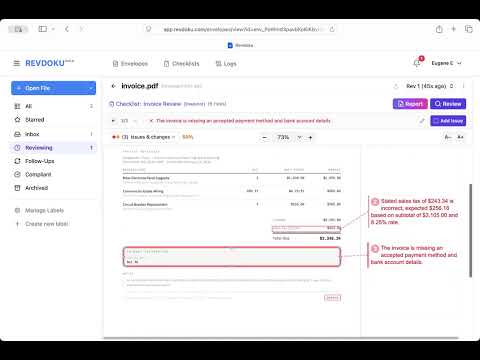 Invoice review |
Drop an invoice in, run the Invoice Review checklist with Google Gemini, and read the issues and passes the AI surfaces. |
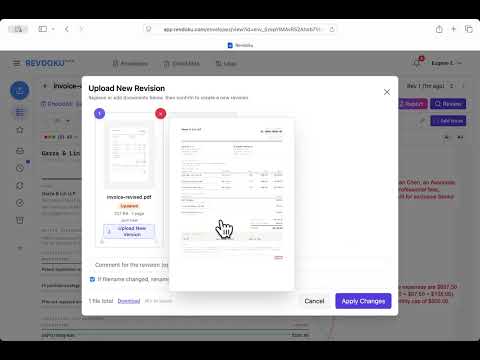 Invoice vs. legal services agreement — track revisions |
Paste the agreement, generate a compliance checklist, run review on the invoice, then upload a corrected revision and confirm all checks pass. |
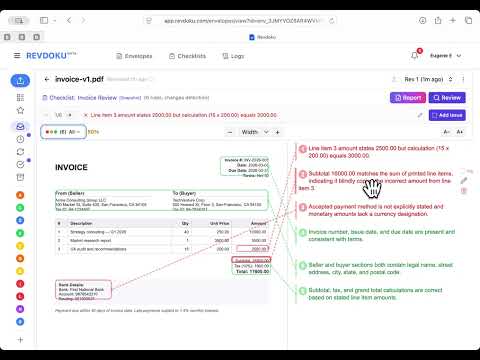 Detect changes between document revisions |
Upload v1 of an invoice, run review, then upload v2 and let Revdoku surface every field-level change — terms, amounts, dates, and account numbers. |
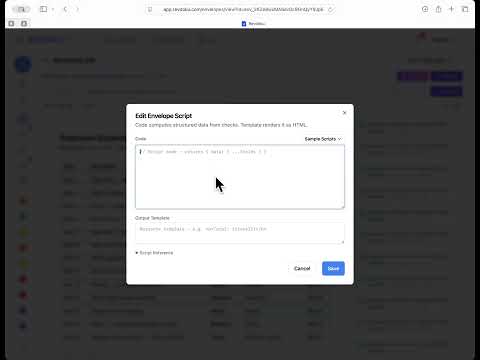 Categorize an expense report |
ADVANCED. Tag every line item with the Expense Categorization checklist, then use a custom script to produce a per-category spending breakdown. |
Legal & contracts
| Demo | What it shows |
|---|---|
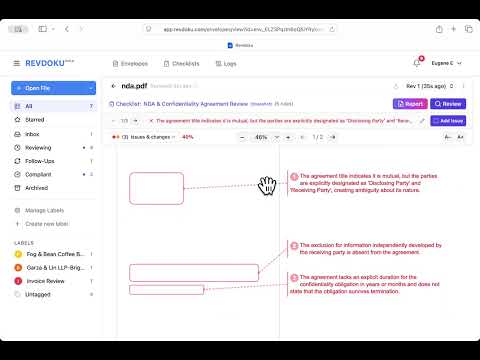 Mutual NDA review |
Upload a mutual NDA, attach the NDA & Confidentiality Agreement Review checklist, run review with Google Gemini, and read the resulting issues and report. |
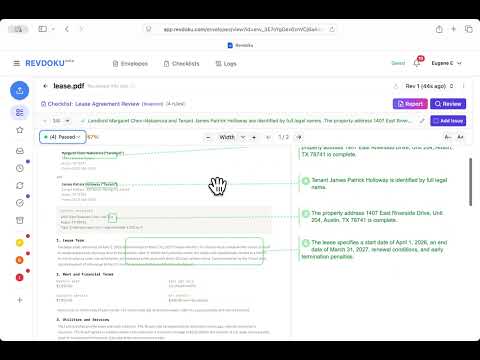 Residential lease review |
Attach the Lease Agreement Review checklist, run review, and read page-1 / page-2 issues plus the final report. |
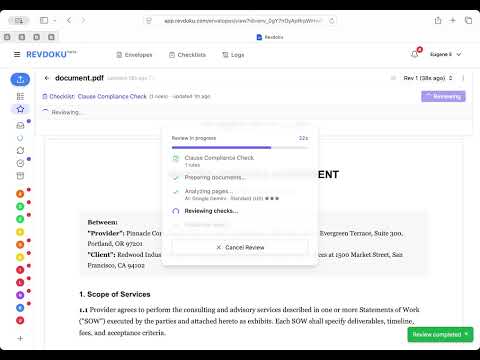 Master Services Agreement — clause compliance |
Audit an MSA against a required-clause checklist; missing clauses are flagged with their location in the document. |
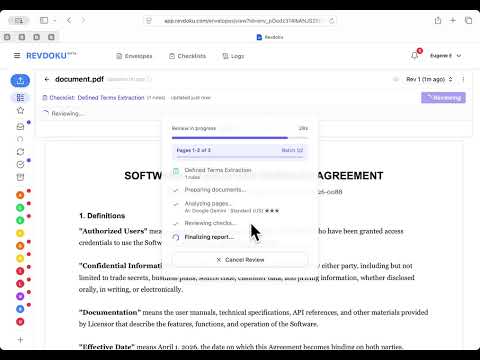 Software License — extract defined terms |
Pull every defined term from a Software License and Services Agreement so Section 1 can be audited at a glance. |
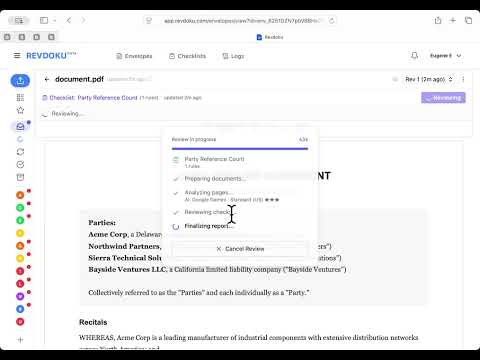 Joint Venture Agreement — party reference count |
Count every reference to each party in a multi-page JV agreement, mapping every mention back to its spot in the PDF. |
Healthcare
| Demo | What it shows |
|---|---|
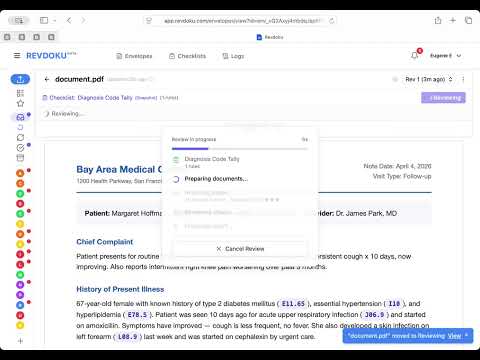 Tally ICD-10 diagnosis codes |
Pull every ICD-10 diagnosis code out of a clinical note and tally how many times each one appears. |
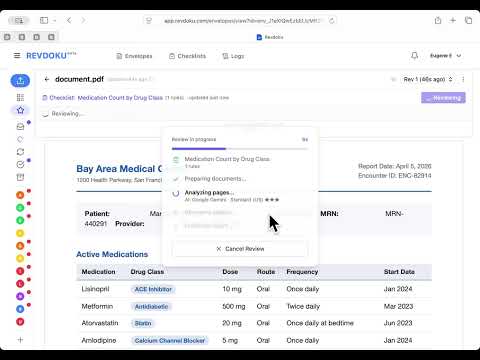 Count medications by drug class |
Tally medications on a patient record by drug class, surfacing interaction flags from the clinic's pharmacy note. |
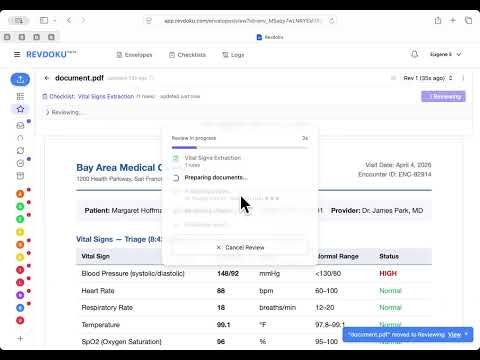 Extract vital signs |
Extract triage and post-treatment vital signs from a clinical note, flagging abnormal readings and tying each value back to its source row. |
Marketing & Content
| Demo | What it shows |
|---|---|
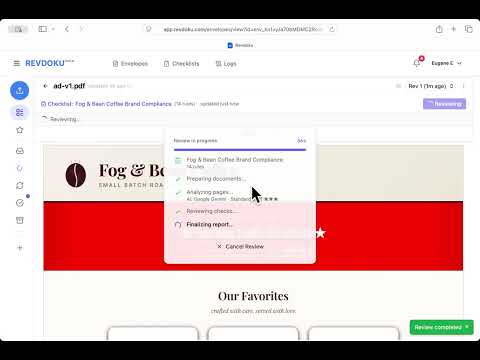 Check an ad against brand guidelines |
Paste your brand guide to generate a compliance checklist, run review on the ad, then upload a revised version and let Revdoku re-check the prior issues automatically. |
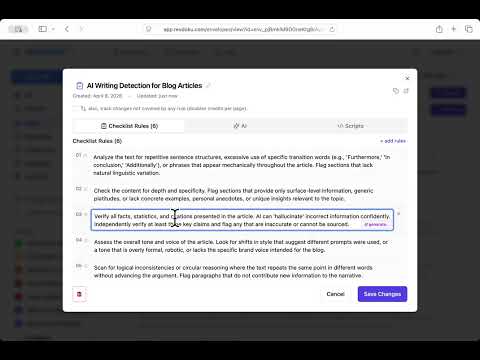 Detect AI writing in a blog post |
Run a one-line prompt to generate a 6-rule AI-writing-detection checklist, then review the blog post for repetitive structures, shallow content, and factual inaccuracies. |
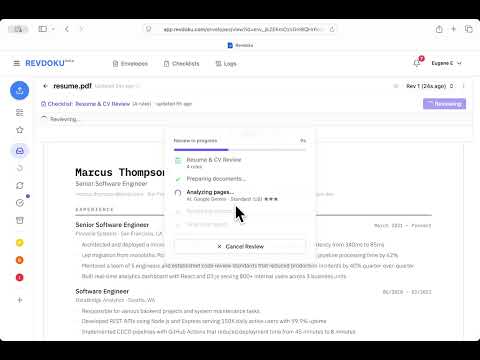 Resume review |
Run the Resume & CV Review checklist on a resume PDF and read the issues the AI finds — missing contact fields, inconsistent date formats, and more. |
Check an ad against brand guidelines |
Paste your brand guide to generate a compliance checklist, run review on the ad, then upload a revised version and let Revdoku re-check the prior issues automatically. |
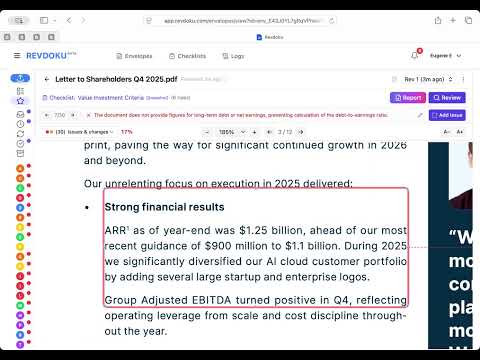 Investor letter — Warren Buffett-style checklist |
Generate a value-investing checklist from a single-line Buffett prompt, run it against Nebius Group's Q4 2025 letter to shareholders, and read the per-rule pass/fail report. |
Photo inspection
| Demo | What it shows |
|---|---|
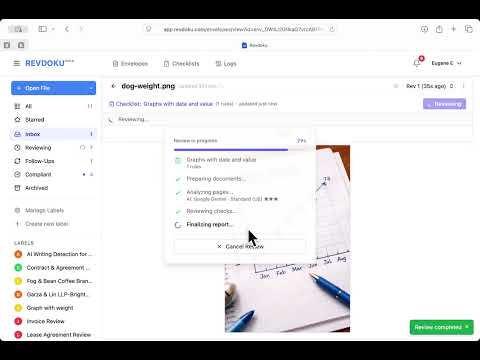 Extract data from a hand-drawn chart |
Upload a chart image, run an AI checklist to read every data point, then use a built-in script to deduplicate and list the extracted values. |
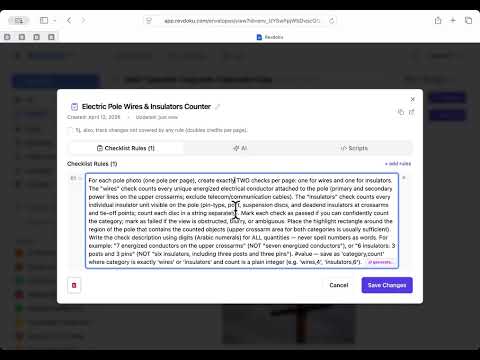 Count wires and insulators on utility poles |
Count energized conductors and insulators on each of four utility-pole inspection photos, producing per-pole totals with highlighted regions. |
Full playlist on YouTube → https://www.youtube.com/playlist?list=PLoSGpfRUg7ywQ7kbEiCuXNI5nN-CRxbZe
Quick start
Revdoku workks on macOS, Linux, and Windows (via WSL).
You'll need
- Docker Desktop (or Docker Engine on Linux)
- Git
- If you are on Windows: WSL for Windows
-
Open a terminal.
- macOS → Terminal app
- Windows → Start menu → "WSL" (install with
wsl --installin PowerShell if you haven't) - Linux → any terminal
-
Clone and enter the repo:
git clone https://github.com/revdoku/revdoku.git cd revdoku -
Create your config file:
You will need to copy sample config file (env.example) and set your own values.
First, copy sample config into a new file
.env.localcp env.example .env.local
Note: the filename starts with a dot that makes it hidden in some file managers. Use
ls -lain the terminal, or enable Show hidden files in your file browser to see it. -
Open
.env.localin any plain-text editor (VS Code, Cursor, TextEdit, Notepad) and fill in every line marked[REQUIRED].
Step-by-step instructions are inside the file, including the openssl commands that generate the four random secrets.
In most cases you can edit file using the command code .env.local and it will open this file in you favorite code editor.
Note: if you type code . and press Enter it will open the whole folder for editing and you will be able to edit any file in that folder.
-
Start it:
./bin/start
This will:
- check if config file is available and set up
- check if it can download pre-built latest docker image from Github (from
ghcr.io/revdoku/revdoku:latest). May take few minutes, be patient. - if not, it will rebuild the docker image. May take few minutes, be patient.
-
Finally open http://localhost:3000 and sign in with the admin login and password, the same that you've set to
REVDOKU_BOOTSTRAP_ADMIN_EMAILandREVDOKU_BOOTSTRAP_ADMIN_PASSWORDin.env.localon Step 4. -
To connect to AI, set up API keys for your favorite AI providers in inside the app in Account → AI → Providers. Supported providers:
- Open AI <openai.com>
- Google Cloud <cloud.google.com>
- OpenRouter <openrouter.ai>. IMPORTANT: DO enable zero-data retention (ZDR) in https://openrouter.ai/settings/privacy and disable training to avoid your documents and files being captured by AI providers)
- Local LLM (LM Studio, Ollama and others)
- Custom LLM providers
Note for power users: to rebuild from source instead of pulling the prebuilt docker image use:
./bin/start --build
Configuration
All configuration is environment variables.
See env.example for the complete list with inline docs
Security
- All uploaded files and sensitive data fields in the database are encrypted at rest with AES-256-GCM encryption using
LOCKBOX_MASTER_KEYdefined in.env.local. SQLite uses WAL mode. - Users may setup 2-factor authentication for signing in.
- Logs are created and available in /logs
- No telemetry.
For enhanced security, HIPAA (BAA) please consider hosted version at www.revdoku.com
Report issues privately: security@revdoku.com please, don't open a public GitHub issue.
Contributing
Bug reports and PRs welcome! For larger changes, open a GitHub Discussion first so we can align on scope.
License
Revdoku is open source, licensed under the GNU Affero General Public License v3 (AGPLv3) — see LICENSE. A commercial license is also available; contact sales@revdoku.com.
Hosted version: https://revdoku.com · Issues & bugs: https://github.com/revdoku/revdoku/issues