惯性聚合 高效追踪和阅读你感兴趣的博客、新闻、科技资讯
阅读原文 在惯性聚合中打开

推荐订阅源

罗磊的独立博客
SecWiki News
SecWiki News
酷 壳 – CoolShell
酷 壳 – CoolShell
爱范儿
爱范儿
量子位
M
MIT News - Artificial intelligence
GbyAI
GbyAI
cs.AI updates on arXiv.org
K
KPMG report finds enterprise disconnect between AI and its ROI | CIO
TaoSecurity Blog
TaoSecurity Blog
博客园 - 【当耐特】
H
Heimdal Security Blog
腾讯CDC
The Last Watchdog
The Last Watchdog
Security Archives - TechRepublic
Hacker News: Ask HN
Hacker News: Ask HN
S
Schneier on Security
Microsoft Security Blog
WordPress大学
WordPress大学
博客园 - 司徒正美
Recent Commits to openclaw:main
C
Cybersecurity and Infrastructure Security Agency CISA
S
SegmentFault 最新的问题
大猫的无限游戏
大猫的无限游戏
Application and Cybersecurity Blog
F
Full Disclosure
有赞技术团队
有赞技术团队
T
Tailwind CSS Blog
Engineering at Meta
Engineering at Meta
cs.CV updates on arXiv.org
T
Threatpost
月光博客
月光博客
A
Arctic Wolf
OSCHINA 社区最新新闻
OSCHINA 社区最新新闻
雷峰网
雷峰网
T
Troy Hunt's Blog
freeCodeCamp Programming Tutorials: Python, JavaScript, Git & More
The Cloudflare Blog
D
DataBreaches.Net
O
OpenAI News
L
LINUX DO - 最新话题
宝玉的分享
宝玉的分享
小众软件
小众软件
V
Vulnerabilities – Threatpost
A
About on SuperTechFans
人人都是产品经理
人人都是产品经理
T
The Exploit Database - CXSecurity.com
Martin Fowler
Martin Fowler
美团技术团队
P
Privacy International News Feed

qiaoqiao

outlook打开邮件报错Contacting the Server for Information 将数据同步到云盘:openlist+rclone - qiaoqiao 记录下关于数据库的一些常用命令 - qiaoqiao 导出AD域环境下特定组成员 - qiaoqiao 记账后续 - qiaoqiao 连接网络共享打印机报错0x00000057 - qiaoqiao 为了一盘醋,包了一顿饺子(记账之路) - qiaoqiao windows远程桌面白屏解决办法 - qiaoqiao podman重启后容器无法自启动解决办法 - qiaoqiao win7电脑蓝屏,蓝屏代码:0x0000007B - qiaoqiao Deepseek R1本地部署 - qiaoqiao 免费博客方案:hugo+cloudflare - qiaoqiao Fail2ban防止暴力攻击 - qiaoqiao wireguard配置多节点组网 - qiaoqiao
数据库同步工具 DBSwitch vs dbsyncer - qiaoqiao
qiaoqiao · 2025-11-07 · via qiaoqiao

我找了两款数据库迁移同步工具,功能类似,都支持不同的数据库之间的数据同步。

dbswitch

安装

用的非官方的镜像

docker run -d --name dbswitch  -e DBTYPE=h2  -v /tmp:/tmp  -p 9088:9088 \
  registry.cn-hangzhou.aliyuncs.com/inrgihc/dbswitch:2.0.0

初始账号密码 admin/123456
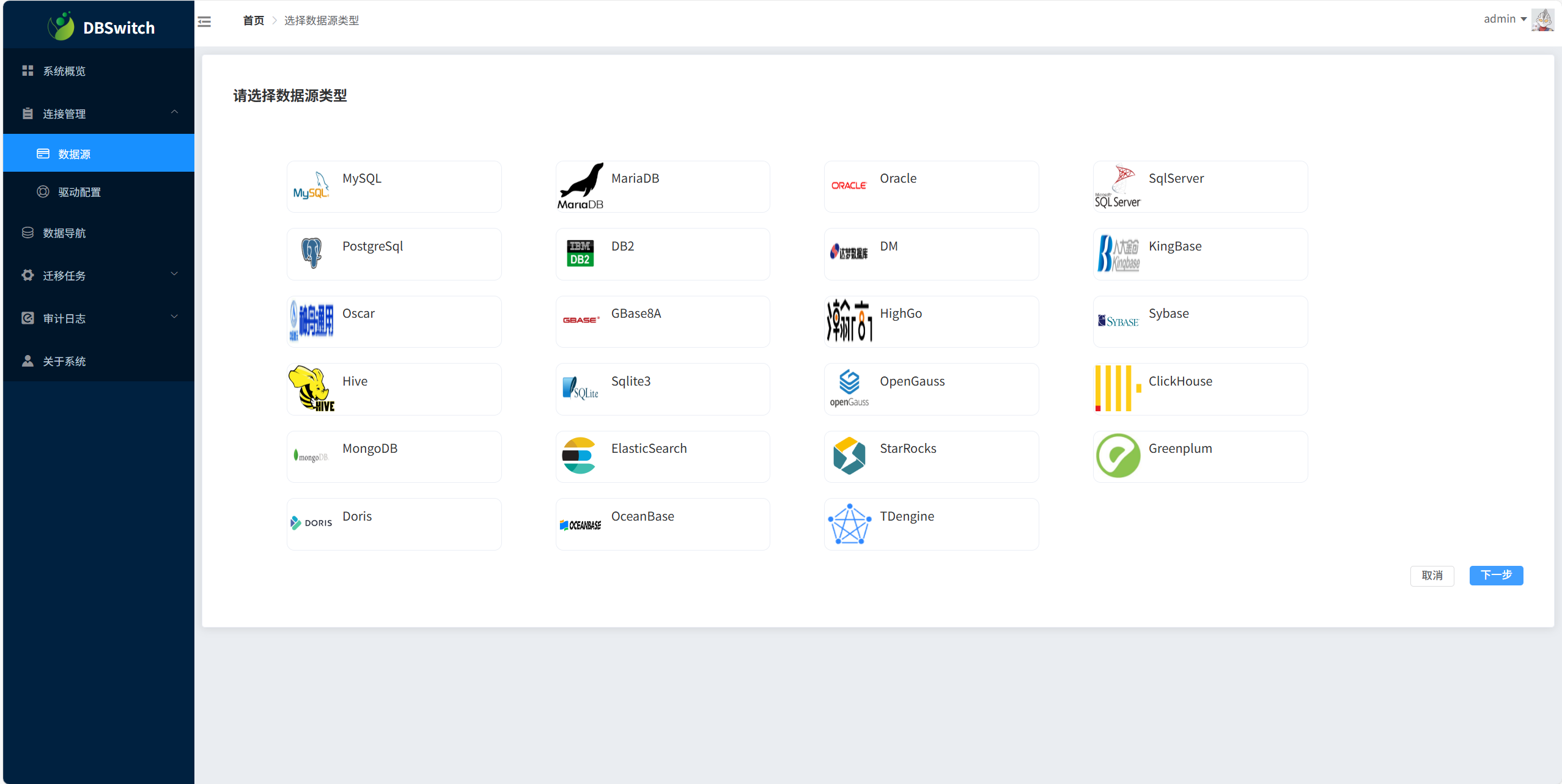
添加数据源

199.1.png

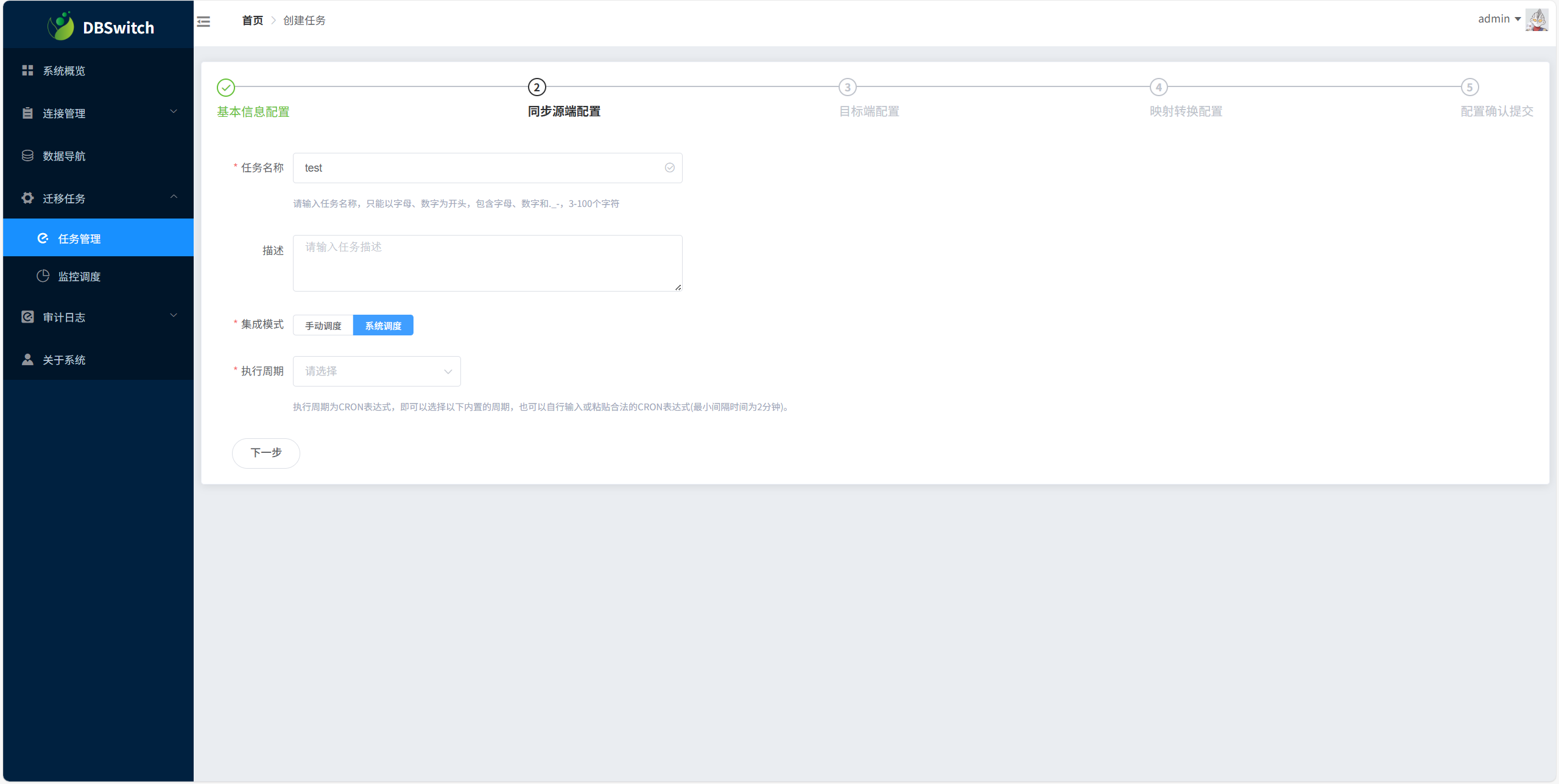
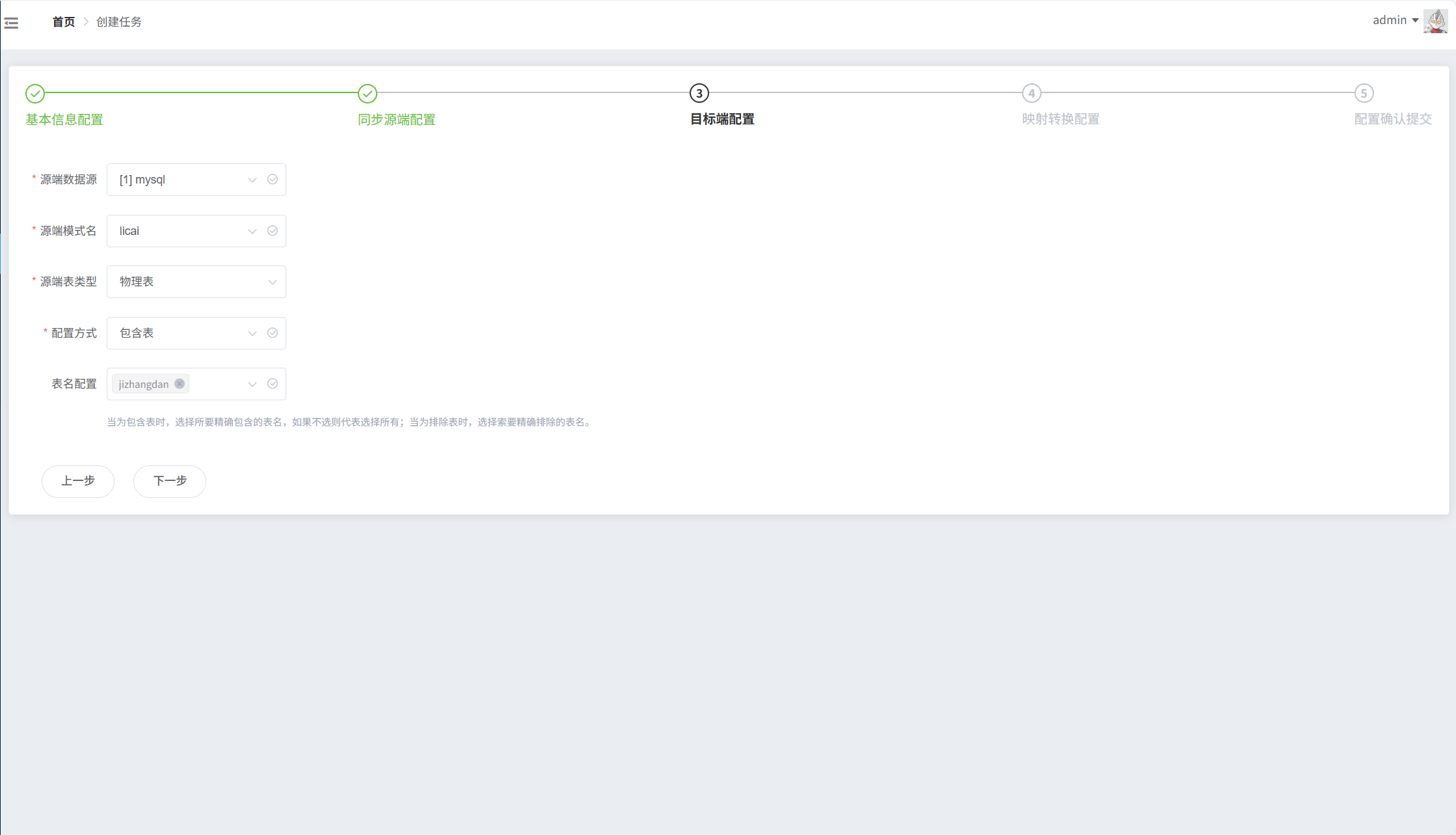
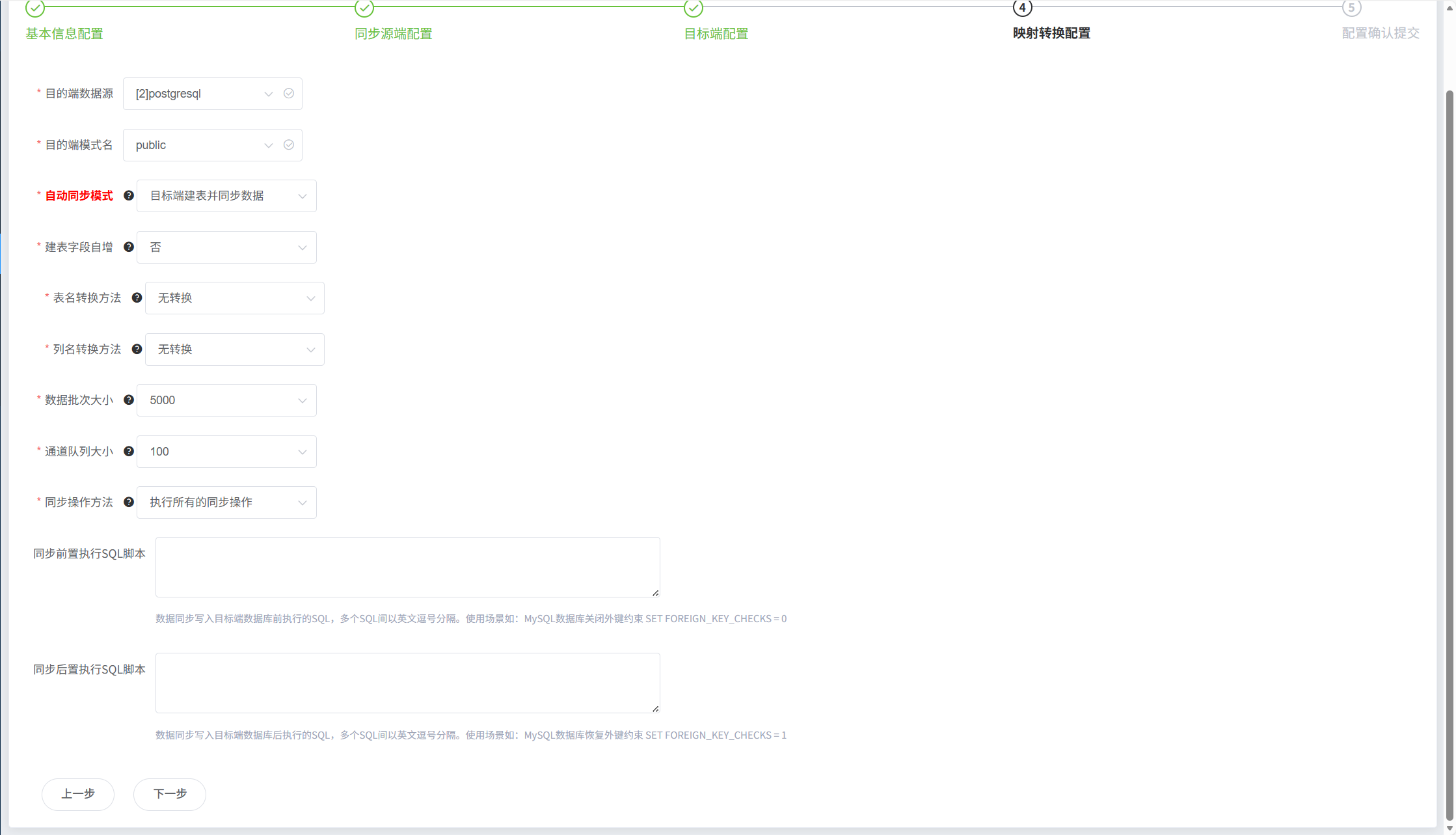
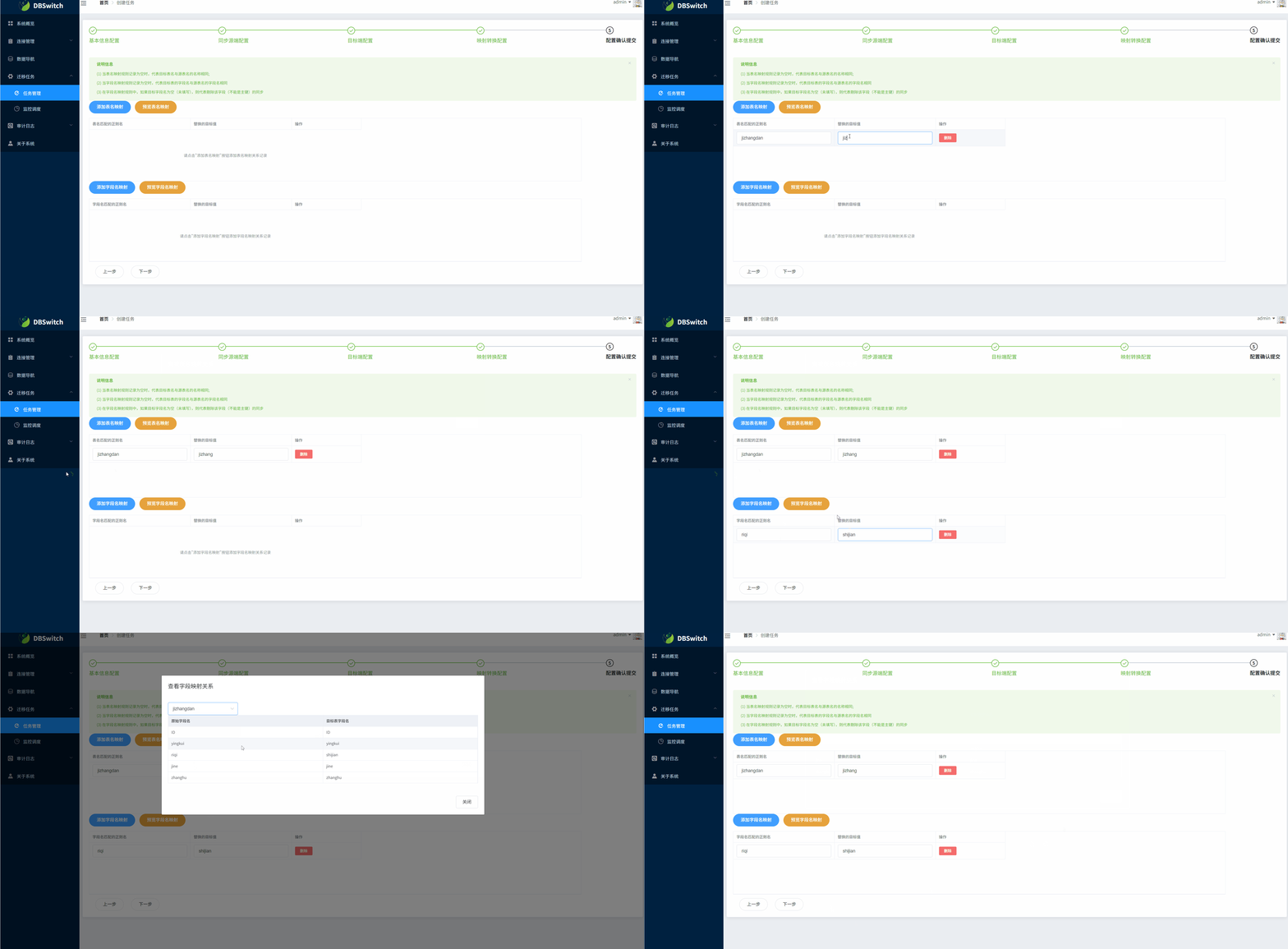
创建任务

手动调度是指手动执行,系统调度是自动执行

199.2.png

199.3.png

199.4.png

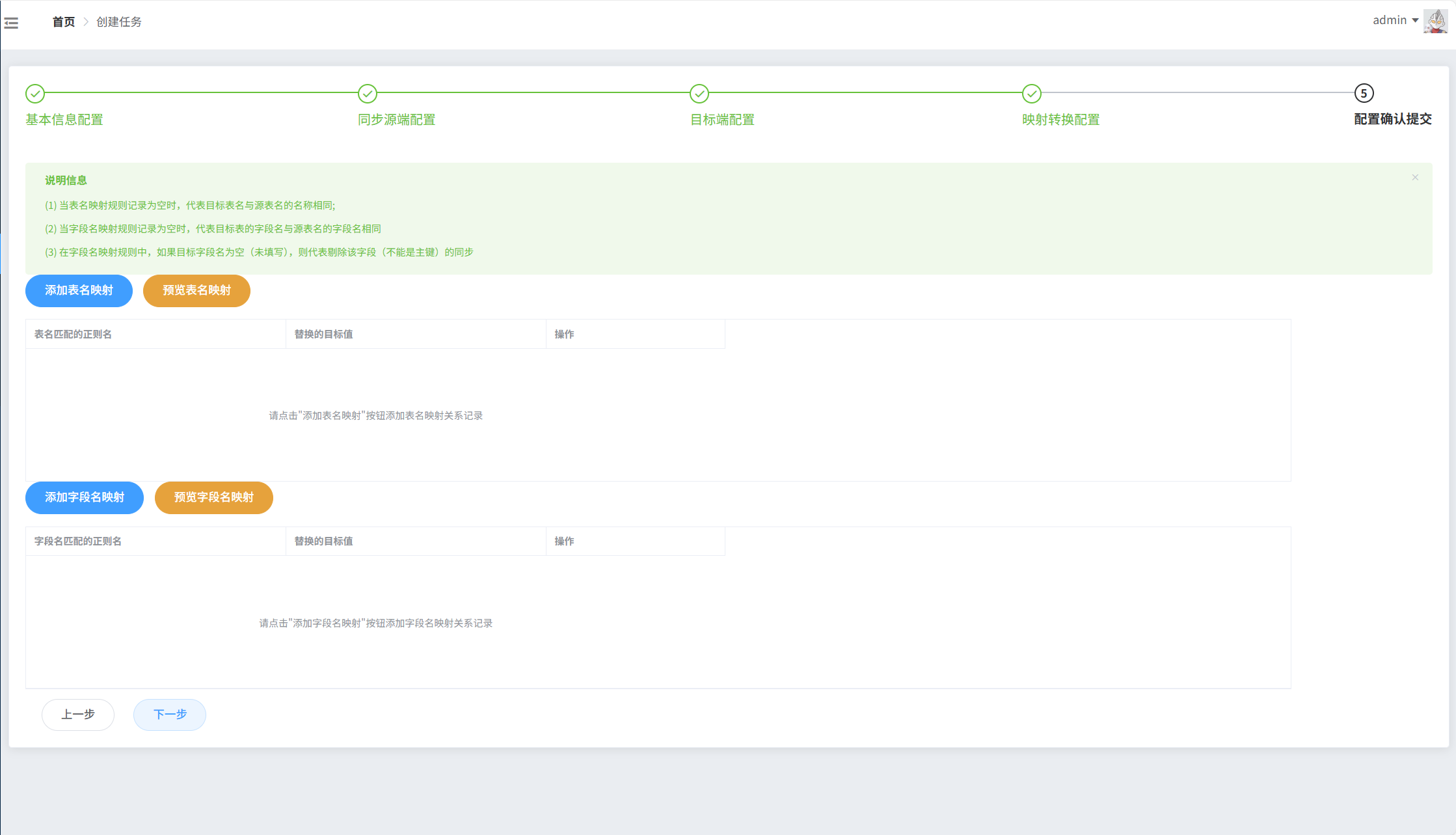
如果不添加映射就是按照原表来

199.5.png

199.6.gif

dbsyncer

安装

docker run -d  --name dbsyncer  -p 18686:18686  -e TZ=Asia/Shanghai  crazylife/dbsyncer-web:latest

默认账号密码都是admin
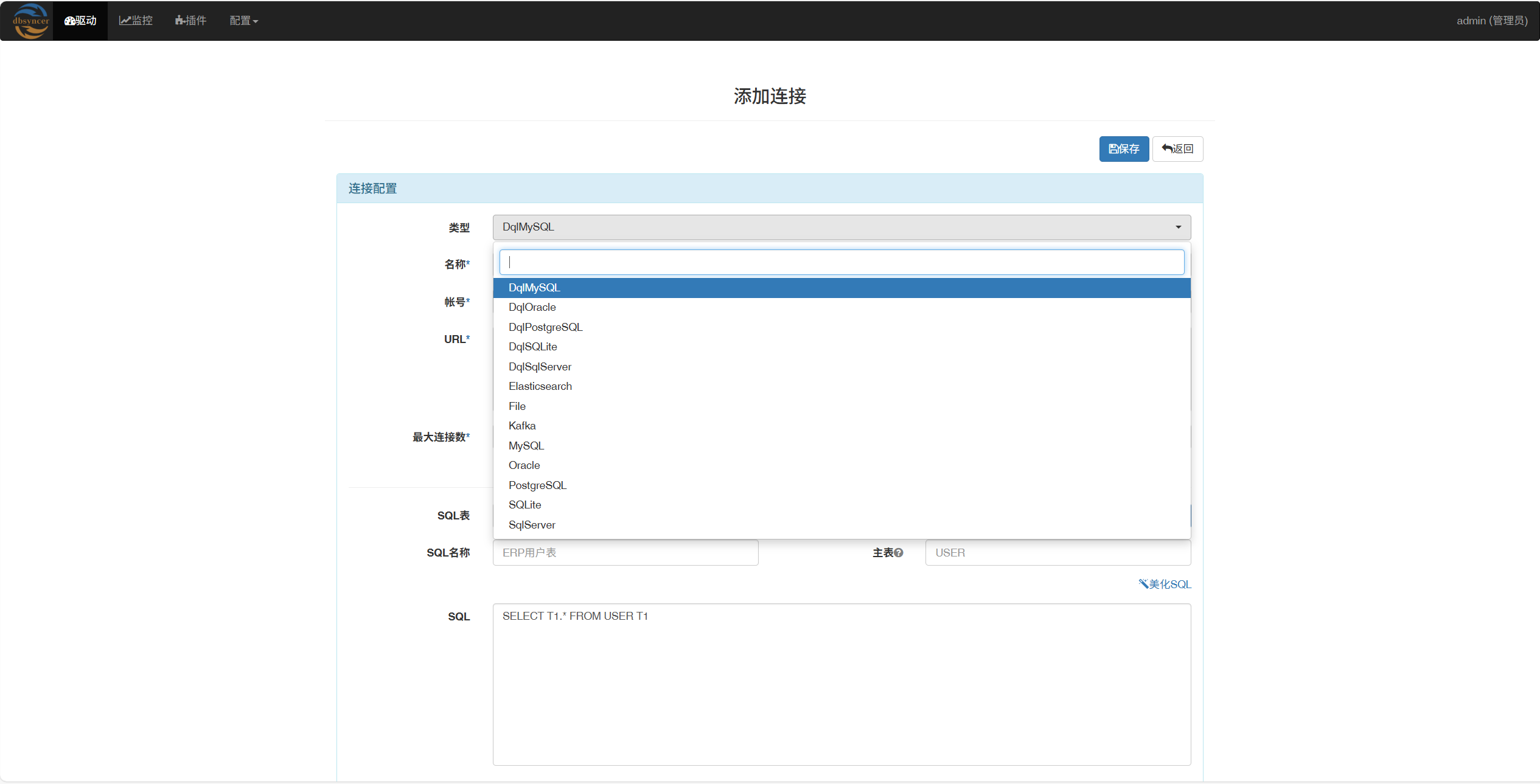
添加数据源

199.7.png

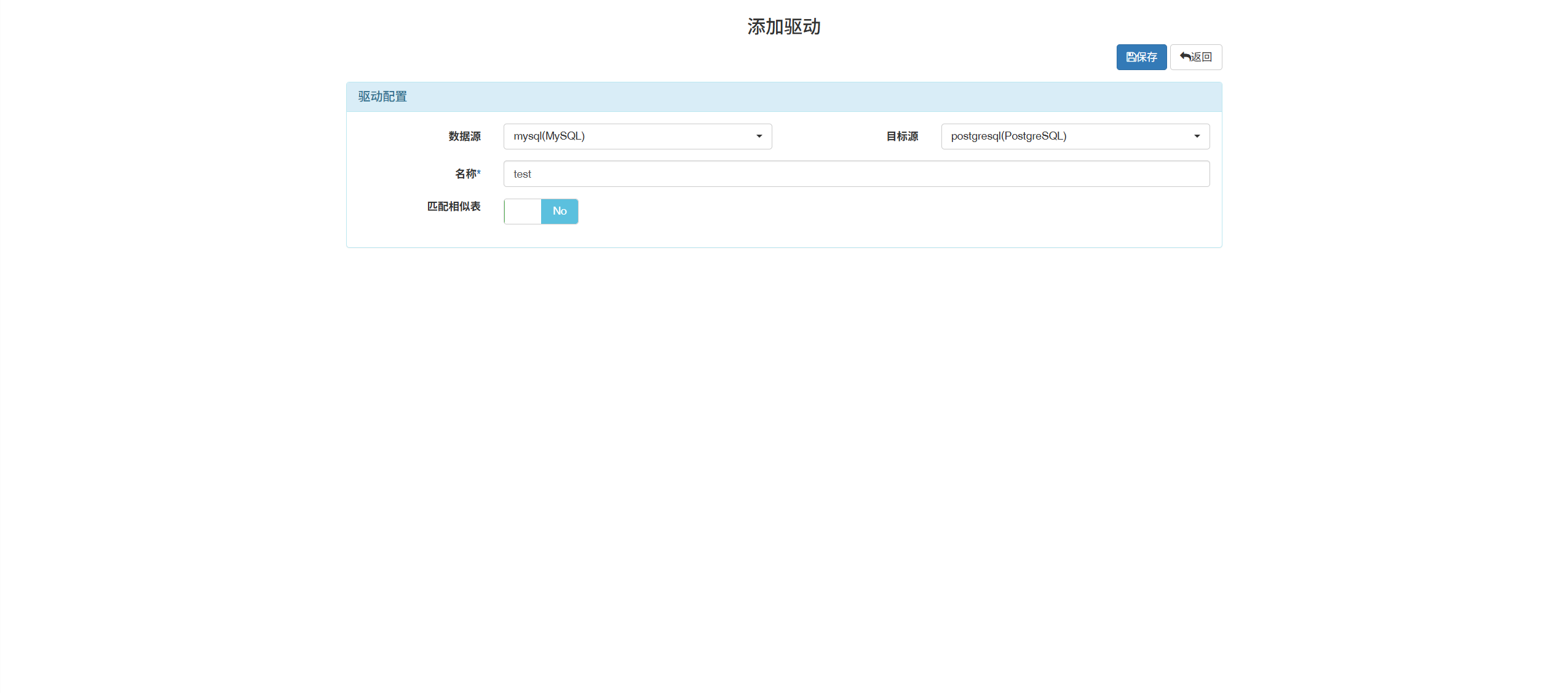
创建任务

这里的创建任务是点击添加驱动

199.8.png

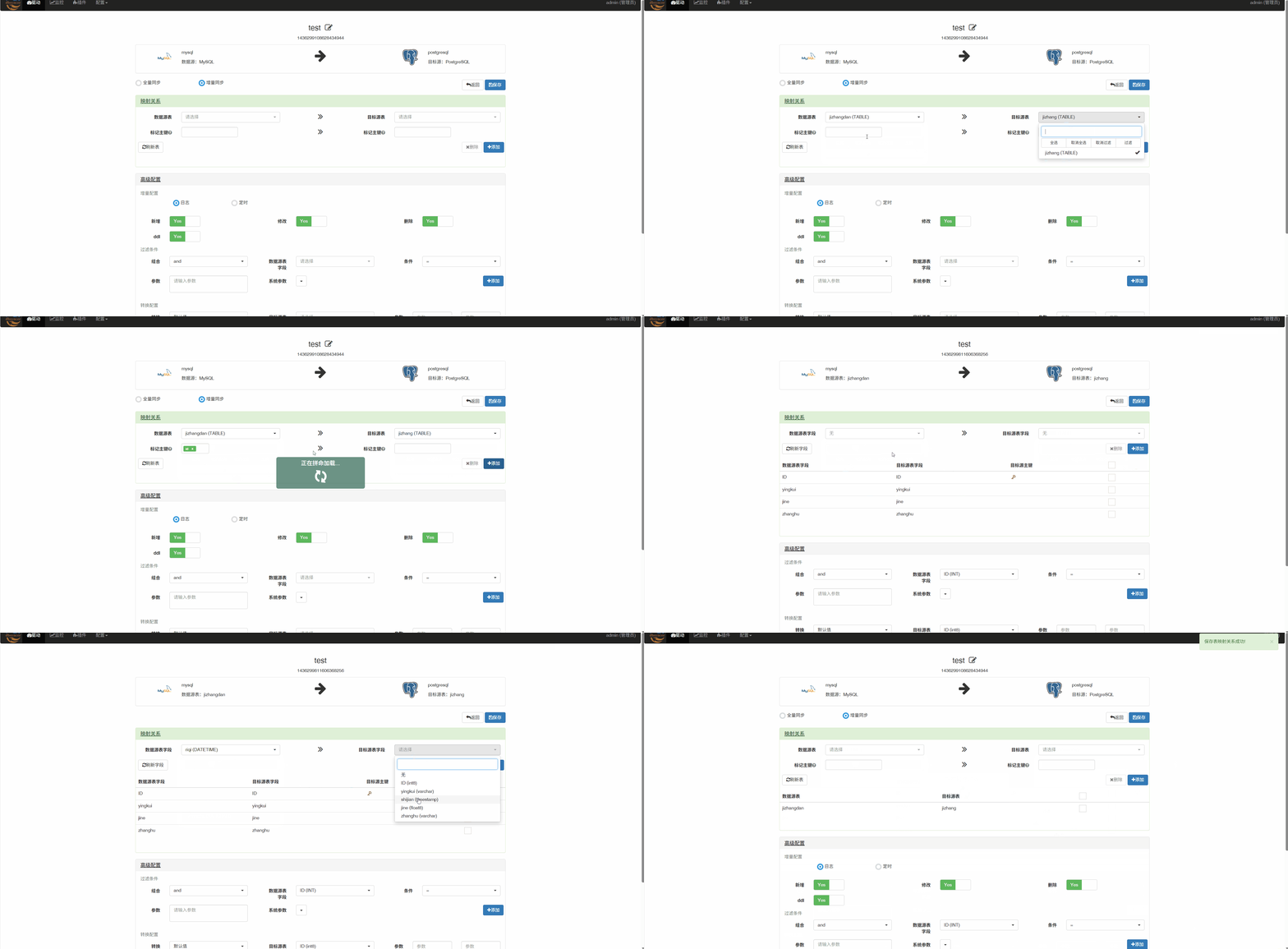
添加映射关系

199.9.gif

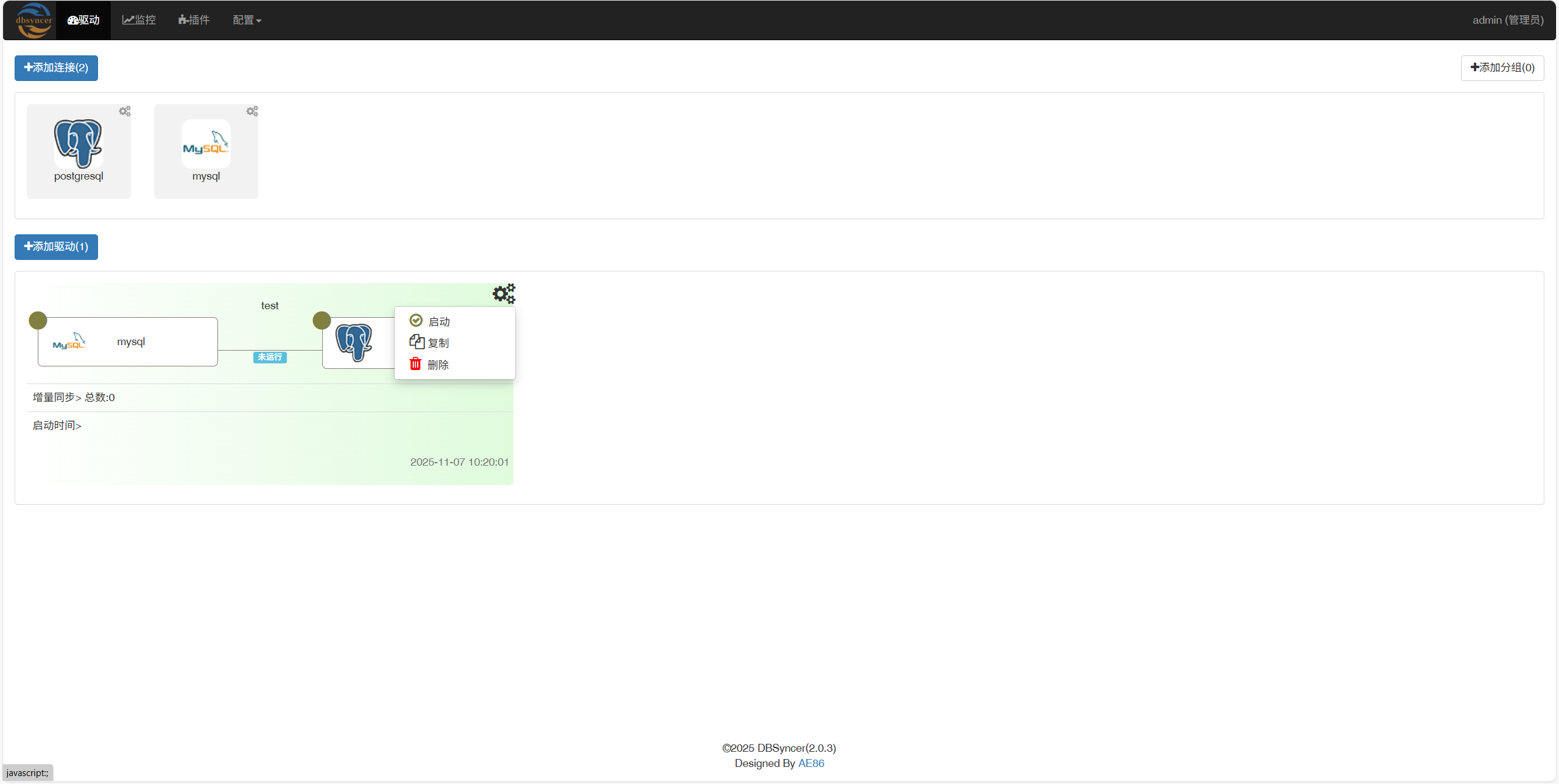
点击启动

199.10.png

总结

两个软件功能类似,还都很容易上手,只是有一个问题,dbsyncer的占用特别高,我很不理解,没有执行任务也高。综合来看,我更倾向用dbswitch,毕竟在功能上,还能支持在线运行sql,查看元数据,数据源也支持的更多。
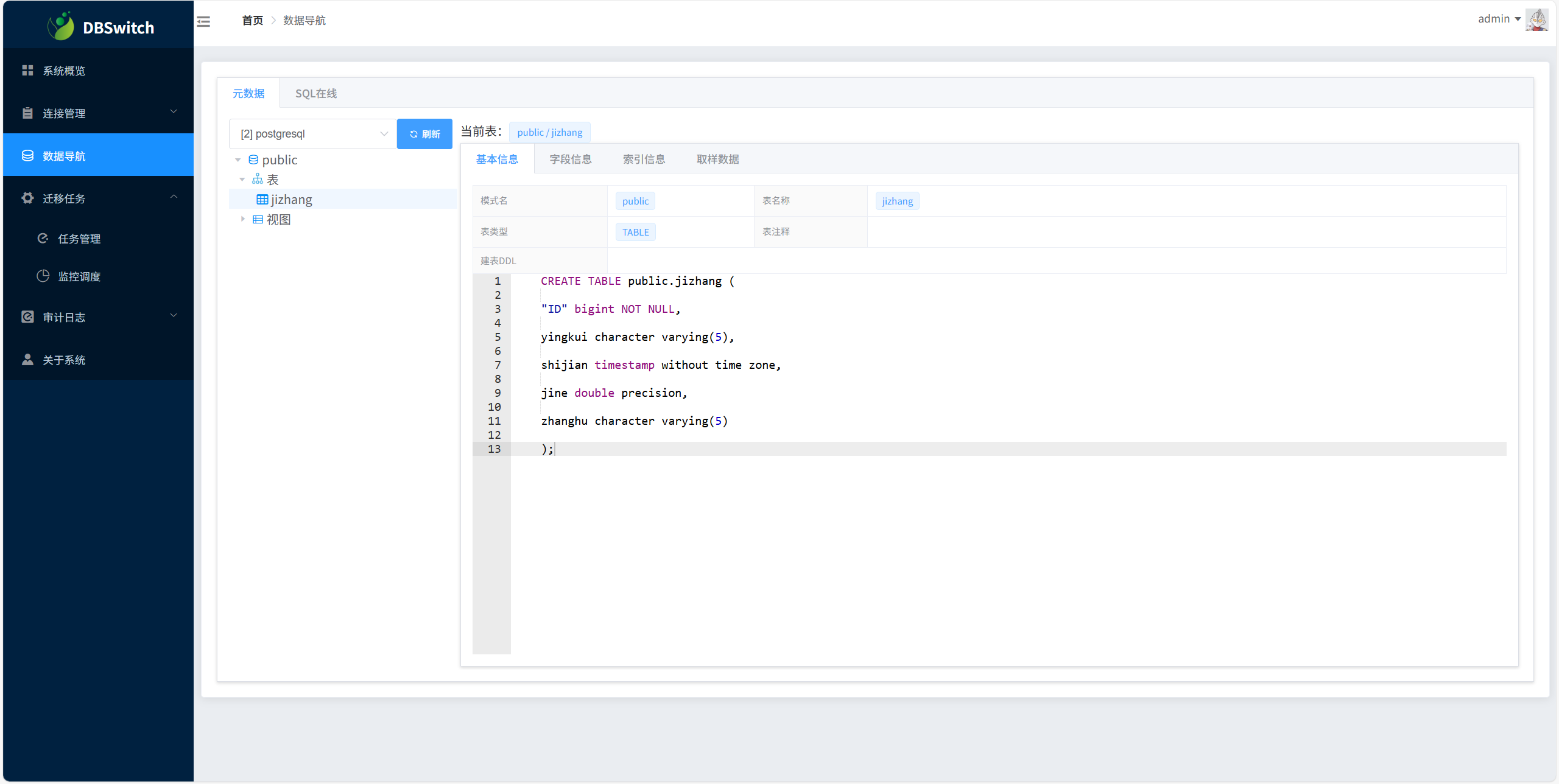
199.11.png