







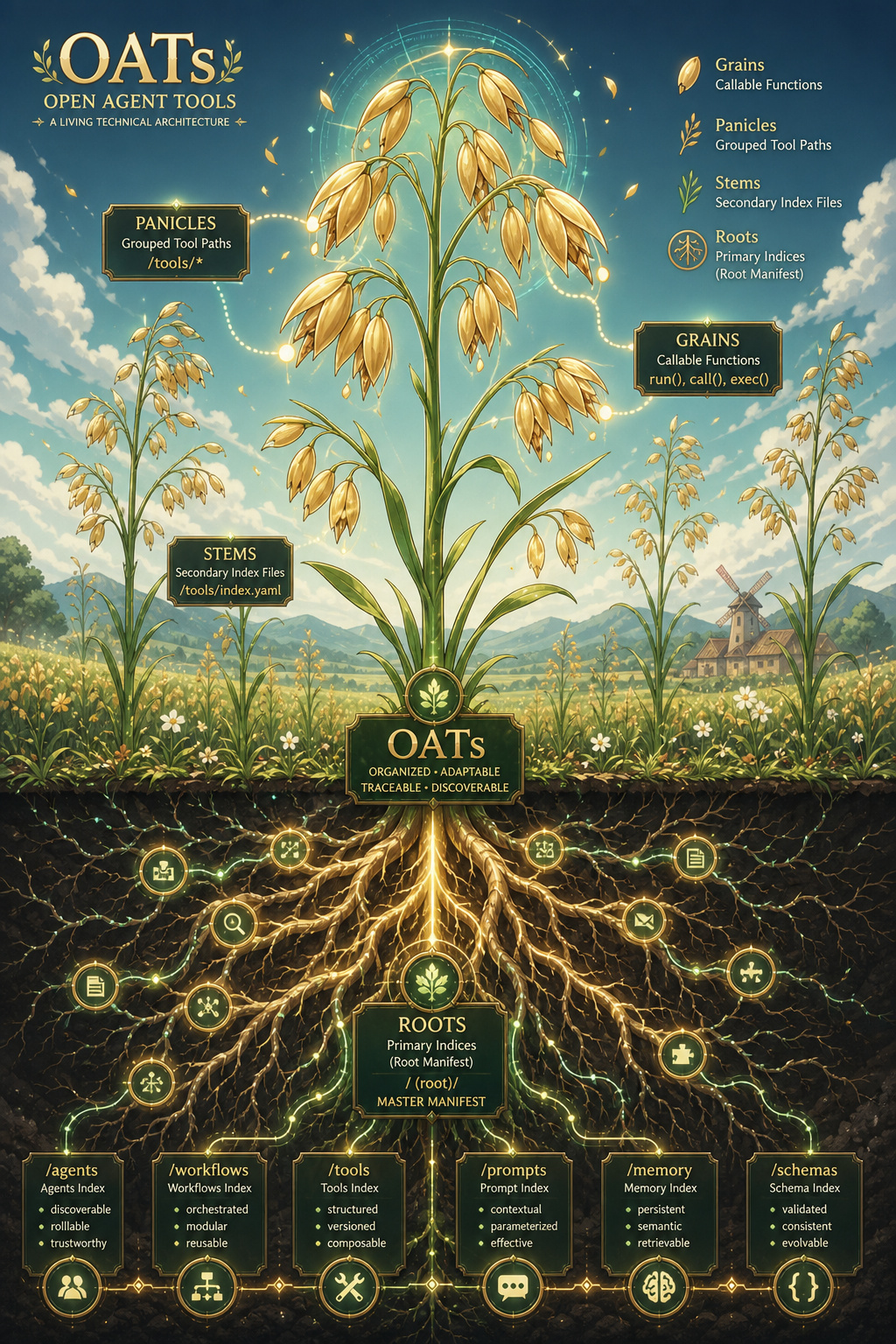
Open Agent Tools (oats) enables small-to-large self-hosted ai models to use local source code when running tool-calling agentic workloads. We actively data mine 20,970+ (2+ TB) popular github repos using large and small ai models to create reuseable: json, markdown and parquet files for local-first tool-calling models. How does it work? Over multiple passes, we compile and export a fast, compressed prompt index for all python source code in any repo. Agents refer to the local prompt index to use already-written source code on disk instead of http with mcp or having an expensive frontier ai model re-build something that is already working locally with expensive tokens. We use oats to free up large model tokens usage by delegating the local tool-calling to smaller, open source ai models.
📺 Video Tutorials
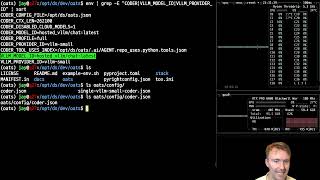
Local AI - Setting up the OATs Coding Agent - Environment Variables and Config File
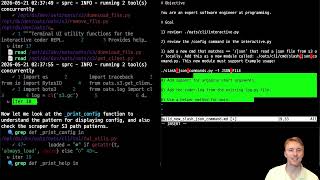
Live Agentic Development with Two OATs Coders at Once - Building a New Command into Coder for Reading JSON Files
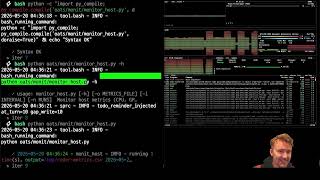
Local AI - Agentic Coding - Building Host Monitoring
Read the Docs
Overview
-
Supports running local self-hosted models that can run 1-250+ local tool-calling commands using an agentic coding ai.
-
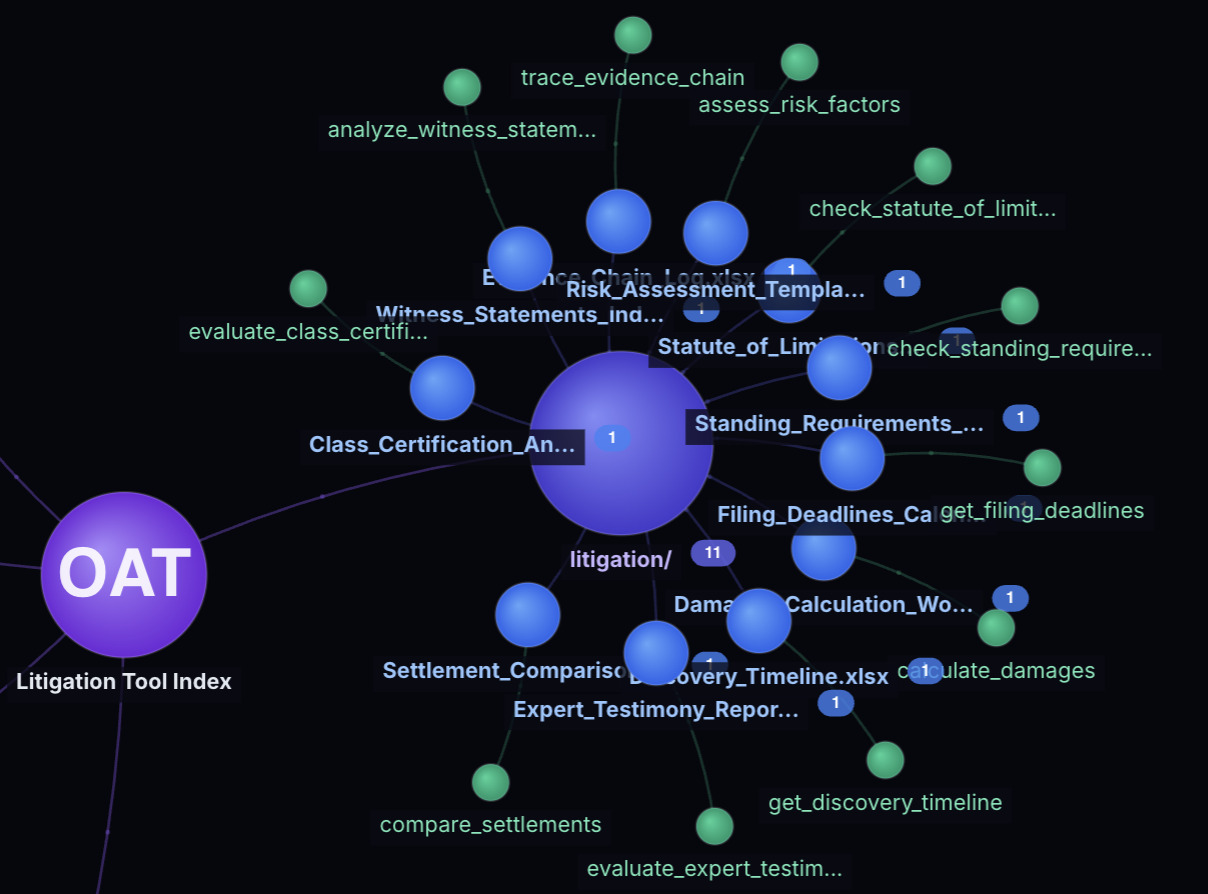
Supports over 141,000 tools using the open-agent-tools prompt indices repo. Requires cloning the repo(s) locally for the tool-calling to function.
Supported Coder Slash Commands
By default if there is no starting / character in the prompt, then coder treats the prompt as just a chat message.
Here are the supprted internal slash commands:
- /help - supported usage
- /mode - change mode
- /approve - toggle auto approval mode
- /browse - browse to a url using playwright and support storing as json, parquet with storage on s3
- /clear - clear the session
- /session - view the session
- /cost - view token usage
- /config - view the config
- /profile - view the coder profile feature flags
- /files - view the current files
- /diff - view the git diff for the repo (assuming coder is running in a git repo)
- /log - view the logs
- /json FILE - pretty-print the json FILE contents
- /history - view the chat history
- /tools - view the default tools
- /model - view the current provider model
- /models - view the models
- /new - new session
- /switch - switch provider
- /provider - view the current provider
- /compact - compact the chat sesssion for reducing token context windows. this is automatically done already but this command allows for manual context control.
Install
Here is a recording showing how to install and get started quickly:

If you hit issues please let us know! We're on the Open Agent Tools discord
git clone https://github.com/district-solutions/open-agent-tools-coder oats
cd oats
pip install -e .
# litellm installs an older aiohttp version, upgrade this to the new version and ignore the warning
pip install --upgrade aiohttp
Setup
Local Tool Calling Alignment and Prompt Index Validation with RLHF Curation
This section does not require any ai models, it is validating that your local python runtime is ready for matching prompts to local tools. You can modify the prompt index file locally to map functions to different prompts. Let us know what you find!
We do this before deploying ai models because we can validate the prompt-to-tool mapping works before we add complexity with multiple self-hosted local ai models.
Confirm your local repo is setup for using the included repo_uses prompt index file. This command lets you quickly check which tools will show up for any prompt before burning any tokens on ai messages. Use this approach to validate a prompt will map to the expected tool before chatting to an ai model:
get-tools -p 'get third friday'
The output should be a valid json dictionary with a dictionary containing minimal choices for a small agentic ai model to process locally with local source code tool-calling:
{
  "status": true,
  "actions": [
    "get_third_friday"
  ],
  "prompts": [
    "generate third Friday dates for the next 6 months in YYYYMMDD format"
  ],
  "src_files": [
    "coder/date.py"
  ],
  "partial_actions": [],
  "partial_prompts": [],
  "partial_src_files": [],
  "index_files": [
    "/opt/ds/coder/.ai/AGENT.repo_uses.python.tools.json"
  ],
  "tool_data": {
    "query": "get third friday",
    "model": "bm25",
    "reranked": false,
    "best_files": [
      "coder/date.py"
    ],
    "best_uses": {
      "coder/date.py": {
        "utc": "utc datetime",
        "get_utc_str": "get utc",
        "get_utc_datetime": "get the current timezone-aware UTC datetime",
        "get_naive_datetime": "get the current timezone-naive datetime from UTC",
        "get_third_friday_dates": "generate third Friday dates for the next 6 months in YYYYMMDD format",
        "run_date_tool": "run the date module to print third Friday dates for the next 6 months"
      }
    },
    "results": [
      {
        "file": "coder/date.py",
        "func": "get_third_friday_dates",
        "description": "generate third Friday dates for the next 6 months in YYYYMMDD format",
        "score": 1.0,
        "retrieval_score": 1.0
      }
    ]
  },
  "version": "9"
}
Start vLLM Chat and Tool Calling Models
cd stack
Deploy vLLM with Qwen36 27B or the Qwen36 35B model
We only need 1 of these models loaded on a 5090 or on an nvidia blackwell RTX 6000 to run completely locally:
- Download the quantized version of 27B: https://huggingface.co/cyankiwi/Qwen3.6-27B-AWQ-INT4 to
./stack/models/hf/qwen/Qwen3.6-27B-AWQ-INT4
and/or
-
Download the quantized version of 35B: https://huggingface.co/cyankiwi/Qwen3.6-35B-A3B-AWQ-4bit to
./stack/models/hf/qwen/Qwen3.6-35B-A3B-AWQ-4bit -
Deploying the Qwen36 27B with vLLM requires >35 GB VRAM:
./restart-vllm-qwen36-27b.sh
- Deploying the Qwen36 35B with vLLM requires >35 GB VRAM:
./restart-vllm-qwen36-35b.sh
Deploy vLLM with FunctionGemma 270m Instruct
- Download FunctionGemma from HuggingFace: https://huggingface.co/google/functiongemma-270m-it to the dir below. Use your huggingface username and huggingface token as the git username/password.
git clone https://huggingface.co/google/functiongemma-270m-it stack/models/hf/google/functiongemma-270m-it
- Now that the model is ready, deployment requires ~6 GB RAM/VRAM
./restart-tool-functiongemma-1.sh
Local AI - Coder Config File Setup - vLLM Backends
To setup a new coder config file run this command:
setup-coder
It will load a command line wizard to create a new coder.json file for your environment:
OATs Coder Config Setup

🎉 🎉 😄 Welcome thanks for checking out the oats coder.😄 🎉 🎉

-----------------------------------------------------------------------------------------------

We would like to help everyone setup the coder configuration the same way because it can be
annoying the first time. Please let us know if there's a way to make this easier!!🔧🔧

If you hit an issue please reach out so we can help everyone:
https://github.com/district-solutions/open-agent-tools-coder/issues/new

-----------------------------------------------------------------------------------------------

By default the coder requires a coder.json file that holds the location and credentials to
access 1 to many vLLM instances. If you do not have these deployed, please refer to the Readme:
https://github.com/district-solutions/open-agent-tools-coder/blob/main/README.md

Once you have your vLLM running, you can save the coder.json to a custom location outside the
repo for security purposes.

By default this tool will save the coder.json file with the vLLM credentials to:

 /tmp/coder.json

Let's get started!!

-----------------------------------------------------------------------------------------------

❓ Do you want to save the coder.json file to another location?
   - Hit enter to use the default
   [/tmp/coder.json]:
Then we usually save the coder.json file outside the repo for security purposes like: /opt/oats-coder.json. To set this permanently add it to your ~/.bashrc:
export CODER_CONFIG_FILE=/opt/oats-coder.json
Chatting with AI
Local AI - Validate the Coder vLLM Backends
If you do not see the same type of output when running check-coder-env then refer to the Coder Config File Setup section for fixing the CODER_CONFIG_FILE.
$ check-coder-env
vLLM - chat - vllm-small - online ✔
vLLM - tool-calling - t1 - online ✔
Validate Coder Providers
Confirm the providers show up as expected:
$ pv
vllm-small (vllm-small): configured
t1 (t1): configured
ow (ow): not configured
Anthropic (anthropic): not configured
OpenAI (openai): not configured
Azure OpenAI (azure): not configured
Google AI (google): not configured
Mistral (mistral): not configured
Groq (groq): not configured
OpenRouter (openrouter): not configured
Together AI (together): not configured
Cohere (cohere): not configured
Ollama (ollama): configured
Start the OATs Coder
$ oat
Let's build together!! 🤗 🤖 🔨 🔧
Starting up oats coder please wait...
If you hit an error, please open an issue so we can help fix it:
github.com/district-solutions/open-agent-tools-coder/issues

  coder v1.2.0  ·  chat:latest  ·  vllm-small
  /opt/ds/oats
  ──────────────────────────────────────────────────
  Enter to send · Alt+Enter for newline · /help for commands

  mode: edit — edit — supervised, ask before writes. Switch with /edit /auto /plan /caveman

❯
Local AI - vLLM Validation - OATs Config File
If you do not see the same output when you run /config then something is wrong with the CODER_CONFIG_FILE. Chat and tool-calling will not work with local, self-hosted ai models until the coder config file is fixed.
$ /config

  ...

  Checking env var CODER_CONFIG_FILE

  <PATH_TO_YOUR_CODER_CONFIG_FILE>

  vllm-small - chat:latest - active ✔
  tool-calling - openai/google/functiongemma-270m-it - active ✔
Verify Chat Works
❯ say hello
  ──────────────────────────────────────────────────
Hello! How can I help you today?

  2.0s
Local AI - Use a Chat Model and a Tool-Calling Model to Run Local Source Code
This will run source code on the t1 tool-calling vLLM-hosted ai model (functiongemma-270m-it by default).
coder [edit]❯ get third friday
  ──────────────────────────────────────────────────
  ▸ get_third_friday_dates {}
    ✓ The third Friday dates for 2026 are 20260515 20260619 20260717 20260821 20260918
20261016.
  ↻ iter 2

Here are the third Friday dates for the next 6 months:


 Month           Date
 ────────────────────────────────────────
 May 2026        May 15, 2026 (tomorrow!)
 June 2026       June 19, 2026
 July 2026       July 17, 2026
 August 2026     August 21, 2026
 September 2026  September 18, 2026
 October 2026    October 16, 2026


  tools:1 · 9.2s
Troubleshooting
vllm Unauthorized Error
If you see this error, then you need to ensure your CODER_CONFIG_FILE environment variable is set to the correct file:
LLM error: litellm.AuthenticationError: AuthenticationError: Hosted_vllmException - {"error":"Unauthorized"}
Confirm the providers show up as expected:
$ pv
vllm-small (vllm-small): configured
t1 (t1): configured
ow (ow): not configured
Anthropic (anthropic): not configured
OpenAI (openai): not configured
Azure OpenAI (azure): not configured
Google AI (google): not configured
Mistral (mistral): not configured
Groq (groq): not configured
OpenRouter (openrouter): not configured
Together AI (together): not configured
Cohere (cohere): not configured
Ollama (ollama): configured