








My husband and I started experimenting with AI about six months ago. Since we were both on a career break, we were careful about spending. So we set a strict rule – no more than $100 per month on anything AI-related: APIs, tools, subscriptions, all of it.
I wasn’t trying to analyze the costs at the start. I just wanted to learn and stay within that budget. At the same time, the news about companies investing billions in AI – and developers talking about “burning tokens” – was hard to ignore. And I was building public apps, which meant other people could be burning my tokens.
Finally, I got curious: why wasn’t I running into budget issues? And where was the money actually going?
Below are the answers. It is not a deep financial analysis. It’s a simple breakdown of how much I actually spent experimenting with AI for over six months, and what surprised me.
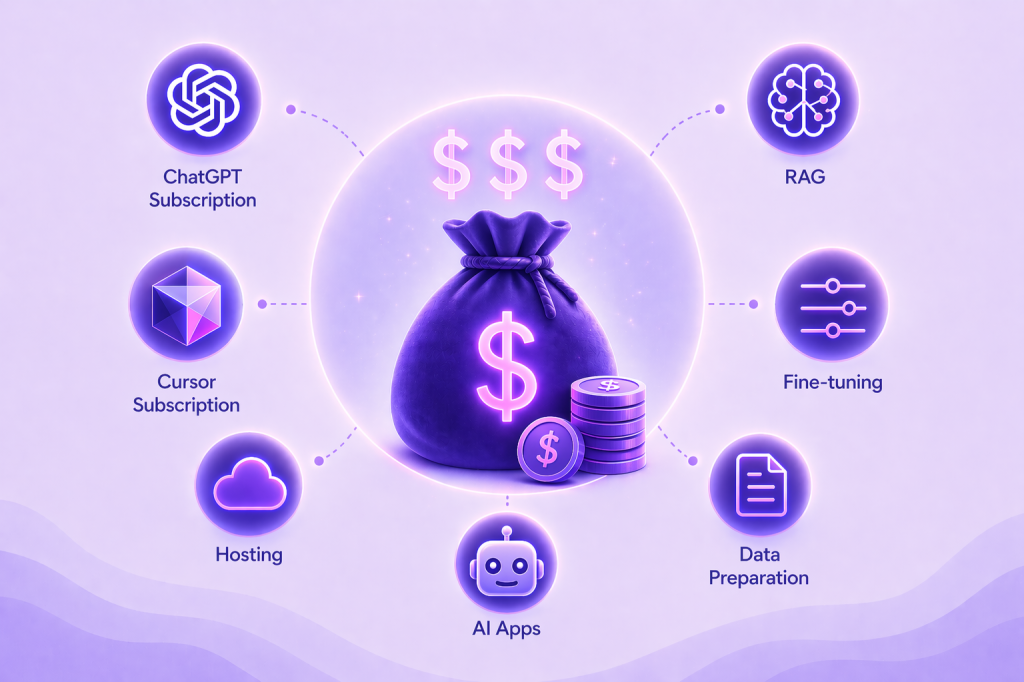
After six months, out of my total allowed $600, I spent slightly over $400. And here is what I spent it on:
| What | How much | Why |
| ChatGPT Plus subscription | $162 ($27 per month in EU) | I switched to paid subscription mostly for generating images. The free tier only gives 3 images per day, and even if I simply wanted a nice cover image for a blog post, I needed more iterations than that. |
| Cursor Pro subscription | $126 ($21 per month) | I needed an IDE that would support my vibe-coding-first approach. I tried a free tier, but quickly hit token limits. |
| Render hosting | $34 (~$7 per app per month) | Not technically AI-related, but my apps have web UIs and I needed to host them somewhere for public access. |
| OpenAI platform | $100 (metered) | Usage of the OpenAI APIs and services for my apps. |
| Total | $422 |
💰Insight
My flat-rate subscription fees were higher than my metered AI usage. I had a somewhat naive assumption that subscriptions imply a volume discount and should be cheaper than paying per API call.
Of course, how I use ChatGPT or Cursor is very different from how I use OpenAI platform APIs. ChatGPT is for chats and architecture questions; Cursor handles all the code generation for my apps; and OpenAI APIs are for building the core logic of my apps and running them in production.
But all of them use LLMs and charge per token. So I wondered – if I paid for metered usage instead of a flat fee subscription during those 6 months, where would I end up?
I downloaded all the logs from Cursor and ChatGPT and got the overall amount of tokens, images, files processed, tools used, etc. Then I applied the rates from the latest GPT-5.4 model to see if I was under or overpaying.
GPT-5.4 pricing:
| Cursor | ChatGPT | |
| Total input text tokens | 16.5M | 145K |
| Est. price with gpt-5.4 | $37.6 | $0.36 |
| Total output text tokens | 1.5M | 838K |
| Est. price with gpt-5.4 | $23.6 | $12.57 |
| Images | N/A | 60 |
| Est. price with gpt-5.4 | 0 | $10.20 |
| Uploaded images | N/A | 66 |
| Est. price with gpt-5.4 | 0 | $0.99 |
| Uploaded text files | N/A | 1.1M |
| Est. price with gpt-5.4 | 0 | $2.75 |
| Web searches | N/A | 35 |
| Est. price with gpt-5.4 | 0 | $0.35 |
| Total est. price | $61 | $24.26 |
| Subscription price | $126 | $162 |
💰Insight
Ouch! I am overpaying 2x for Cursor and 6x for ChatGPT compared to what I would have paid with metered usage. But these tools don’t offer a pay-per-use option. Also, subscriptions made it easier to work without interruptions or hitting limits. Whether that’s worth the price is still an open question.
Another insight I got right away is that the development cost of AI apps is way higher than running my apps in production. Here is another way to look at the same data:
| What | How much | Type |
| ChatGPT Plus subscription | $162 | Development |
| Cursor Pro subscription | $126 | Development |
| Render hosting | $34 | Production |
| OpenAI platform | $100 | Development + Production |
| Total | $422 |
Both ChatGPT and Cursor subscriptions are pure development cost, Render is pure production cost, but OpenAI is a mixture of both. To split this line into production vs development costs I needed a deep dive into OpenAI API logs and billing data.
After 6 months I ended up with two small apps:
I used different API keys for production and development of both apps, so I could see how much I spent on each of them. Images and fine-tuning are not used in production, but they are still part of the development cost – you pay even if you fail.
| LOTR game | ||
| Development | Responses API | $17.99 |
| Images | $1.36 | |
| Development Total | $19.35 | |
| Production | Responses API | $1.49 |
| Production Total | $1.49 | |
| LOTR total | $20.84 | |
| Virtual Alexandra | ||
| Development | Responses API | $29.74 |
| RAG (file_search) | $1.23 | |
| Data translation (via Completions API) | $8.57 | |
| Fine-tuning | $34.08 | |
| Development Total | $73.62 | |
| Production | Responses API | $5.52 |
| RAG (file_search) | $0.16 | |
| RAG (vector storage) | $0.008 | |
| Production Total | $5.69 | |
| VA Total | 79.31 | |
💰Insight
Most of my AI spend went into development, not production. The production cost is about 10 percent of the total ($41 out of $422).
Apparently, my fear of public apps becoming a money sinkhole didn’t materialize. Partially this is because of low usage – I had about a hundred people try my apps. And these are not productivity apps people would use every day, there is no stickiness in them.
But another reason is that I was more careful with what I put in production. I optimized system prompts and discarded expensive features like images. One question that Virtual Alexandra answers costs me $0.088 – less than ten cents. Ten steps in the LOTR game cost $0.037 – about four cents.
$600 was our family total AI budget, and I spent more than $400. How much did my husband spend? Well, the answer is … $0. Our interests led us into different experiments: I wanted something I could share with other people, while he was happy exploring how he can improve his day-to-day coding and test the power of the local models. But that zero is deceiving. Here is what actually happened.
| Alexandra | Dmitry | |
| API + subscription spend | $422 | $0 |
| Hardware | MacBook Air | MacBook Pro |
| Hardware cost | ~$1000 | ~$3000 |
| Dev focus | Small public apps | Local AI dev environment |
💰Insight
I paid for convenience and speed, while my husband Dmitry paid upfront in hardware and setup effort.
We didn’t buy new laptops, we used what we had in the house. If you happen to have a powerful computer already and want to start your vibe coding journey, you can spend exactly $0. If your computer is from Apple, read Dmitry’s guide on setting up local AI on a Mac to get started.
But if you only have an old MacBook Air, you can still go ahead – it will be way cheaper to start experimenting with paid subscriptions and APIs instead of investing in new hardware upfront.
All my data is related to small scale apps and experiments, it doesn’t apply to corporate, startup, or deep research worlds. But for a casual hobby, just set your budget. Without watching tokens or hours and never hitting any hard limits, I was able to keep it under $100 a month.
Public APIs turned out to be cheaper than I expected. Unless you build a really viral app, you are very unlikely to burn a crazy amount of money. The two apps I created each cost less than ten cents per user session, so I can afford hundreds of daily users without exceeding my monthly budget.
However, development costs add up quickly. Experimenting with features like fine-tuning and image generation can easily dominate the total spend, even when production usage stays low.
It’s worth looking at your AI subscriptions – are you maximizing their value? And if not, are you paying for something else like a good uninterrupted workflow? One of my personal takeaways from this write-up is to dig deeper into this and see how much I really need these services and whether I can replace them with local AI setup.
此内容由惯性聚合(RSS阅读器)自动聚合整理,仅供阅读参考。 原文来自 — 版权归原作者所有。