
Does cctop slow down my coding tool?
No. Each integration does minimal work on session events: it calls the bundled helper, writes a small JSON file, and returns immediately.





cctop status
See which session is waiting on you. Jump there with a keystroke.
v0.18.4macOS 13+ / Developer ID signed and notarized
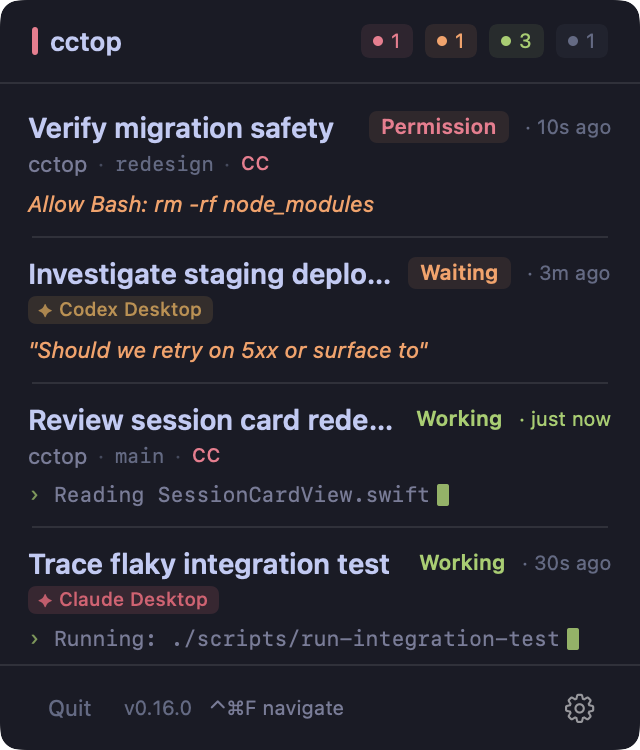
Tokyo Night theme
Targets the exact sessionright window, tab, and pane - or the specific thread in a desktop app
Opens the projectfocuses the editor window, using the workspace file if present
Activates the appraises the app; find the tab manually
* Kitty targets the exact window when remote control is enabled in kitty.conf. Without it, falls back to app activation.
† Ghostty 1.3.0+ targets the session terminal by writing a temporary OSC 7 cwd marker to its TTY, matching that marker via AppleScript, then restoring the real cwd. If the TTY is unavailable, it falls back to working-directory matching.
‡ Apple Terminal targets the tab by tty via AppleScript. Falls back to app activation inside a multiplexer (tmux, screen), where the captured tty is the multiplexer pane's pty rather than the Terminal tab's.
Hit a global hotkey to overlay numbered badges on every session card, then press the number to jump instantly.
1to9jump to session
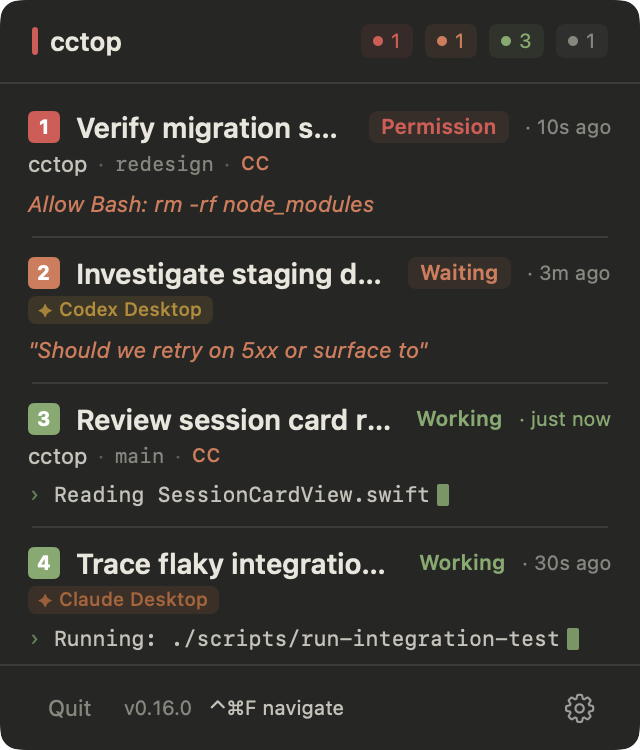
Press 1-9 to jump
Drag the header to reposition the panel anywhere on screen. Position persists across launches, and double-click snaps it back to the menubar anchor.
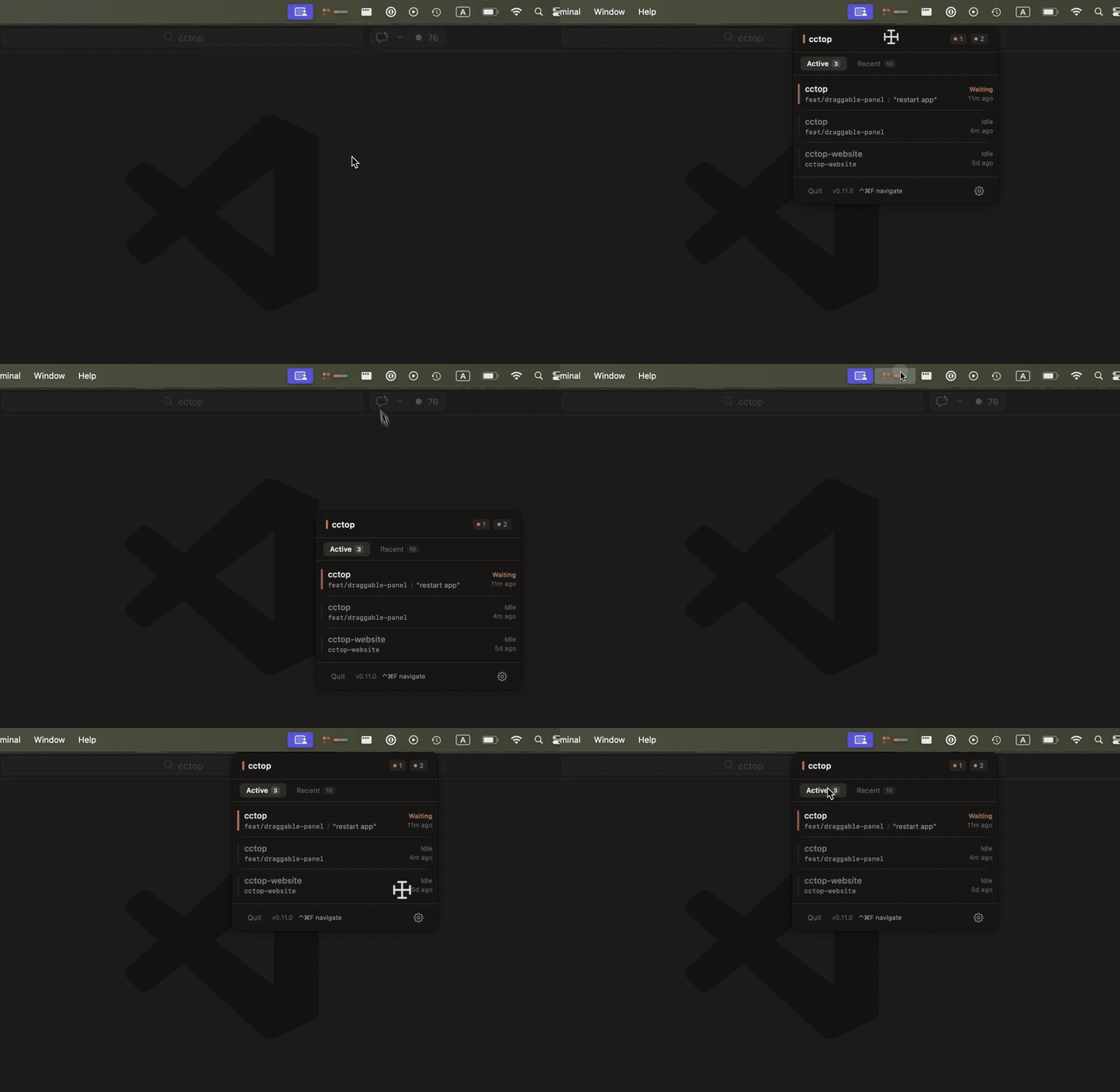
Panel position persists
Lives in your macOS menubar in three states: healthy, needs attention, and a slim pill for laptops with a camera notch.
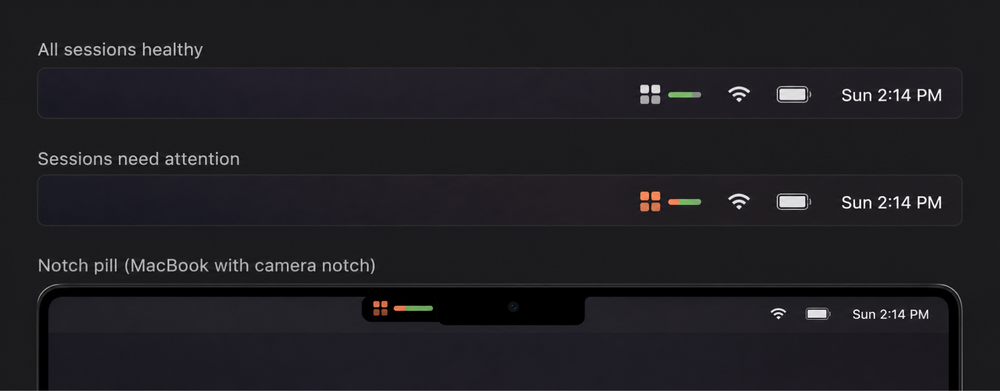
All healthy / needs attention / notch pill
A second tab keeps session history so you can reopen past projects easily.
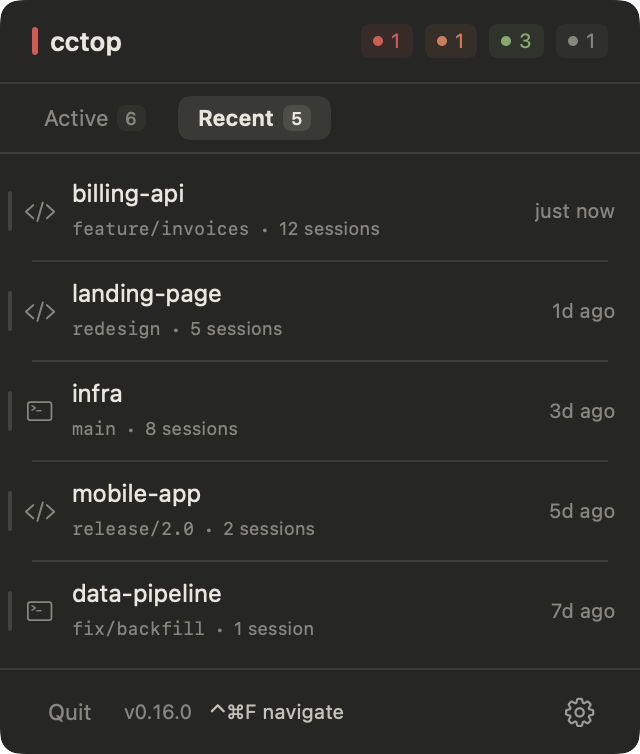
Recent sessions stay close by
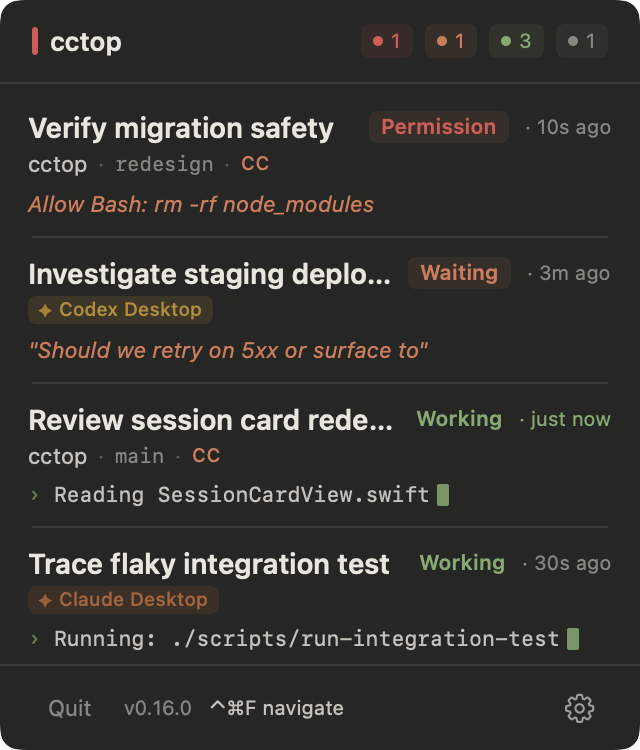
Claude
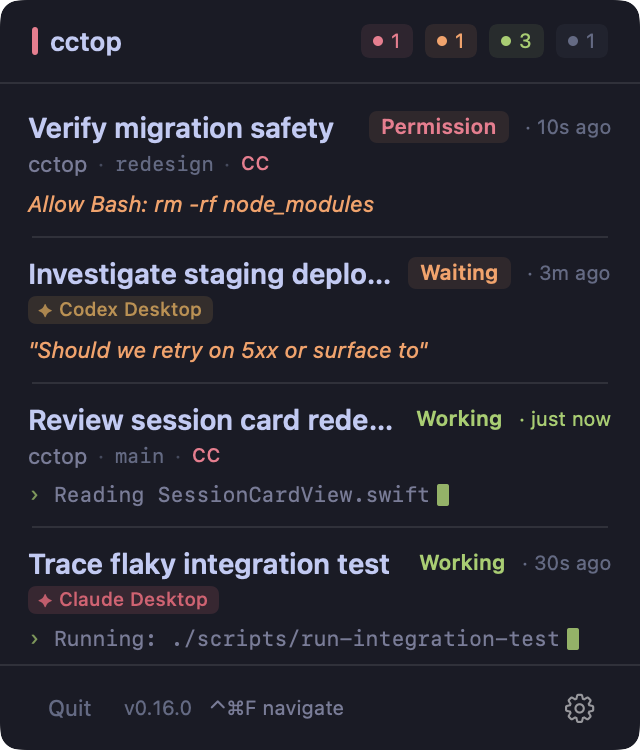
Tokyo Night
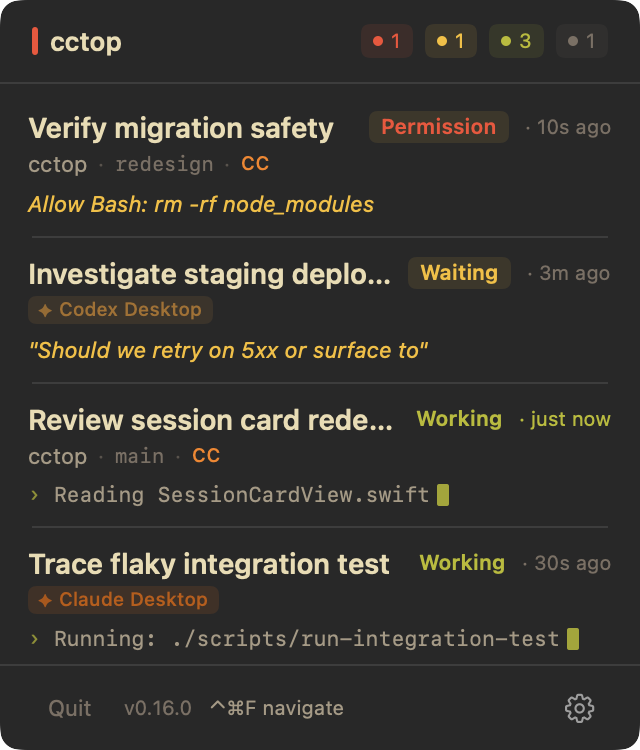
Gruvbox
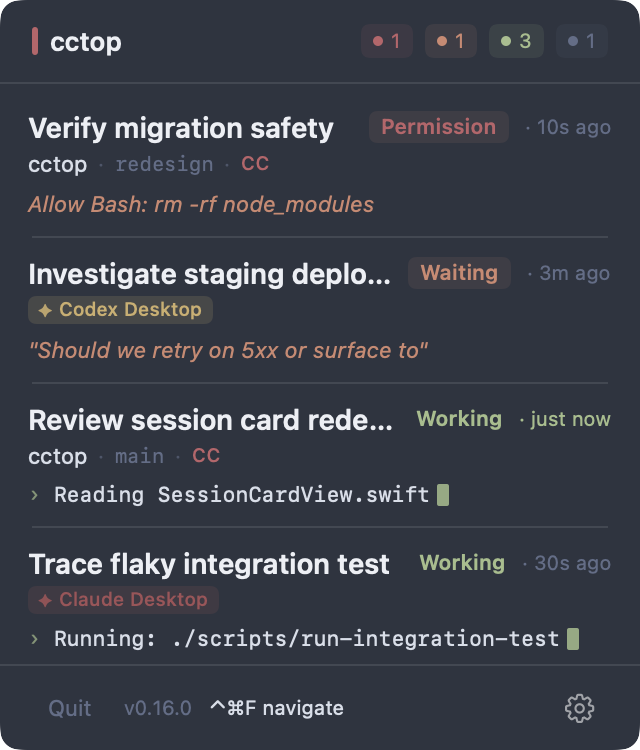
Nord
1
Signed with Apple Developer ID and notarized by Apple. Runs on macOS 13+. Signed release builds can check for new updates automatically.
$ brew install --cask st0012/cctop/cctop
2
Open Settings > Tools. cctop shows the setup action for each detected tool: Copy Install Command, Install Plugin, Install Hooks, or Trust Hooks.
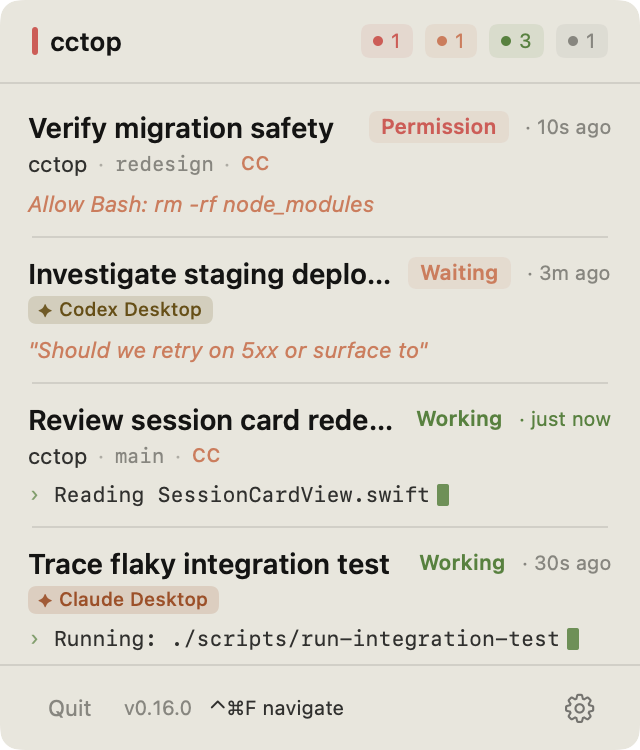
Claude theme / light
No. Each integration does minimal work on session events: it calls the bundled helper, writes a small JSON file, and returns immediately.
No analytics, no telemetry, and no session upload. Signed release builds use network access for automatic update checks and downloads, but session data stays on your machine in ~/.cctop/sessions/ as plain JSON.
No. Once your tools are connected, new sessions are automatically tracked. There's no per-project setup.
Codex only runs hooks you've explicitly reviewed and trusted. cctop can install the hooks, but Codex Desktop does not currently surface the hook-review prompt. Start one Codex CLI session in a terminal and trust the hooks; Codex Desktop shares that trust state.
Plugins look for the cctop helper inside /Applications/cctop.app or ~/Applications/cctop.app. Installing elsewhere breaks the integration.
/Applications/./Applications.rm -rf ~/.cctop.此内容由惯性聚合(RSS阅读器)自动聚合整理,仅供阅读参考。 原文来自 — 版权归原作者所有。