





When we started building Multiplayer's debugging agent, we made the same mistake almost everyone makes. We gave our coding agent access to observability data and expected it to figure out what was relevant.
It didn't. The agent called the wrong tools, chased the wrong signals, and produced fixes that looked plausible but failed in production. We were using state-of-the-art models, but we were handing them raw observability data without any curation or filtering. We later realized that we were just routing them noise.
What follows is what we learned about what you actually have to do with observability data before it's fit for an AI agent to act on.
Observability data has one of the worst signal-to-noise ratio of any data type you could feed an AI agent.
A single production issue might involve hundreds of spans across a dozen services, thousands of log lines, missing request and response payloads, redacted headers, clock-skewed timestamps, and events distributed across tools that have never been correlated with each other. A human debugging this issue brings years of context: they know which services are noisy, which logs matter, which timestamps to trust, and roughly where in the stack the problem lives. They navigate the noise because they understand the system.
An agent sees everything with equal weight. Garbage spans get the same attention as the one span that actually shows the failure. Thousands of log lines get processed before the agent can ask a useful question. And because context windows are finite and expensive, you burn through your budget before you've even framed the problem correctly.
This is a data preparation problem. And it's one that has to be solved before the data reaches the agent, not by the agent itself.
Data curation for AI agents shouldn’t be confused with summarization or compression, which is what most engineering teams end up doing.
In actuality, it's the process of transforming raw observability data into a structured, scoped, context-rich package that an agent can reason about correctly. That means making a series of deliberate decisions: what to include, what to exclude, how to group related signals, and what additional context the agent needs to understand the problem.
At Multiplayer, we do this in four stages before any data reaches a coding agent.
The first thing we do with raw observability data is group related events and correlate them across service boundaries.
A single bug will typically surface across many sessions, environments, and services. Without grouping, each occurrence looks like a separate issue. And without correlation, the agent can't see the causal chain that connects a user action on the frontend to a failure deep in the backend.
We correlate aggressively: user interactions, session metadata, network requests, backend traces, and log events get tied together into a single timeline before anything else happens. The agent needs to see that the click at 14:32:01 caused the cascade that showed up in the backend logs at 14:32:04. It can't infer that from timestamps alone (especially under any real load or clock skew). The correlation has to be built into the data structure before the agent sees it.
We also deduplicate at this stage. The same bug appearing across a hundred user sessions becomes one issue, not a hundred separate signals. This is both because of cost and quality management. An agent acting on deduplicated, grouped data produces one PR for one issue. An agent acting on raw, ungrouped data produces dozens of PRs for the same issue, burns through tokens unnecessarily, or gets confused trying to reconcile conflicting signals from the same underlying failure.
Not every issue is worth routing to a coding agent, and not every issue is something a coding agent can fix.
Before anything reaches the coding agent, we run a fixability assessment through a dedicated agent. Is this a deterministic, reproducible failure with a clear root cause? Or is it an intermittent, environment-specific issue that requires human judgment to diagnose?
This matters for a few reasons. First, coding agents produce their worst outputs on problems they don't have enough context to solve correctly, which are often the hardest, most intermittent bugs. Routing those to a coding agent without human oversight wastes tokens and produces plausible-looking fixes that don't hold.
Second, fixability scoring lets you prioritize. High-fixability issues (clear root cause, deterministic reproduction, well-scoped impact) go to the coding agent immediately. Lower-fixability issues get flagged for human review with the curated context already attached.
The goal is to keep humans in the loop where human judgment is actually needed, and route everything else through the automated fix cycle.
Raw observability data tells you that something broke, but it doesn't tell you what changed that caused it to break.
Before the data reaches the coding agent, we automatically add release context: build information, deployment timestamps, recent commits, the specific version of each service involved in the failure. Bugs don't appear in a vacuum. They're usually introduced at a specific point in the git history, often in a specific commit, often by a specific change that touched the affected code path.
A coding agent producing a fix without this context is guessing about the causal history of the bug. With release metadata attached, the agent can connect the failure signal to the change that introduced it. That changes the quality of the fix significantly: it goes from "here's a patch that handles this error case" to "here's what the change introduced and here's how to correct it."
We also add service metadata, environment information, and any relevant configuration context that helps the agent understand the system it's operating in. Custom service name mappings (e.g. "payment-service," "svc-payments," and "payments_v2" all referring to the same thing) get resolved here so the agent isn't treating three names as three entities.
The final stage is the one that most teams skip entirely, and it's where a lot of debugging agent performance gets left on the table.
Raw observability data is formatted for humans: JSON payloads, nested span structures, log lines with internal formatting conventions. These are designed to be readable by someone who understands the system and is looking at a dashboard.
We reformat data before it reaches the coding agent. Spans get converted from nested JSON into a structured narrative that describes the execution path. Log lines get filtered to the ones that are actually relevant to the failure window and reformatted to make the timeline legible. Request and response payloads (which most observability tools strip out by default, and which we capture specifically because they're the most useful debugging signal) get included with the context that explains why they're relevant.
We also produce an issue summary that we call "explain it like I'm 5". The goal is to bring the coding agent up to speed the way you'd brief a developer who's just joined an incident call: here's what broke, here's when it started, here's what changed recently, here's where in the stack the failure lives, here's what the error looks like when it surfaces.
The difference between V1 and V2 of Multiplayer's debugging agent was almost entirely in the curation layer.
V1 mirrored our API and gave the agent a lot of tools to work with. The agent called the wrong tools, used the wrong parameters, burned through tokens, and produced PRs that missed the actual root cause. The model wasn't the problem. The data access pattern was the problem.
V2 had one main tool that returned a curated, correlated, formatted package of everything the agent needed to understand the issue. The agent called the right thing at the right time, asked focused follow-up questions when it needed more context, and produced fixes that held up in production.
What made the difference was the curation layer: grouping, deduplication, fixability assessment, release context, formatting, and issue summary.
0:00
/0:40
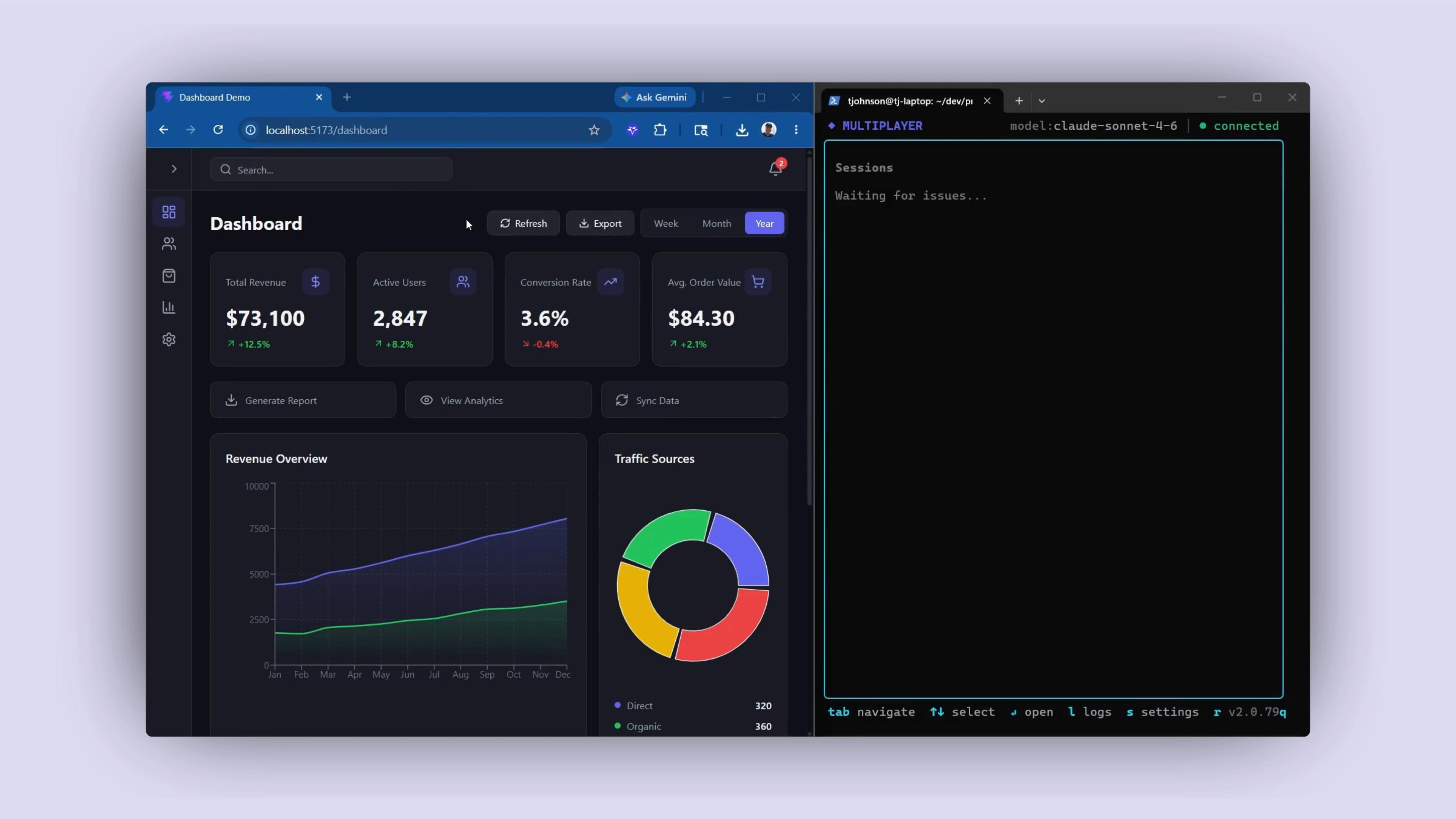
Most debugging agents and MCP servers are built to answer the question: "How do I give the AI access to my observability data?"
That's the wrong question.
The right question is: "What does the agent need to understand about this specific issue in order to produce a fix worth shipping?"
Those questions lead to very different architectures. The first leads to raw data exposure: give the agent access to everything and let it figure out what's relevant. The second leads to curation: do the work of making the data fit for machine consumption before it ever reaches the agent.
The observability data you have right now was built for humans. It's sampled, aggregated, siloed, and formatted for dashboards. Sending it directly to a coding agent without transformation is the reason most debugging agents produce output that looks right and fails in production.
One copy/paste in your terminal and the debugging agent is running:
npm install -g @multiplayer-app/cli && multiplayer
Rather explore first?👇
此内容由惯性聚合(RSS阅读器)自动聚合整理,仅供阅读参考。 原文来自 — 版权归原作者所有。