


惯性聚合 高效追踪和阅读你感兴趣的博客、新闻、科技资讯
阅读原文 在惯性聚合中打开

推荐订阅源

Jina AI
Jina AI
V
Vulnerabilities – Threatpost
Security Latest
Security Latest
AI
AI
奇客Solidot–传递最新科技情报
奇客Solidot–传递最新科技情报
量子位
H
Help Net Security
Attack and Defense Labs
The GitHub Blog
The GitHub Blog
L
LINUX DO - 最新话题
A
Arctic Wolf
博客园_首页
S
Securelist
S
Secure Thoughts
Google DeepMind News
让小产品的独立变现更简单 - ezindie.com
T
Tailwind CSS Blog
Apple Machine Learning Research
酷 壳 – CoolShell
酷 壳 – CoolShell
Stack Overflow Blog
Stack Overflow Blog
N
Netflix TechBlog - Medium
Cyberwarzone
Cyberwarzone
小众软件
小众软件
T
Threatpost
Exploit-DB.com RSS Feed
Blog — PlanetScale
Blog — PlanetScale
N
News and Events Feed by Topic
NISL@THU
NISL@THU
Forbes - Security
Forbes - Security
博客园 - 聂微东
F
Fortinet All Blogs
Simon Willison's Weblog
H
Heimdal Security Blog
罗磊的独立博客
S
Security @ Cisco Blogs
B
Blog
T
Troy Hunt's Blog
Engineering at Meta
Engineering at Meta
cs.CL updates on arXiv.org
The Hacker News
The Hacker News
The Last Watchdog
The Last Watchdog
Hacker News - Newest:
Hacker News - Newest: "LLM"
I
Intezer
T
Threat Research - Cisco Blogs
C
Cybersecurity and Infrastructure Security Agency CISA
The Cloudflare Blog
S
Schneier on Security
月光博客
月光博客
L
LINUX DO - 热门话题
cs.CV updates on arXiv.org

Hacker News: Best

madhadron - The seven programming ur-languages GitHub - smol-machines/smolvm: Tool to build & run portable, lightweight, self-contained virtual machines. I Measured Claude 4.7's New Tokenizer. Here's What It Costs You. Introducing Claude Design by Anthropic Labs It Is Time to Ban the Sale of Precise Geolocation The creative software industry has declared war on Adobe Isaac Asimov: The Last Question Newly unsealed records reveal Amazon’s price-fixing tactics, California attorney general claims Clojure - Documentary Android CLI and skills: Build Android apps 3x faster using any agent Qwen3.6-35B-A3B on my laptop drew me a better pelican than Claude Opus 4.7 Codex for almost everything Introducing Claude Opus 4.7 Qwen Studio The Future of Everything is Lies, I Guess: Where Do We Go From Here? Virginia Bans Sale of Geolocation Data YouTube now lets you turn off Shorts Burgers | マクドナルド公式 ChatGPT for Excel Ask HN: Who is using OpenClaw? Live Nation illegally monopolized ticketing market, jury finds Google Broke Its Promise to Me. Now ICE Has My Data. Open Source Isn't Dead. The Future of Everything is Lies, I Guess: New Jobs Unexpected €54k billing spike in 13 hours: Firebase browser key without API restrictions used for Gemini requests IPv6 – Google Your Backpack Got Worse On Purpose Good sleep, good learning, good life Fixing a 20-year-old bug in Enlightenment E16. Does Gas Town 'steal' usage from users' LLM credits & paid services to improve itself? Tell HN: Fiverr left customer files public and searchable Cybersecurity Looks Like Proof of Work Now Getting the Flock out Release OpenSSL 4.0.0 · openssl/openssl Internet será irrespirable los días de fútbol y otros deportes. Telefónica extiende los bloqueos a Champions, tenis y golf. Automate work with routines - Claude Code Docs The Future of Everything is Lies, I Guess: Work Thousands of rare concert recordings are landing on the Internet Archive — listen now What is jj and why should I care? Backblaze has quietly stopped backing up your data Cal.com Goes Closed Source: Why AI Security Is Forcing Our Decision | Cal.com - Scheduling Software for Online Bookings Codex Hacked a Samsung TV The Future of Everything is Lies, I Guess: Safety GitHub - sterlingcrispin/nothing-ever-happens: Polymarket bot that buys "No" on all non-sports markets. For entertainment only, mostly a meme. Make tmux Pretty and Usable - Ham Vocke Microsoft isn't removing Copilot from Windows 11, it's just renaming it Servo is now available on crates.io - Servo aims to empower developers with a lightweight, high-performance alternative for embedding web technologies in applications. We May Be Living Through the Most Consequential Hundred Days in Cyber History, and Almost Nobody Has Noticed All elementary functions from a single binary operator 奈拜提耶市 Seven countries now generate 100% of their electricity from renewable energy Pro Max 5x Quota Exhausted in 1.5 Hours Despite Moderate Usage Tell HN: docker pull fails in spain due to football cloudflare block Bring Back Idiomatic Design @adlrocha - How the "AI Loser" may end up winning Apple update turns Czech mate for locked-out iPhone user Cache TTL silently regressed from 1h to 5m around early March 2026, causing quota and cost inflation The peril of laziness lost AI Will Be Met With Violence, and Nothing Good Will Come of It Center for Responsible, Decentralized Intelligence at Berkeley The disturbing white paper Red Hat is trying to erase from the internet – OSnews The Future of Everything is Lies, I Guess: Annoyances 447 Terabytes per Square Centimetre at Zero Retention Energy: Non-Volatile Memory at the Atomic Scale on Fluorographane Show HN: Pardonned.com – A searchable database of US Pardons 20 Years on AWS and Never Not My Job Artemis II crew splashes down near San Diego after historic moon mission Molotov Cocktail Is Hurled at Home of Sam Altman, OpenAI’s CEO France to ditch Windows for Linux to reduce reliance on US tech On filing the corners off my MacBooks Installing every* Firefox extension Chimpanzees in Uganda locked in vicious 'civil war', say researchers linux/Documentation/process/coding-assistants.rst at master · torvalds/linux GitHub - callumlocke/json-formatter: Makes JSON easy to read. A compelling title that is cryptic enough to get you to take action on it GitHub - Keychron/Keychron-Keyboards-Hardware-Design: Industrial design files for Keychron keyboards and mice. 100+ models with CAD assets in STEP, DXF, DWG, and PDF. Source-available, with commercial use allowed for original compatible accessories within the license terms. [ANNOUNCE] WireGuardNT v0.11 and WireGuard for Windows v0.6 Released 1D-Chess Helium Is Hard to Replace FBI used iPhone notification data to retrieve deleted Signal messages Microsoft suspends dev accounts for high-profile open source projects Why you can’t trust Privacy & Security Serenity Forge (@serenityforge.com) A new trick brings stability to quantum operations OpenAI Backs Bill That Would Limit Liability for AI-Enabled Mass Deaths or Financial Disasters Netflix Prices Went Up Again – I Bought a DVD Player Instead DOJ Wants to Scrap Watergate-Era Rule That Makes Presidential Records Public EFF is Leaving X How NASA built Artemis II’s fault-tolerant computer Meta removes ads for social media addiction litigation How Pizza Tycoon simulated traffic on a 25 MHz CPU Claude mixes up who said what, and that's not OK Reallocating $100/Month Claude Code spend to Zed and OpenRouter Help Keep Thunderbird Alive! Why Are Flock Employees Watching Our Children? The Pentagon Threatened Pope Leo XIV’s Ambassador With the Avignon Papacy Fragments: April 2 Native Instant Space Switching on MacOS Bitcoin miners are losing $19,000 on every BTC produced as difficulty drops 7.8% God sleeps in the minerals Apple Silicon and Virtual Machines: Beating the 2 VM Limit
Microsoft's new Outlook takes 10 seconds to do what Outlook Classic does instantly on Windows
https://www.facebook.com/Abhijith.MB · 2026-06-18 · via Hacker News: Best
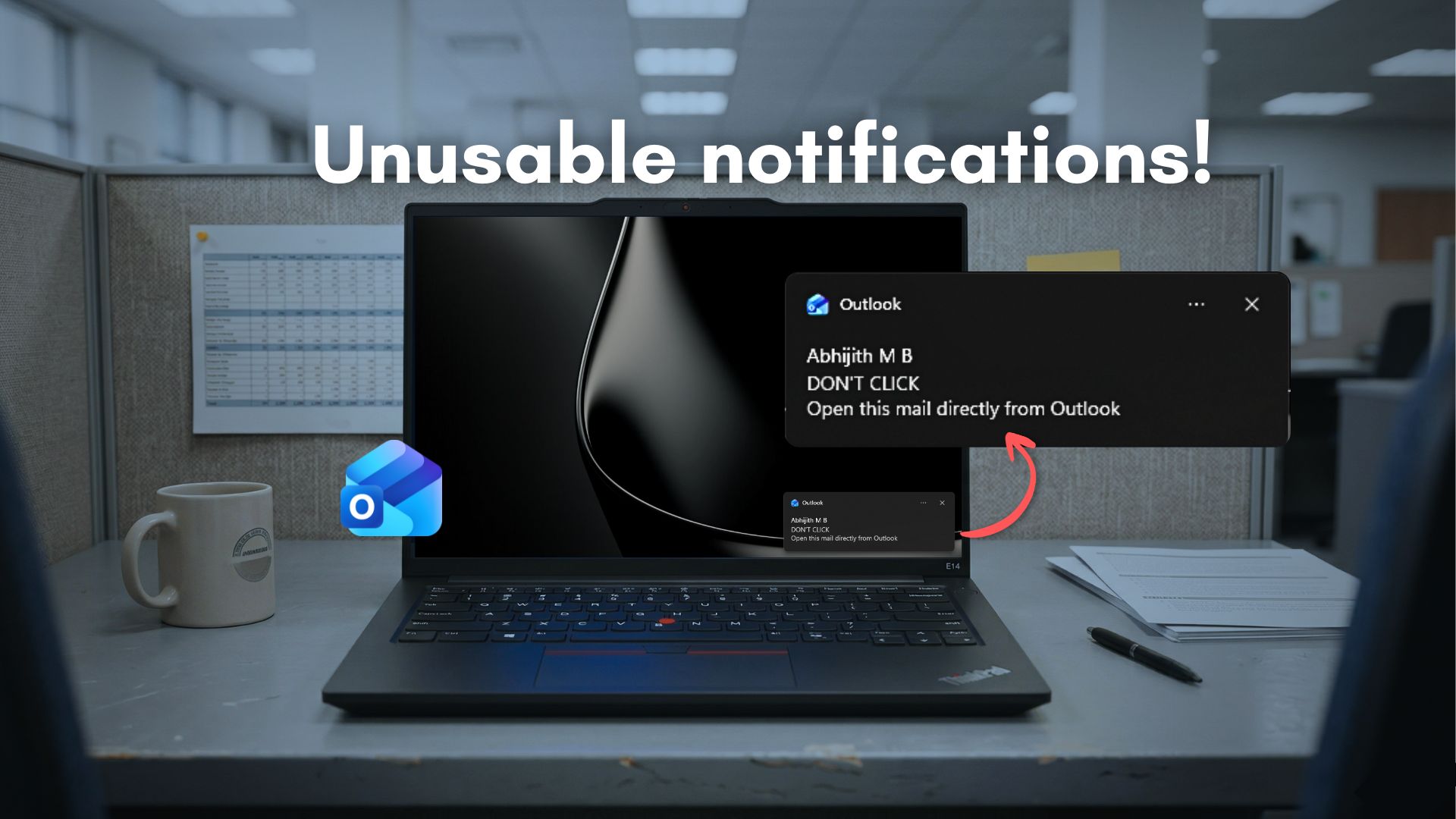
Clicking Outlook notifications will take longer to load the email than if you open the app and find the mail directly

Microsoft’s Outlook for Windows has a notification problem that is hard to ignore. Clicking a Windows 11 notification for a new email is supposed to take you straight to that message. Instead, the new Outlook makes you wait, and the numbers are embarrassing.
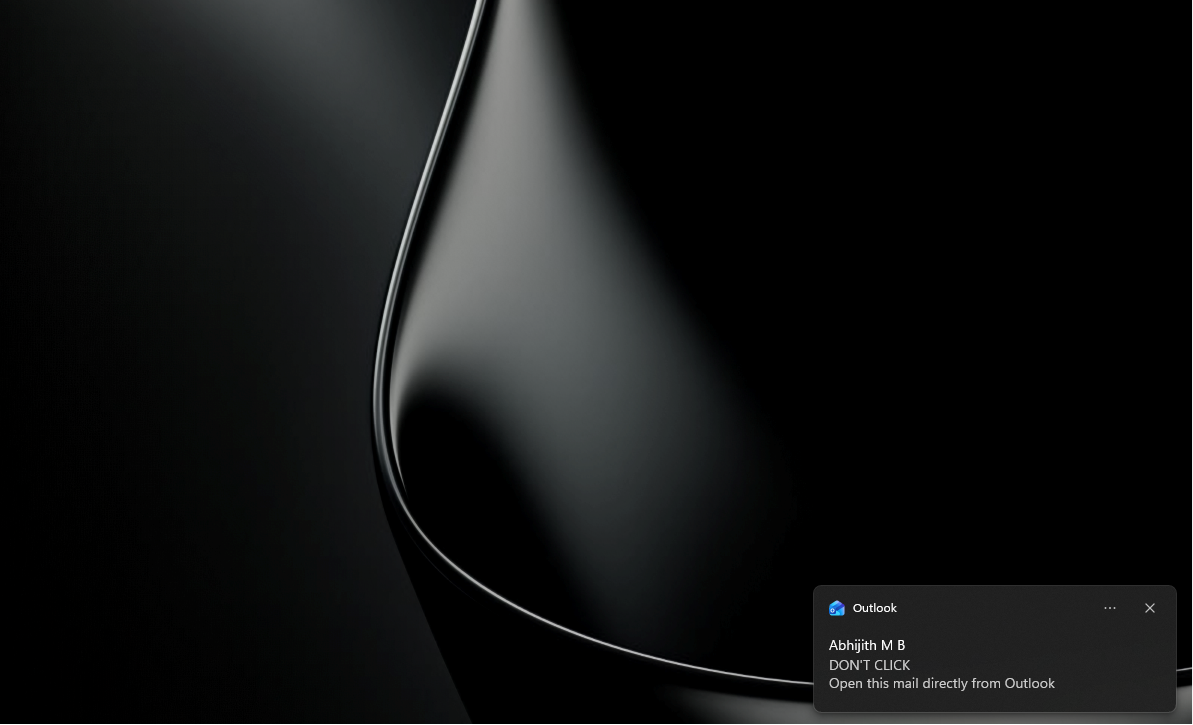
new Outlook notification

Windows 11 ships with two versions of Outlook. There is Outlook Classic, the long-running Win32 desktop app built for power users, and there is the new Outlook, which Microsoft is pushing as the future of email on Windows. The newer one is built on WebView2 and is, in essence, a browser window that loads Outlook.com. If you have ever used both side by side, you already know which one feels faster and which one does not.
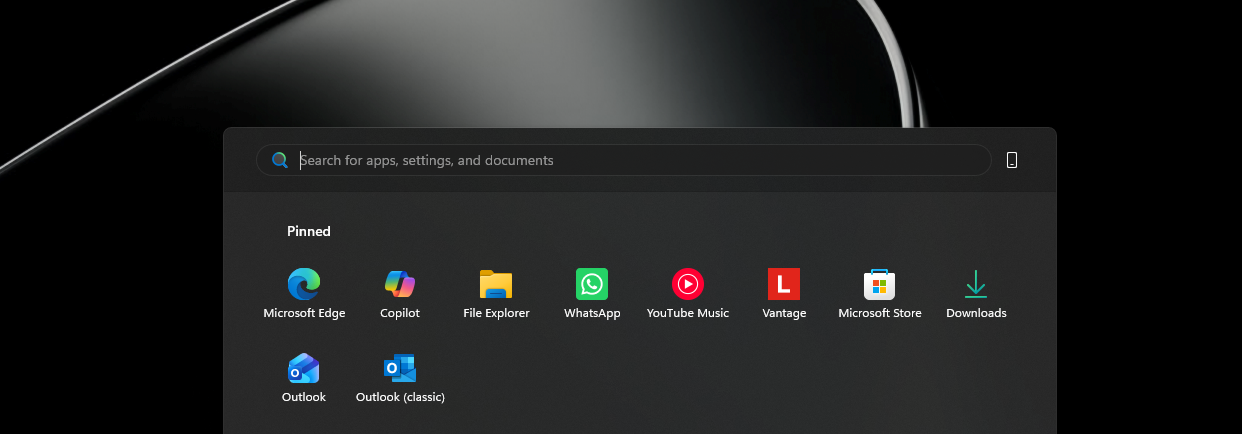
Microsoft has two Outlook apps

Outlook has had a complicated reputation for years. The original Win32 app became infamous for being bloated and difficult to configure. Microsoft’s answer was to ditch native code and rebuild from the web up. The result, called the new Outlook, replaced the lightweight UWP Mail and Calendar apps that some Windows users had grown used to. Windows Latest reported back in 2023 how users protested when Microsoft announced plans to retire those UWP apps in favor of a web wrapper. The company pushed ahead anyway, and by late 2024, the Mail and Calendar apps were officially shut down.
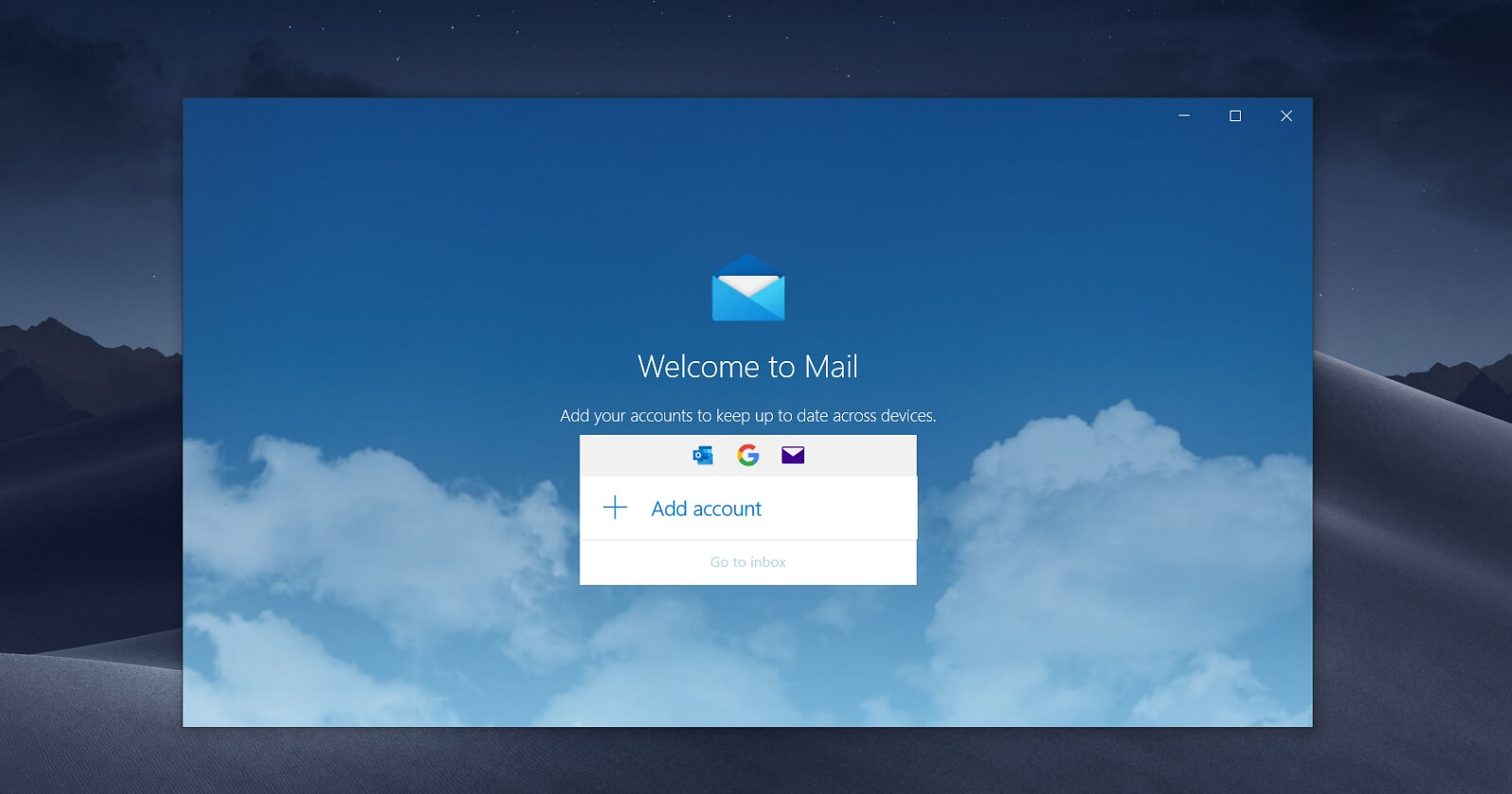
Windows 11 Mail app
Legacy Mail and Calendar apps on Windows 10 | Image Courtesy: WindowsLatest.com

Microsoft has also been pushing the new Outlook at enterprises, though it postponed the forced opt-out deadline to March 2027 from the originally planned April 2026. A delay of a full year shows that even Microsoft knows the app is not fully ready for every workload. New Outlook has improved in real ways since launch, but the performance story is still a mixed one, and nowhere is that more apparent than in how it handles notifications.
New Outlook takes 10 seconds to go from notification to the respective mail

Before getting to the frustrating part, credit where it’s due, New Outlook used to be noticeably slow to launch from scratch, but not anymore.

Outlook (classic) vs New Outlook:

New Outlook now opens almost as fast as Outlook Classic, which is still slightly quicker of the two. But I would say both are neck and neck, at least when it comes to opening speeds.

However, when a new email arrives in Windows 11, a notification banner appears at the bottom right of your screen, and that’s where the problem starts. Clicking that banner, or from the Notification Center, is supposed to take you directly to the email that triggered it.

With Outlook Classic, it opens that specific email almost instantly.

With the new Outlook, clicking the notification opens the app, loads the full inbox, and then takes around 10 seconds before the specific email from the notification shows up on screen.

What makes this even more absurd is that if you ignore the notification banner and instead open Outlook directly from the Start menu, you can find and click the new email from within the app and be done with it, all before the notification banner even disappears from the screen.

Five seconds to open Outlook and click an email manually. Ten seconds wait time to see that same email if we click the notification directly. This is ridiculous, even for Microsoft.

And, as it turns out, this isn’t a problem Microsoft can easily fix with an app update.

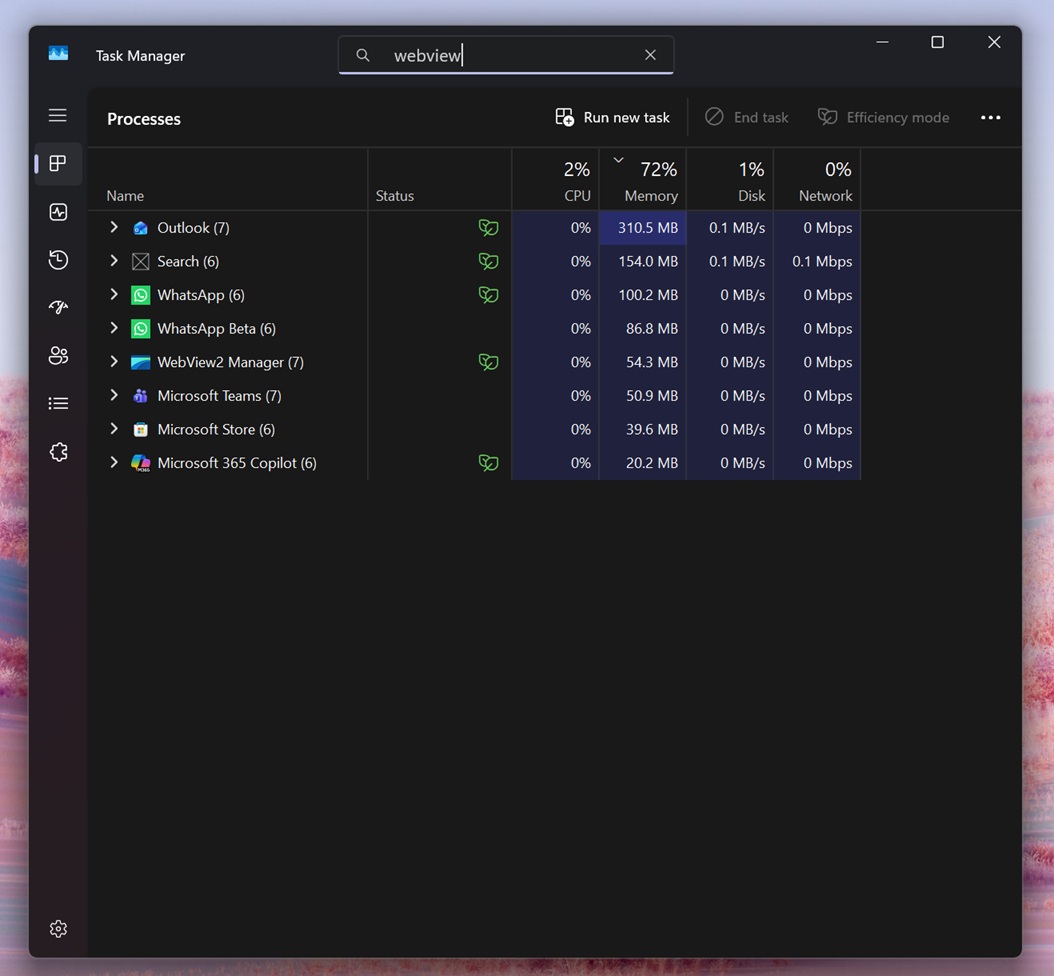
Outlook is based on WebView2, and like all web apps, it’s slow

New Outlook is built on Microsoft Edge’s WebView2 runtime, which is a Chromium-based rendering engine. Every time you interact with the app, including clicking a notification, a browser-like process chain has to do the work. The app has to initialize or resume its web layer, authenticate, load the relevant mail thread, and render it, all through that web engine.
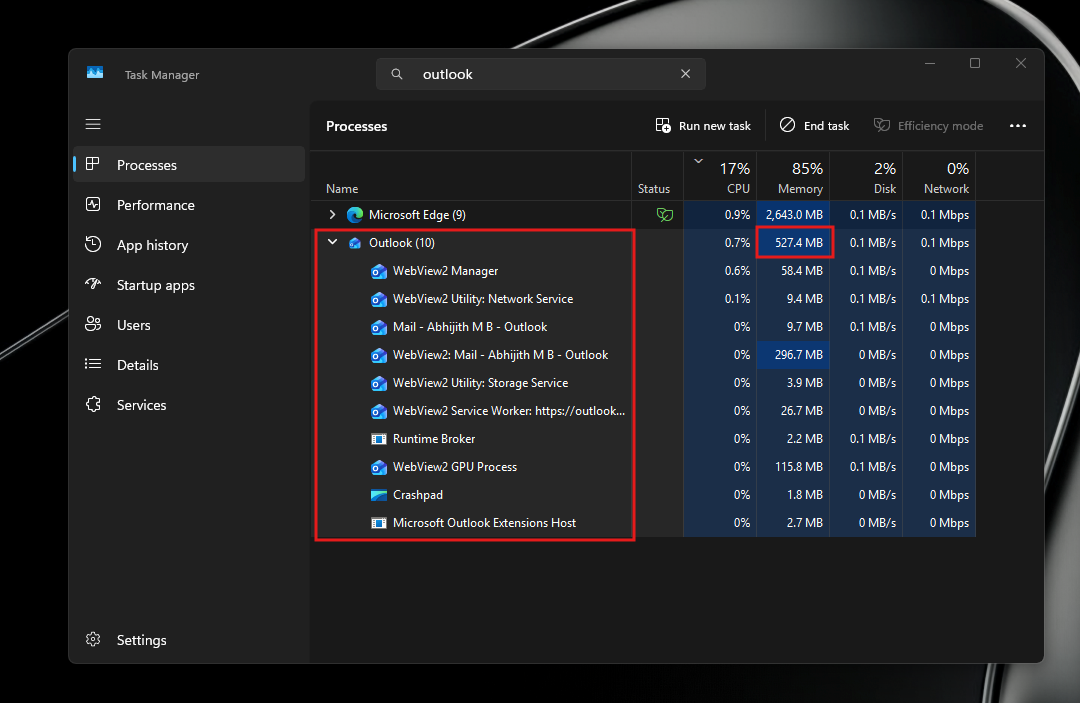
Outlook RAM usage with open processes

As Windows Latest reported in December 2025, Microsoft acknowledged this slowness and was testing a new API called “Delayed Message Timing” to help diagnose performance issues in WebView2 apps. However, we haven’t seen any use of that API while clicking Outlook notifications.

New Outlook runs as 10 separate processes in Task Manager, compared to Outlook Classic, which runs as a single compact process. The list inside the new Outlook includes WebView2 Manager, multiple WebView2 Utility processes, a WebView2 GPU Process, a WebView2 Service Worker, and more. Each of those is essentially a browser component. They all consume memory individually, and they all take time to resume from a suspended state when you click a notification.
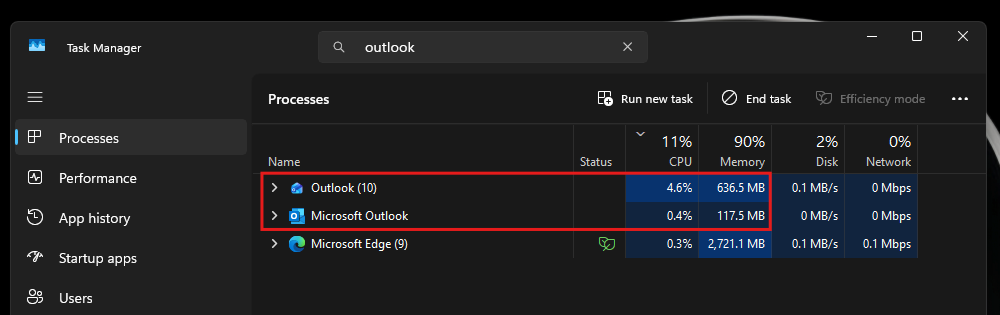
RAM and CPU usage difference between Outlook and Outlook Classic

Speaking of memory, the new Outlook uses between 490 MB and 636 MB of RAM while idle, with individual sessions varying based on mailbox size. Outlook Classic, doing the same job, uses around 117 MB to 148 MB at idle. A roughly fourfold difference.

As for CPU, new Outlook uses around 4% at idle while Outlook Classic uses less than 1%. These numbers are from my own measurements using Task Manager with both apps open simultaneously.

Of course, these issues are common to all web apps. As we reported, WhatsApp now consumes 1.2 GB of RAM doing nothing after Meta replaced its native WinUI app with a WebView2 wrapper.

Microsoft has been aware of the offline and performance limitations of new Outlook for some time. The company spent much of 2024 trying to make the app work properly without an internet connection, something Outlook Classic handles natively by caching mail locally. A web app, by design, is always reaching out to a server.

New Outlook is improving, but the gap with Classic isn’t closing anytime soon

In fairness, the new Outlook has come a long way since its rocky debut. The March 2026 update added better folder search options and improved shared mailbox access, two areas where the app lagged behind Classic for a long time. The May 2026 update brought automapped calendar support, so switching from Classic to new Outlook no longer drops your shared calendars. Teammate calendars now show up automatically in the navigation pane.
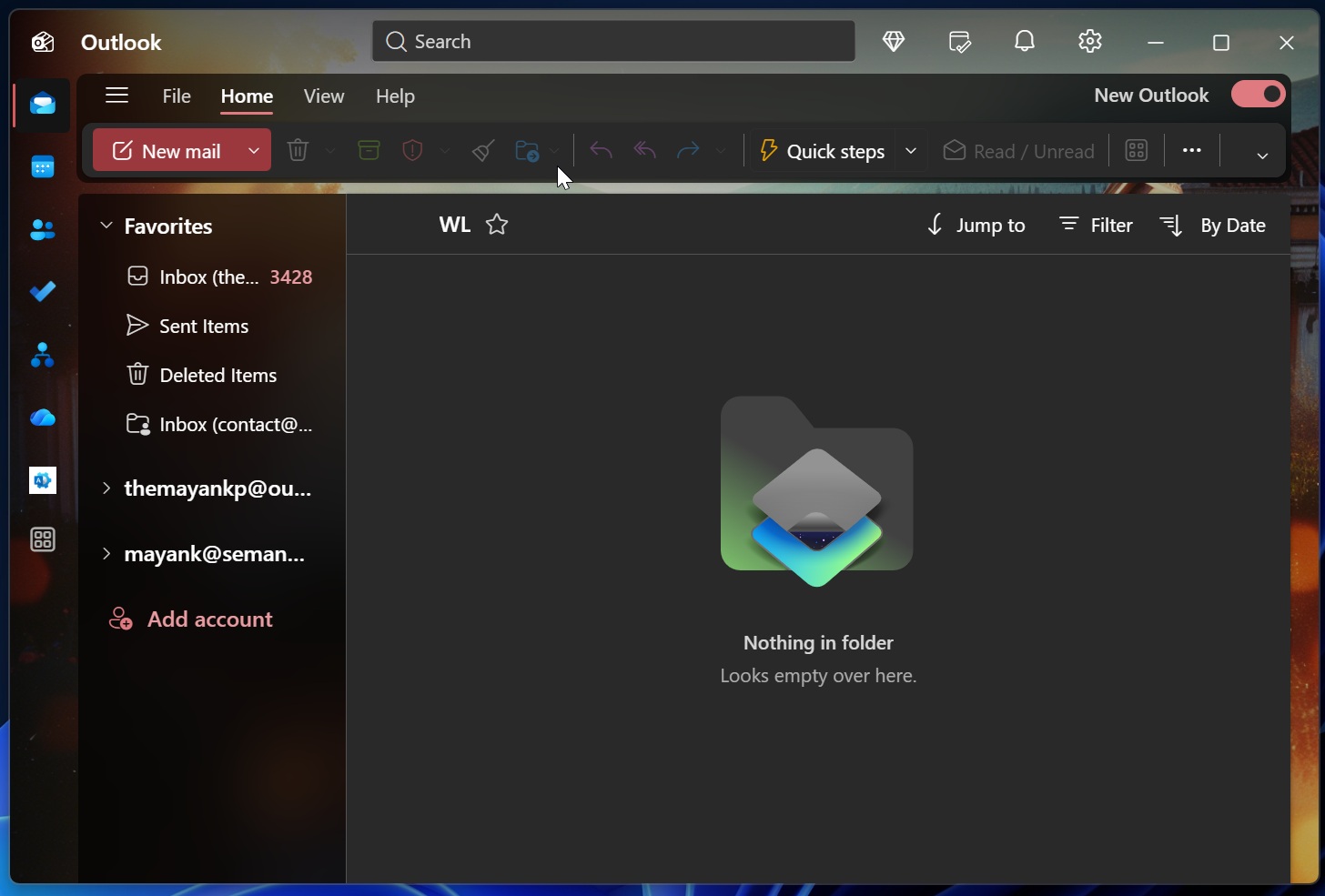
New Outlook for Windows 11

More recently, Microsoft confirmed a June 2026 update with five notable additions, including an all-accounts inbox view (also called Unified Inbox) arriving in August 2026, improved mail merge, and expanded .PST support. The .PST import update in July 2026 will let users bring in calendar items and contacts from local archive files, which was a long-standing pain point for anyone switching from Classic.

The push to get people to switch is getting louder too. Microsoft listed 15 productivity features in early June 2026 as reasons to make the move from Classic. The list includes offline access, richer Copilot integration, faster search, improved calendar controls, and more. Many of those features are things Classic users have had for years, which makes the framing a bit odd, but the direction is clear. Microsoft wants new Outlook to become the default experience for everyone.
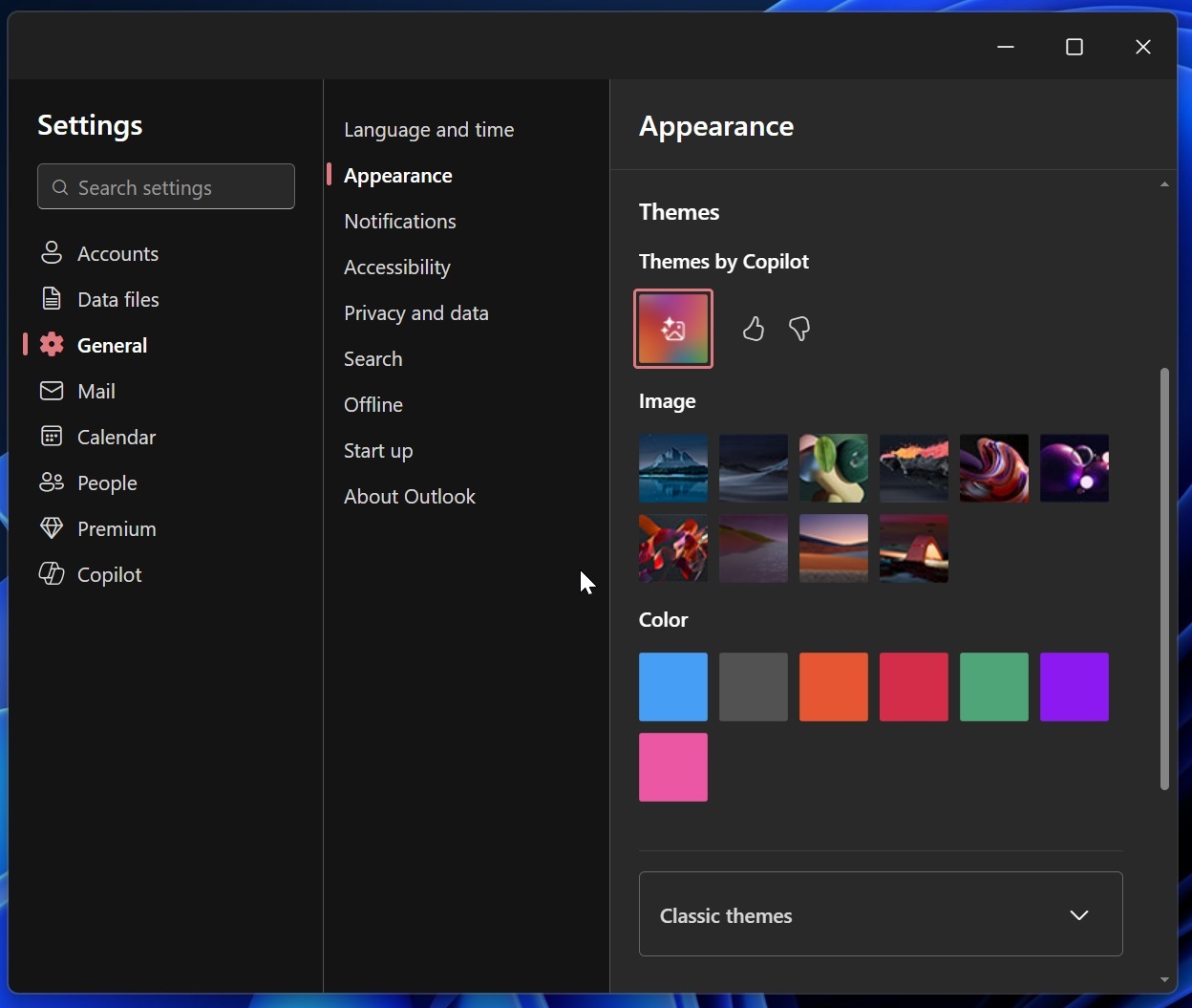
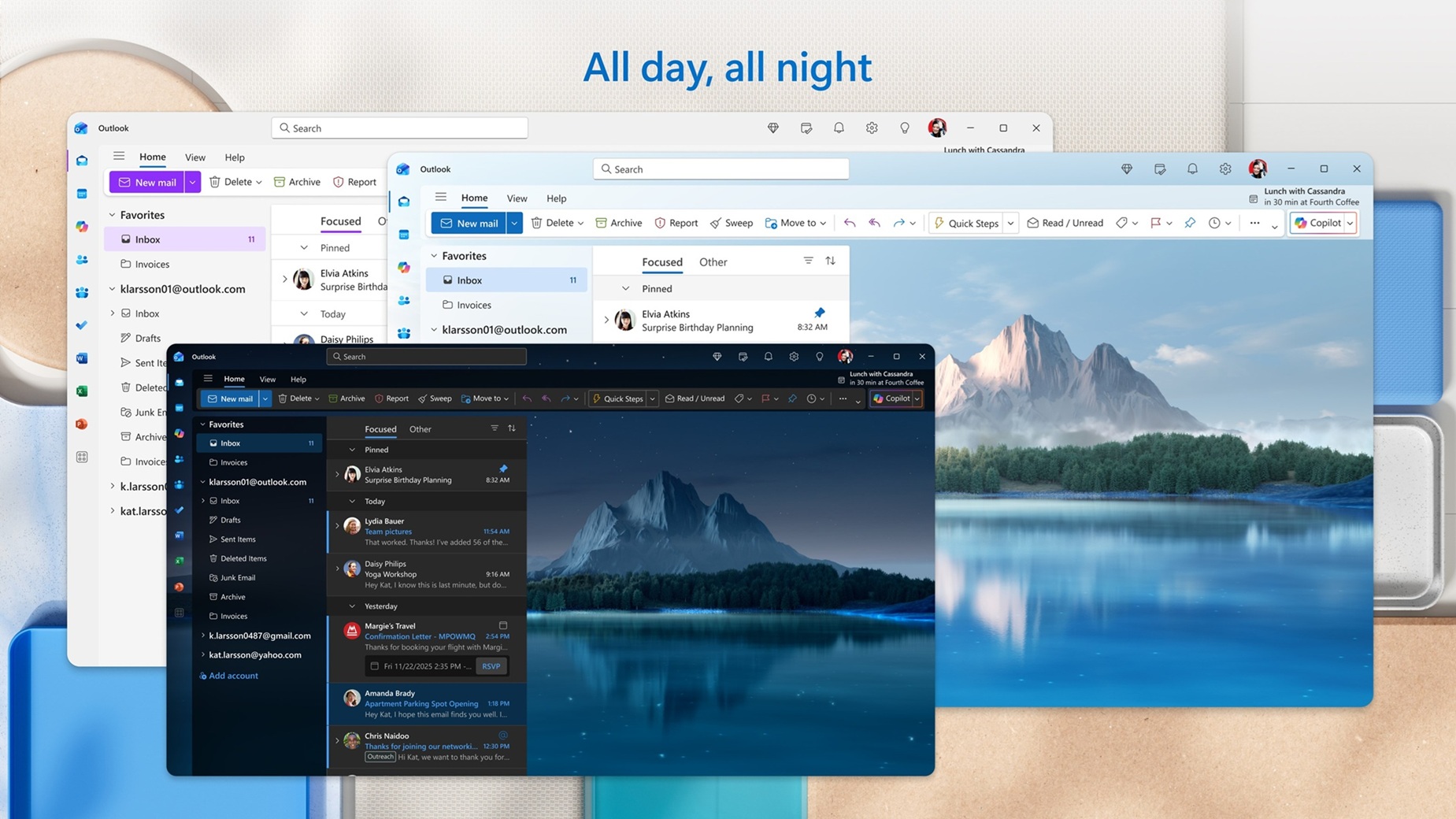
New Outlook themes

We were also told in late 2025 that a calendar agenda view in the Notification Center was coming, bringing back a Windows 10 feature that went missing with Windows 11. The agenda view, when it arrives, will also be powered by WebView2. Whether it introduces similar delays remains to be seen.
A web app cannot fix performance issues

WebView2 processes in Windows 11 Task Manager

Microsoft celebrated growth for new Outlook in 2024, but a significant portion of that growth came from forced migration. People did not choose the web app because it was faster. They were moved to it because the apps they previously used (Mail + Calendar) were shut down.

New Outlook opening fast from the Start menu is a real improvement. The work being done on new features shows that Microsoft is listening to complaints. But until the notification experience matches what Outlook Classic has been doing without issue for years, the new Outlook is still working around a fundamental constraint imposed by the WebView2 architecture.

The only solution, as you might’ve guessed, is the move to WinUI. We already reported that Microsoft is now fully committed to WinUI, with Rudy Huyn preparing a team to make native Windows apps, and so we may see a native Outlook too…

For now, if fast notification handling is important to your workflow, Outlook Classic is the more reliable choice. Classic Outlook is still available to download and is supported until April 2029. The new Outlook will keep improving, but some of its limitations are baked into how it is built, and those are harder to fix with a feature update.