





基于Go+Vue实现的openLDAP后台管理项目。


目录
我曾经经历的公司强依赖 openLDAP 来作为企业内部员工管理的平台,并通过 openLDAP 进行各平台的认证打通工作。
但成也萧何败也萧何,给运维省力的同时,ldap 又是维护不够友好的。
在godap (opens new window)项目中,作者这样描述对 ldap 的感受:
The short version of the story goes like this: I hate LDAP. I used to love it. But I loved it for all the wrong reasons. LDAP is supported as an authentication solution by many different pieces of software. Aside from its de jure standard status, its wide deployment cements it as a de facto standard as well.
However, just because it is a standard doesn't mean it is a great idea.
I'll admit that given its age LDAP has had a good run. I'm sure its authors carefully considered how to construct the protocol and chose ASN.1 and its encoding with all of wellest of well meaning intentions.
The trouble is that with today's Internet, LDAP is just a pain in the ass. You can't call it from your browser. It's not human readable or easy to debug. Tooling is often arcane and confusing. It's way more complicated than what is needed for most simple authentication-only uses. (Yes, I know there are many other uses than authentication - but it's often too complicated for those too.)
Likely owing to the complexity of the protocol, there seems to be virtually no easy to use library to implement the server side of the LDAP protocol that isn't tied in with some complete directory server system; and certainly not in a language as easy to "make it work" as Go.
他说他对 ldap 又爱又恨,因为 ldap 出现的最早,许多的三方软件都兼容支持它,它成了这方面的一个标准。但问题在于,它对于维护者而言,又是复杂麻烦的。就算是有 Phpldapadmin 这样的平台能够在浏览器维护,但看到那样上古的界面,以及复杂的交互逻辑,仍旧能够把不少人劝退。
鉴于此,我开发了这个现代化的 openLDAP 管理后台。
admin / 123456
演示地址:http://demo-go-ldap-admin.eryajf.net (opens new window)
| 分类 | GitHub | Gitee |
|---|---|---|
| 后端 | https://github.com/eryajf-world/go-ldap-admin.git | https://gitee.com/eryajf-world/go-ldap-admin.git |
| 前端 | https://github.com/eryajf-world/go-ldap-admin-ui.git | https://gitee.com/eryajf-world/go-ldap-admin-ui.git |
你可以通过 docker-compose 在本地快速拉起进行体验。
快速拉起的容器包括:MySQL-5.7,openLDAP-1.4.0,phpldapadmin-0.9.0,go-ldap-admin。
服务端口映射如下:
| Service | Port |
|---|---|
| MySQL | 3307:3306 |
| openLDAP | 389:389 |
| phpldapadmin | 8091:80 |
| go-ldap-admin | 8090:80,8888:8888 |
拉起之前确认是否有与本地端口冲突的情况。
$ git clone https://github.com/eryajf-world/go-ldap-admin.git

$ cd docs/docker-compose

$ docker-compose up -d
1
2
3
4
5
当看到容器都正常运行之后,可以在本地访问:http://localhost:8090,用户名/密码:admin/123456
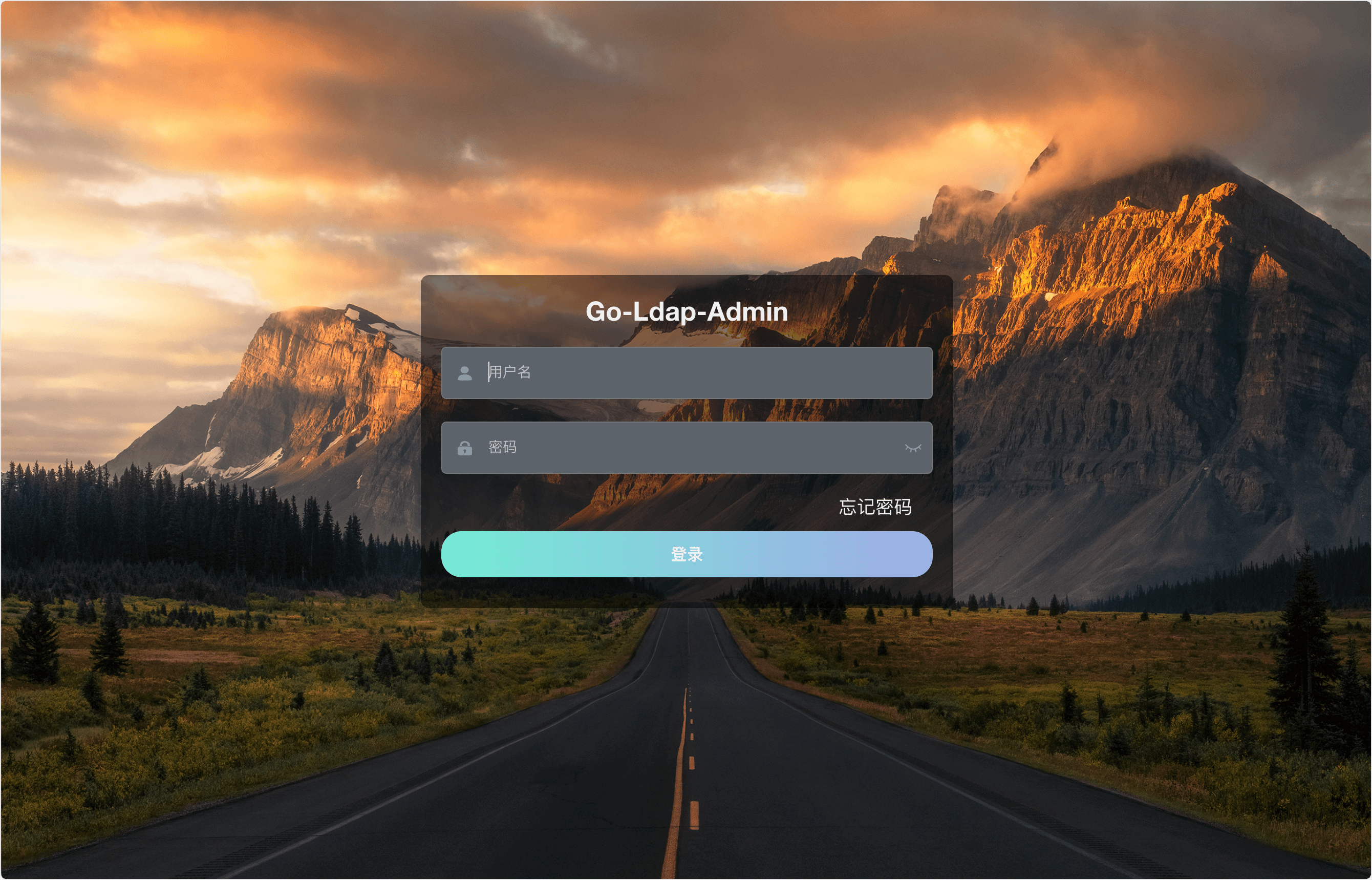
登录页:
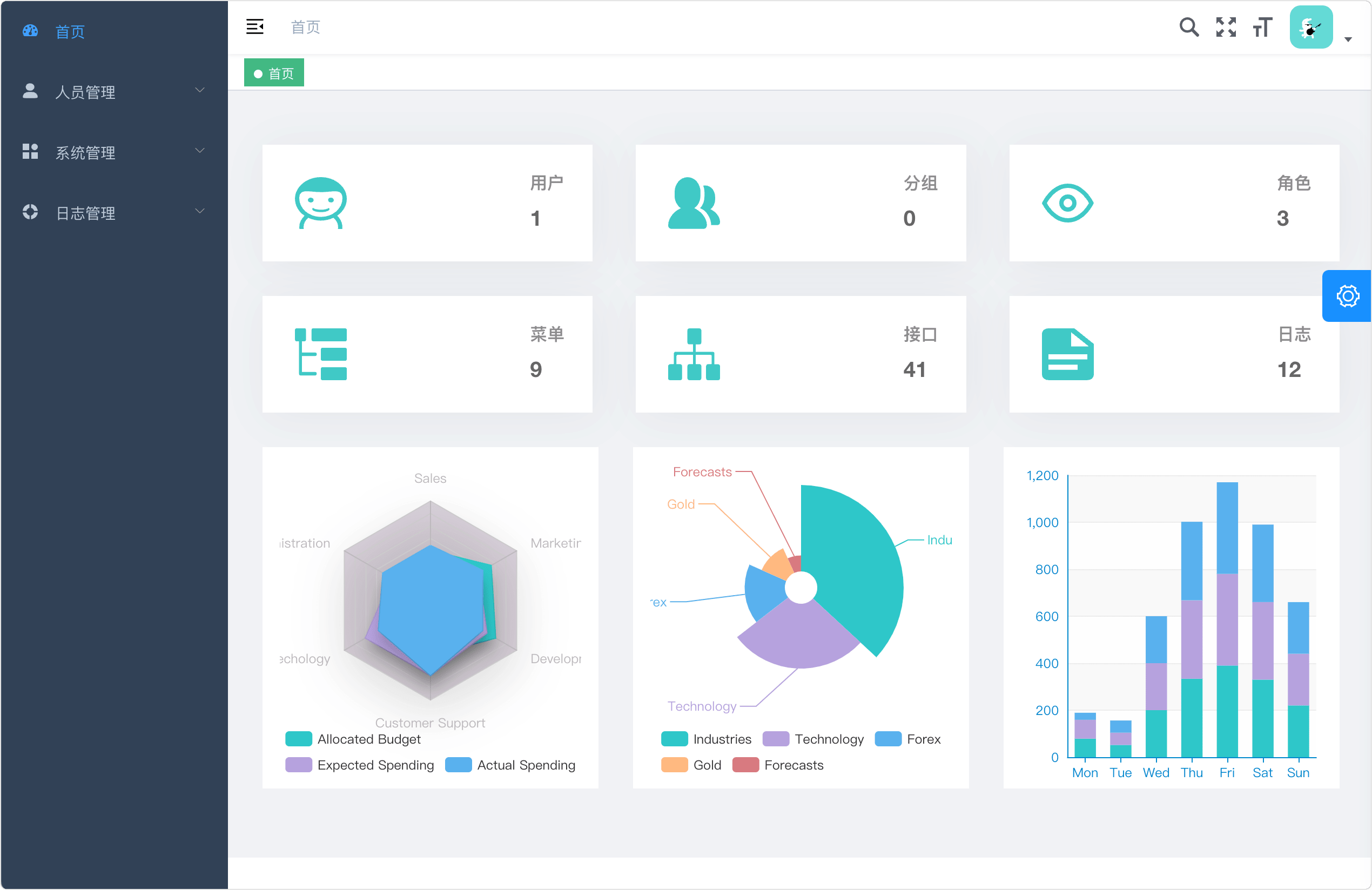
首页:
用户管理:

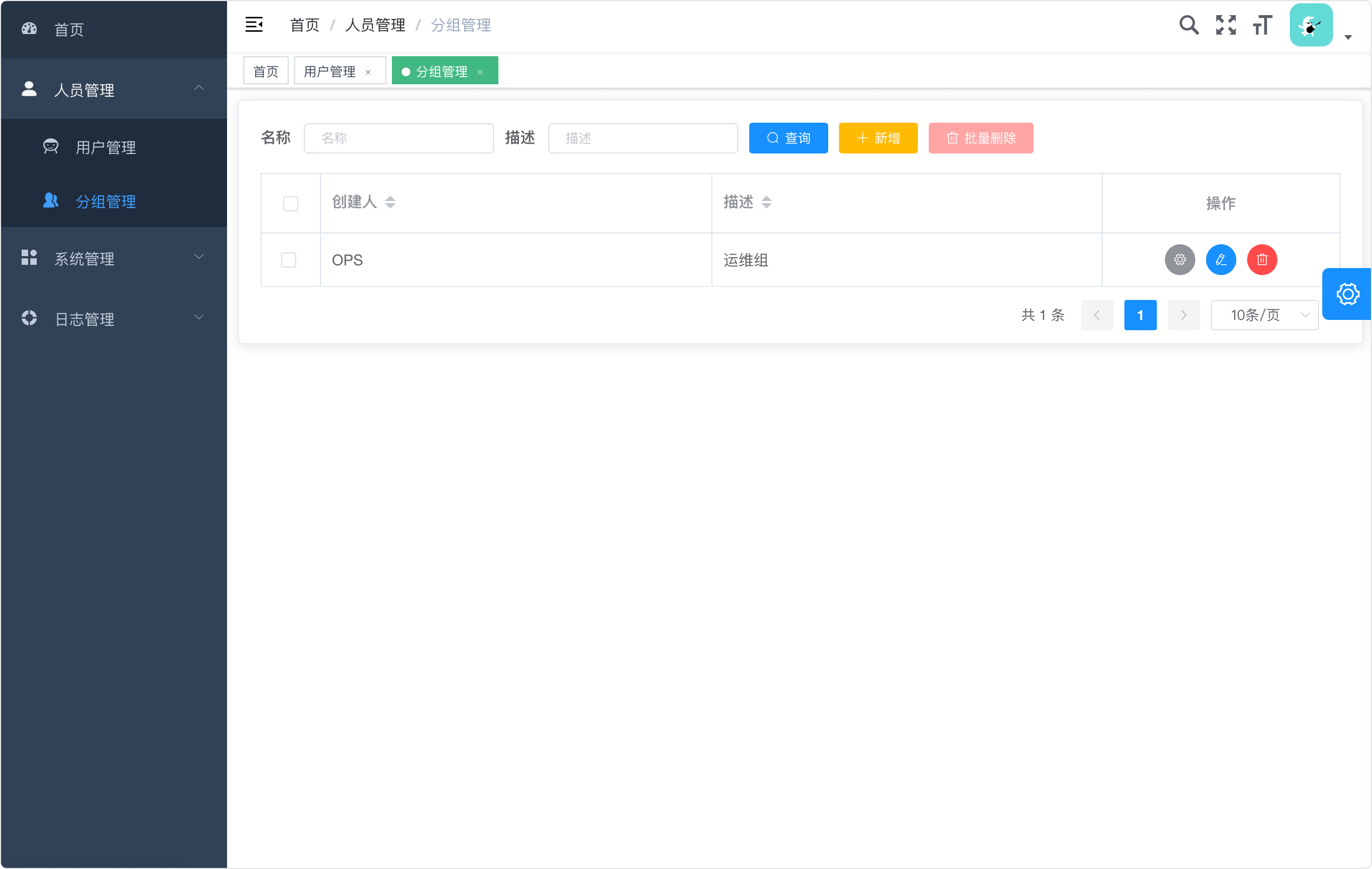
分组管理:
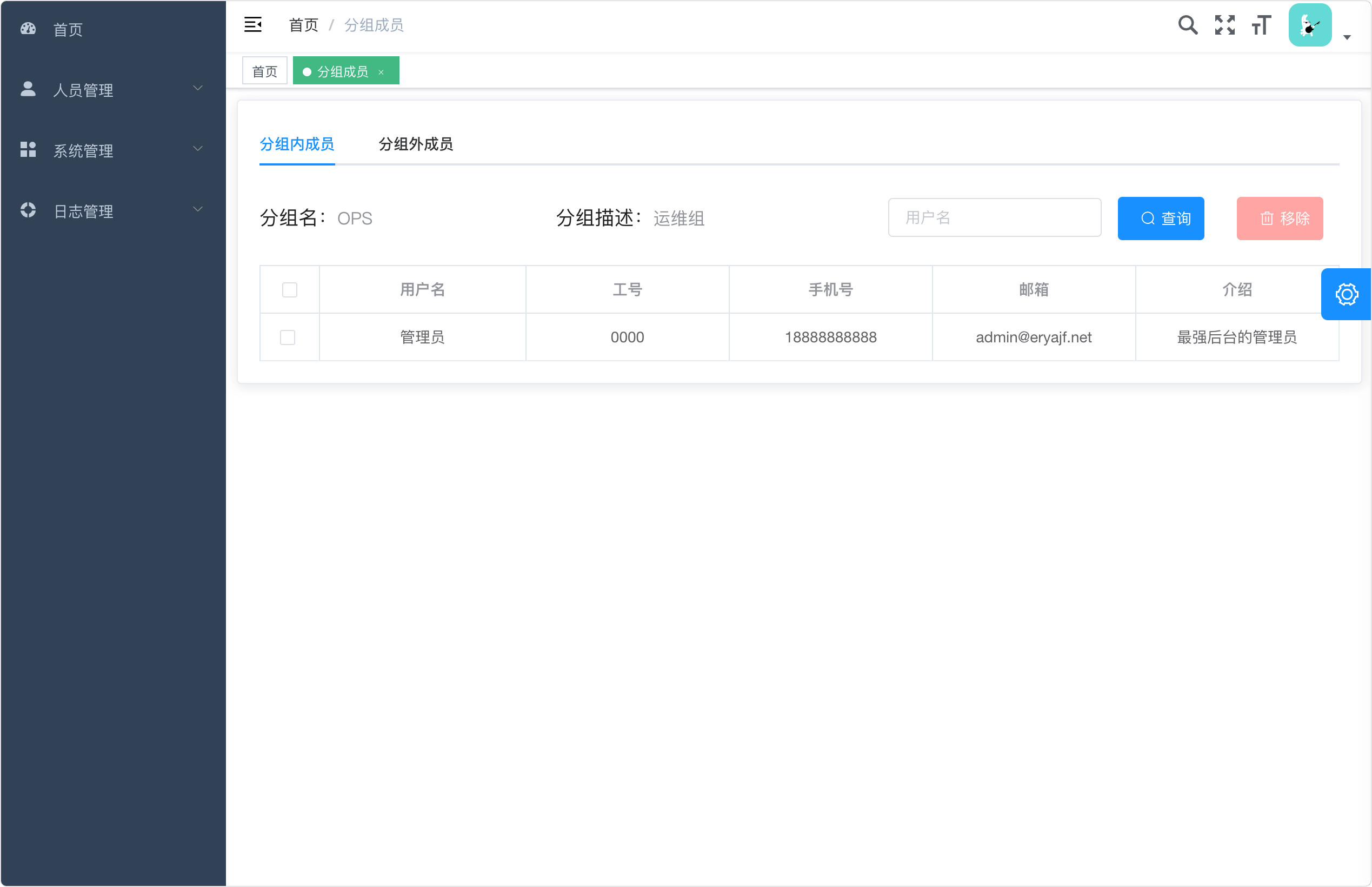
分组内成员管理:
前提是已准备好 MySQL 与 openLDAP,本地开发建议直接通过 docker 拉起即可,可参考文档:https://wiki.eryajf.net/pages/3a0d5f (opens new window)。
# 后端代码
$ git clone https://github.com/eryajf-world/go-ldap-admin.git

# 前端代码
$ git clone https://github.com/eryajf-world/go-ldap-admin-ui.git
1
2
3
4
5
后端目录结构:
├─config     # viper读取配置
├─controller # controller层,响应路由请求的方法
├─docs       # 一些物料信息
├─logic      # 主要的处理逻辑
├─middleware # 中间件
├─model      # 结构体模型
├─public     # 一些公共的,工具类的放在这里
├─routes     # 所有路由
├─service    # 整合与底层存储交互的方法
├─svc        # 定义入参出参的结构体
└─test       # 跑测试用的
1
2
3
4
5
6
7
8
9
10
11
# 修改后端配置
$ cd go-ldap-admin
# 文件路径 config.yml
$ vim config.yml

# 根据自己本地的情况,调整数据库以及openLDAP的配置信息。
1
2
3
4
5
6
# 启动后端
$ cd go-ldap-admin
$ go mod tidy
$ go run main.go
$ make run

# 启动前端
$ cd go-ldap-admin-ui
$ yarn
$ yarn dev
1
2
3
4
5
6
7
8
9
10
本地访问:http://localhost:8090,用户名/密码:admin/密码是配置文件中 openLDAP 中 admin 的密码。
生产环境单独部署,通过 Nginx 代理服务,配置如下:
server {
    listen 80;
    server_name go-ldap-admin.eryajf.net;

    root /data/www/web/dist;

    location / {
        try_files $uri $uri/ /index.html;
        add_header Cache-Control 'no-store';
    }

    location /api/ {
        proxy_set_header Host $http_host;
        proxy_set_header  X-Real-IP $remote_addr;
        proxy_set_header X-Forwarded-For $proxy_add_x_forwarded_for;
        proxy_set_header X-Forwarded-Proto $scheme;
        proxy_pass http://127.0.0.1:8888;
    }
}
1
2
3
4
5
6
7
8
9
10
11
12
13
14
15
16
17
18
19
感谢如下优秀的项目,没有这些项目,不可能会有 go-ldap-admin:
后端技术栈
前端技术栈
另外感谢
此内容由惯性聚合(RSS阅读器)自动聚合整理,仅供阅读参考。 原文来自 — 版权归原作者所有。
