



惯性聚合 高效追踪和阅读你感兴趣的博客、新闻、科技资讯
阅读原文 在惯性聚合中打开

推荐订阅源

Exploit-DB.com RSS Feed
A
About on SuperTechFans
IT之家
IT之家
让小产品的独立变现更简单 - ezindie.com
Blog — PlanetScale
Blog — PlanetScale
aimingoo的专栏
aimingoo的专栏
云风的 BLOG
云风的 BLOG
The GitHub Blog
The GitHub Blog
Vercel News
Vercel News
G
Google Developers Blog
J
Java Code Geeks
宝玉的分享
宝玉的分享
T
Tailwind CSS Blog
Cloudbric
Cloudbric
L
LINUX DO - 最新话题
MyScale Blog
MyScale Blog
H
Heimdal Security Blog
PCI Perspectives
PCI Perspectives
Attack and Defense Labs
S
Security @ Cisco Blogs
Latest news
Latest news
I
Intezer
L
Lohrmann on Cybersecurity
C
CXSECURITY Database RSS Feed - CXSecurity.com
月光博客
月光博客
T
Threatpost
博客园 - 【当耐特】
S
Schneier on Security
P
Privacy International News Feed
G
GRAHAM CLULEY
T
Tenable Blog
AWS News Blog
AWS News Blog
Threat Intelligence Blog | Flashpoint
雷峰网
雷峰网
博客园 - Franky
Engineering at Meta
Engineering at Meta
美团技术团队
S
Secure Thoughts
T
Troy Hunt's Blog
Microsoft Security Blog
SecWiki News
SecWiki News
V
Visual Studio Blog
人人都是产品经理
人人都是产品经理
Application and Cybersecurity Blog
Cisco Talos Blog
Cisco Talos Blog
奇客Solidot–传递最新科技情报
奇客Solidot–传递最新科技情报
Martin Fowler
Martin Fowler
Webroot Blog
Webroot Blog
Google DeepMind News
H
Hackread – Cybersecurity News, Data Breaches, AI and More

星辰日记

临时邮箱:开发者的隐私工具实践笔记 为 QuMagie 备份的照片添加 Exif 信息 Riverpod - flutter 状态管理的应用 夜景随拍 大疆 Mini 4K 初体验 5月12日 随笔 你好 2024 HHKB 使用体验 历经59天, 终于拿到软著 渺软公益CDN - 又一个静态资源加速站 你好 2023 记一次 RAID 硬盘离线 大一 碎语 Waline 邮件异步推送 Magic Trackpad 使用体验 Centos 编译安装 php81 Redis 统计实时在线人数 Centos 7 升级 Glibc-2.28 Nginx 重写 Query 参数
试用 Google CA 的 SSL 证书
xcsoft · 2022-08-05 · via 星辰日记

其实对于大多数个人用户来说, 申请 SSL 应该都是不可避免的, 且大多数都会去选择一些免费的证书. 比如 Let’s Encrypt, TrustAsia, DigiCert 等.

Let’s 的好处应该就是可以免费申请通配符证书, 这点比较方便, 但证书有效期只有3个月. TrustAsia 可以提供最长1年的证书. (一般来说 证书有效期不能超过398天)

Google 在 今年的 3月30日 也推出了类似 Lets 的免费证书申请, 有效期最长也为3个月, 目前仍然处于内测状态. 不过既然是免费 那为何不试一试.

优劣势

  1. 支持通配符以及多域名.
  2. 支持为 IP 申请证书.
  3. 支持设置 1~90 天的有效期.
  4. 但是目前其不支持 IDN 域名 (常见的 包含中文的域名不行)

申请内测

创建 Project

首先需要申请一个 Google Cloud Platform 账户, 创建一个自己的项目并记录下其 project ID
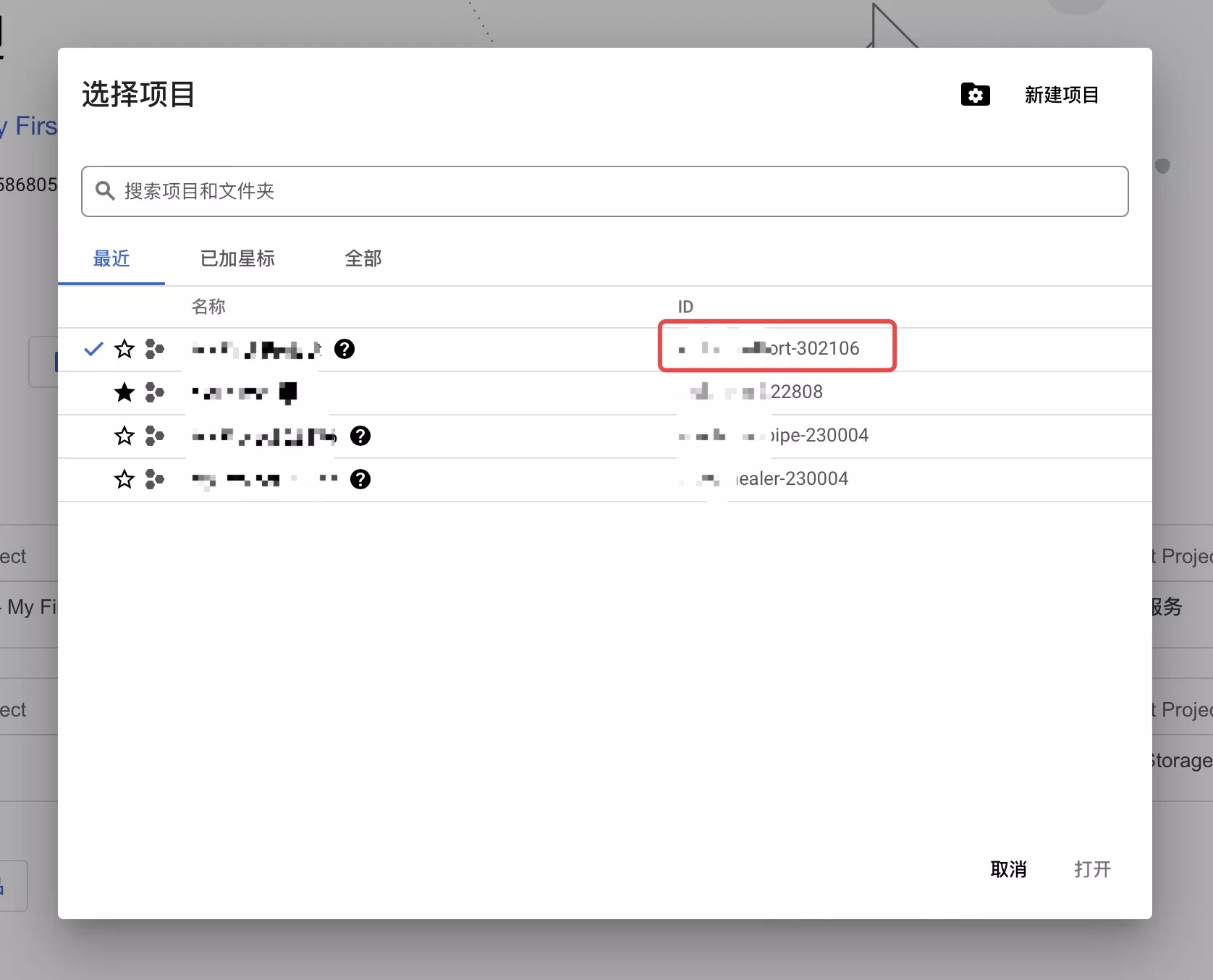
Project ID

填写申请表单

https://docs.google.com/forms/d/1Euhflb5CXpuLik8czElhyAloTZJZobar4086dmlPqXA
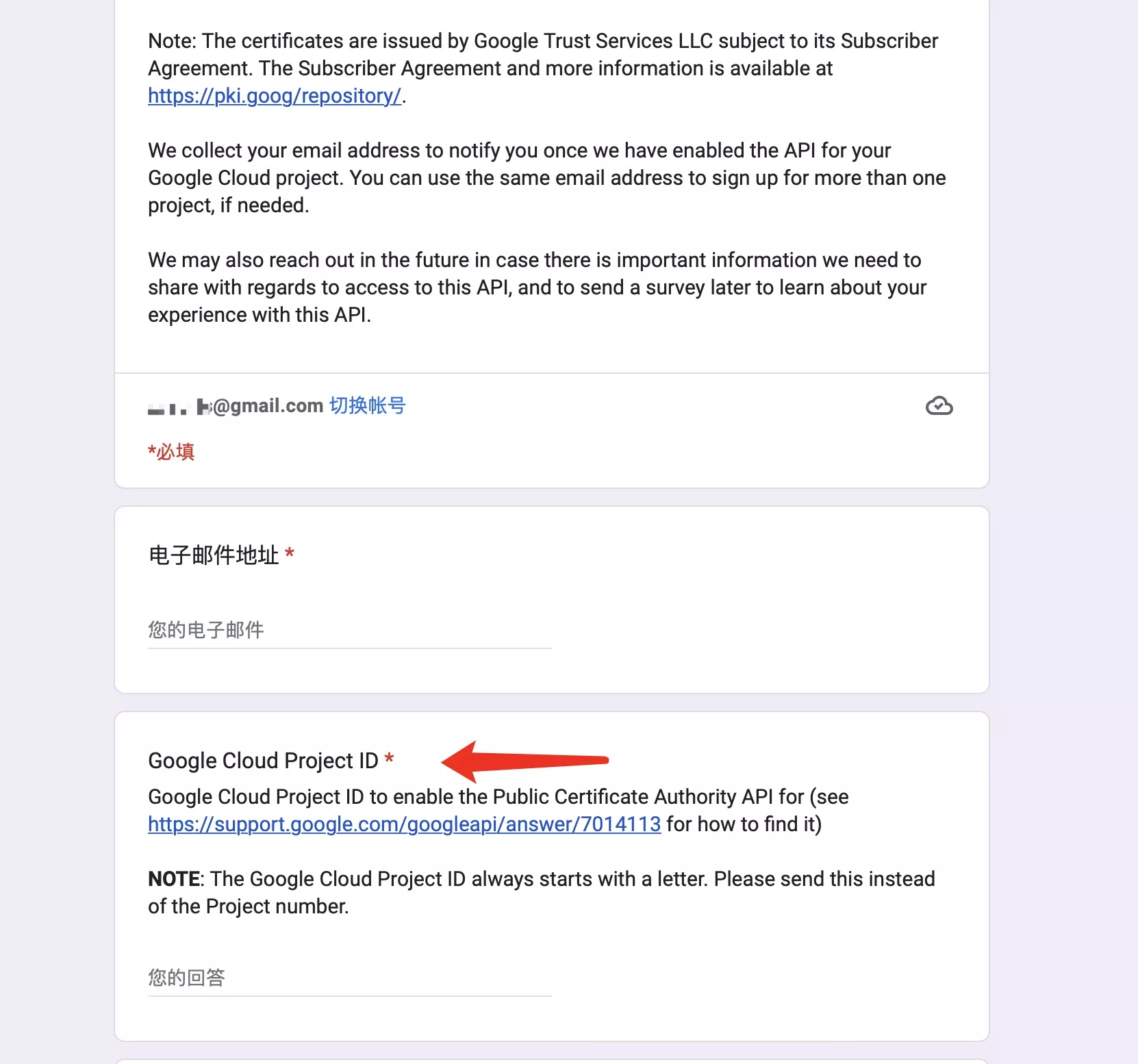
Reuqest form

Google Cloud Project ID 处填写上文记下的 Project ID 即可.

接着可能需要等待两到三天, 通过后 会收到一封 主题为 ‘Welcome to Google Cloud Certificate Manager, Public CA’的 邮件.

准备申请

启用 API

在通过内测申请后, 我们需要启用 ‘Public Certificate Authority API’. 进入 API服务 中选择你申请内测时的 Project ID, 点击启用.

https://console.cloud.google.com/apis/library/publicca.googleapis.com?project=project-id (注意替换上文的 Project ID)

获取密钥

接着点击 右上角的 ‘激活 Cloud Shell’ 来快速申请相关密钥:
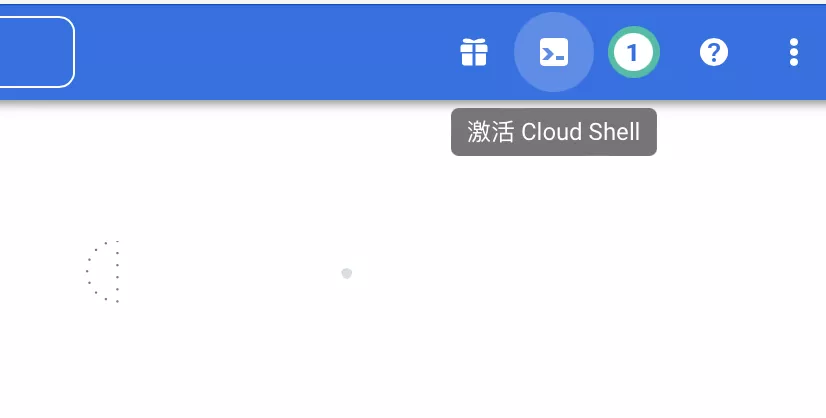
cloud shell

介入

1
gcloud beta publicca external-account-keys create

期待返回

1
2
3
Created an external account key
[b64MacKey: KEYHASH
keyId: KEYID]

签发证书

安装 acme.sh

在签发证书之前, 您的设备需要有 acme.sh 的环境, 可以通过

1
curl  https://get.acme.sh | sh -s

快速安装.

签发

注册

1
2
3
4
5
acme.sh --register-account \
--server https://dv.acme-v02.api.pki.goog/directory \
--server google -m user@example.com \ # 邮箱
--eab-kid {KEYID} \ # 上文得到的 keyId
--eab-hmac-key {KEYHASH} # 上文得到的 b64MacKey

开始申请

1
2
3
acme.sh --server google --issue -d *.example.com \ # 域名
--keylength ec-256 --force \
--dns --yes-I-know-dns-manual-mode-enough-go-ahead-please

提交过后需要你去 解析相关的 TXT 记录用来验证身份, 解析好了后, 通过 --renew 来完成证书申请

1
2
acme.sh --server google --renew -d *.example.com \ # 域名
--dns --ecc --yes-I-know-dns-manual-mode-enough-go-ahead-please

为了让 Nginx 使用该证书, 可以通过 acme 安装证书并自动续期

1
2
3
4
acme.sh --installcert -d *.example.com --ecc \
--key-file /usr/local/nginx/conf/ssl/example.com.key \
--fullchain-file /usr/local/nginx/conf/ssl/example.com.crt \
--reloadcmd "service nginx force-reload"

安装后还需要修改 网站相关配置文件 来启用ssl访问.