
惯性聚合 高效追踪和阅读你感兴趣的博客、新闻、科技资讯
阅读原文 在惯性聚合中打开

推荐订阅源

Martin Fowler
Martin Fowler
Threat Intelligence Blog | Flashpoint
博客园 - 聂微东
IT之家
IT之家
GbyAI
GbyAI
奇客Solidot–传递最新科技情报
奇客Solidot–传递最新科技情报
Y
Y Combinator Blog
博客园 - 【当耐特】
The Cloudflare Blog
宝玉的分享
宝玉的分享
罗磊的独立博客
钛媒体:引领未来商业与生活新知
钛媒体:引领未来商业与生活新知
让小产品的独立变现更简单 - ezindie.com
V
Visual Studio Blog
小众软件
小众软件
博客园_首页
Last Week in AI
Last Week in AI
J
Java Code Geeks
V
V2EX
雷峰网
雷峰网
Apple Machine Learning Research
阮一峰的网络日志
阮一峰的网络日志
腾讯CDC
博客园 - 司徒正美
Engineering at Meta
Engineering at Meta
The GitHub Blog
The GitHub Blog
H
Hackread – Cybersecurity News, Data Breaches, AI and More
D
DataBreaches.Net
博客园 - 三生石上(FineUI控件)
MyScale Blog
MyScale Blog
云风的 BLOG
云风的 BLOG
The Register - Security
M
MIT News - Artificial intelligence
Microsoft Azure Blog
T
The Blog of Author Tim Ferriss
N
Netflix TechBlog - Medium
F
Full Disclosure
B
Blog
H
Help Net Security
C
Check Point Blog
WordPress大学
WordPress大学
人人都是产品经理
人人都是产品经理
Cyber Security Advisories - MS-ISAC
Jina AI
Jina AI
酷 壳 – CoolShell
酷 壳 – CoolShell
Blog — PlanetScale
Blog — PlanetScale
L
LangChain Blog
P
Proofpoint News Feed
D
Docker
Microsoft Security Blog

Replicate's blog

How to make remarkable videos with Seedance 2.0 – Replicate blog How to prompt Seedream 5.0 – Replicate blog Recraft V4: image generation with design taste – Replicate blog Run Isaac 0.1 on Replicate – Replicate blog Run FLUX.2 on Replicate – Replicate blog How to prompt Nano Banana Pro – Replicate blog Retro Diffusion's pixel art models are now on Replicate – Replicate blog Replicate is joining Cloudflare – Replicate blog Extract text from documents and images with Datalab Marker and OCR – Replicate blog How to prompt Veo 3.1 – Replicate blog IBM's Granite 4.0 is now on Replicate – Replicate blog Which image editing model should I use? – Replicate blog Introducing our new search API – Replicate blog Torch compile caching for inference speed – Replicate blog Announcing Replicate's remote MCP server – Replicate blog Open source video is back – Replicate blog Generate consistent characters – Replicate blog Bria is now on Replicate – Replicate blog How we optimized FLUX.1 Kontext [dev] – Replicate blog Compare AI video models – Replicate blog The FLUX.1 Kontext hackathon – Replicate blog How to prompt Veo 3 for the best results – Replicate blog Get the most from Google Veo 3 – Replicate blog FLUX.1 Kontext from the community – Replicate blog Use FLUX.1 Kontext to edit images with words – Replicate blog Generate incredible images with Google's Imagen 4 – Replicate blog Run OpenAI’s latest models on Replicate – Replicate blog NVIDIA H100 GPUs are here – Replicate blog Run 30,000+ LoRAs on Hugging Face with Replicate – Replicate blog Ideogram 3.0 on Replicate – Replicate blog Run MiniMax Speech-02 models with an API – Replicate blog Easel AI is now on Replicate – Replicate blog Stylized video with Wan2.1 – Replicate blog Creative roundup: avatars, lightsabers, and LoRA tricks – Replicate blog Wan2.1: generate videos with an API – Replicate blog Wan2.1 parameter sweep – Replicate blog You can now fine-tune open-source video models – Replicate blog Generate short videos with the Replicate playground – Replicate blog AI video is having its Stable Diffusion moment – Replicate blog FLUX fine-tunes are now fast – Replicate blog FLUX.1 Tools – Control and steerability for FLUX – Replicate blog NVIDIA L40S GPUs are here – Replicate blog Ideogram v2 is an outstanding new inpainting model – Replicate blog Stable Diffusion 3.5 is here – Replicate blog FLUX is fast and it's open source – Replicate blog FLUX1.1 [pro] is here – Replicate blog Using synthetic training data to improve Flux finetunes – Replicate blog Fine-tune FLUX.1 with an API – Replicate blog Fine-tune FLUX.1 to create images of yourself – Replicate blog Replicate Intelligence #12 – Replicate blog Replicate Intelligence #11 – Replicate blog Fine-tune FLUX.1 with your own images – Replicate blog Replicate Intelligence #10 – Replicate blog FLUX.1: First Impressions – Replicate blog Replicate Intelligence #9 – Replicate blog Run FLUX with an API – Replicate blog Replicate Intelligence #8 – Replicate blog Run Meta Llama 3.1 405B with an API – Replicate blog Replicate Intelligence #7 – Replicate blog Replicate Intelligence #6 – Replicate blog Replicate Intelligence #5 – Replicate blog How to get the best results from Stable Diffusion 3 – Replicate blog Run Stable Diffusion 3 on your Apple Silicon Mac – Replicate blog Push a custom version of Stable Diffusion 3 – Replicate blog Replicate Intelligence #4 – Replicate blog Run Stable Diffusion 3 on your own machine with ComfyUI – Replicate blog H100s are coming to Replicate – Replicate blog Run Stable Diffusion 3 with an API – Replicate blog Replicate Intelligence #3 – Replicate blog Replicate Intelligence #2 – Replicate blog Replicate Intelligence #1 – Replicate blog Shared network vulnerability disclosure – Replicate blog Run Snowflake Arctic with an API – Replicate blog Run Meta Llama 3 with an API – Replicate blog Run Code Llama 70B with an API – Replicate blog How to create an AI narrator for your life – Replicate blog Clone your voice using open-source models – Replicate blog Businesses are building on open-source AI – Replicate blog How to run Yi chat models with an API – Replicate blog Scaffold Replicate apps with one command – Replicate blog Using open-source models for faster and cheaper text embeddings – Replicate blog Generate music from chord progressions and text prompts with MusicGen-Chord – Replicate blog Generate images in one second on your Mac using a latent consistency model – Replicate blog How to use retrieval augmented generation with ChromaDB and Mistral – Replicate blog Fine-tune MusicGen to generate music in any style – Replicate blog Jet-setting with Llama 2 + Grammars – Replicate blog How to run Mistral 7B with an API – Replicate blog Make smooth AI generated videos with AnimateDiff and an interpolator – Replicate blog Fine-tuned models now boot in less than one second – Replicate blog Painting with words: a history of text-to-image AI – Replicate blog We're cutting our prices in half – Replicate blog A guide to prompting Llama 2 – Replicate blog Streaming output for language models – Replicate blog Fine-tune SDXL with your own images – Replicate blog Run Llama 2 with an API – Replicate blog Run SDXL with an API – Replicate blog A comprehensive guide to running Llama 2 locally – Replicate blog Fine-tune Llama 2 on Replicate – Replicate blog What happened with Llama 2 in the last 24 hours? 🦙 – Replicate blog Make any large language model a better poet – Replicate blog
How to prompt Veo 3 with images – Replicate blog
2025-08-01 · via Replicate's blog

Image input in Veo 3 has been highly anticipated, and it’s now on Replicate. Here are some of the coolest and most useful tricks we discovered.

Style preservation

The biggest appeal of image input with Veo 3 is being able to animate your images while preserving their unique visual style. Whether it’s a cartoon, painting, or photograph, Veo 3 maintains the artistic integrity of your original image throughout the video.

The fire in the room begins to burn. Maintain the style of the image.

Veo 3 banner
Input image: “This is fine” meme
Generated animation

In this example, we just told Veo 3 to keep the style the same with no constraints on the actual action or direction of the video. The model still does a great job at creating interesting motion and camera movement while preserving your image’s style:

Keep the style the same
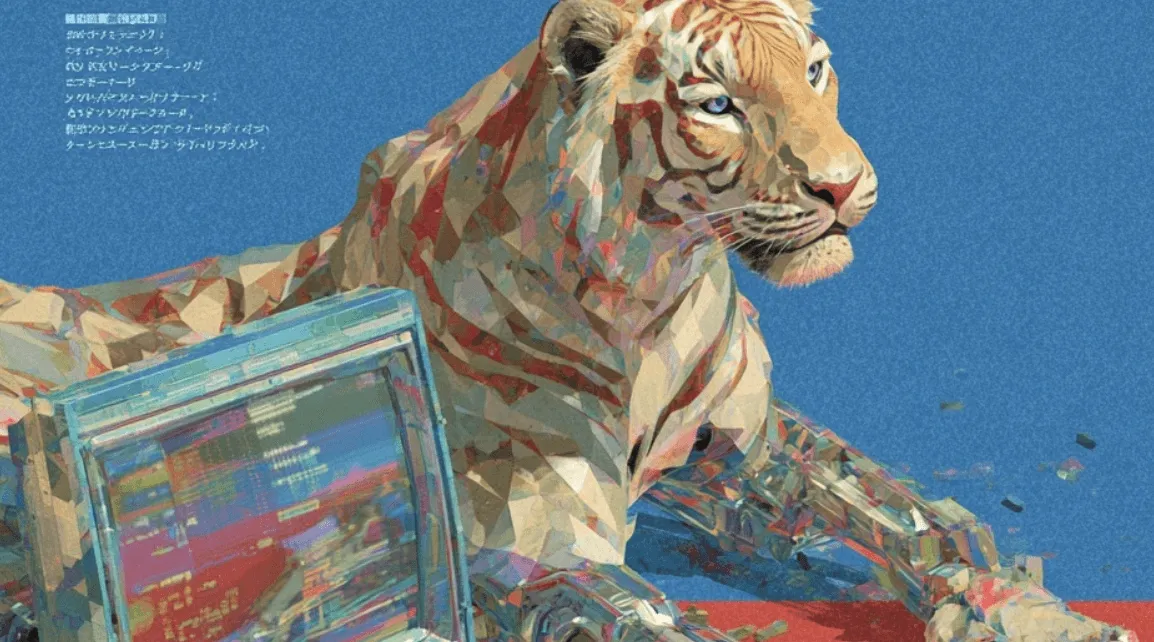
Stylized Tiger
Input image
Motion and style preserved in animation.

Here, we gave some explicit action and camera directions. In this case, Veo 3 quite decently retains style, even when handling other dynamic elements of the prompt.

The man is running intensely away from a threat through wild, alien-like shrubbery. He says to his microphone, “This is Echo 1. I’m being pursued.” The camera swivels out from the man to reveal the jungle terrain. Maintain the animation style of the original image.
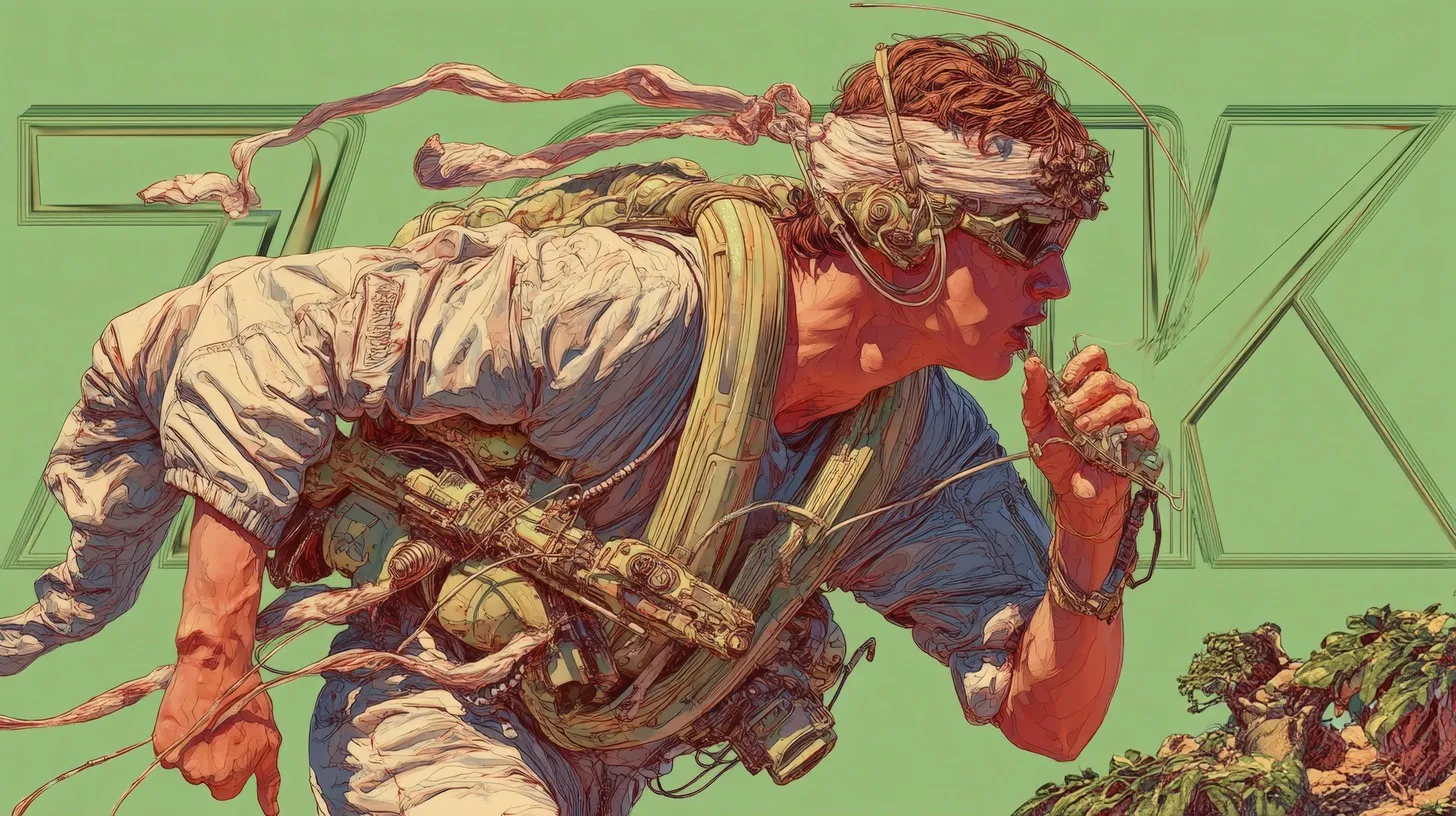
Running input image
Input image
Motion and style preserved in animation.

This goes beyond animation — check out how Veo 3 retains the filtering and color grading of the input image here.

The man rows the boat. Maintain the vintage feel of the image.
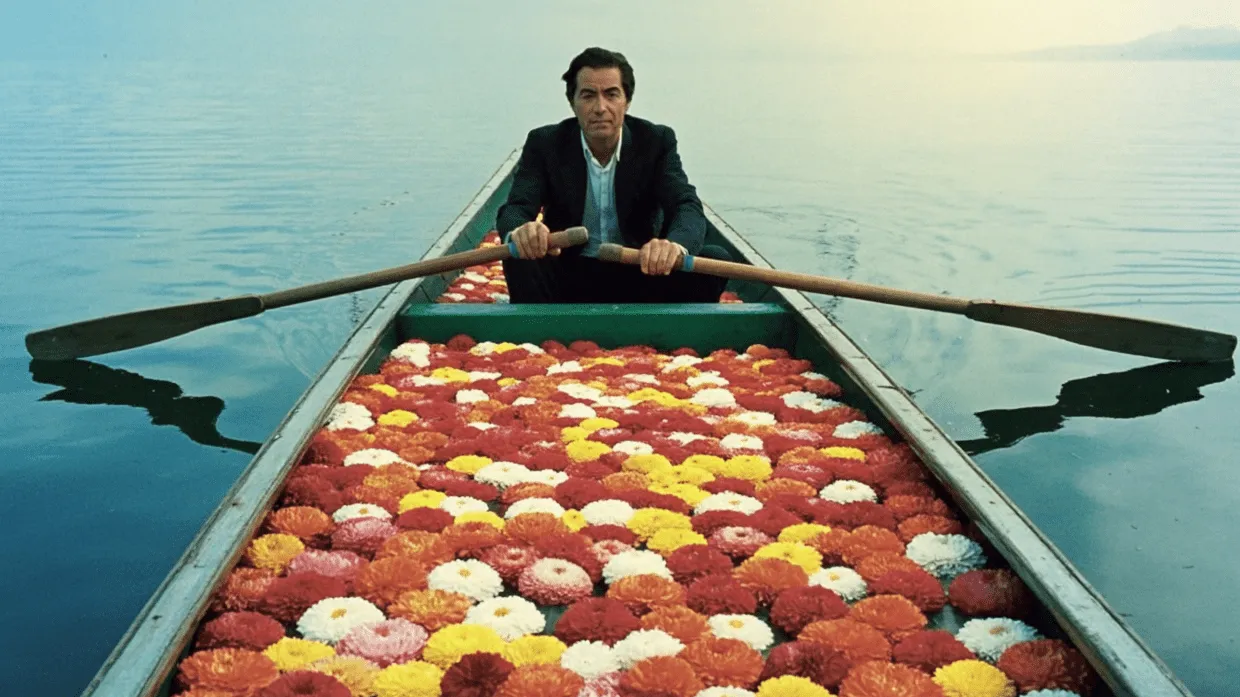
Rowing input image
Input image
Color graded video output

The quality of style preservation in Veo 3 is remarkable — from cartoon aesthetics to photographic color grading, the model maintains the visual characteristics that make your original image unique.

While occasionally you might need to explicitly prompt Veo 3 to “maintain the style of the input image” or describe specific style qualities in your prompt, for the most part it preserves visual style exceptionally well without additional guidance.

Typography

Veo 3 is really good at handling text and typography in images, and it comes up with some pretty wild animations. This makes it perfect for creating eye-catching ads. Check out this example where the text stays intact and gets animated smoothly:

The text swirls in as cremé-colored ribbons, beautifully spelling out “Build with Replicate”
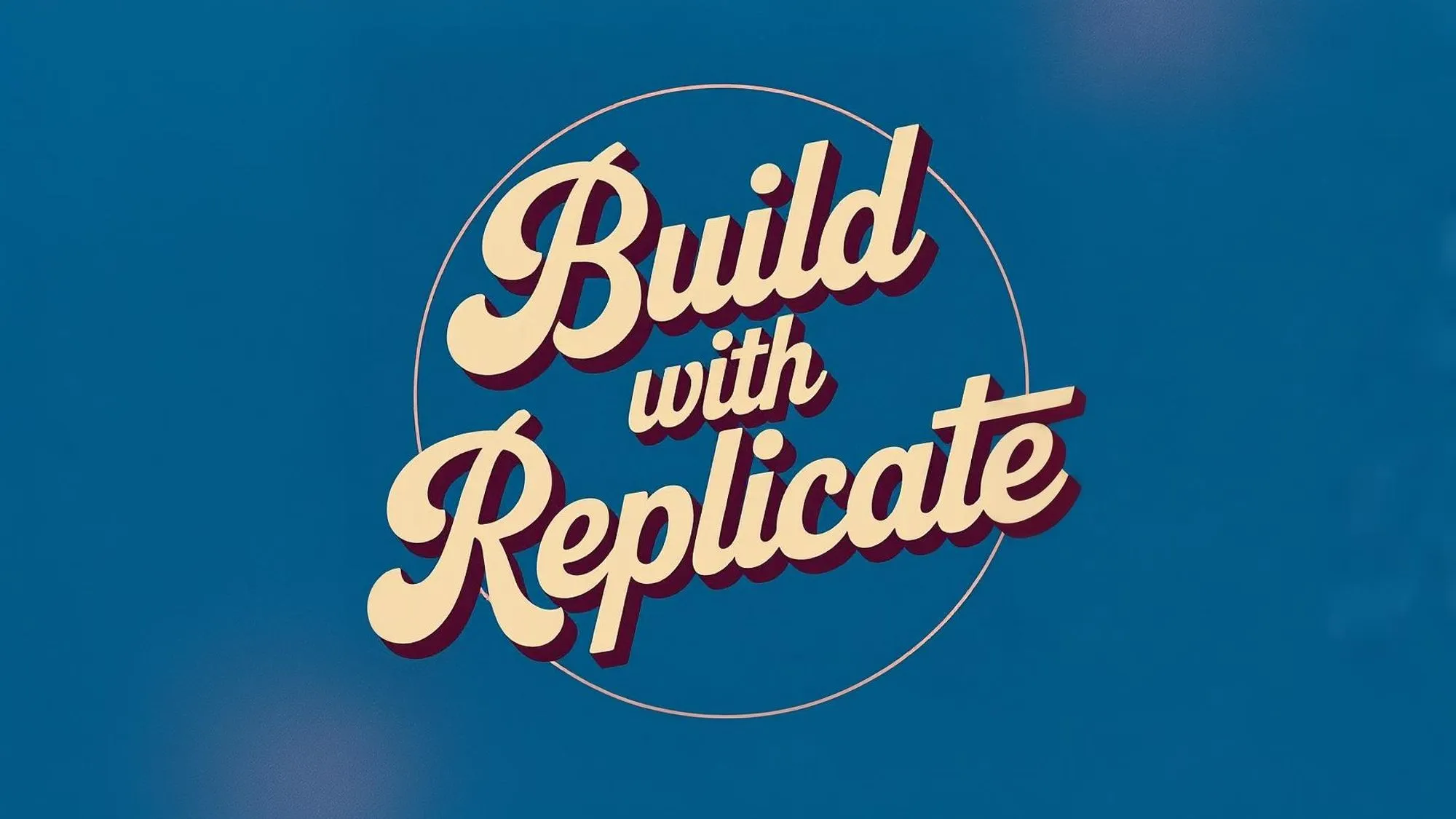
Build with Replicate input image
Input image: Build with Replicate
Generated animation

Notice that the input image will always be the starting frame of your video. The example above calls for an animation of free-flowing ribbons to form the “Build with Replicate” text, yet the video must begin with the input image appearing first. You can simply crop out this initial keyframe if needed.

Even when the background is complex and dynamic, Veo 3 keeps text sharp and readable. Here’s an example where the typography stays crisp despite the intricate animation happening behind it:

A gradual zoom-out reveals the girl is standing next to a carbon copy of herself. Maintain the film quality of the original image. Maintain the text “replicate” on the screen for the first few seconds.

A “replicated” girl.

You can even incorporate both complex videography and text transitions, like how we did with this swirling animation of “Run Veo 3” over a cinematic running shot. We made this first image with Ideogram 3.0, by the way.

A grainy, vintage-style action shot of a man sprinting through a dense urban area. The scene is shot with a handheld camera feel—shaky, cinematic motion blur, and soft film grain. The words “Run VEO 3” swirl dynamically out of the environment. The lighting is warm, low-contrast golden hour with visible lens flares and deep shadows. Maintain the old indie film or VHS tape aesthetic.
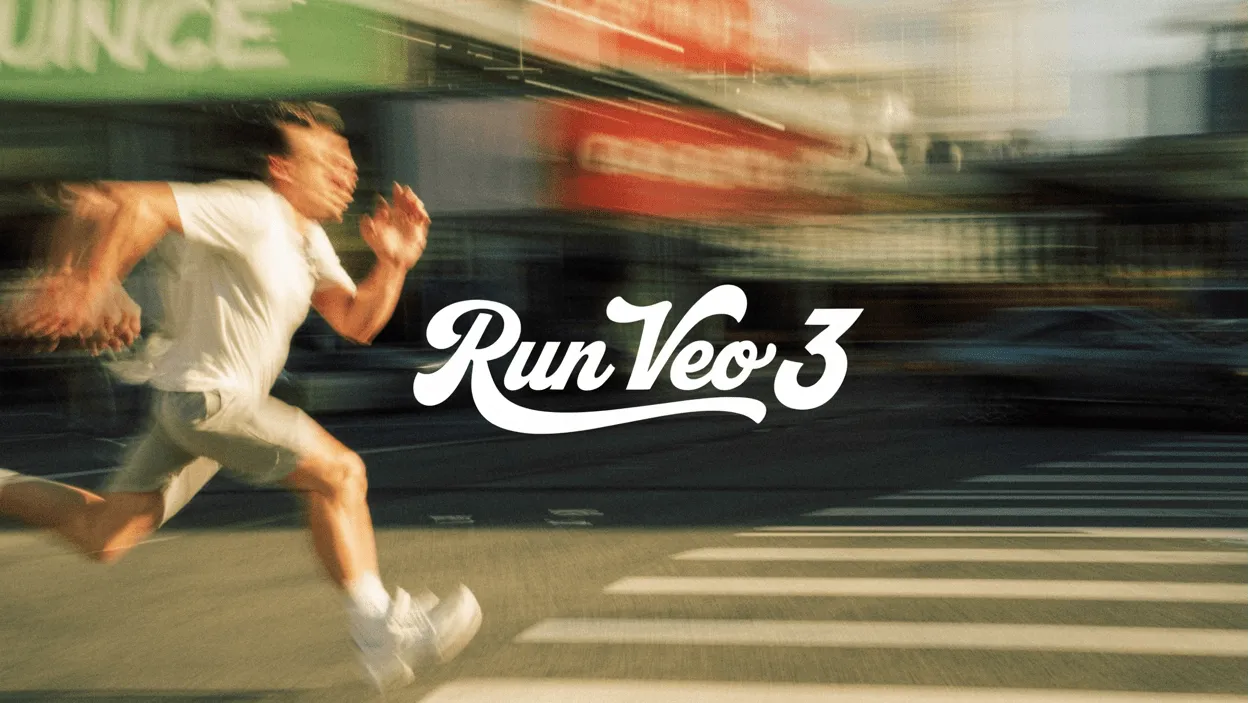
Run Veo 3 input image
Input image
Text animated + style preserved

The model keeps the text legible and integrates it naturally into the animation.

More creative control

Although Veo 3 can generate impressive videos from text prompts alone, using an image as input gives you significantly more creative control. When you generate a video directly from a text prompt, you might not get exactly the style, composition, or mood you’re looking for. By first creating an image with your desired aesthetic using a specialized image model, then feeding that to Veo 3, you can achieve much more precise results.

For example, we used Ideogram 3.0 to generate an image with a specific Studio Ghibli aesthetic, capturing that distinctive art style perfectly.

Elephant input image
Input image

Then we fed this carefully crafted image to Veo 3, which preserved the style while bringing it to life with animation.

All we had to tell Veo 3 was…

Make him run!

”Studio Ghibli” style preserved

This means you can offload all the stylistic efforts to your image generations, leaving Veo 3 to expertly handle action and camera movements to get precisely the video you need.

A gradual zoom-out of a bee, elegantly floating above the metal pipe, fiddling at it with its arms. The bee then flies off camera.
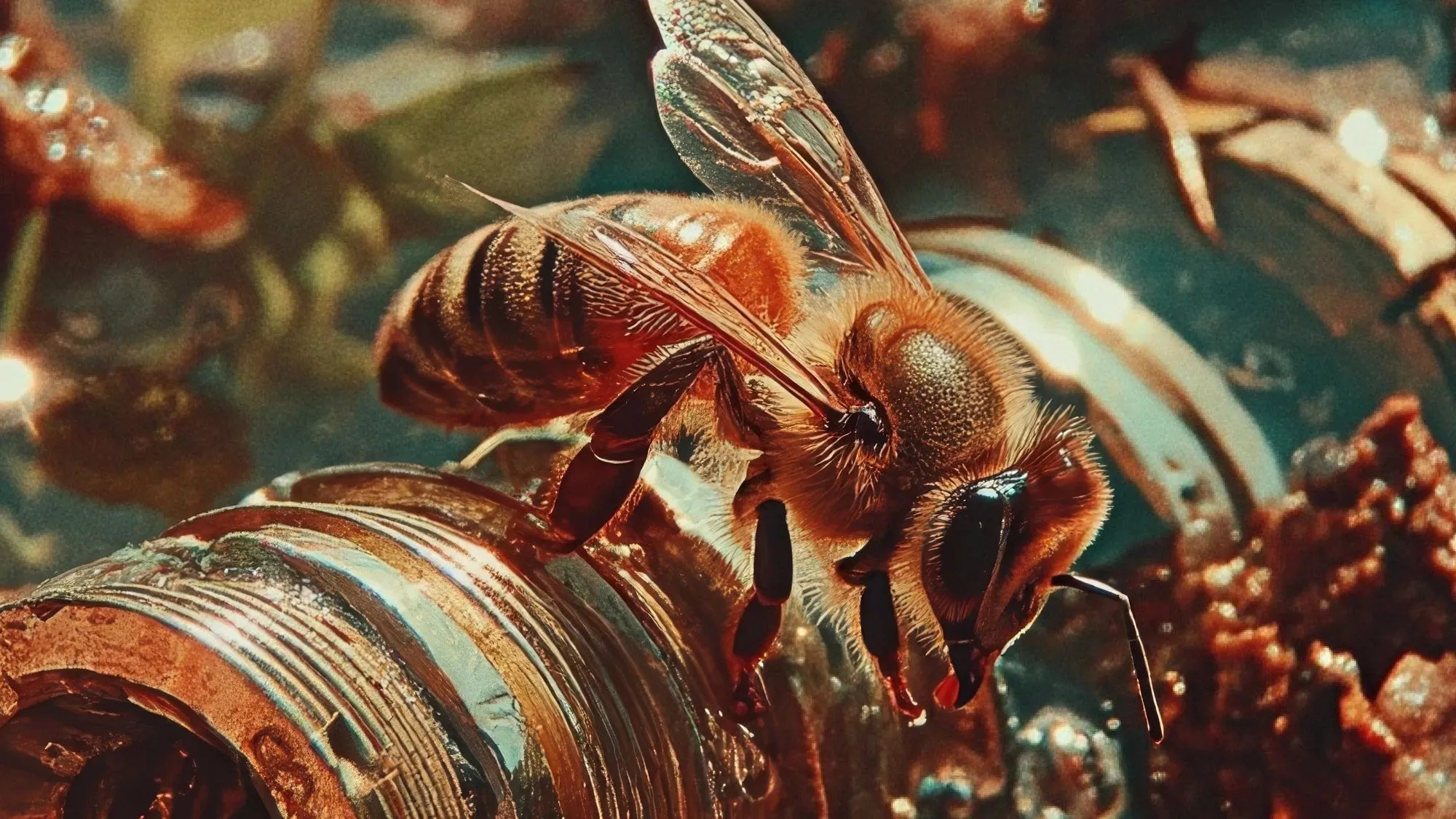
Bee input image
Input image
Style of bee preserved.

One of the most exciting features is the ability to animate only certain parts of an image, leaving the rest untouched. This allows for subtle, cinematic effects. For example, see how only the shoe is animated while the background remains static:

Rotate the shoe, keep everything else still.
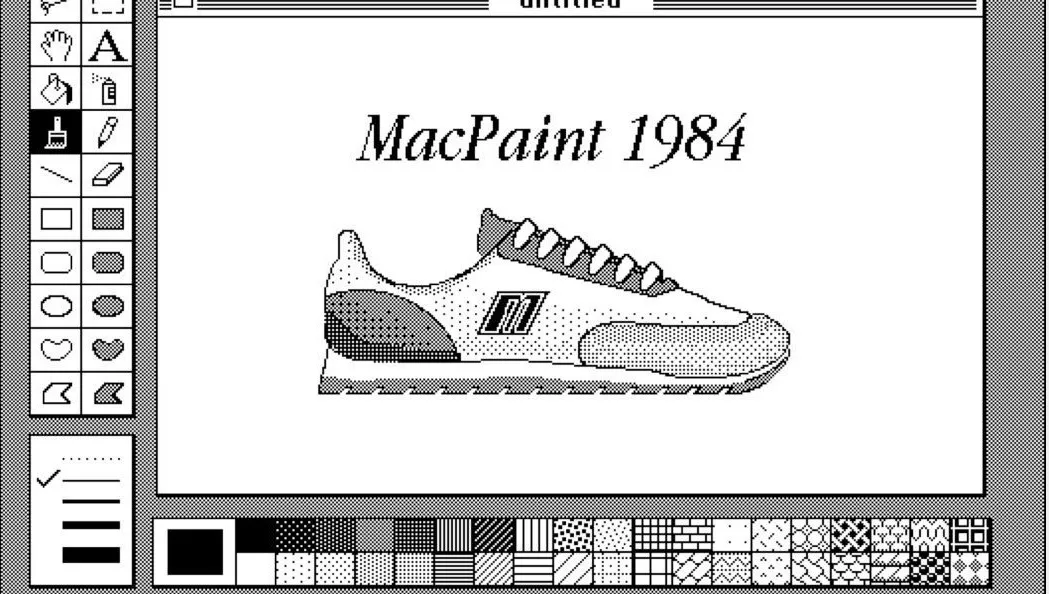
MacPaint shoe input image
Input image
”Rotate the shoe only”

You can use this technique to draw attention to specific elements or create dynamic scenes from still images.

Another fascinating capability is Veo 3’s ability to generate hyperrealistic nature documentary-style footage from scratch. We had a lot of fun creating these cinematic shots that look like they could be straight from a National Geographic special:

The chameleon looks around.

Hyperrealistic chameleon

The tiger emerges from the mossy pond, treading through the water to find something to eat.

Documentary-style tiger footage

We upscaled these videos with Topaz’s model.

The level of detail and realism in these text-to-video generations is remarkable – from the chameleon’s subtle eye movements to the tiger’s natural breathing patterns, Veo 3 can breathe life into your favorite of wildlife shots.

It’s your turn!

Here are a few ideas to get your juices flowing with Veo 3:

  • Create a surreal portrait where the subject’s tattoos come alive and flow across their skin
  • Transform a vintage photograph into a cinemagraph where only the city lights twinkle
  • Bring a Renaissance painting to life with floating cherubs and swirling celestial objects
  • Animate your company logo with complex typography transitions
  • Create a Wes Anderson-esque landscape film
  • Use photos of your pets to turn them into rockstars, like this:
Who knew dogs could drum? 🥁

Share your creations with us on Discord or X – we’d love to see what you make!