
惯性聚合 高效追踪和阅读你感兴趣的博客、新闻、科技资讯
阅读原文 在惯性聚合中打开

推荐订阅源

F
Fortinet All Blogs
S
Secure Thoughts
月光博客
月光博客
美团技术团队
雷峰网
雷峰网
Exploit-DB.com RSS Feed
奇客Solidot–传递最新科技情报
奇客Solidot–传递最新科技情报
N
News and Events Feed by Topic
freeCodeCamp Programming Tutorials: Python, JavaScript, Git & More
Forbes - Security
Forbes - Security
W
WeLiveSecurity
P
Proofpoint News Feed
阮一峰的网络日志
阮一峰的网络日志
爱范儿
爱范儿
G
GRAHAM CLULEY
cs.AI updates on arXiv.org
AI
AI
Last Week in AI
Last Week in AI
Google Online Security Blog
Schneier on Security
云风的 BLOG
云风的 BLOG
Threat Intelligence Blog | Flashpoint
Recent Announcements
Webroot Blog
Webroot Blog
T
Tor Project blog
Cisco Talos Blog
Cisco Talos Blog
N
News and Events Feed by Topic
罗磊的独立博客
The Register - Security
Blog — PlanetScale
Blog — PlanetScale
T
Threat Research - Cisco Blogs
博客园 - 【当耐特】
Apple Machine Learning Research
人人都是产品经理
人人都是产品经理
T
The Exploit Database - CXSecurity.com
www.infosecurity-magazine.com
B
Blog
腾讯CDC
Microsoft Azure Blog
酷 壳 – CoolShell
酷 壳 – CoolShell
H
Hacker News: Front Page
Application and Cybersecurity Blog
Engineering at Meta
Engineering at Meta
Latest news
Latest news
IT之家
IT之家
D
DataBreaches.Net
博客园 - 司徒正美
N
Netflix TechBlog - Medium
V
V2EX
钛媒体:引领未来商业与生活新知
钛媒体:引领未来商业与生活新知

Replicate's blog

How to make remarkable videos with Seedance 2.0 – Replicate blog How to prompt Seedream 5.0 – Replicate blog Recraft V4: image generation with design taste – Replicate blog Run Isaac 0.1 on Replicate – Replicate blog Run FLUX.2 on Replicate – Replicate blog How to prompt Nano Banana Pro – Replicate blog Retro Diffusion's pixel art models are now on Replicate – Replicate blog Replicate is joining Cloudflare – Replicate blog Extract text from documents and images with Datalab Marker and OCR – Replicate blog How to prompt Veo 3.1 – Replicate blog IBM's Granite 4.0 is now on Replicate – Replicate blog Which image editing model should I use? – Replicate blog Introducing our new search API – Replicate blog Torch compile caching for inference speed – Replicate blog Announcing Replicate's remote MCP server – Replicate blog How to prompt Veo 3 with images – Replicate blog Open source video is back – Replicate blog Generate consistent characters – Replicate blog Bria is now on Replicate – Replicate blog How we optimized FLUX.1 Kontext [dev] – Replicate blog Compare AI video models – Replicate blog The FLUX.1 Kontext hackathon – Replicate blog How to prompt Veo 3 for the best results – Replicate blog Get the most from Google Veo 3 – Replicate blog FLUX.1 Kontext from the community – Replicate blog Use FLUX.1 Kontext to edit images with words – Replicate blog Generate incredible images with Google's Imagen 4 – Replicate blog Run OpenAI’s latest models on Replicate – Replicate blog NVIDIA H100 GPUs are here – Replicate blog Run 30,000+ LoRAs on Hugging Face with Replicate – Replicate blog Ideogram 3.0 on Replicate – Replicate blog Easel AI is now on Replicate – Replicate blog Stylized video with Wan2.1 – Replicate blog Creative roundup: avatars, lightsabers, and LoRA tricks – Replicate blog Wan2.1: generate videos with an API – Replicate blog Wan2.1 parameter sweep – Replicate blog You can now fine-tune open-source video models – Replicate blog Generate short videos with the Replicate playground – Replicate blog AI video is having its Stable Diffusion moment – Replicate blog FLUX fine-tunes are now fast – Replicate blog FLUX.1 Tools – Control and steerability for FLUX – Replicate blog NVIDIA L40S GPUs are here – Replicate blog Ideogram v2 is an outstanding new inpainting model – Replicate blog Stable Diffusion 3.5 is here – Replicate blog FLUX is fast and it's open source – Replicate blog FLUX1.1 [pro] is here – Replicate blog Using synthetic training data to improve Flux finetunes – Replicate blog Fine-tune FLUX.1 with an API – Replicate blog Fine-tune FLUX.1 to create images of yourself – Replicate blog Replicate Intelligence #12 – Replicate blog Replicate Intelligence #11 – Replicate blog Fine-tune FLUX.1 with your own images – Replicate blog Replicate Intelligence #10 – Replicate blog FLUX.1: First Impressions – Replicate blog Replicate Intelligence #9 – Replicate blog Run FLUX with an API – Replicate blog Replicate Intelligence #8 – Replicate blog Run Meta Llama 3.1 405B with an API – Replicate blog Replicate Intelligence #7 – Replicate blog Replicate Intelligence #6 – Replicate blog Replicate Intelligence #5 – Replicate blog How to get the best results from Stable Diffusion 3 – Replicate blog Run Stable Diffusion 3 on your Apple Silicon Mac – Replicate blog Push a custom version of Stable Diffusion 3 – Replicate blog Replicate Intelligence #4 – Replicate blog Run Stable Diffusion 3 on your own machine with ComfyUI – Replicate blog H100s are coming to Replicate – Replicate blog Run Stable Diffusion 3 with an API – Replicate blog Replicate Intelligence #3 – Replicate blog Replicate Intelligence #2 – Replicate blog Replicate Intelligence #1 – Replicate blog Shared network vulnerability disclosure – Replicate blog Run Snowflake Arctic with an API – Replicate blog Run Meta Llama 3 with an API – Replicate blog Run Code Llama 70B with an API – Replicate blog How to create an AI narrator for your life – Replicate blog Clone your voice using open-source models – Replicate blog Businesses are building on open-source AI – Replicate blog How to run Yi chat models with an API – Replicate blog Scaffold Replicate apps with one command – Replicate blog Using open-source models for faster and cheaper text embeddings – Replicate blog Generate music from chord progressions and text prompts with MusicGen-Chord – Replicate blog Generate images in one second on your Mac using a latent consistency model – Replicate blog How to use retrieval augmented generation with ChromaDB and Mistral – Replicate blog Fine-tune MusicGen to generate music in any style – Replicate blog Jet-setting with Llama 2 + Grammars – Replicate blog How to run Mistral 7B with an API – Replicate blog Make smooth AI generated videos with AnimateDiff and an interpolator – Replicate blog Fine-tuned models now boot in less than one second – Replicate blog Painting with words: a history of text-to-image AI – Replicate blog We're cutting our prices in half – Replicate blog A guide to prompting Llama 2 – Replicate blog Streaming output for language models – Replicate blog Fine-tune SDXL with your own images – Replicate blog Run Llama 2 with an API – Replicate blog Run SDXL with an API – Replicate blog A comprehensive guide to running Llama 2 locally – Replicate blog Fine-tune Llama 2 on Replicate – Replicate blog What happened with Llama 2 in the last 24 hours? 🦙 – Replicate blog Make any large language model a better poet – Replicate blog
Run MiniMax Speech-02 models with an API – Replicate blog
2025-05-06 · via Replicate's blog

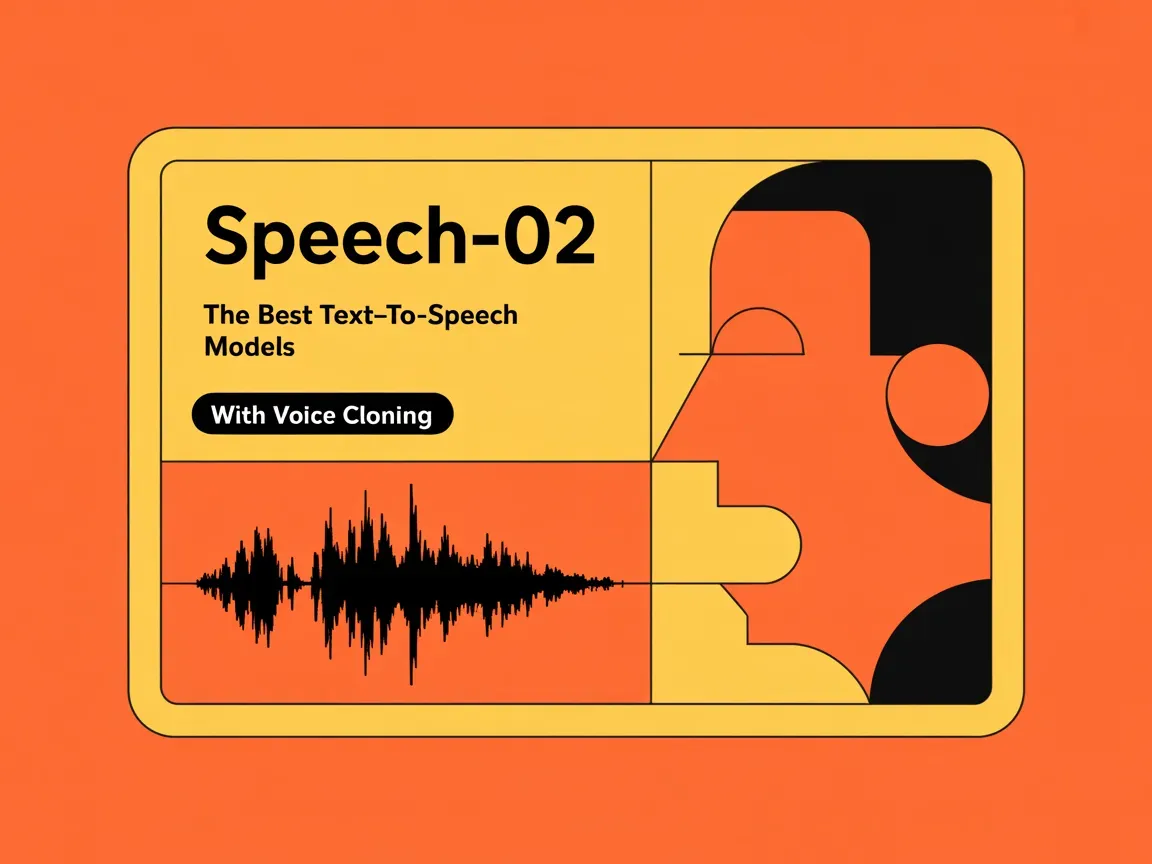
The Speech-02 series from MiniMax are text-to-speech models that let you create natural-sounding voices with emotional expression. The models have support for more than 30 languages.

According to the Artificial Analysis Speech Arena, Speech-02-HD is the best text-to-speech model available today, while Speech-02-Turbo comes in third.

With Replicate, you can run these models with one line of code.

Listen to MiniMax Speech-02

Here’s a sample of the Speech-02-HD model reading an adapted version of this blog post, and the prediction that generated it.

Listen to this blog post
MiniMax Speech-02

MiniMax Speech-02 models are the best text-to-speech models available today.

Try MiniMax Speech-02

You can choose between two models: Speech-02-HD for high-quality voiceovers and audiobooks, and Speech-02-Turbo, a cheaper model that’s faster and best suited for real-time applications.

Both models can be used with a cloned voice. Voice cloning needs at least 10 seconds of audio and takes about 30 seconds to train. Each voice can be adjusted for pitch, speed, and volume to make it sound natural.

Try the models in our playground:

What you can build

These models can help you create:

  • Virtual assistants that sound natural
  • Audiobooks and voiceovers with studio-quality sound
  • Language learning tools with native pronunciation
  • Customer service bots that speak multiple languages
  • Content that’s accessible to people who prefer audio

Emotion control

MiniMax’s emotion control system has two ways to add feeling to voices. The auto-detect mode figures out the emotional tone from your text, while manual controls let you set the exact emotion you want. This helps your voices sound natural and engaging, whether you’re making content for entertainment, education, or business.

Language support

The models work with more than 30 languages and accents. You can use different English variants (US, UK, Australian, and Indian), Asian languages (Mandarin, Cantonese, Japanese, Korean, Vietnamese, and Indonesian), and European languages (French, German, Spanish, Portuguese, Turkish, Russian, and Ukrainian).

Voice cloning and text-to-speech with JavaScript

You can run the models with our JavaScript client. First, install the Node.js client library:

Set your API token as an environment variable:

(You can get an API token from your account. Keep it private.)

Import and set up the client:

First, clone a voice. You’ll need an audio file in MP3, M4A, or WAV format. The file should be between 10 seconds and 5 minutes long and less than 20MB in size:

Now use the cloned voice for text-to-speech. You can add pauses between words using <#x#> where x is the pause duration in seconds (0.01-99.99):

Voice cloning and text-to-speech with Python

You can run the models with our Python client. First, install the client and set your API token:

Here’s how to clone a voice and use it for text-to-speech:

Pricing

The text-to-speech models charge based on input and output tokens. The turbo model costs $30 per million characters, while the HD model costs $50 per million characters. One token is a single character.

Voice cloning costs $3 per voice.

Keep up to speed

Connect with our community by following us on X and joining our Discord for updates and discussions.

Happy hacking! 🎙️