





Google’s latest flagship image model, Imagen 4, is now available for you to run on Replicate. This is a preview release, so it might change, but it’s already showing off some impressive capabilities for creating high-quality images.
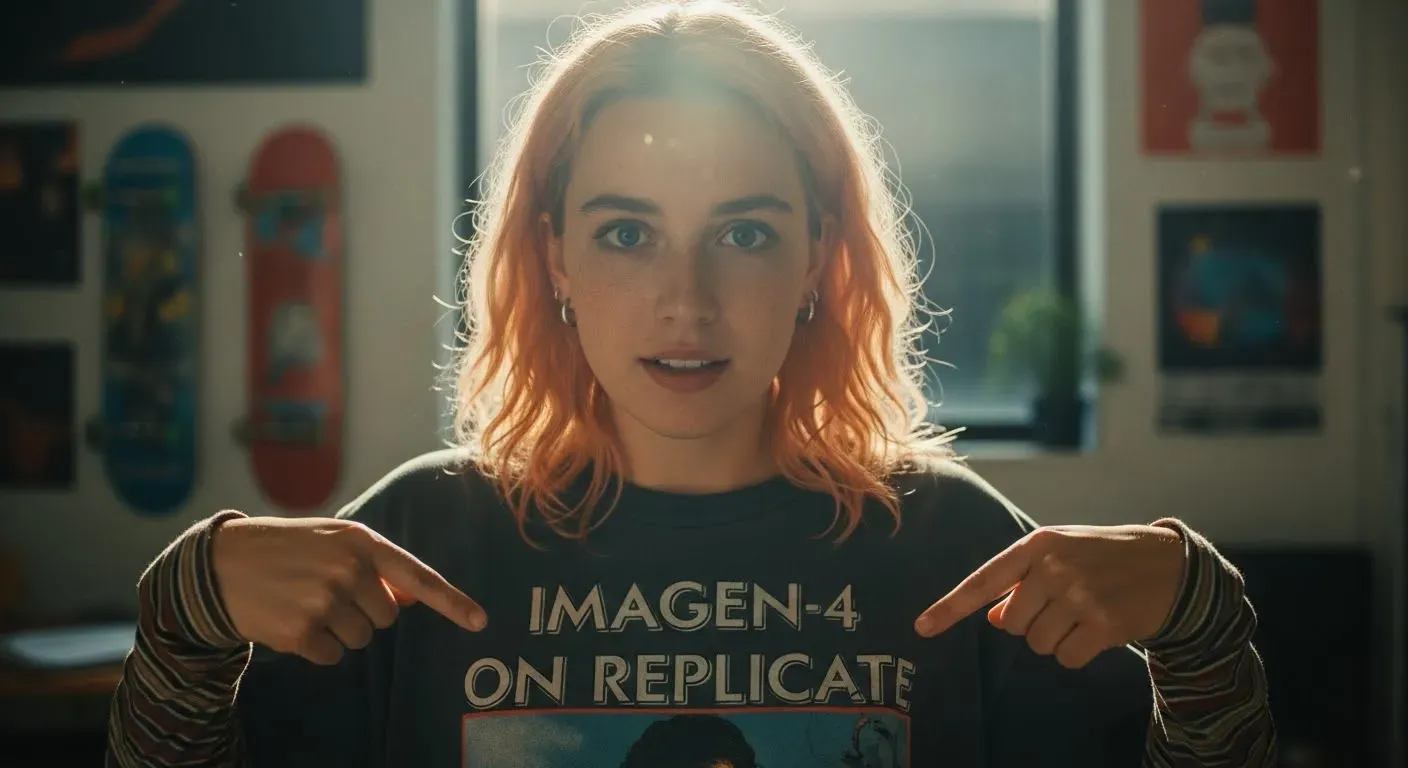
Imagen 4 is Google DeepMind’s most advanced image generation model yet, designed to help you bring your creative visions to life. It excels at producing photorealistic images with sharp clarity and has made significant strides in rendering text accurately.
Key features include:
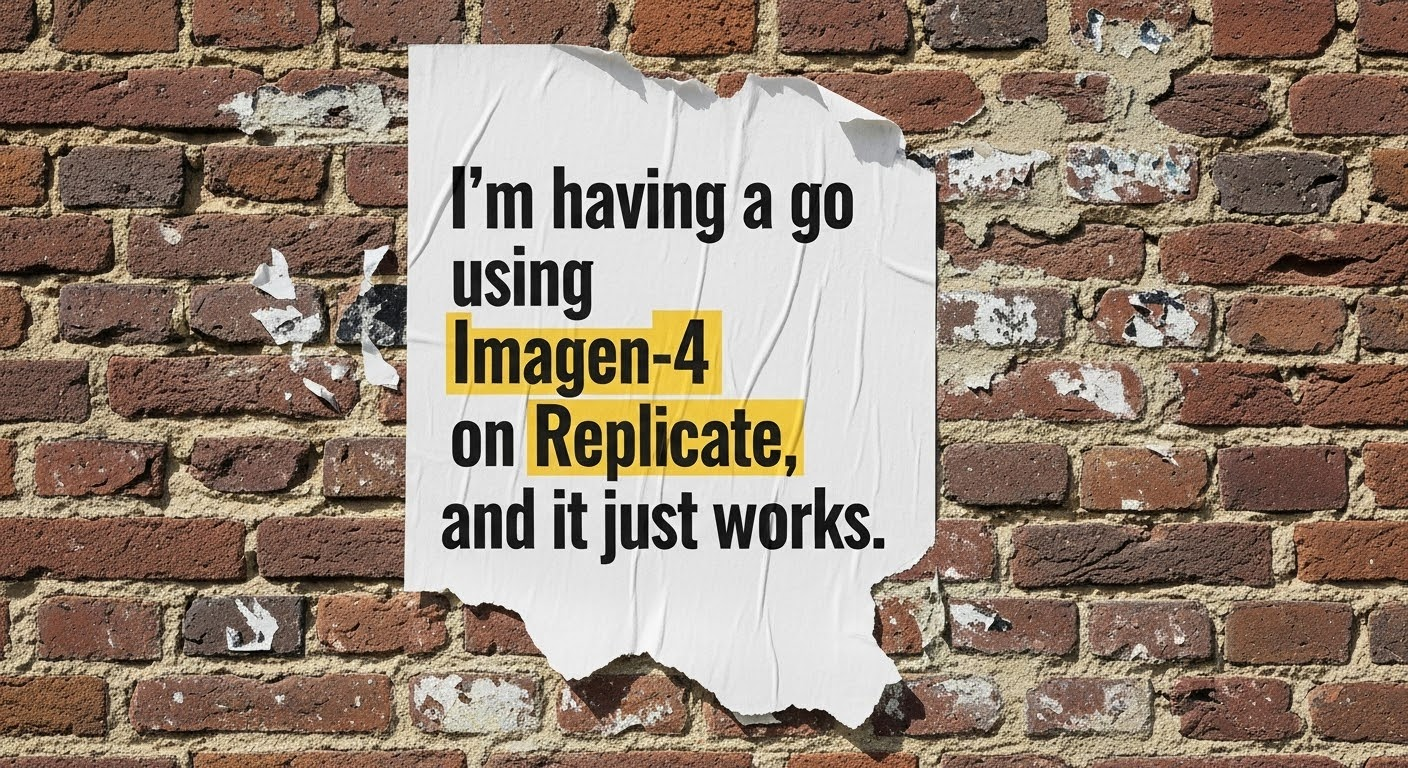
Let’s say you want to create an image announcing Imagen 4’s arrival. Here’s an example using the Replicate Python client.
First grab your API token from the Replicate website.
Install the Replicate Python client:
Set your API token:
Now you can run Imagen 4:
And here’s the kind of output you’d get:
You can also run Imagen 4 using the Replicate JavaScript client or any other HTTP client. Check out the API page on Replicate.
Since Imagen 4 is currently a preview model, keep a few things in mind:
Google DeepMind has also highlighted that for best results, precise and detailed prompts are key. Specify subjects, environments, artistic styles, and compositional elements.
Imagen 4 really excels when you give it a detailed prompt, here are some examples to get you started:
You might want to try using a language model like Claude Sonnet 3.7 or OpenAI’s GPT-4.1 to enhance your prompt.
Here are some example prompts to get you started:
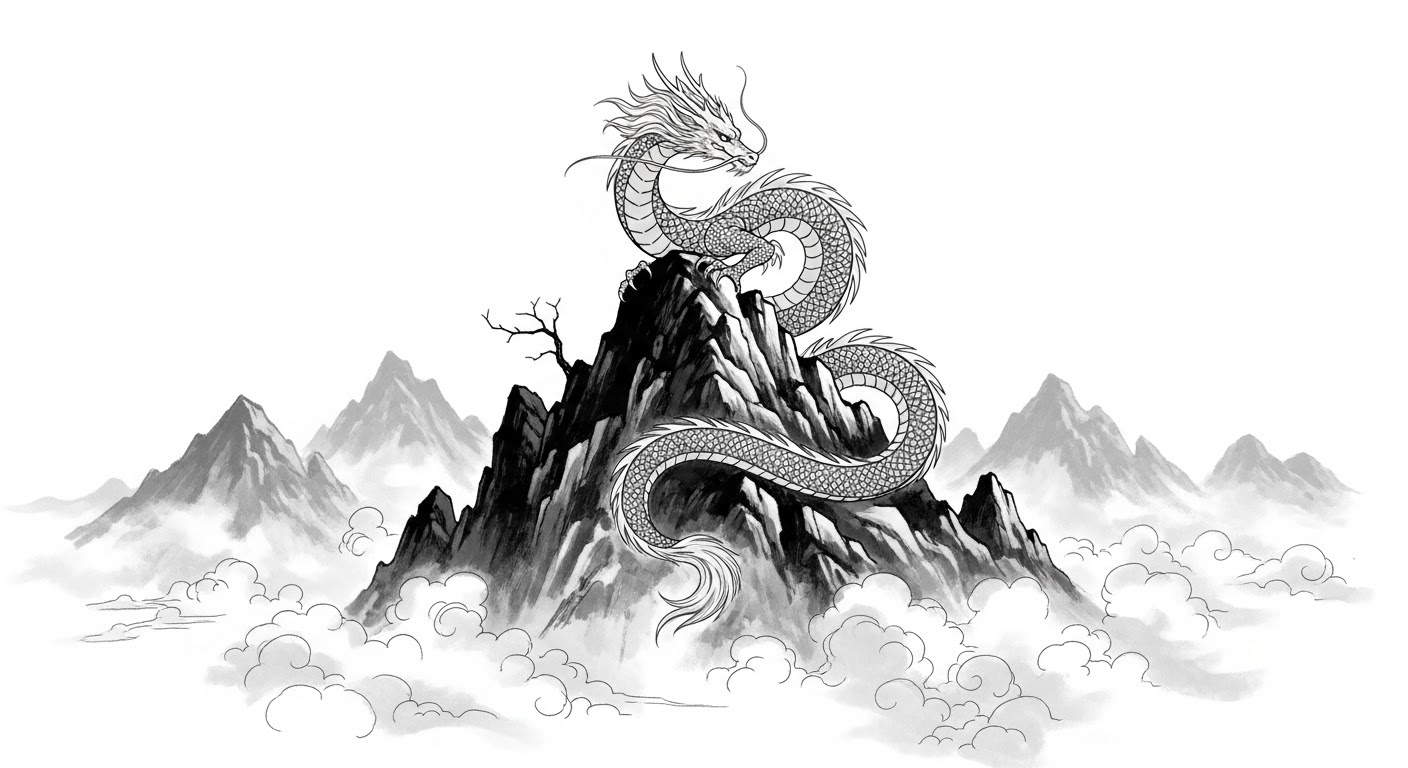
Sumi-e Dragon: “This single-panel splash page is rendered in a traditional Sumi-e ink wash style, emphasizing stark contrasts between deep blacks and untouched whites, conveying a sense of serene power and ancient wisdom. A majestic Eastern dragon, its serpentine body coiling gracefully, rests atop a mist-shrouded mountain peak. The dragon’s scales are suggested by varying ink densities and delicate brushstrokes, its long whiskers flowing in the implied wind. Wisps of cloud curl around the mountain’s base, created by skillful gradations of ink, giving the impression of both immense height and ethereal presence. The dragon’s head is held high, its eyes—mere dots of intense black—fixed on a distant horizon, exuding a calm, watchful aura. Sparse, sharp lines suggest the jagged rocks of the mountain summit, contrasting with the smooth, fluid lines of the dragon’s form. The overall composition is balanced and contemplative, capturing a moment of quiet strength amidst the vastness of nature, with the dragon appearing as a timeless guardian of the mountain.”
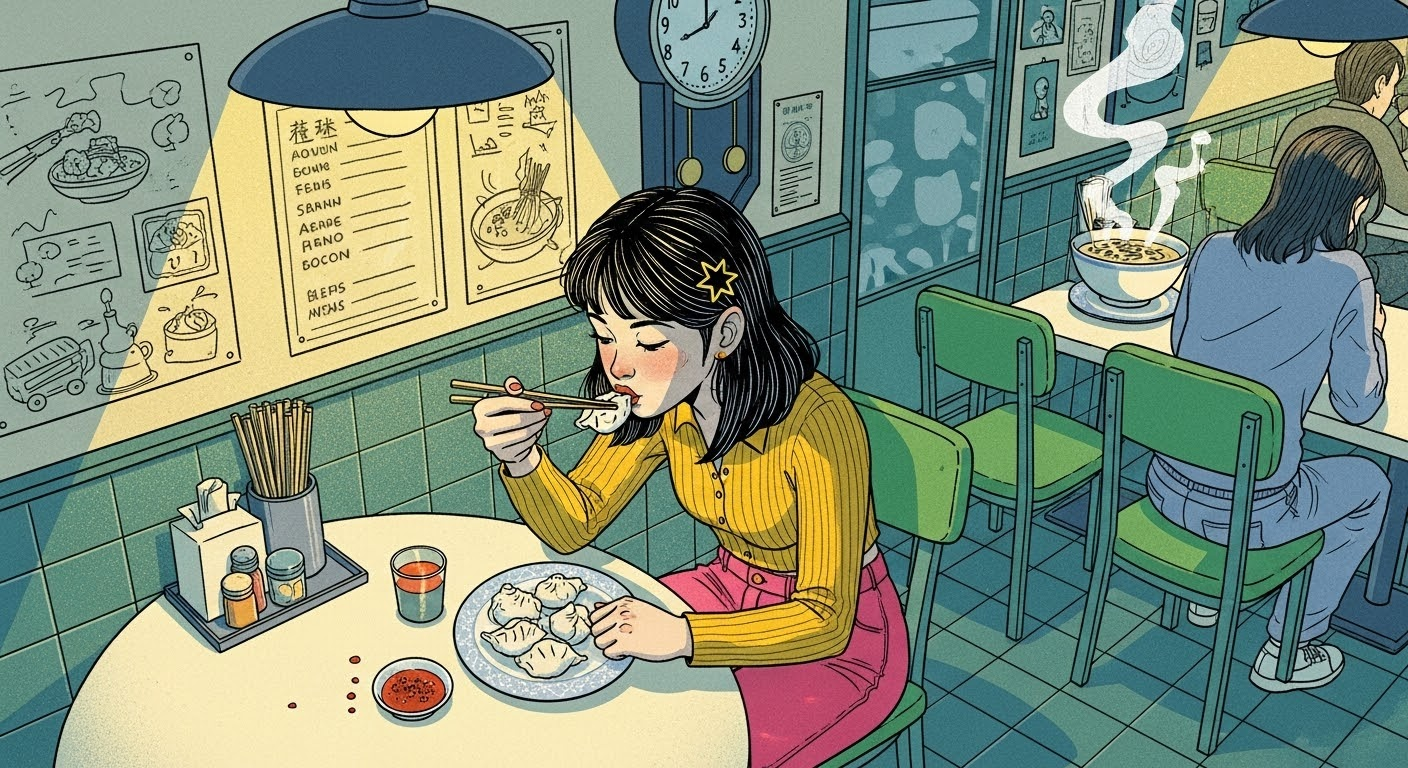
Hong Kong Diner Scene: “Atmospheric narrative illustration depicting a young woman with dark hair styled with a single star clip, eating dumplings at a small round table in a bustling, late-night eatery reminiscent of a vintage Hong Kong diner. The style blends clean linework with textured color fields, evoking a sense of place and story. The mood is intimate contentment amidst vibrant surroundings. Soft, warm overhead lighting from unseen hanging lamps casts gentle highlights on her face and the porcelain plate of dumplings, creating soft-edged shadows on the tiled tabletop and floor. The background features detailed elements like wall menus with stylized illustrations, a retro wall clock, steam rising from a soup bowl, and glimpses of other patrons blurred slightly for depth. The woman, viewed from a slightly high angle, crouches slightly on her chair, intensely focused on her food, rendered with expressive linework defining her pose and features. The color palette mixes muted teal wall tiles and green chairs with pops of warm yellow in her top, pink trousers, red chili oil dish, and ambient light, creating a cozy yet lively feel. Subtle paper texture or digital grain is visible throughout. Focus is sharp on the character and her immediate table setting.”
Whimsical Landscape: “Whimsical landscape illustration depicting rolling green hills under a soft pink sky, where one of the hills subtly takes the form of a colossal, peacefully sleeping giant covered in grassy turf. The style uses simple, expressive linework and visibly textured color fills, resembling colored pencil, pastel, or textured gouache applied in broad strokes. The mood is gentle folklore, peaceful slumber, and hidden magic within nature. The giant’s form is gentle, suggested by the contours of the hill, perhaps with simple linework indicating a closed eye or a relaxed hand forming a smaller mound. Small, stylized houses or trees might dot the landscape for scale. Soft, rounded clouds drift in the pink sky, possibly with simple, sleepy faces drawn on them. Lighting is flat and diffused, like a soft morning or late afternoon, with simple, textured block shadows cast by hills. Composition is a wide, panoramic view emphasizing the undulating landscape and the hidden giant. The color palette is soft and slightly muted: various greens and earthy tones for the hills, pastel pinks and lavenders for the sky. The visible texture within the color areas is paramount to the style.”
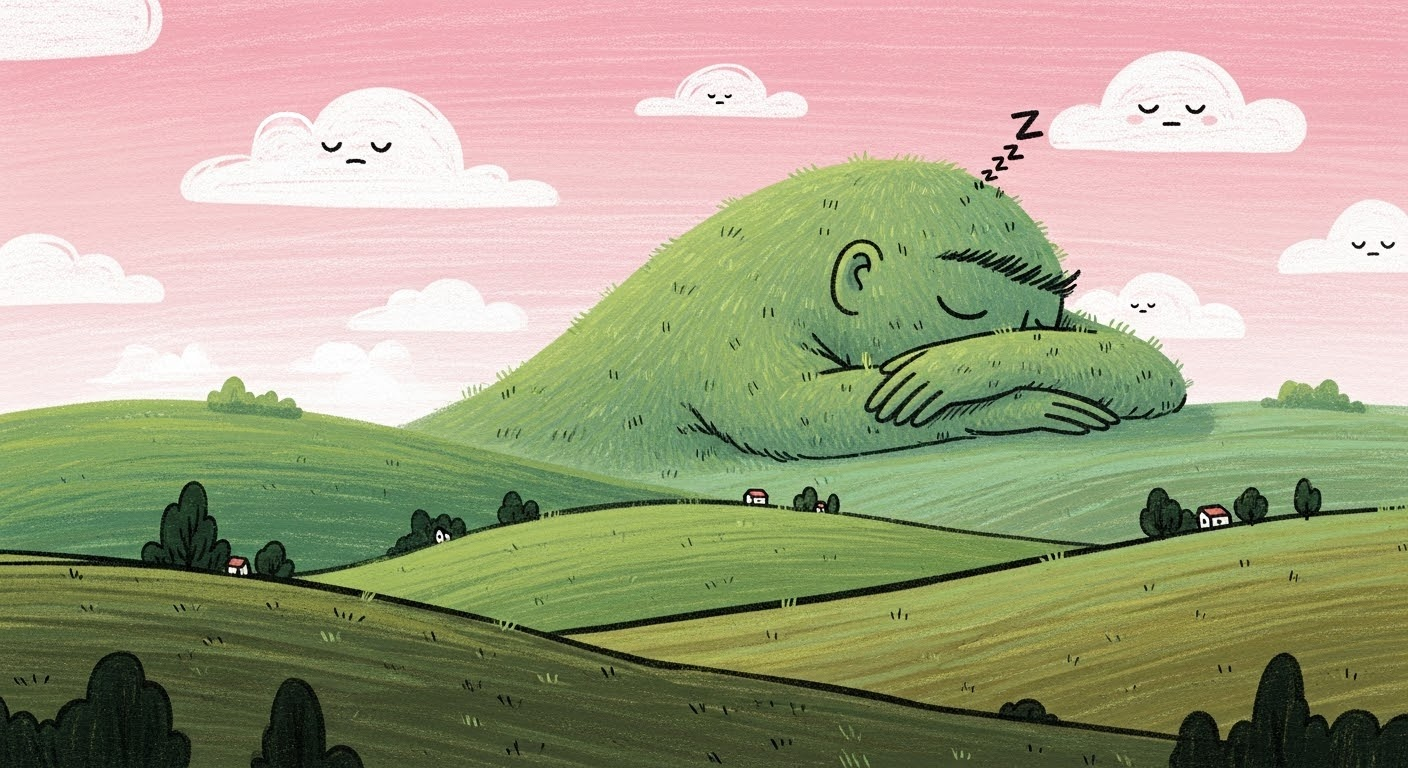
Imagen 4 includes safety measures such as filtering and data labeling to minimize the generation of harmful content. It also uses SynthID technology, which embeds an invisible digital watermark to help identify AI-generated images.
We’re hard at work, working with Google to bring you all of Google’s latest AI models. We expect to bring you Imagen 4 Ultra and Veo 3 soon.
Meanwhile you can already try out Google’s latest music generation model, Lyria 2.
We’re excited to see what you create with Imagen 4. Give it a try, and share your creations.
此内容由惯性聚合(RSS阅读器)自动聚合整理,仅供阅读参考。 原文来自 — 版权归原作者所有。