

惯性聚合 高效追踪和阅读你感兴趣的博客、新闻、科技资讯
阅读原文 在惯性聚合中打开

推荐订阅源

aimingoo的专栏
aimingoo的专栏
Engineering at Meta
Engineering at Meta
有赞技术团队
有赞技术团队
博客园_首页
Apple Machine Learning Research
Vercel News
Vercel News
G
Google Developers Blog
Blog — PlanetScale
Blog — PlanetScale
IT之家
IT之家
MongoDB | Blog
MongoDB | Blog
Y
Y Combinator Blog
B
Blog
The GitHub Blog
The GitHub Blog
M
MIT News - Artificial intelligence
OSCHINA 社区最新新闻
OSCHINA 社区最新新闻
Stack Overflow Blog
Stack Overflow Blog
C
Check Point Blog
Microsoft Azure Blog
D
DataBreaches.Net
I
InfoQ
Recent Announcements
阮一峰的网络日志
阮一峰的网络日志
腾讯CDC
H
Help Net Security

Cocoa

Untitled | Cocoa PicoBf: A brainf**k lang REPL environment for Pico Pi Compile LLVM with OpenMP on macOS and Linux My Virtualization Setup | Cocoa Doodles | Cocoa Hardware UART communication between Raspberry Pi 4 and Arduino Micro The first amazing thing in 2021 OK Google, set Telegram as my YouTube music player! Record YouTube Live Stream | Cocoa 可能隨時咕咕咕掉的 NLP 項目(1)—— 抓取 YouTube Live Chat NextDest | Cocoa Rust Learning from Zero (26) —— Save Twitter Images Notes on Differential Equations (4) —— Step Function $H(t)$ and Delta Function $\delta(t)$ Notes on Differential Equations (3) —— $\frac{dy}{dt}=ay+q(t)$
macOS version of Twitter Image Saver
Cocoa · 2020-11-02 · via Cocoa

A few days ago, I wrote a Twitter image saver with Rust, but it's a cli application, which makes it not so easy for daily use (I have to type some command to start or stop it, also need to edit the JSON config file manually). Therefore I rewrote it in GUI (to be accurate, a status bar application) on macOS.
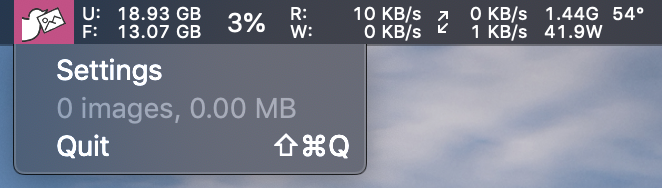
It would be pretty easy to set up, click the Settings menu, fill in the consumer key and secret, and then select the directory where you'd like to save the images. Finally, add some accounts (without @) you interested into the list! The total number and the total size of images saved for the current session will be displayed in the drop-down menu.
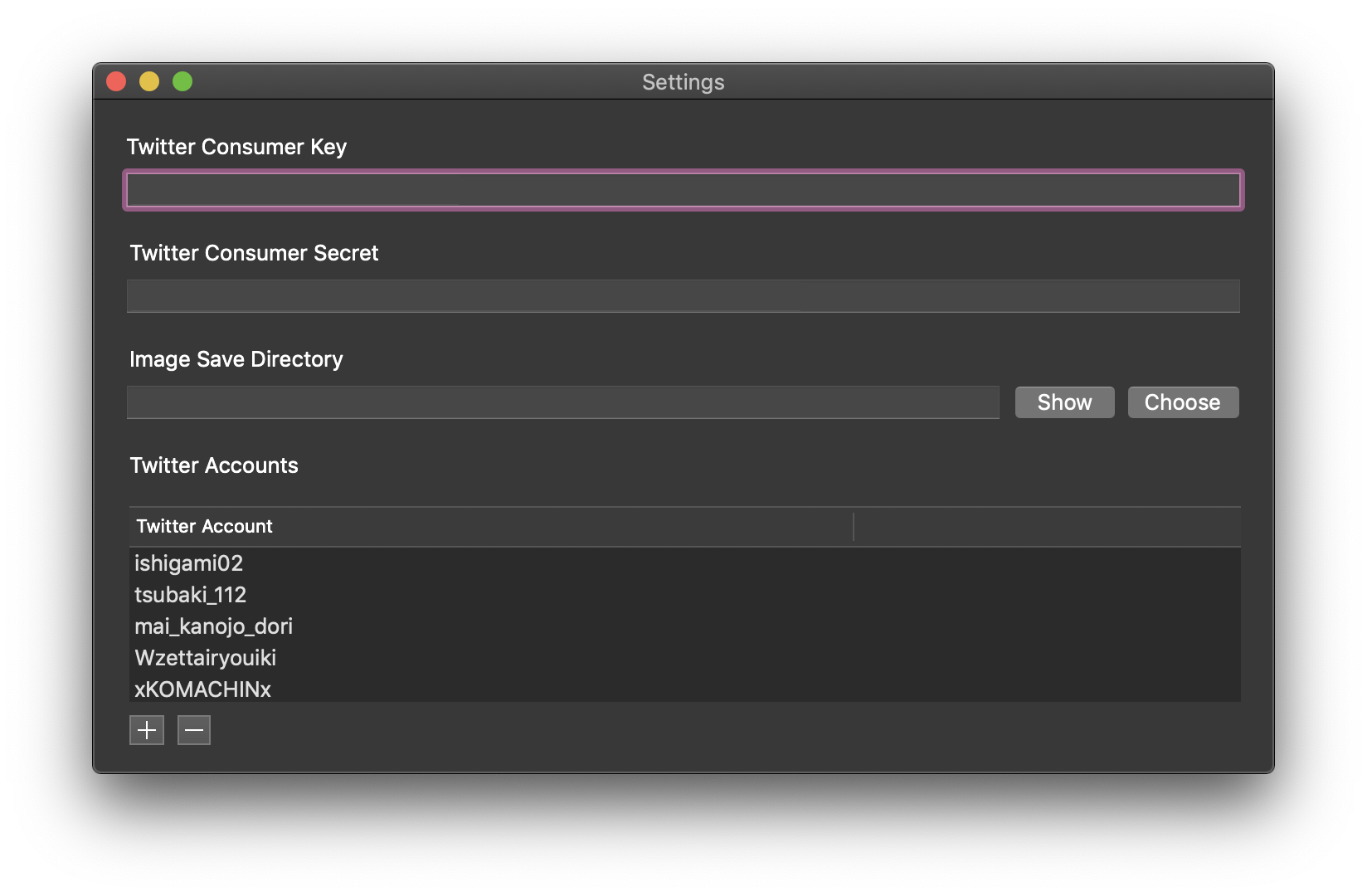
Furthermore, this application's icon is the combination plus some modifications of two original ones; they were made by Anton Kalashnyk and Fauzan Adiima.

The source code of this project is on my GitLab.

いまが最高!