








写在前面
由于纯七FM将近一年未进行维护,很多功能已失效,考虑到自身实际时间,以及API接口盗用等各类风险,纯七FM即日起不再提供音乐下载以及各类音乐解锁服务。版本就此由v3.5重置为v1.0版本。
版本对比
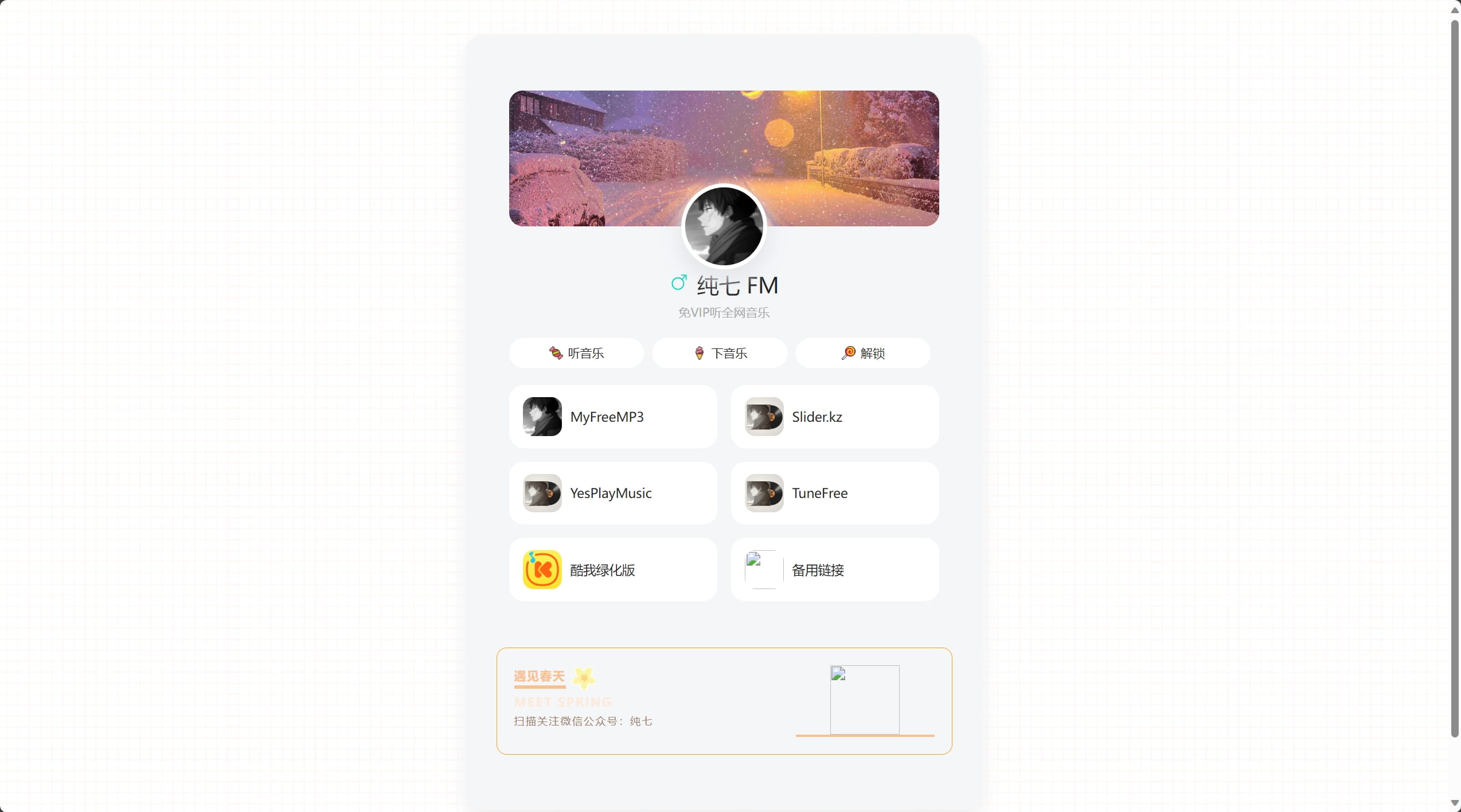
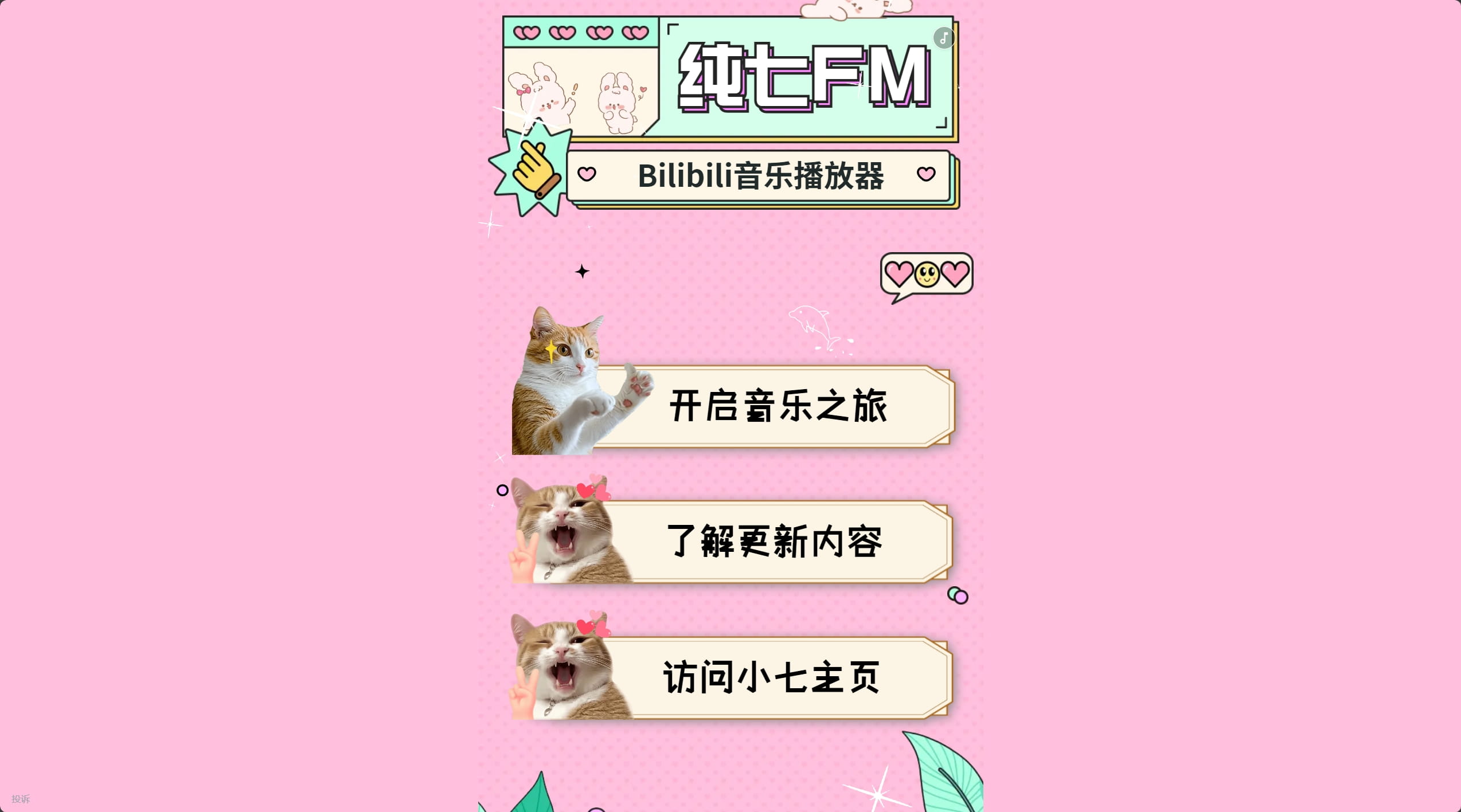
功能上不再提供站外链服务,取消各类整合的音乐在线试听、下载、解锁等服务。
新版本依靠Bilibili外链调用,音乐采用调用Bilibili收藏夹以mv形式进行播放。收藏夹默认调用小七的收藏夹,如果开放用户想调用自身收藏夹请看下文。
收藏夹调用
原始调用:https://music.xzbzq.com/1/?id=3456514367
哔哩哔哩收藏夹 https://space.bilibili.com/471639367/favlist?fid=3456514367&ftype=create
如果想修改为自己的收藏夹,把原始调用最后面的?id=修改为自己的即可
运行原理
- 播放器:通过iframe实现B站播放器全屏嵌入,禁用缓存meta确保内容实时更新;
- 播放逻辑:通过media_id参数获取指定收藏夹,使用B站API获取视频列表(bvid数组),Math.random()实现随机选择;
- 自动连播:通过duration参数获取视频时长,setTimeout实现定时切换(duration*1000);
- 代理服务:使用allorigins.win代理绕过CORS限制,实现跨域API调用;
- 播放控制:timerID管理定时器生命周期,清除历史定时器保证时序正确。
源码获取
首页使用搞定设计H5设计,后自行调用,代码可参考:
<!DOCTYPE html>
<html lang="zh-CN">
<head>
    <meta charset="UTF-8">
    <meta name="viewport" content="width=device-width, initial-scale=1.0">
    <title>纯七FM</title>
    <meta name="keywords" content="纯七,纯七FM,纯七博客,纯七工作室">
    <meta name="description" content="小七的个人FM音乐应用">
    <link rel="icon" type="image/jpeg" href="https://q1.qlogo.cn/g?b=qq&nk=599964633&s=640">
    <style>
        body, html {
            margin: 0;
            padding: 0;
            overflow: hidden;
            position: relative;
            height: 100%;
        }
        iframe {
            position: absolute;
            top: 0;
            left: 0;
            width: 100%;
            height: 100%;
            border: none;
        }
        .back-to-top {
            position: fixed;
            bottom: -60px;
            right: 20px;
            width: 50px;
            height: 50px;
            background-image: url('https://by.xzbzq.com/up.png');
            background-size: cover;
            cursor: pointer;
            transition: bottom 0.3s;
        }
        .back-to-top.show {
            bottom: 20px;
        }
    </style>
</head>
<body>
    <iframe id="embeddedPage" src="https://g.h5gdvip.com/p/pevxipzc"></iframe>
    <div class="back-to-top" onclick="backToTop()"></div>

    <script>
        window.onscroll = function() {scrollFunction()};

        function scrollFunction() {
            var backToTopBtn = document.querySelector('.back-to-top');
            if (document.body.scrollTop > 20 || document.documentElement.scrollTop > 20) {
                backToTopBtn.classList.add('show');
            } else {
                backToTopBtn.classList.remove('show');
            }
        }

        function backToTop() {
            window.scrollTo({
                top: 0,
                behavior: 'smooth'
            });
        }
    </script>
</body>
</html>
播放器Github开源地址: rcqed/Bili-Fav-Player
播放器Github开源代码优化版本(主要增加切歌按钮以及修改时间响应问题):
<!DOCTYPE html>
<html lang="zh">
<head>
    <meta charset="UTF-8">
    <meta name="viewport" content="width=device-width, initial-scale=1.0">
    <title>纯七FM</title>

    <meta http-equiv="Cache-Control" content="no-store, no-cache, must-revalidate">
    <meta http-equiv="Pragma" content="no-cache">
    <meta http-equiv="Expires" content="0">

    <style>
        html, body {
            margin: 0;
            padding: 0;
            overflow: hidden;
            height: 100%;
        }

        iframe {
            width: 100%;
            height: 100%;
            border: none;
        }

        .floating-button {
            position: fixed;
            top: 50%;
            right: 20px;
            transform: translateY(-50%);
            width: 50px;
            height: 50px;
            background-color: #3498db;
            color: #fff;
            border: none;
            border-radius: 50%;
            font-size: 18px;
            cursor: pointer;
            display: flex;
            align-items: center;
            justify-content: center;
        }

        .next-button {
            position: fixed;
            top: 60%;
            right: 20px;
            transform: translateY(-50%);
            width: 50px;
            height: 50px;
            background-color: #e74c3c;
            color: #fff;
            border: none;
            border-radius: 50%;
            font-size: 18px;
            cursor: pointer;
            display: flex;
            align-items: center;
            justify-content: center;
        }
    </style>
</head>
<body>
    <iframe name="player"></iframe>

    <button class="floating-button" onclick="playRandomVideo()">▶</button>
    <button class="next-button" onclick="playNextVideo()">⏭️</button>

    <script>
        const urlParams = new URLSearchParams(window.location.search);
        const mediaId = urlParams.get('id');
        let timerId;
        let currentBvid = '';

        function fetchVideoData(bvid) {
            return fetch(`https://api.allorigins.win/raw?url=https://api.bilibili.com/x/web-interface/view?bvid=${bvid}`)
                .then(response => response.json());
        }

        function playVideo(bvid) {
            currentBvid = bvid;
            document.querySelector('iframe').src = `https://player.bilibili.com/player.html?bvid=${bvid}`;
            fetchVideoData(bvid).then(videoData => {
                const duration = videoData.data.duration;
                console.log(`Video Duration: ${duration} seconds`);
                timerId = setTimeout(playNextVideo, duration * 1000);
            });
        }

        function playRandomVideo() {
            if (mediaId) {
                if (timerId) {
                    clearTimeout(timerId);
                }

                fetch(`https://api.allorigins.win/raw?url=https://api.bilibili.com/x/v3/fav/resource/ids?media_id=${mediaId}`)
                    .then(response => response.json())
                    .then(data => {
                        const bvids = data.data.map(item => item.bvid);
                        const randomBvid = bvids[Math.floor(Math.random() * bvids.length)];
                        playVideo(randomBvid);
                    })
                    .catch(error => console.error('Error fetching API data:', error));
            } else {
                console.error('Missing "id" parameter in the URL.');
            }
        }

        function playNextVideo() {
            if (currentBvid) {
                playRandomVideo();
            }
        }

        // 开始播放第一个视频
        playRandomVideo();
    </script>
</body>
</html>
写在最后
原理并不困难,主要是旧版本涉及版权问题过于严重,慎重考虑后进行大的调整,至于收藏夹调用可以举一反三,不一定非要用于音乐播放,后续小七会收录部分科普视频用于学子备战墙官网调用。
痛点目前是对移动端用户不太友好,但是个人使用都是挂在电脑后台,暂无优化想法。