


惯性聚合 高效追踪和阅读你感兴趣的博客、新闻、科技资讯
阅读原文 在惯性聚合中打开

推荐订阅源

N
Netflix TechBlog - Medium
V
Vulnerabilities – Threatpost
Google Online Security Blog
Hugging Face - Blog
Hugging Face - Blog
L
LINUX DO - 热门话题
云风的 BLOG
云风的 BLOG
P
Proofpoint News Feed
D
Docker
C
Cyber Attacks, Cyber Crime and Cyber Security
MyScale Blog
MyScale Blog
P
Palo Alto Networks Blog
T
Tenable Blog
P
Privacy International News Feed
Google DeepMind News
小众软件
小众软件
Cisco Talos Blog
Cisco Talos Blog
aimingoo的专栏
aimingoo的专栏
Cyber Security Advisories - MS-ISAC
A
Arctic Wolf
C
Cybersecurity and Infrastructure Security Agency CISA
C
Cisco Blogs
T
Threat Research - Cisco Blogs
NISL@THU
NISL@THU
The Hacker News
The Hacker News
Project Zero
Project Zero
AWS News Blog
AWS News Blog
Simon Willison's Weblog
cs.CL updates on arXiv.org
T
Threatpost
V
Visual Studio Blog
The GitHub Blog
The GitHub Blog
The Cloudflare Blog
Last Week in AI
Last Week in AI
Jina AI
Jina AI
Cyberwarzone
Cyberwarzone
The Register - Security
C
CXSECURITY Database RSS Feed - CXSecurity.com
Vercel News
Vercel News
D
Darknet – Hacking Tools, Hacker News & Cyber Security
MongoDB | Blog
MongoDB | Blog
U
Unit 42
Scott Helme
Scott Helme
A
About on SuperTechFans
WordPress大学
WordPress大学
F
Fortinet All Blogs
大猫的无限游戏
大猫的无限游戏
G
GRAHAM CLULEY
Latest news
Latest news
让小产品的独立变现更简单 - ezindie.com
S
Schneier on Security

追剧生活网

前端代替iframe的方法 - 追剧生活网 写领券工具时,遇到的问题 - 追剧生活网 实例:php利用cURL传递post数据 - 追剧生活网 “无法启动程序,计算机丢失 MSVCP120.dll”终极解决办法 - 追剧生活网 今天什么也不做,好好哭一场。 - 追剧生活网 解决微信播放视频无法全屏 - 追剧生活网 2020年,愿你我安康 - 追剧生活网 html5的video标签播放m3u8视频 - 追剧生活网
利用jQuery实现绑定按钮变色写法 - 追剧生活网
mengkun · 2020-05-12 · via 追剧生活网

这个功能经常在视频网站用到,你点击一个集数之后,那个集数按钮就会变色,你点击其他的地方变色不会消失,需要点另一个集数,之前的变色才会消失。如下gif图:
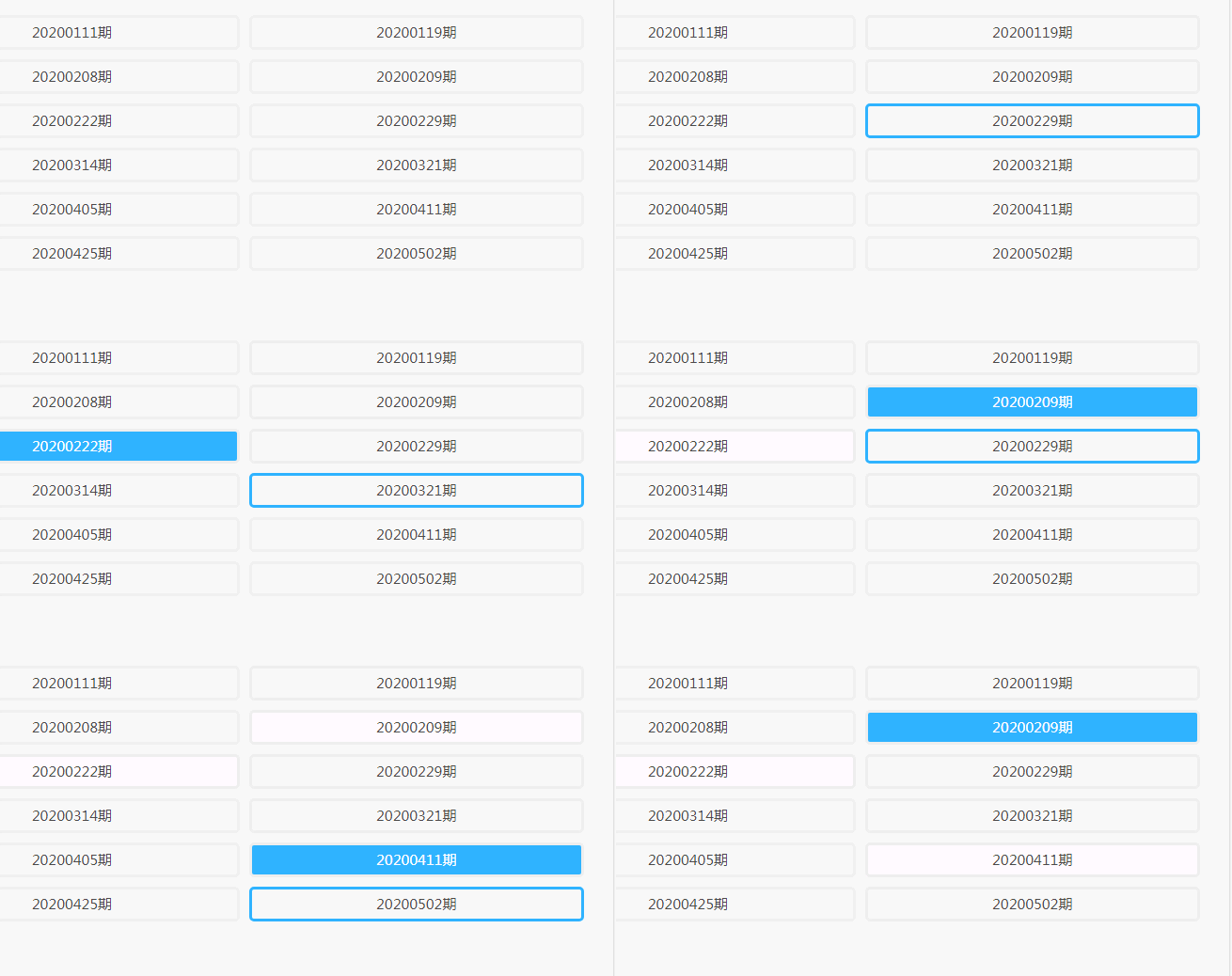
利用jQuery实现绑定按钮变色写法

代码演示(可直接运行):

<button class="bsbtn">1</button>
<button class="bsbtn">2</button>	
<button class="bsbtn">3</button>	
<button class="bsbtn">4</button>	
<button class="bsbtn">5</button>		


<!--引入jq-->
<script src="https://apps.bdimg.com/libs/jquery/2.1.4/jquery.min.js"></script>
<!--绑定代码-->
<script>
$(document.body).on("click", "button", function () {
   $(".bsbtn").css("background-color","#ffffff");
   $(".bsbtn").css("color","#4c4a4a");
   $(this).css("background-color","#2fb3ff");
   $(this).css("color","#ffffff");
});
</script>
<!--设置一些样式-->
<style>
button{
    width:50px;
    height:50px;
}
.bsbtn:hover {
    border: 3px solid #2fb3ff;
}
</style>