


Now developers deploying to Netlify from Azure DevOps repositories can collaborate on deploy previews in the browser and sync feedback back to Azure DevOps!
Earlier this year we introduced seamless integrations for Azure DevOps with Netlify’s CI/CD. Today marks the end of the public beta for this feature: it’s now generally available for any team that wants to quickly link an Azure DevOps repository to a site on Netlify. Whenever you push changes or open PRs, Netlify will build and deploy your changes — spinning up automatic preview environments, called Deploy Previews, so you can review changes before they reach production.
From any Deploy Preview, the Netlify Drawer enables your full team to discuss changes, make suggestions, and file work items. This activity syncs back to Azure DevOps, and any other supported productivity tools you may use.
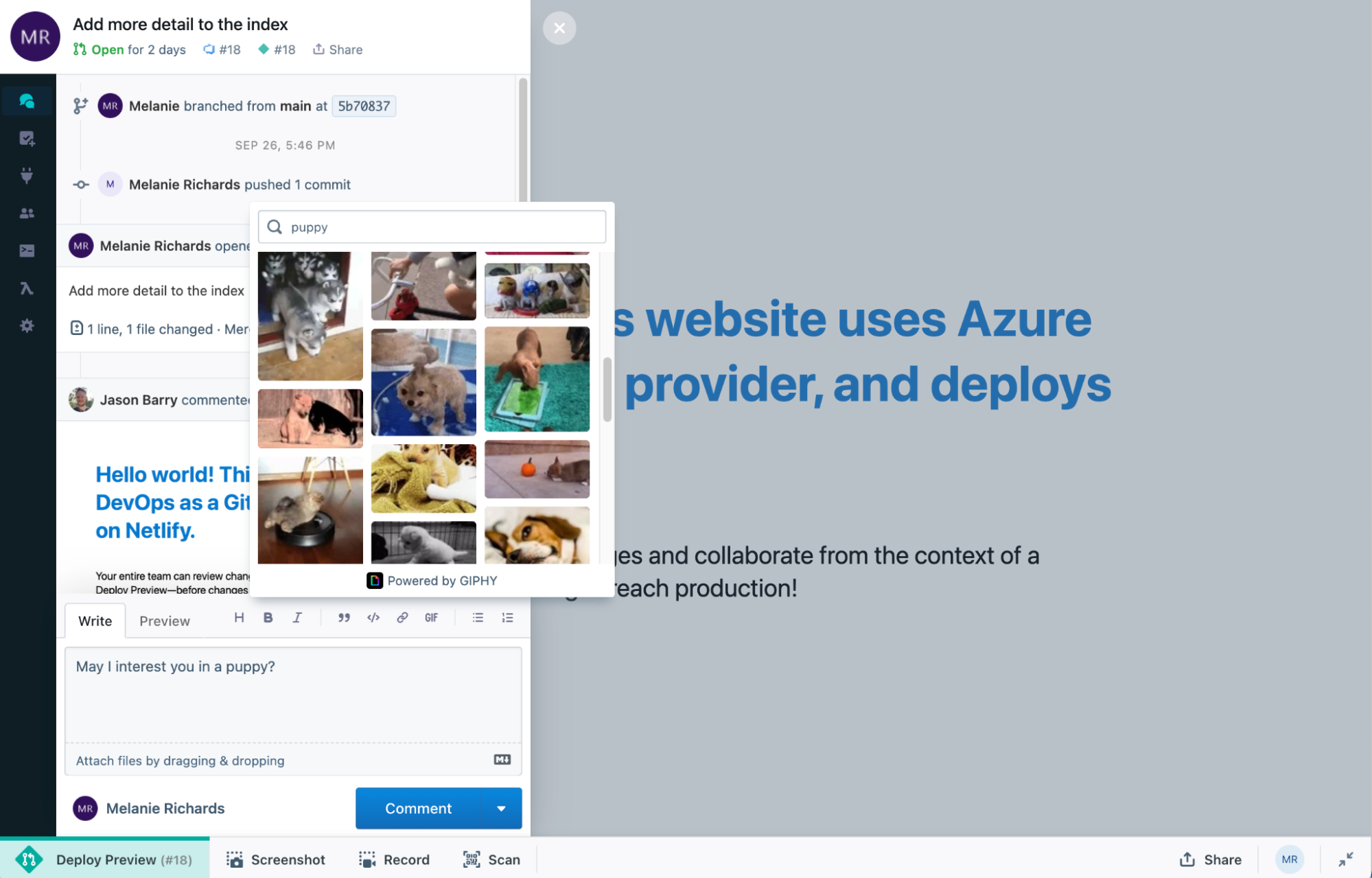
Invite your entire team to review changes before pushing to production
Pull requests are useful for gathering feedback on code quality, but it can be difficult to visualize how those changes actually look and behave. Collaborative Deploy Previews enable any team member — regardless of how code-savvy they are — to preview the effect of incoming changes and review the new behavior in context. Developers may want one cohesive place to take up incoming suggestions, so comments are synced back to the original pull/merge request on the Git provider.
The Netlify Drawer that supports this activity is now available by default on Deploy Previews linked to pull requests on Azure DevOps. Learn how to get started.
Leave feedback
After logging into the Netlify Drawer and connecting your Azure DevOps account, you can open the drawer to comment on the pull request:
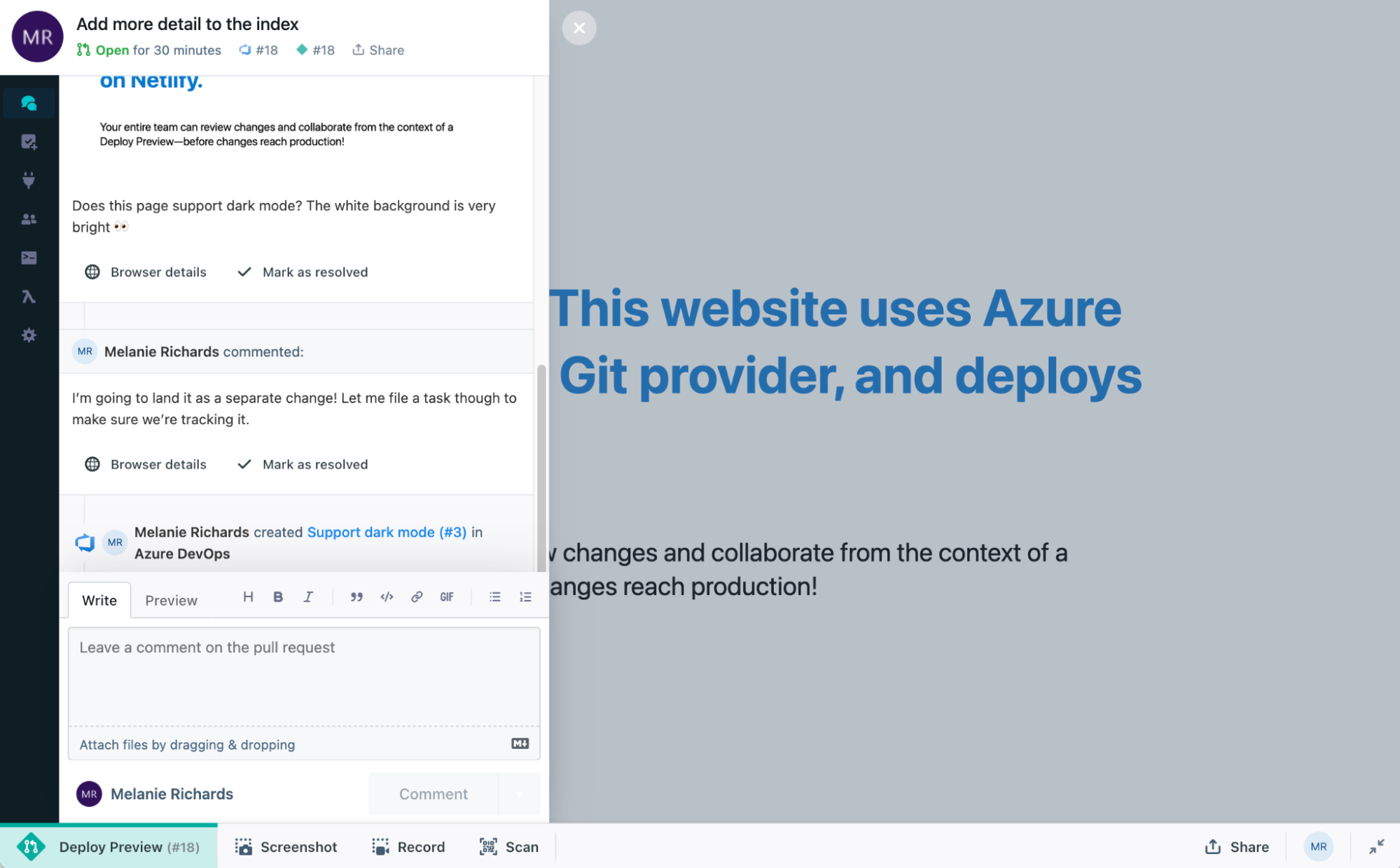
New comments are automatically marked with browser details, in case you’re experiencing an issue that cannot be reproduced on the PR author’s machine. 😉 You can further enhance your feedback with text formatting, gifs, screenshots, and recordings.
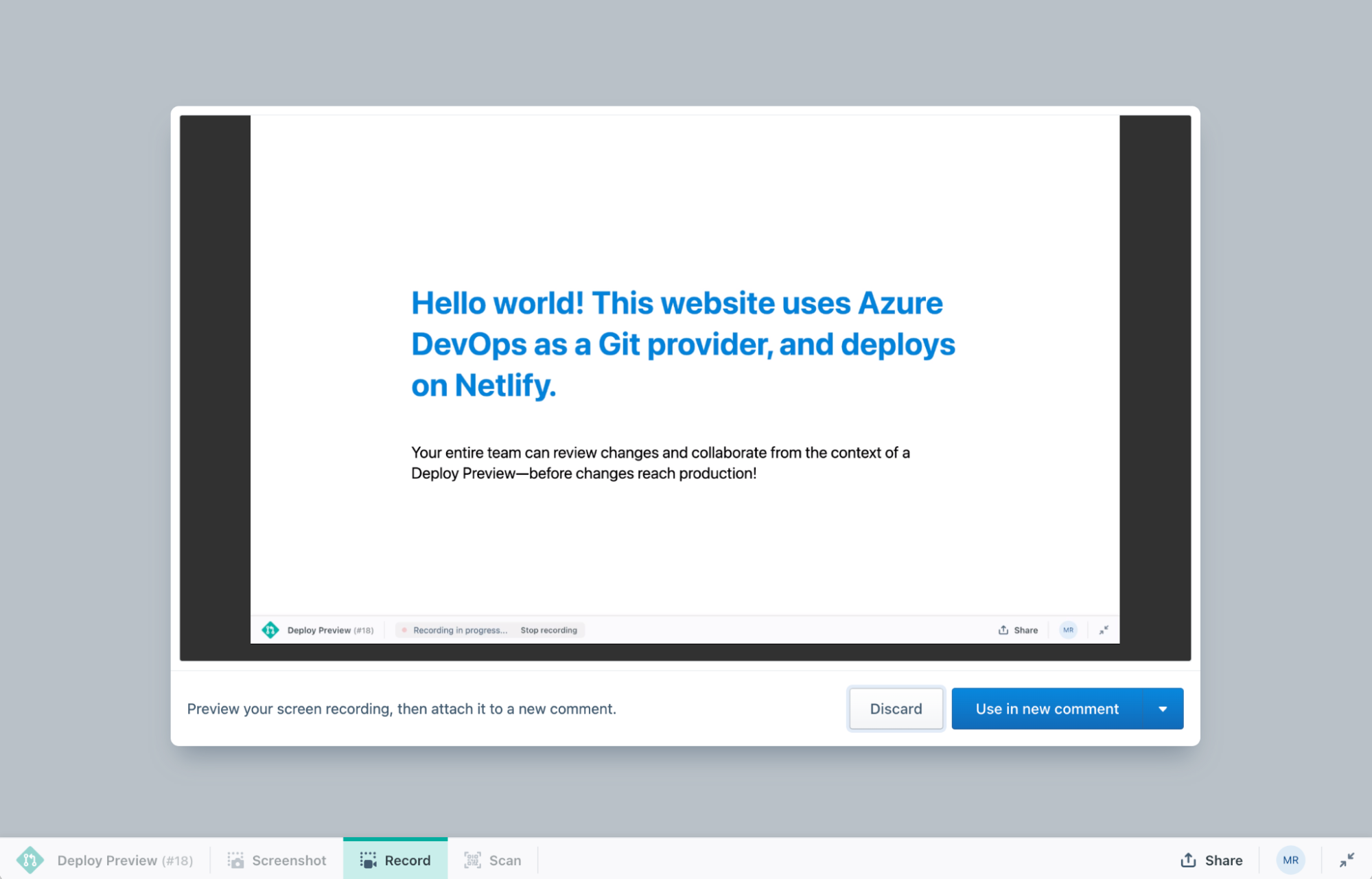
Recordings make it easy to show exactly what you’re referring to asynchronously.
File work items
To avoid PR scope creep, it might be helpful to file new issues. The “New Issue” pane in the Netlify Drawer enables you to create a Bug, Issue, or Task on the relevant Azure DevOps project:
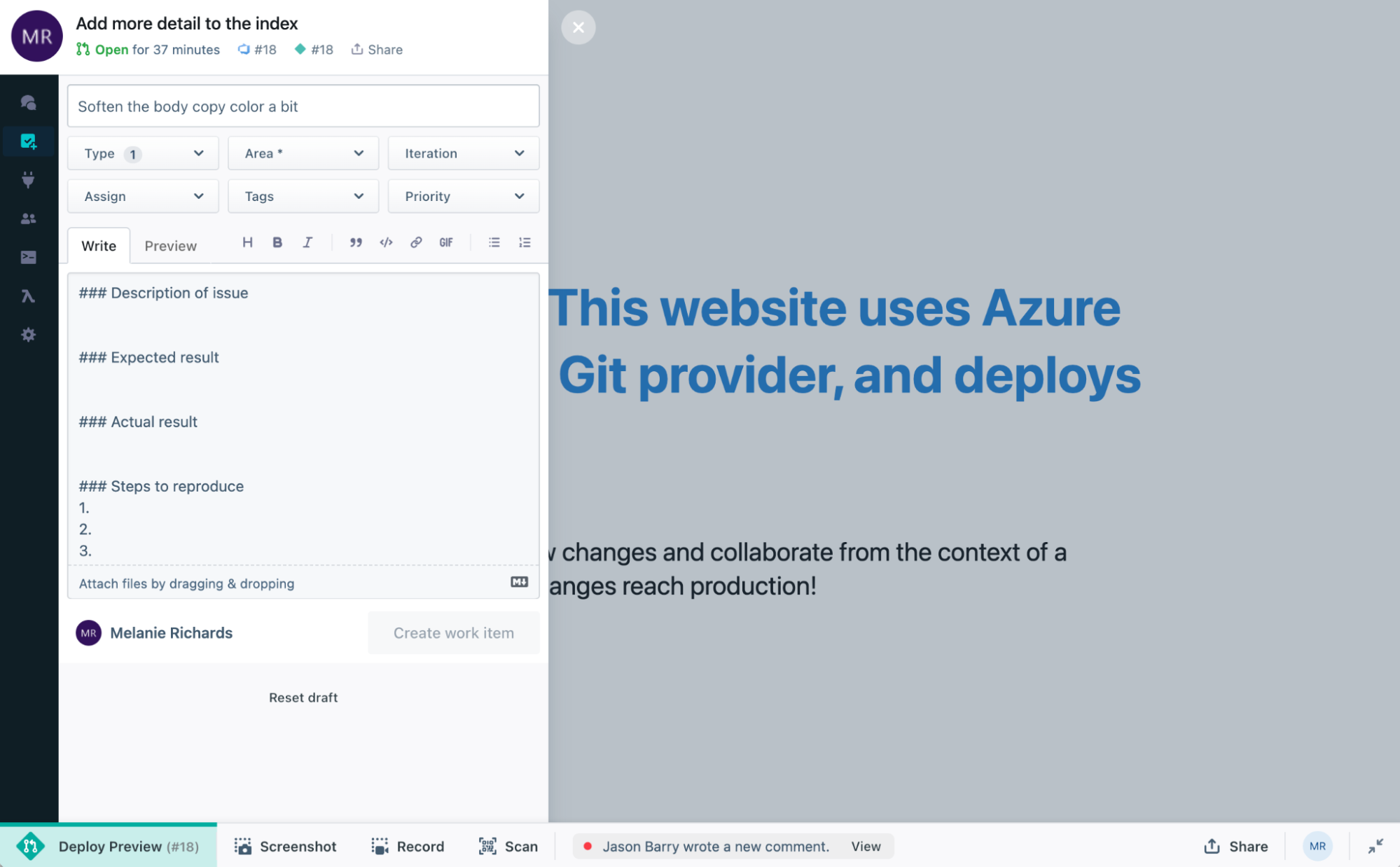
You can set the area path, iteration path, assignee, tags, and/or priority to suit your needs. Work items created here are automatically opened with this correct metadata in the Azure DevOps project.
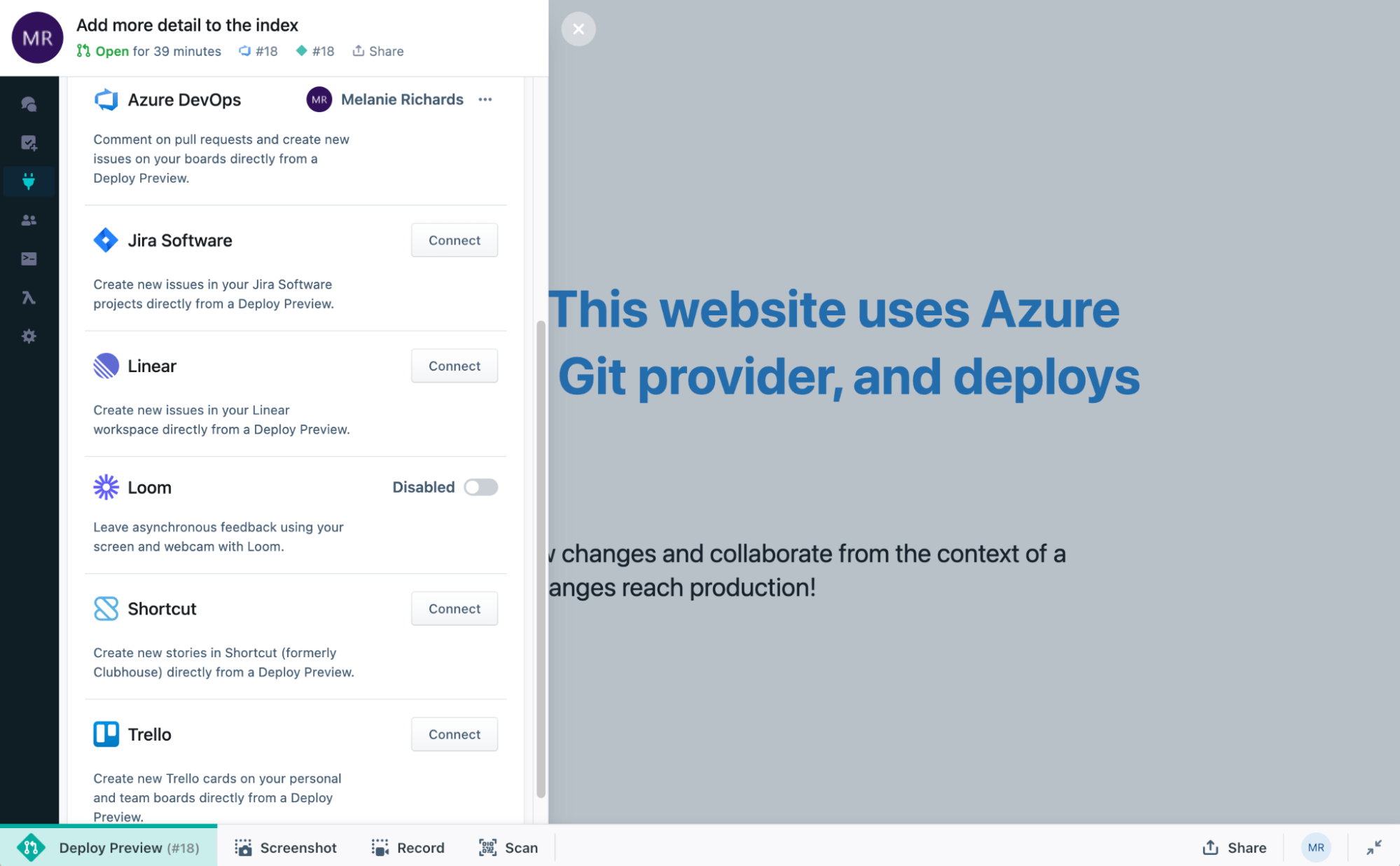
Have your code on Azure DevOps, but your task management in Jira Software? You can connect multiple productivity tools to the Netlify Drawer in the Integrations pane.
Get Started
Collaborative Deploy Previews are now enabled by default on Netlify sites connected to Azure DevOps. You can control this behavior in the Netlify app under Site Settings > Build & deploy.
To use the Netlify Drawer on collaborative Deploy Previews:
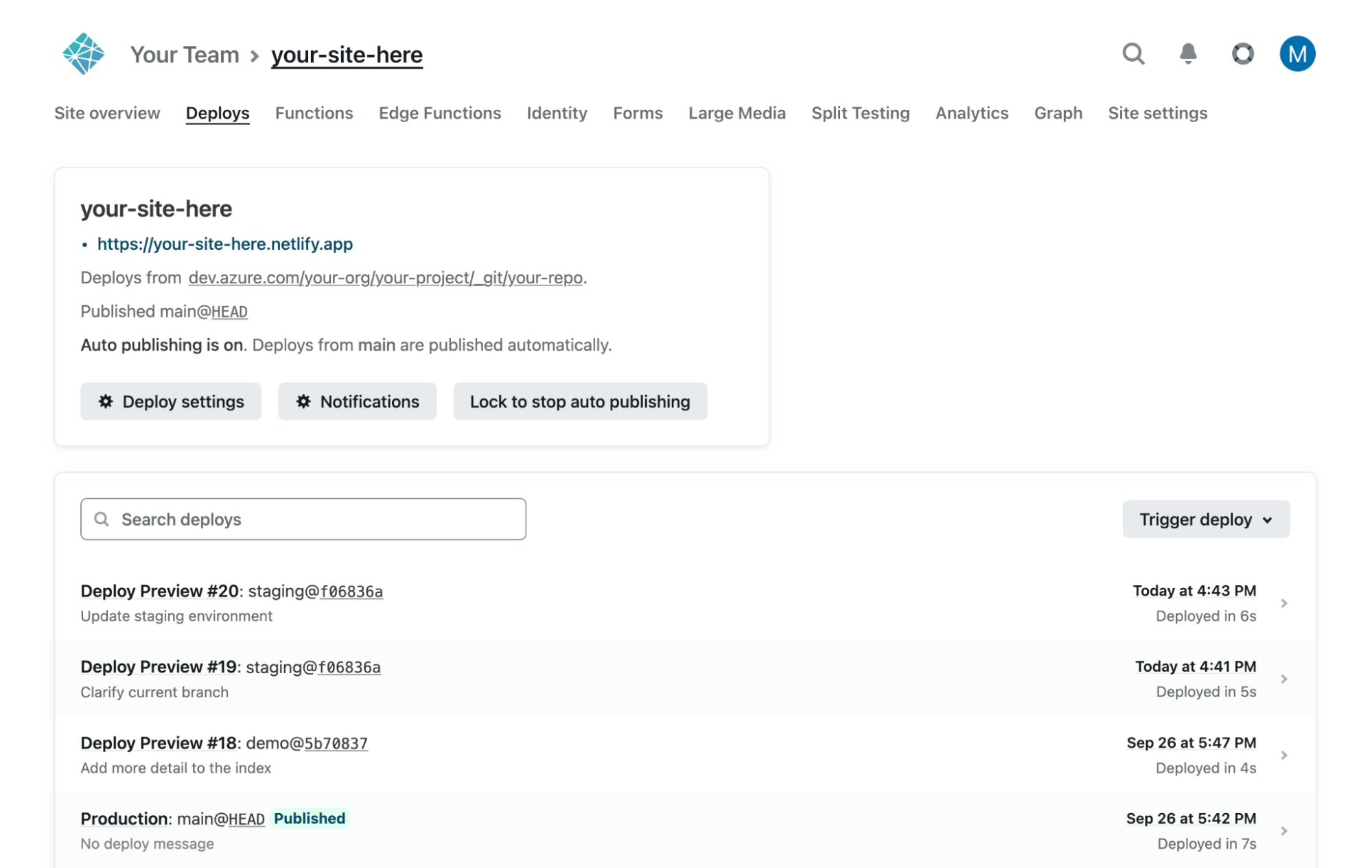
- In the Netlify UI, find site deploys under [your site] > Deploys.
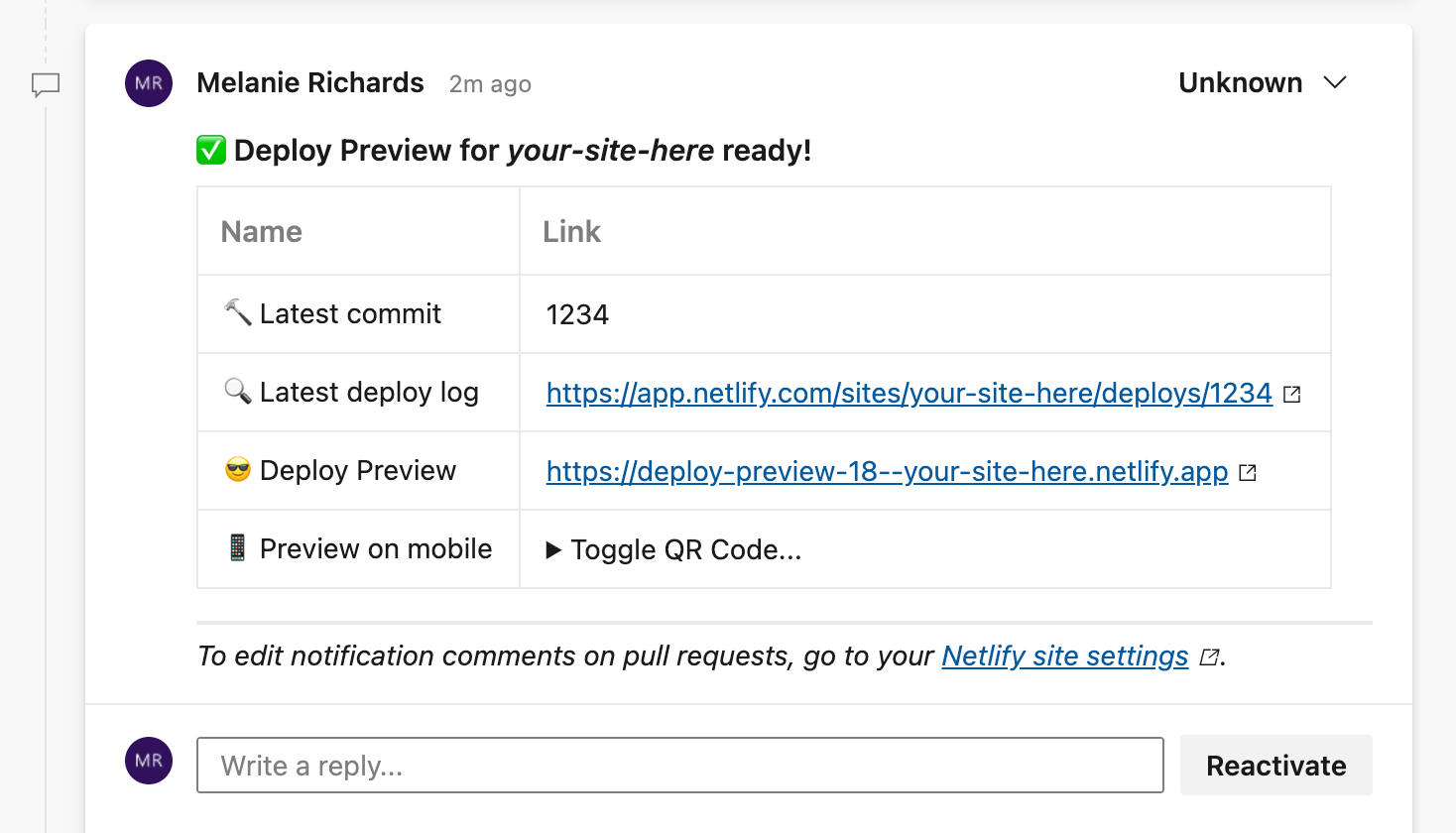
If you have Netlify deploy notifications setup with Azure DevOps, you can also get a direct Deploy Preview link from the pull request.
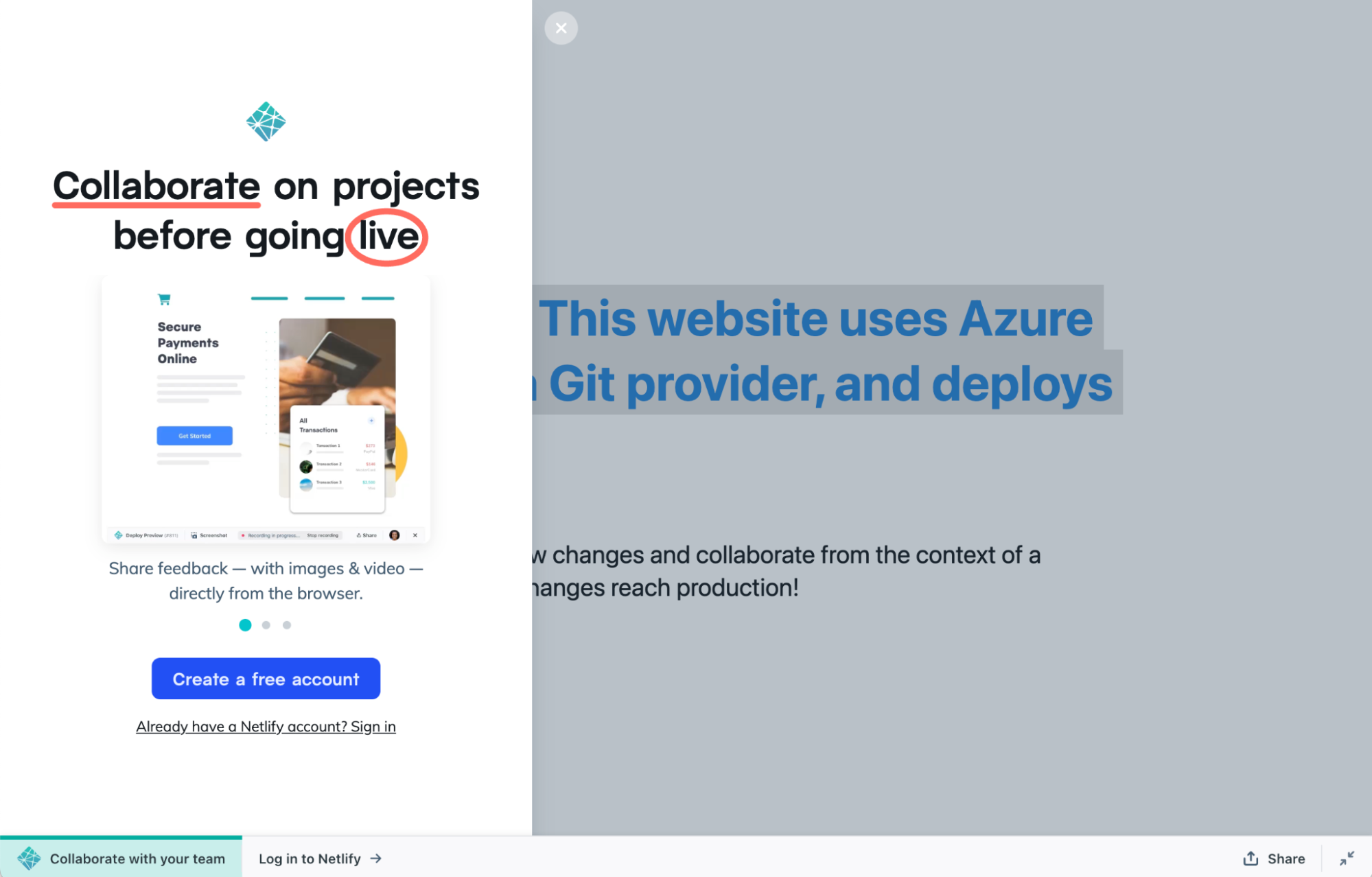
- From any Deploy Preview URL, log into the Netlify Drawer with your Netlify account.
- Navigate to the “Integrations” pane and connect your Azure DevOps account.
- Comment away!
Configuring a user for Reviewers
Netlify allows an unlimited number of free Reviewers to leave feedback on any Deploy Preview. For teams using Azure DevOps, we recommend creating a generic “Netlify user” for non-developer stakeholders who do not have their own Azure DevOps seat or appropriate permissions. This will enable them to comment and file work items.
Deploy from Azure DevOps to Netlify today!
If you already have a site on Netlify linked to an Azure DevOps repo, you’re all set! Otherwise, you can import an existing project to get started with Azure DevOps and Netlify’s CI/CD.
We’re always interested to know how we can make QA processes even easier for your team. If you have any feedback for Netlify on this integration with Azure DevOps, please fill out this survey form or share your thoughts in the forums. Thank you for trying it out!