



GitHub repo: https://github.com/herrkaefer/micpipe
Voice input is getting popular again (thanks, vibe coding). I tried a few apps (spokenly, 闪电说, Typeless, etc.) and couldn’t decide. Then I realized: the voice dictation inside the ChatGPT web app is already really good. It’s fast, accurate, handles Chinese + English mixing very well.
So I had a thought:
Can I use that as a system-level “voice input method”, and use it for any app?
That thought turned into this little tool: MicPipe.
The idea / workflow is simple:
[You start recording] → MicPipe presses the dictation button in the ChatGPT chat box → [You stop recording] → it presses stop dictation → grabs the text → switches back to your original app → pastes the text.
This solves my problem of choosing.
A few notes:
My “original invention” 😆
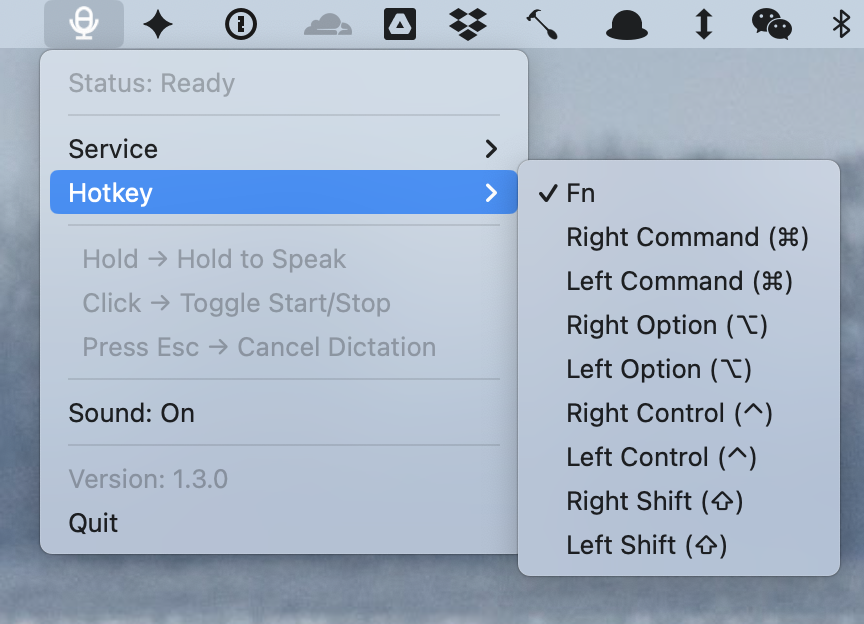
I’ve seen many apps use two separate shortcuts for “hold to talk” and “toggle on/off”… it doesn’t have to.
The hotkey is customizable:
Both are supported. But honestly, Gemini’s dictation quality isn’t as great as ChatGPT yet.
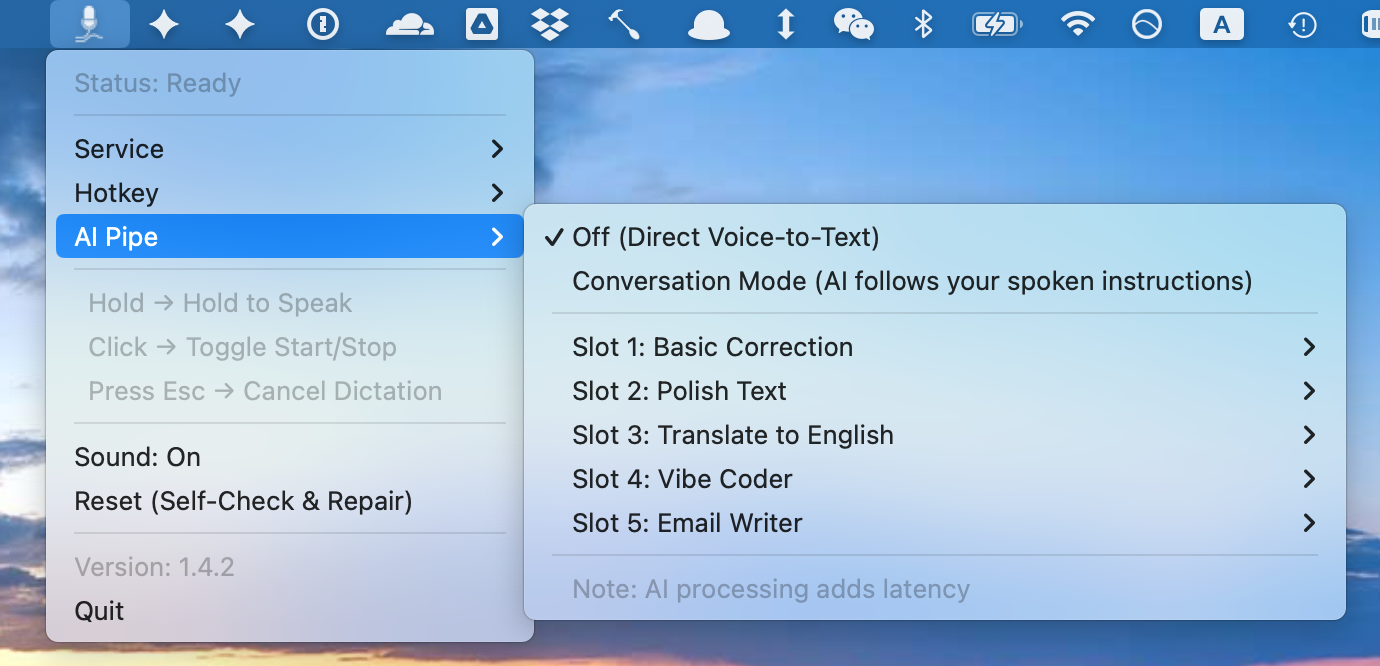
You can send the dictation result into a preset prompt, and then paste the processed output back into the original input box.
There are five preset prompt slots, all editable.
Examples:
Of course, doing a second step makes it slower – This is expected. This can’t beat a cloud workflow that returns a combined result at once.
I tried:
So I used AppleScript.
MicPipe opens a “dedicated but minimal” Chrome window for the dictation flow. I place it outside the screen so it doesn’t bother me.
Stability still needs work. Star / PR / fork welcome.
此内容由惯性聚合(RSS阅读器)自动聚合整理,仅供阅读参考。 原文来自 — 版权归原作者所有。