





Hello! After many months of writing deep dive blog posts about the terminal, on Tuesday I released a new zine called “The Secret Rules of the Terminal”!
You can get it for $12 here: https://wizardzines.com/zines/terminal, or get an 15-pack of all my zines here.
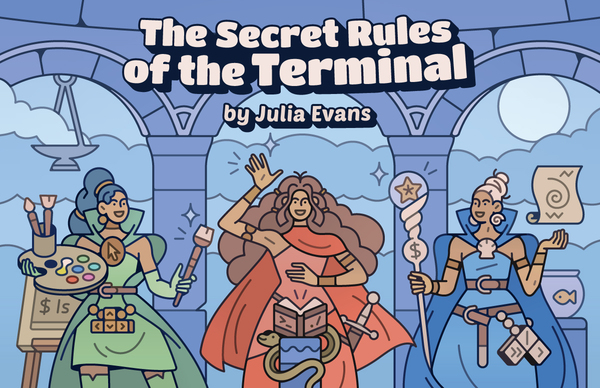
Here’s the cover:
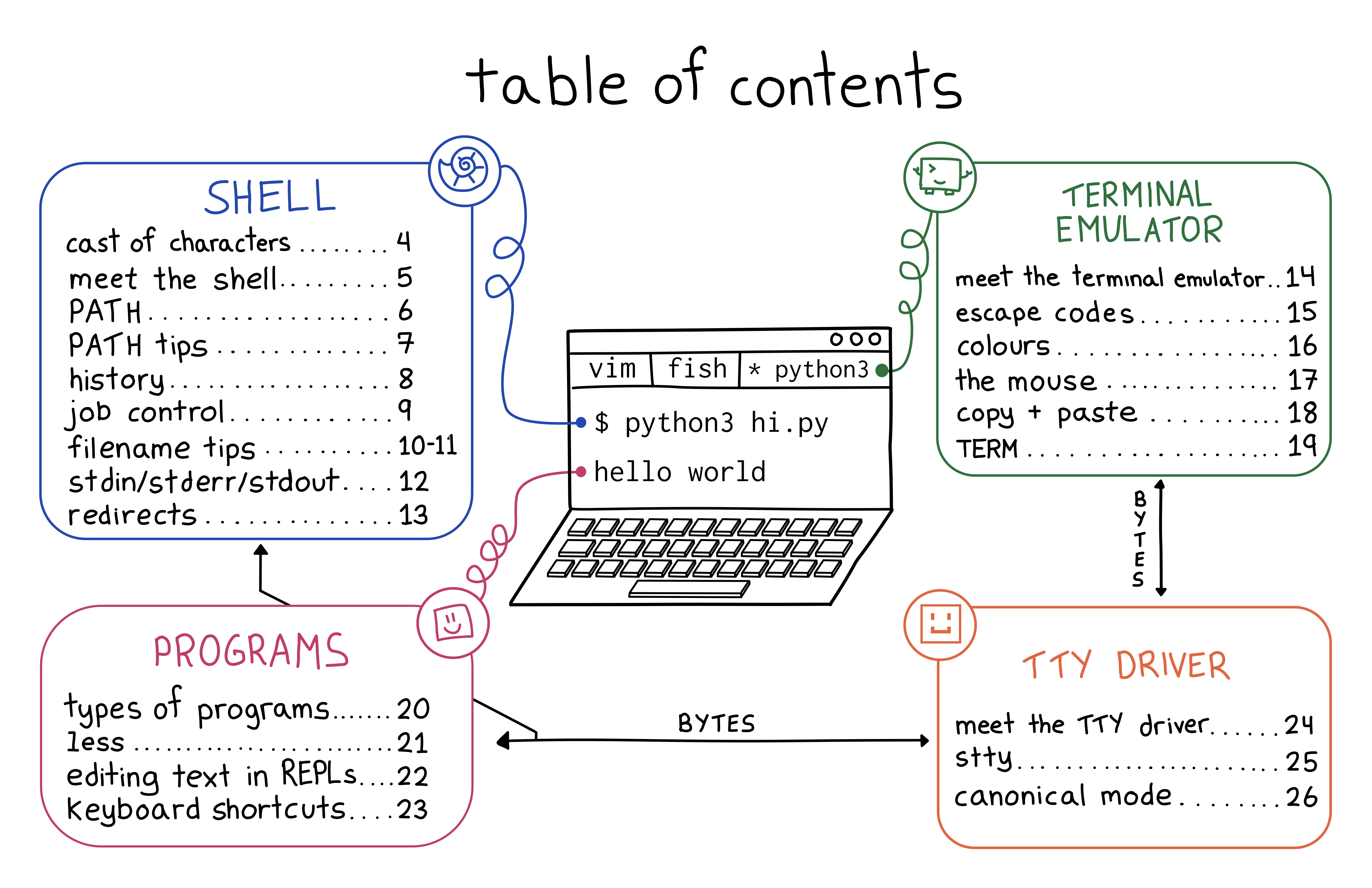
Here’s the table of contents:
I’ve been using the terminal every day for 20 years but even though I’m very confident in the terminal, I’ve always had a bit of an uneasy feeling about it. Usually things work fine, but sometimes something goes wrong and it just feels like investigating it is impossible, or at least like it would open up a huge can of worms.
So I started trying to write down a list of weird problems I’ve run into in terminal and I realized that the terminal has a lot of tiny inconsistencies like:
^[[DIf you use the terminal daily for 10 or 20 years, even if you don’t understand exactly why these things happen, you’ll probably build an intuition for them.
But having an intuition for them isn’t the same as understanding why they happen. When writing this zine I actually had to do a lot of work to figure out exactly what was happening in the terminal to be able to talk about how to reason about it.
It turns out that the “rules” for how the terminal works (how do
you edit a command you type in? how do you quit a program? how do you fix your
colours?) are extremely hard to fully understand, because “the terminal” is actually
made of many different pieces of software (your terminal emulator, your
operating system, your shell, the core utilities like grep, and every other random
terminal program you’ve installed) which are written by different people with different
ideas about how things should work.
So I wanted to write something that would explain:
Terminal internals are a mess. A lot of it is just the way it is because someone made a decision in the 80s and now it’s impossible to change, and honestly I don’t think learning everything about terminal internals is worth it.
But some parts are not that hard to understand and can really make your experience in the terminal better, like:
cating a binary to stdout messes up your terminal, you can just type reset and move onWhen I wrote How Git Works, I thought I
knew how Git worked, and I was right. But the terminal is different. Even
though I feel totally confident in the terminal and even though I’ve used it
every day for 20 years, I had a lot of misunderstandings about how the terminal
works and (unless you’re the author of tmux or something) I think there’s a
good chance you do too.
A few things I learned that are actually useful to me:
reset works under the hood (it does the equivalent of stty sane; sleep 1; tput reset) – basically I learned that I don’t ever need to worry about
remembering stty sane or tput reset and I can just run reset insteadunbuffer program > out; less out)sqlite3 are so annoying to use (they use libedit instead of readline)As usual these days I wrote a bunch of blog posts about various side quests:
terminfo database is serving us well todayA long time ago I used to write zines mostly by myself but with every project I get more and more help. I met with Marie Claire LeBlanc Flanagan every weekday from September to June to work on this one.
The cover is by Vladimir Kašiković, Lesley Trites did copy editing, Simon Tatham (who wrote PuTTY) did technical review, our Operations Manager Lee did the transcription as well as a million other things, and Jesse Luehrs (who is one of the very few people I know who actually understands the terminal’s cursed inner workings) had so many incredibly helpful conversations with me about what is going on in the terminal.
Here are some links to get the zine again:
As always, you can get either a PDF version to print at home or a print version shipped to your house. The only caveat is print orders will ship in August – I need to wait for orders to come in to get an idea of how many I should print before sending it to the printer.
此内容由惯性聚合(RSS阅读器)自动聚合整理,仅供阅读参考。 原文来自 — 版权归原作者所有。