








笔者使用的是1.7.3版本,更高的版本需要JDK9/10的支持。
| Pinpoint Version | HBase 0.94.x | HBase 0.98.x | HBase 1.0.x | HBase 1.2.x | HBase 2.0.x |
|---|---|---|---|---|---|
| 1.0.x | yes | no | no | no | no |
| 1.1.x | no | not | tested | yes | not tested |
| 1.5.x | no | not | tested | yes | not tested |
| 1.6.x | no | not tested | not tested | yes | no |
| 1.7.x | no | not tested | not tested | yes | no |
| 1.8.x | no | not tested | not tested | yes | no |
pinpoint1.7.3建议使用HBase1.2.x,笔者使用的是hbase-1.2.8-bin.tar.gz。
启动HBase:
1 | ./hbase-1.2.8/bin/start-hbase.sh |
初始化HBase数据库,其中数据库脚本在pinpoint-1.7.3-src.zip中的hbase/scripts/hbase-create.hbase:
1 | ./hbase-1.2.8/bin/hbase shell hbase-create.hbase |
pinpoint-collector需要在tomcat下运行,将pinpoint-collector-1.7.3.war解压到tomcat的webapps路径下,启动tomcat。
其中的重要配置有:
WEB-INF/classes/pinpoint-collector.propertiescollector.tcpListenPort (agent’s profiler.collector.tcp.port - default: 9994)collector.udpStatListenPort (agent’s profiler.collector.stat.port - default: 9995)collector.udpSpanListenPort (agent’s profiler.collector.span.port - default: 9996)WEB-INF/classes/hbase.propertieshbase.client.host (default: localhost)hbase.client.port (default: 2181)pinpoint-web需要在tomcat下运行,将pinpoint-web-1.7.3.war解压到tomcat的webapps/ROOT路径下,启动tomcat。
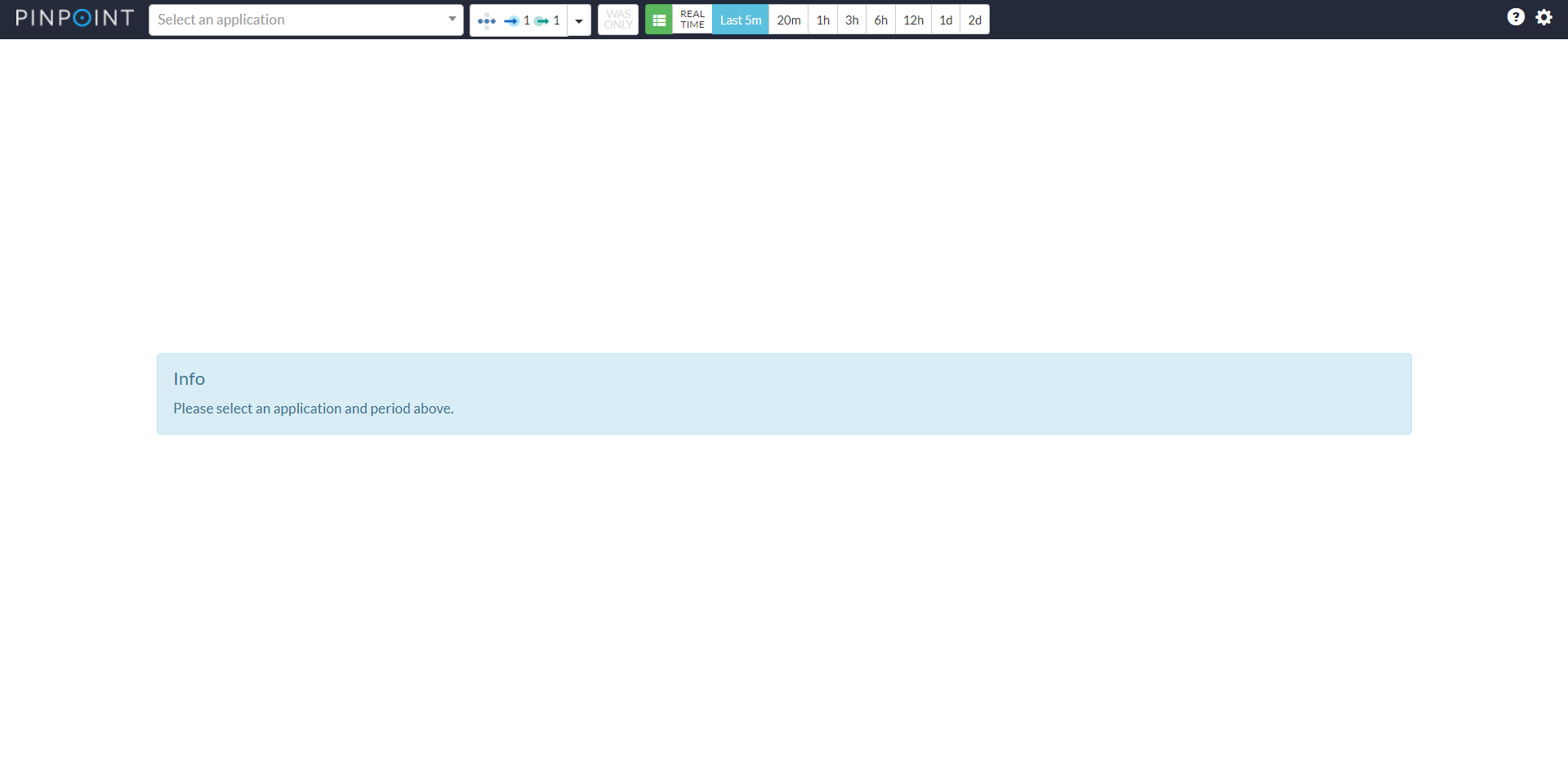
pinpoint-web所在tomcat启动完成后,访问该tomcat/地址即可显示pinpoint-web页面。
其中的重要配置有:
WEB-INF/classes/pinpoint-web.propertiesWEB-INF/classes/hbase.propertieshbase.client.host (default: localhost)hbase.client.port (default: 2181)其中的重要配置有:
pinpoint.configprofiler.collector.ip (default: 127.0.0.1)profiler.collector.tcp.port (collector’s collector.tcpListenPort - default: 9994)profiler.collector.stat.port (collector’s collector.udpStatListenPort - default: 9995)profiler.collector.span.port (collector’s collector.udpSpanListenPort - default: 9996)java应用通过pinpoint-agent启动时需要加上以下参数:
javaagent:$AGENT_PATH/pinpoint-bootstrap-$VERSION.jar:通过javaagent指定pinpoint-agent的路径Dpinpoint.agentId:java应用的唯一标识Dpinpoint.applicationName:分组名SpringBoot项目使用pinpoint启动示例:
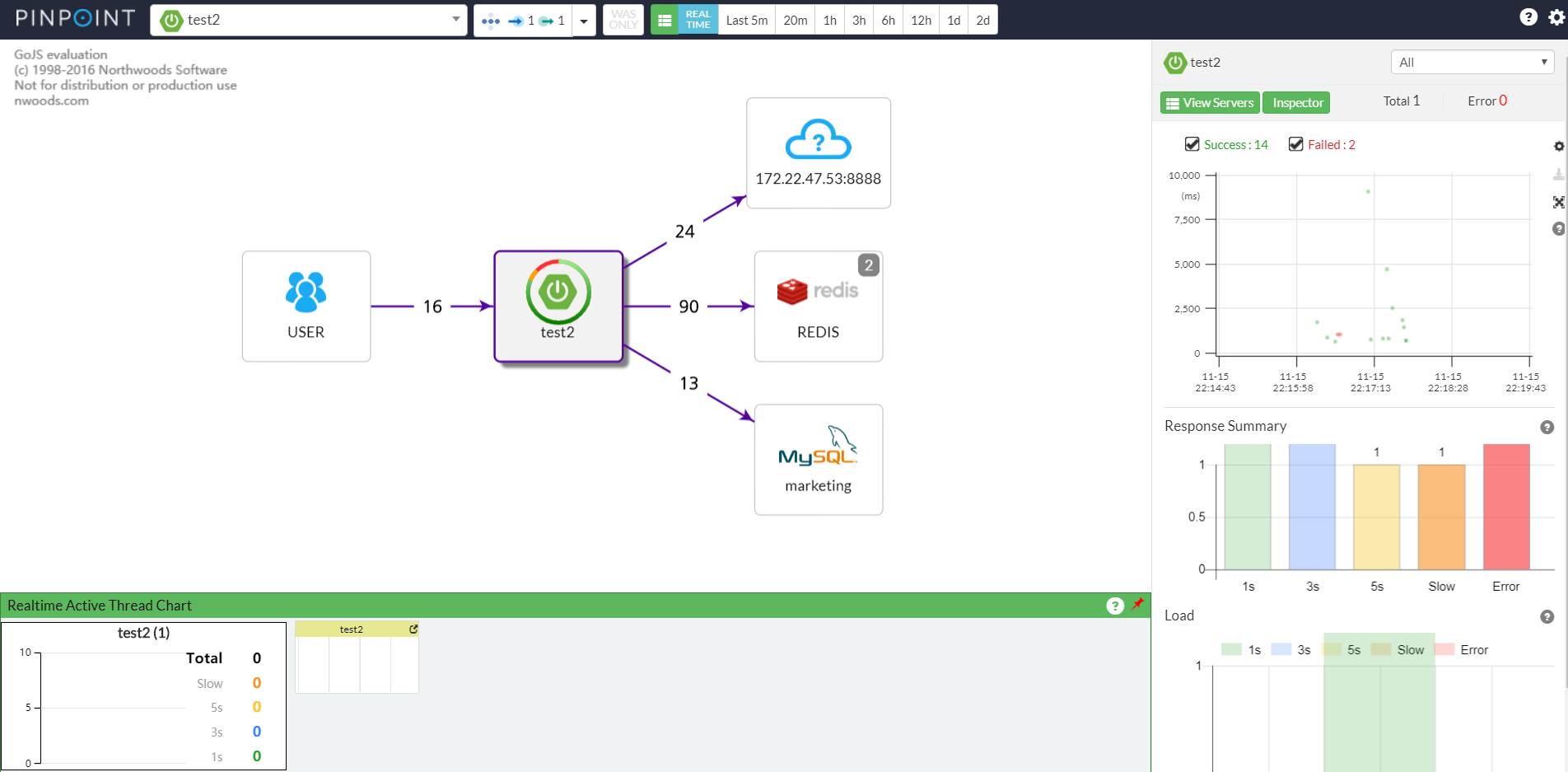
1 | java -javaagent:./pinpoint-agent-1.7.3/pinpoint-bootstrap-1.7.3.jar -Dpinpoint.agentId=test2 -Dpinpoint.applicationName=test2 -jar demo.jar |
此内容由惯性聚合(RSS阅读器)自动聚合整理,仅供阅读参考。 原文来自 — 版权归原作者所有。