








Introducing Astro 4.0! New APIs, faster builds, redesigned docs, and a unique new development tool for Astro that enhances your local dev environment in new and exciting ways.
What is Astro? Astro is the web framework for building content-driven websites including blogs, marketing, and e-commerce. If you need a website that loads fast with great SEO, then Astro is for you.
Release highlights include:
- The Astro Dev Toolbar
- Internationalization (i18n) routing
- Incremental Content Caching (Experimental)
- New View Transition APIs
- Redesigned logging
- Redesigned documentation
Astro 4.0 is available now on npm. Visit astro.new to try Astro 4.0 directly in your browser, or run the following command in your terminal to get started in a new local project:
# Create a new Astro 4.0 project:
npm create astro@latest
Most existing codebases will experience zero issues upgrading to Astro 4.0. We intentionally designed this release with as few API changes as possible, with most changes living in the integration API. Check out the Upgrade Guide for a full walkthrough and a detailed breakdown of every change.
Astro 4.0 introduces the Dev Toolbar — a powerful new way to enhance and customize your local browser dev experience with Astro. Inspect your page, catch tricky accessibility problems, and extend the toolbar itself with custom apps and third-party tooling.
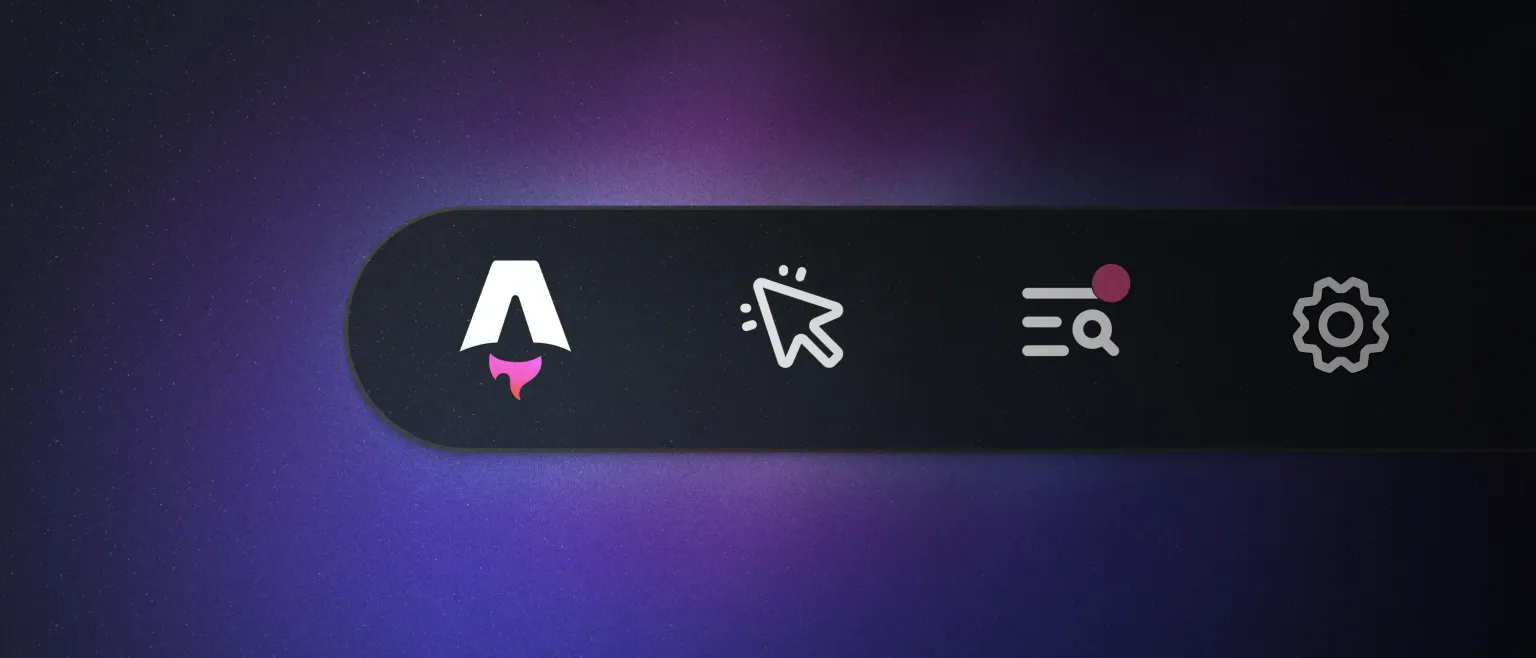
The Astro Dev Toolbar only appears in the browser during development and is never included in your final production build. The toolbar hides at the bottom of your page until you need it. Hover nearby, and the toolbar pops into view with several different applications available:
Inspect: Highlight the interactive UI component islands on your page. This toolbar app was designed to leverage Astro’s unique island architecture. Highlighting islands on the page can help you understand which elements are interactive vs. lightweight, static HTML. From there, you can view props and click to open the component directly in your code editor.
Audit: Run a series of tests that audit the page for common accessibility issues. Catch images without alt text or misconfigured ARIA role attributes instantly without ever leaving the browser.
Sentry: We partnered with Sentry to design the initial version of this toolbar. Sentry is the leading app monitoring platform for the web, and they were excited to work with us on a new standalone debugging tool for Astro. Come back tomorrow, December 6th, for more information about our partnership and the official launch of Spotlight.js!
Storyblok: Storyblok — our Official CMS Partner — has also shipped a toolbar app as part of their official Astro integration. In Astro 4.0, all Storyblok users should see a new app in their toolbar that provides quick access to docs, tutorials, and community resources for Storyblok + Astro. Expect even more CMS features to land in the future.
Third-Party Apps: Astro developers and third-party integration authors can use the new Dev Toolbar API to build their own embedded JavaScript applications for development. This unlocks an entirely new primitive for building dev tools, enabling features like:
- Surface testing and linting errors right in the browser.
- Open your dev environment to the public internet with localtunnel.
- Easy access to external tools, like the Squoosh image optimizer.
- Internal team admin panels to automate common tasks, like switching user accounts during development.
Discover new launch week apps for your toolbar in the Astro integration catalog, and learn how to build your own. Over the next few months, we will continue to enhance the toolbar with new features and third-party APIs. Alternatively, you can update your config to disable the app toolbar in a project and run astro preferences disable devToolbar --global to disable the toolbar globally for all projects on your machine.
Internationalization (i18n) Routing
As a web framework for content-driven websites, we get asked a lot about internationalization. Handling internationalization (often referred to as “i18n”) as a web developer can mean a lot of additional complexity for your codebase: routing, redirects, translations, relative link handling…
Astro 4.0 introduces new internationalization routing to help you build globally accessible websites with less complexity. Leverage new Astro features like automatic i18n routing and low-level helper functions for working with URLs.
Astro’s new built-in routing support allows you to define your locales via central configuration:
import { defineConfig } from "astro/config"
export default defineConfig({
i18n: {
defaultLocale: "en",
locales: ["en", "es", "pt-br"]
}
})
Customize your behavior with:
- Fallbacks for when content is not available in a certain locale
- Prefixing behavior to add the locale name in the URL
- Aliasing for common locales and language codes
For 'server' builds with server-side rendering (SSR) Astro automatically detects the user’s preferred language so that you can further tailor your content, add redirects, or further customize route handling.
Internationalization routing support was originally added as an experimental feature in Astro 3.5. Today, it is moving into the stable release in Astro 4.0. Read the new Astro Internationalization guide to learn more and try out the new APIs.
Incremental Content Caching (Experimental)
Astro 4.0 introduces Incremental Content Caching as an experimental new feature to dramatically speed up build performance for large websites.
A website codebase often takes longer to build as the codebase grows over time. Static websites suffer this problem even more dramatically due to regenerating the same pages on every build. In Astro 4.0 we decided to introduce caching to help reduce the amount of duplicate, unnecessary work done inside the astro build command.
Enabling content caching on the real-world Astro Docs codebase saw the relevant step in astro build drop from 133.20s to 10.46s, about 92% faster. The end-to-end build time was reduced from 4mins 58s to just over 60s, for a total build time that was 80% faster. We’ve seen similarly impressive results reported in other real-world scenarios.
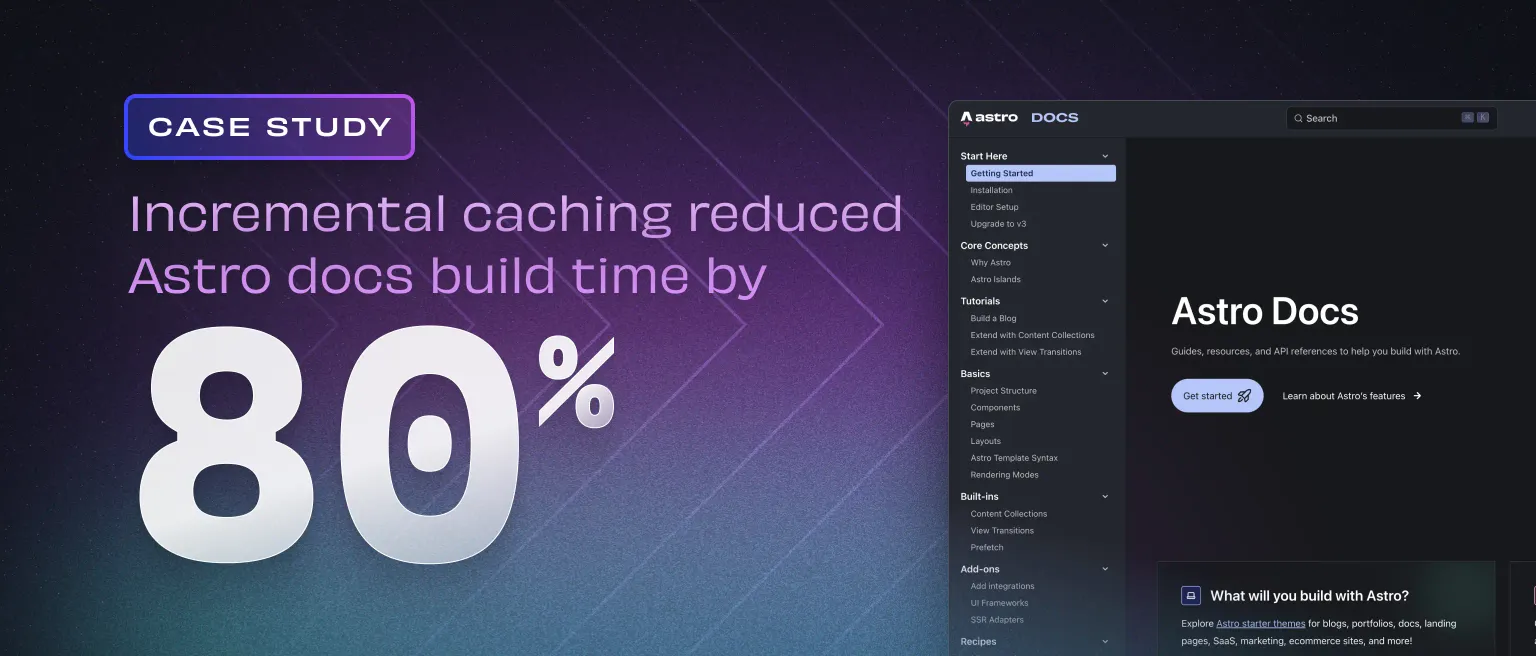
Incremental content caching hooks into the Content Collections API. Because Astro owns the APIs for accessing and managing your content inside of a collection, our build is able to safely track changes inside of a collection using an internal build manifest. Astro can check the cache on each build and reuse unchanged content entries.
Experimental support for incremental content caching was first introduced in Astro 3.5 under the name “Content Collections Build Cache.” This feature remains experimental in 4.0 as we continue to finalize the caching behavior. If you’re feeling experimental, enable experimental.contentCollectionCache in your project configuration today for faster builds.
New View Transition APIs
Astro 3.0 introduced View Transitions to the world as a new API to build interactive, app-like experiences with only server-rendered HTML and minimal client-side JavaScript. With View Transitions in Astro, you can do things like:
- Animate navigation between different pages without shipping a heavy SPA.
- Persist stateful UI across pages, such as video players and maps.
- Morph a common element from one page to another, automatically.
- Slide and fade elements to give your page even more personality.
Since the original launch of View Transitions, we’ve continued to improve our support. Astro 4.0 takes View Transitions one step further with more configurable APIs and new, exciting use cases:
- Forms: View Transitions can now interact with static HTML forms and dynamic client-side form components, triggering a transition on form submission instead of link navigation.
- Prefetching: Now, you can specify that a link should be prefetched on hover, tap, or becoming visible on the page. You can also enable/disable prefetching on an individual link.
- Route Announcer: A built-in feature for assistance technologies.
- A low-level
navigate()JavaScript API that you can use to trigger navigation manually. - A complete lifecycle event system that you can plug into to customize loading. You can even use this to replace the built-in element swapping algorithm with one of your own.
We will continue to advocate for the power of View Transitions and their ability to deliver on the experience of a heavy client-side SPA with only server-rendered HTML and a little bit of JavaScript. More features and improvements are on the way!
The Astro core team would like to give a huge shoutout to @martrapp for their contributions and work to land these new APIs in Astro 4.0. Read the updated View Transitions guide or the new tutorial to learn more about how you can use these new APIs in your own projects.
Redesigned logging
The Astro CLI received a fresh can of paint in the 4.0 release with a redesigned logging experience. Highlights include:
- Removed unnecessary logging: Previously, some common scenarios resulted in double-logging and other unnecessary logs.
- More terse errors: Errors now take up fewer lines in the terminal, meaning less scrolling in smaller terminals when something goes wrong.
- Refined stack traces: Errors no longer include useless Vite runtime internals in each stack trace, by default.
The result is that Astro’s dev and build commands are even easier to read, parse, and debug in the new Astro 4.0.
Redesigned documentation
Starlight is the official documentation template for Astro. It includes all of the best practices and patterns that we’ve collected over the last two years building and managing the Astro docs site at scale.
Today, we have come full circle: docs.astro.build is now powered by Starlight!
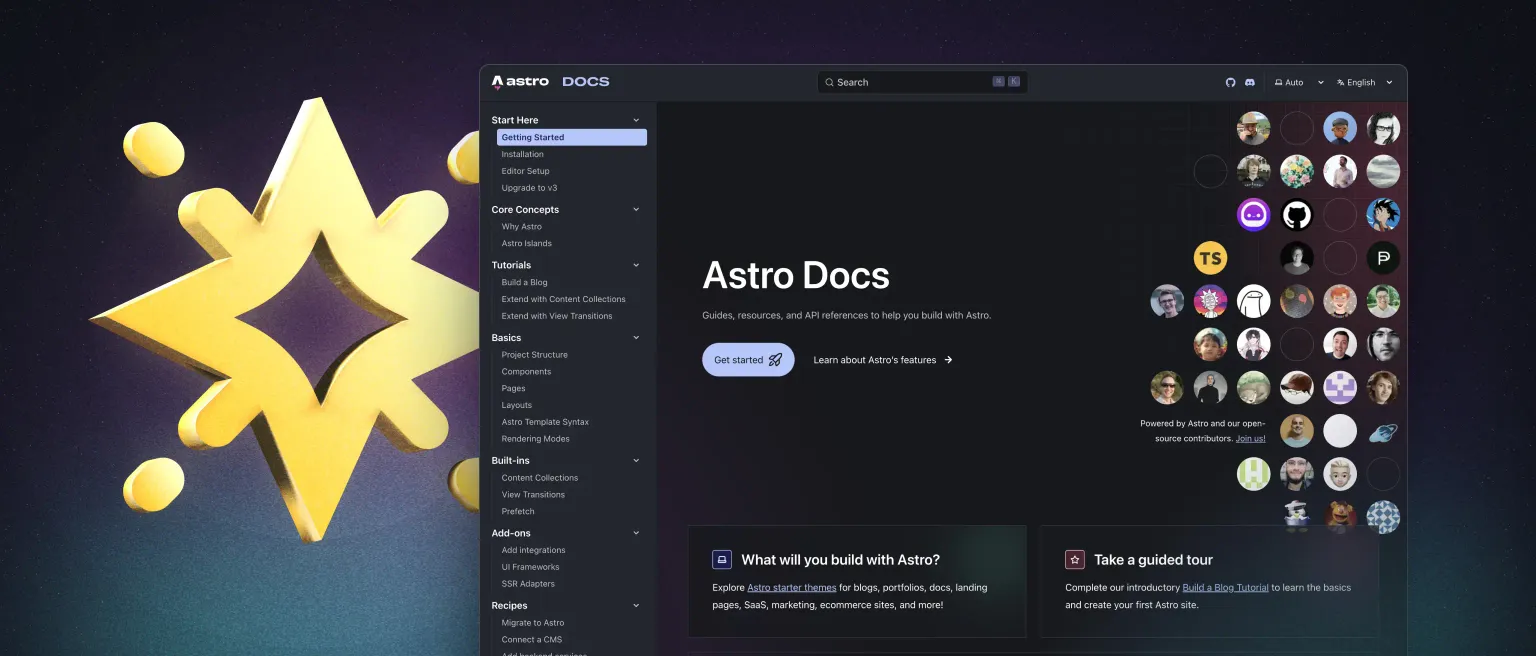
Now that we’ve made the switch to Starlight ourselves, any improvements we make to our own documentation site will feed back to improve Starlight for everyone. Thanks to Astro docs, Starlight now has features like Expressive Code and a new Algolia plugin. And there will be new components to come, like our interactive file tree and multiple-choice quiz.
We want to recognize the significant contribution and leadership of Astro core maintainer @TheOtterlord to complete this upgrade. Visit the new documentation site at docs.astro.build. Browse the codebase or join us on Discord if you’d like to learn more!
Get Started with Astro 4.0
Astro 4.0 is available now on npm. Visit https://astro.new/ to try out Astro in your browser, or run the following command in your terminal to get started in a new project:
# Create a new Astro 4.0 project:
npm create astro@latest
Upgrading an existing project to Astro 4.0? Check out the v4.0 Upgrade Guide for full details and individual upgrade guidance for each change.